How to Set Up a Home Theater PC for Big-Screen Gaming
10 May 2026
Setting up a Home Theater PC (HTPC) for big-screen gaming is like building your own mini arcade at home. Imagine playing your favorite PC games on a massive 4K TV with booming surround sound—it’s an experience that regular monitors just can’t match. But before you dive in, you need to make sure your system is up to the task.
In this guide, I’ll take you through everything you need to know about setting up an HTPC for immersive gaming, from choosing the right hardware to configuring your software and optimizing performance. Let’s get started!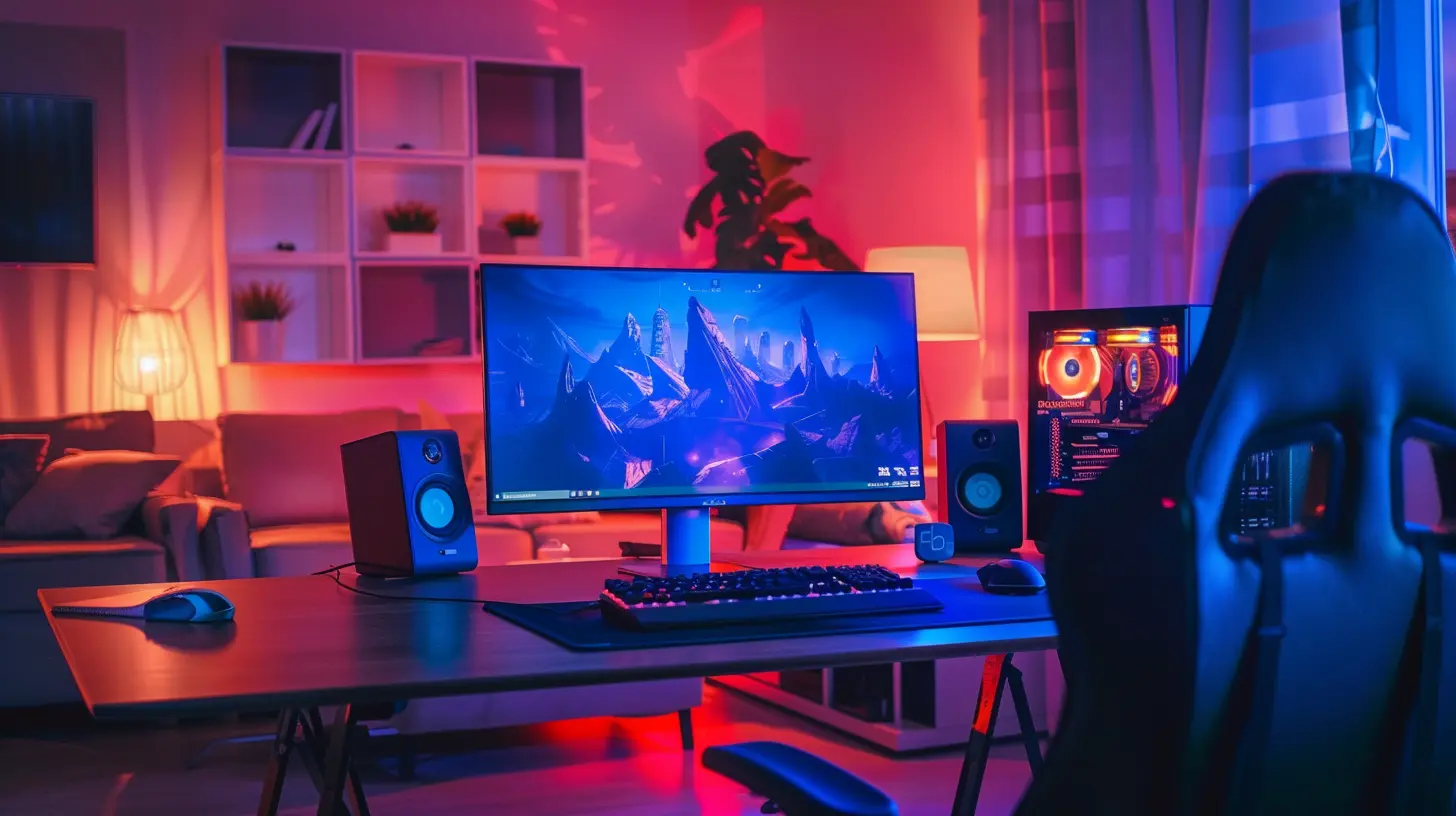
Why Use a Home Theater PC for Gaming?
Before we jump into the setup, you might be wondering, why not just use a console or a gaming laptop hooked up to a TV?Well, an HTPC gives you flexibility. Unlike consoles, a gaming PC lets you tweak settings, install mods, and access your entire library of PC games, including emulators for retro gaming. Plus, if you build it right, an HTPC can double as a media center, letting you stream movies, browse the web, and even use it for work.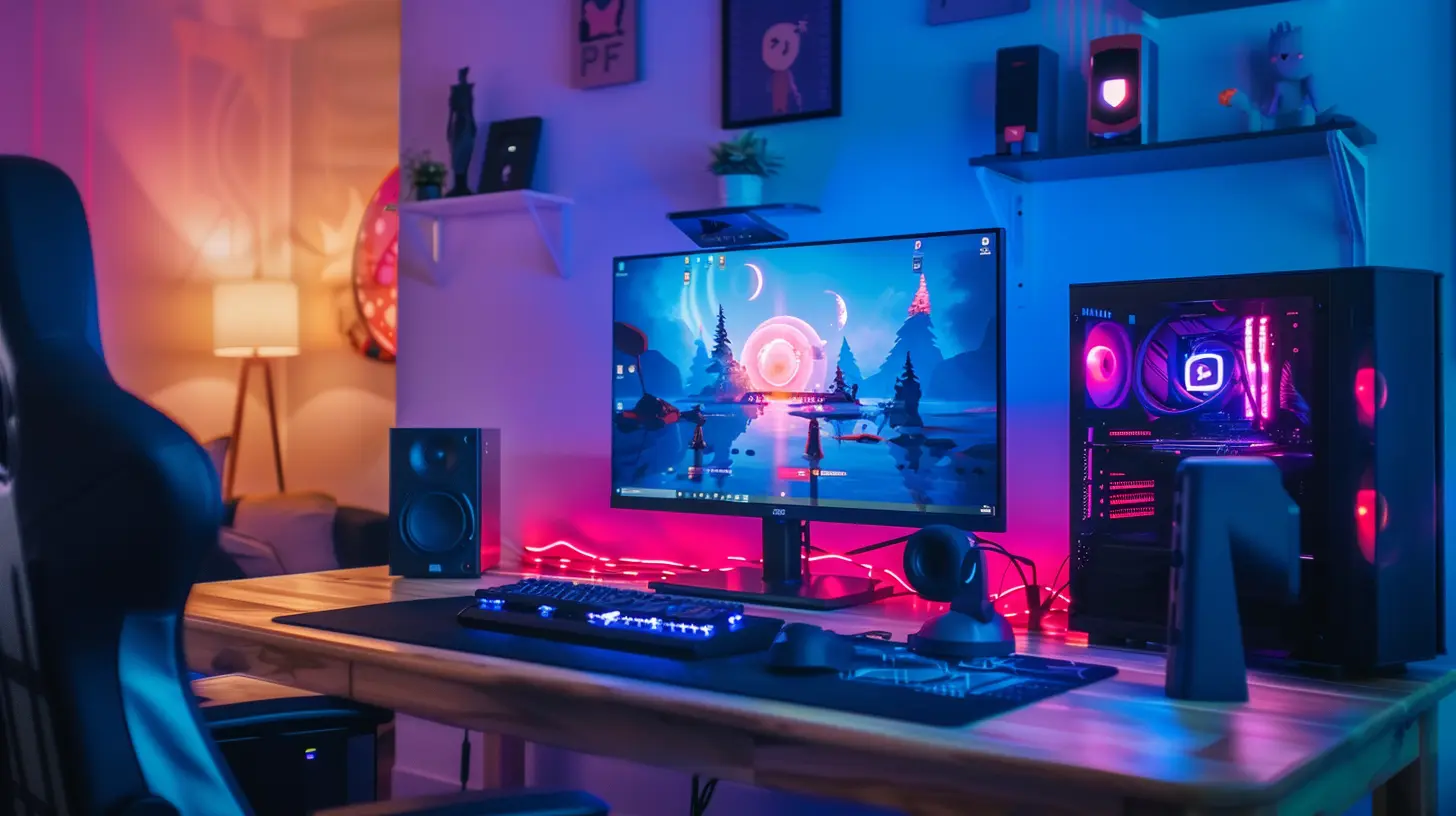
Choosing the Right Hardware for Your HTPC
The first step in building your home theater gaming PC is picking the right components. Since you’ll be gaming on a big screen, performance matters.1. Graphics Card (GPU) – The Heart of Your HTPC
Your graphics card is the most critical component. Since you'll be playing on a large screen, you need a GPU that can handle high resolutions and smooth frame rates.- Recommended GPUs:
- NVIDIA GeForce RTX 4070 / 4080 – For 4K gaming with high settings
- AMD Radeon RX 7900 XT / XTX – A great alternative with strong performance
- NVIDIA RTX 4060 / AMD RX 6700 XT – Good for 1440p gaming on a big screen
If your TV supports high refresh rates (120Hz+), you should aim for a GPU that can deliver high FPS in your favorite games.
2. Processor (CPU) – Balancing Power and Heat
HTPCs often sit in compact cases, so choosing a CPU that balances power and heat output is key. You don’t want an overheating mess in your living room.Recommended CPUs:
- Intel Core i7-13700K – High-end performance for gaming and multitasking
- AMD Ryzen 7 7800X3D – One of the best gaming CPUs, ideal for lower power consumption
- Intel Core i5-13600K / AMD Ryzen 5 7600X – Budget-friendly but powerful
If you're planning to use your HTPC for streaming movies and gaming, a mid-to-high-end CPU is your best bet.
3. RAM – Don't Skimp on Memory
Games are getting more demanding, and so is multitasking. You’ll want at least:- 16GB DDR5 (or fast DDR4) – Good for most modern games
- 32GB DDR5 – Ideal for high-end gaming and multitasking
More RAM can also help if you're running background applications while gaming.
4. Storage – Speed Matters
SSDs are a must for fast game load times. Here’s what you should get:- 1TB NVMe SSD (PCIe 4.0 or 5.0) – Fast load times for games
- Additional 2TB SATA SSD / HDD – For storing media and extra games
NVMe drives significantly reduce load times, and a secondary HDD is useful if you plan to use your HTPC as a media center.
5. Power Supply Unit (PSU) – Keep It Reliable
Since your HTPC will run high-performance components, a good PSU is essential.- 750W Gold or Platinum-rated PSU – Efficient and reliable for most setups
- 850W+ PSU – Recommended if using a high-end RTX 4080+ GPU
Modular PSUs help keep cables neat, which is crucial for smaller HTPC cases.
6. Cooling – Keep It Quiet
A home theater PC should be as quiet as possible. Here’s how:- Air coolers like Noctua NH-U12A – Silent and efficient
- AIO Liquid Coolers like Corsair H100i – Great for high-end builds
- Case Fans with Low Noise Levels – Noctua, be quiet!, or Corsair are good choices
Building Your HTPC – Putting It All Together
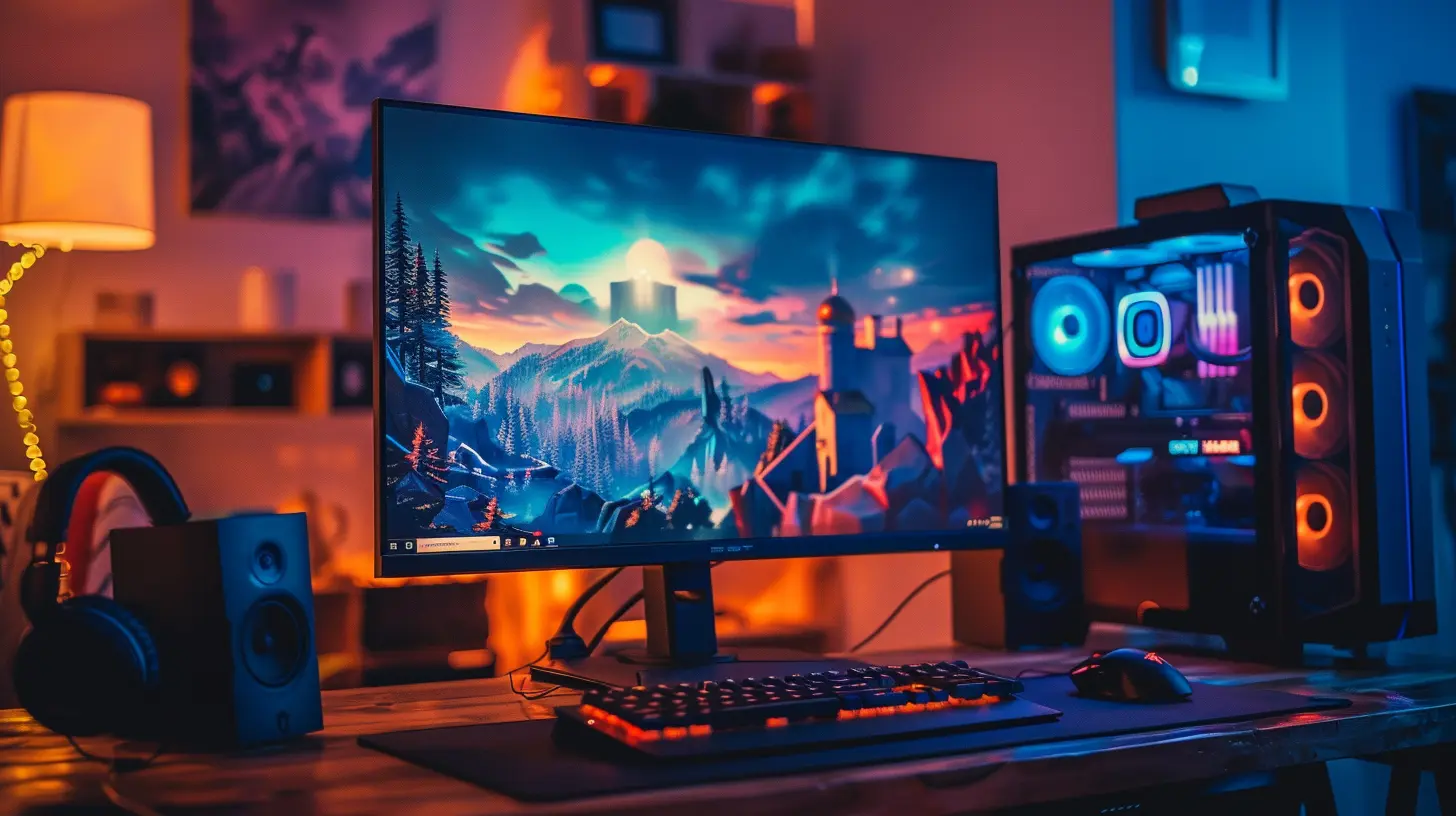
Once you’ve got your parts, it’s time to build. HTPC cases are usually compact, so cable management is key.1. Choose a Good HTPC Case
A good case should fit neatly in your entertainment center while providing enough airflow. Options include:- Fractal Design Node 202 – Compact and great for gaming
- Cooler Master NR200P – Small but fits high-performance components
- SilverStone GD09 – Classic HTPC case for a clean look
2. Install and Route Cables Properly
- Modular power supplies help avoid clutter- Use cable ties to keep things neat
- Ensure airflow isn’t obstructed
3. Install Your Operating System
- Windows 11 (Best for gaming compatibility)- Steam OS (If you mainly use Steam)
- Linux with RetroArch (For emulation and retro gaming)
Windows is the easiest for gaming, but if you prefer a Linux-based setup, Steam OS is a great alternative.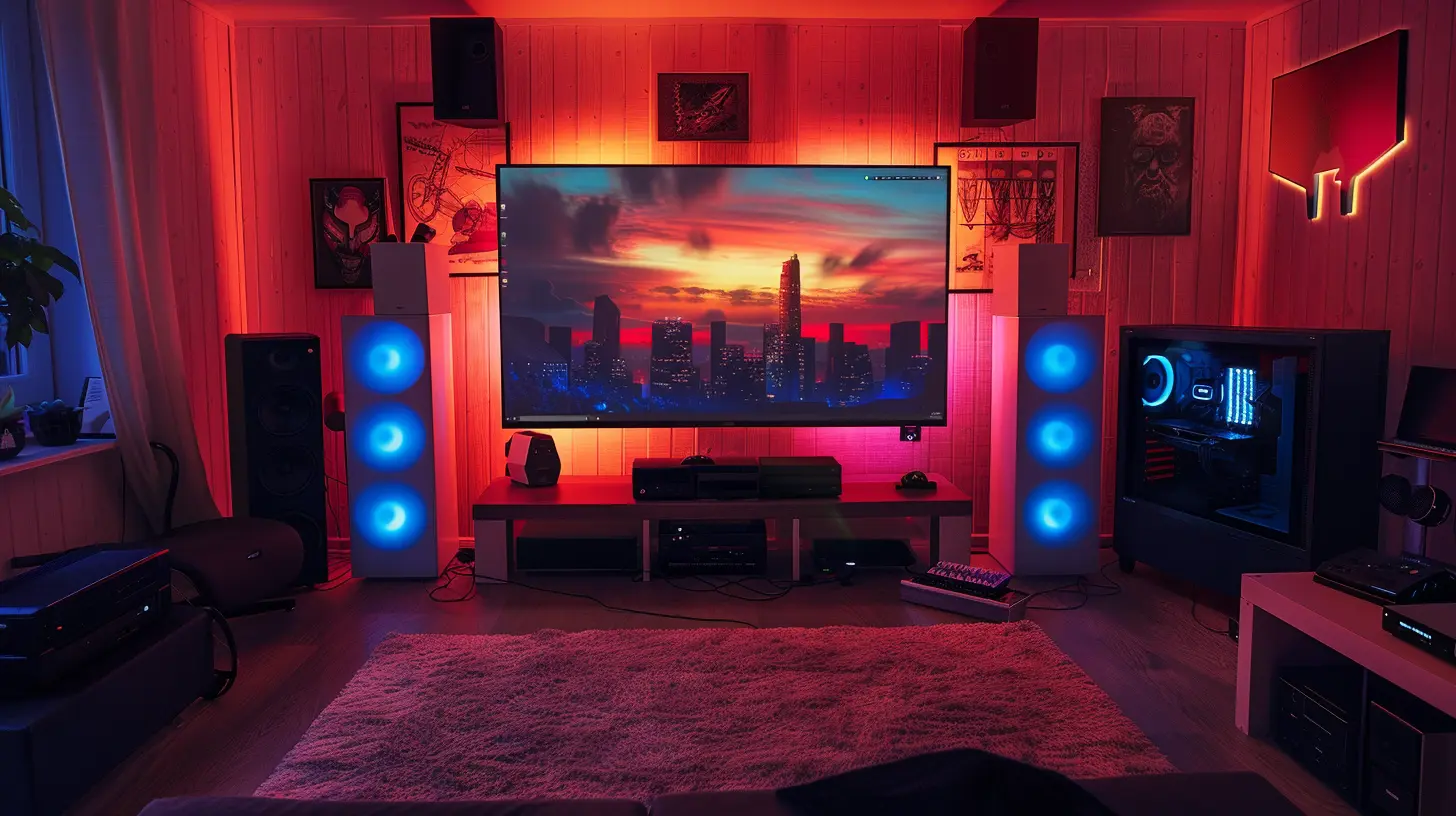
Optimizing Your HTPC for the Best Gaming Experience
1. Connect Your HTPC to Your Big-Screen TV
Most modern TVs support HDMI 2.1, which is crucial for high refresh rates and low latency.- Use an HDMI 2.1 Cable – Essential for 4K 120Hz gaming
- Set the TV to Game Mode – Reduces input lag
- Enable VRR (Variable Refresh Rate) – Helps eliminate screen tearing
2. Configure Your Audio for Immersive Sound
- Use a Surround Sound System – Dolby Atmos or DTS:X for epic sound- AV Receiver with HDMI Passthrough – For the best quality
- Good Gaming Headset – If you prefer late-night gaming
A proper audio setup makes a huge difference in immersion.
3. Enable Gaming Performance Tweaks
- Overclock GPU & CPU (If You Know What You're Doing) – More performance, but watch temperatures- Use Game Mode in Windows – Reduces background processes
- Disable V-Sync if Using G-Sync / FreeSync – Prevents input lag
Little optimizations make a huge difference in performance.
Best HTPC Controller and Input Options
- Wireless Mouse & Keyboard (Logitech MX Keys + G Pro X) – Great for PC navigation- Xbox Elite Controller / DualSense for PC – Works well with most games
- Steam Deck / Remote Play Features – Perfect for playing from another room
If you love couch gaming, a controller is often the best way to go.
Final Thoughts – Enjoy Your Ultimate Big-Screen Gaming Setup!
Setting up a home theater PC for gaming may take some time and investment, but once it's done, you'll never want to go back to a regular monitor again. Whether you're racing through futuristic cities in Cyberpunk 2077 or playing retro classics on an emulator, a properly built HTPC delivers an unmatched gaming experience.So, what’s stopping you? Get that HTPC set up and enjoy gaming on the big screen like never before!
all images in this post were generated using AI tools
Category:
Pc GamingAuthor:

Kira Sanders
Discussion
rate this article
2 comments
John McKenzie
Setting up a home theater PC is like crafting a gaming sanctuary. Get the right hardware, optimize your settings, and prepare for immersive experiences that redefine your living room's purpose. Game on!
June 12, 2026 at 11:56 AM
Kira Sanders
Absolutely! A well-set-up home theater PC can truly transform your gaming experience and elevate your living room. Happy gaming!
Jude Harmon
This article is a fantastic guide for anyone looking to elevate their gaming experience. The tips are practical and easy to follow. Excited to try some of these techniques!
May 16, 2026 at 10:49 AM
Kira Sanders
Thanks for the feedback! I'm glad you found the tips helpful. Enjoy setting up your home theater PC!