Gesture Control: The Future of Touchscreen Navigation
16 May 2026
Technology never stands still, and the way we interact with our devices is changing faster than ever. From clunky keyboards to sleek touchscreens, we've come a long way. But what if I told you the next big thing isn't even touching your screen at all?
Gesture control is taking center stage as the future of touchscreen navigation, offering a seamless, intuitive, and futuristic user experience. Imagine swiping through your phone, playing games, or controlling smart home devices—all without physically touching anything. Sounds like something out of a sci-fi movie, right? Well, the future is closer than you think!
What Is Gesture Control?
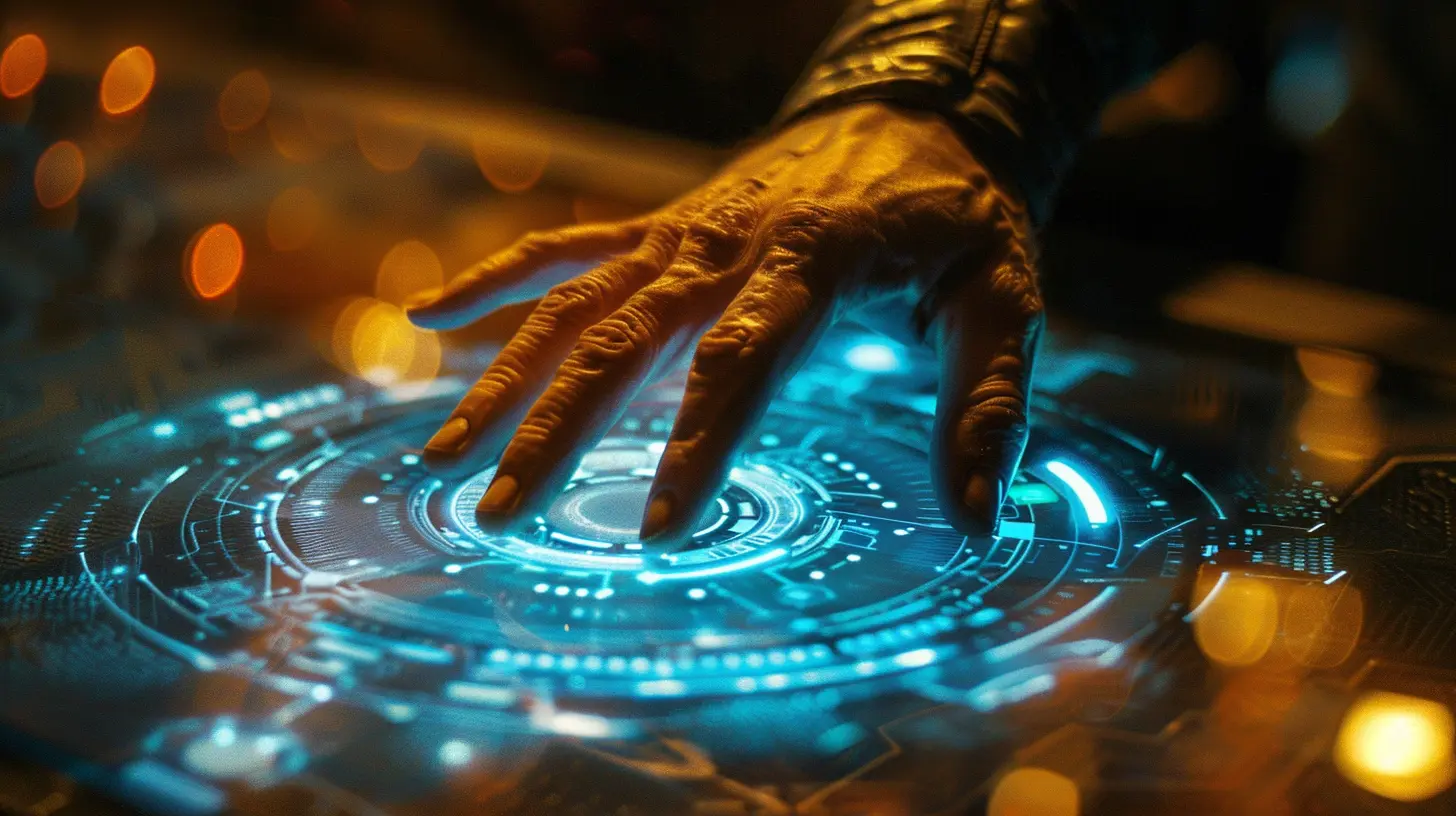
Gesture control is a technology that allows users to interact with devices using hand movements, facial expressions, or even body gestures. Instead of tapping, swiping, or pressing buttons, you simply wave your hand, flick your fingers, or rotate your wrist to perform actions.This is made possible through sensors, cameras, and AI-powered software that detect and interpret gestures. It’s already being used in gaming, virtual reality, smart TVs, and even some high-end smartphones. But as the technology improves, it’s set to revolutionize touchscreen navigation in ways we never imagined.
How Gesture Control Works
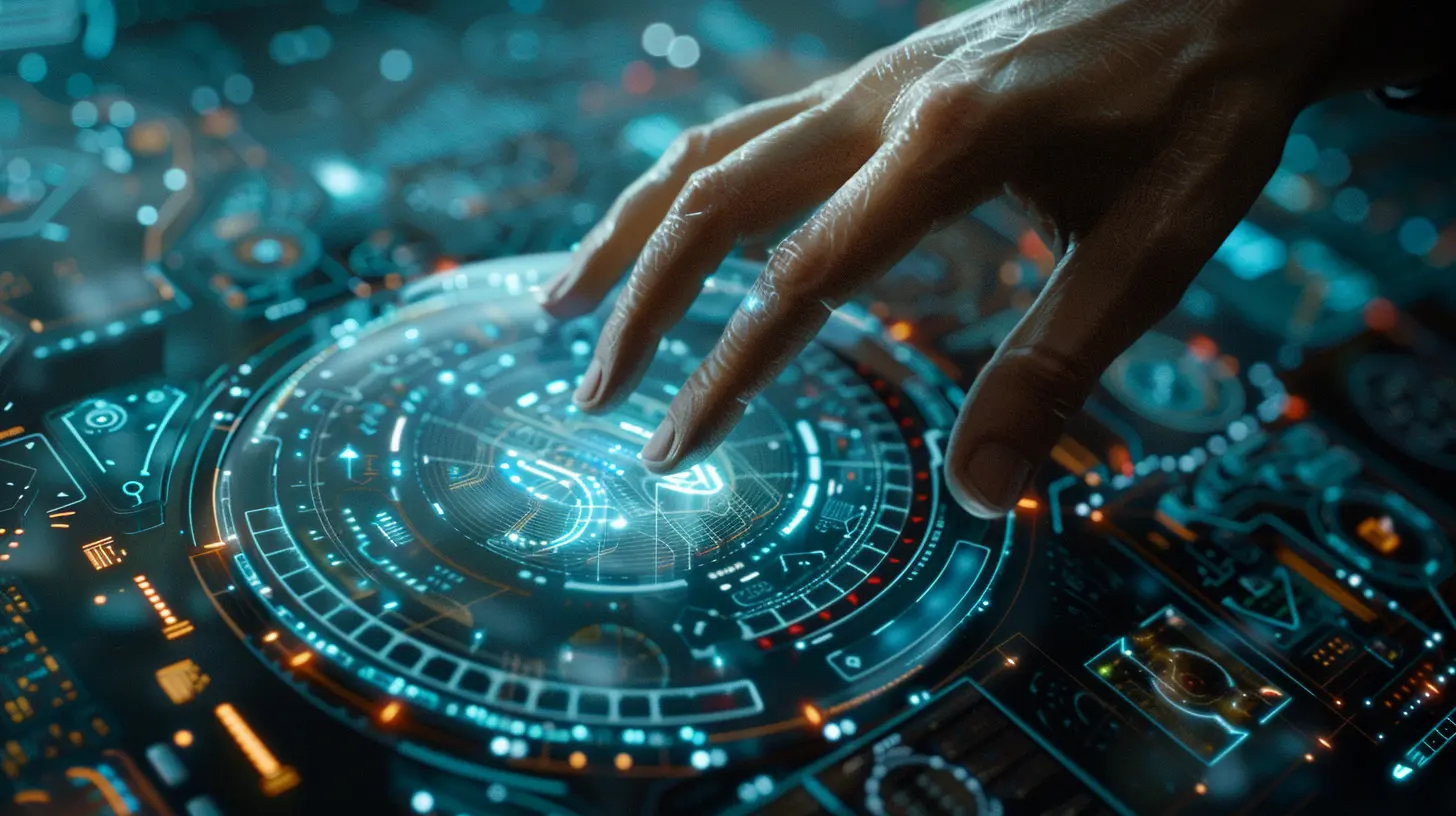
At its core, gesture control relies on a combination of hardware and software to capture and interpret movements. Here’s how it typically works:1. Sensors & Cameras
Modern devices come equipped with depth sensors, infrared detectors, and motion cameras that track movement. Some use LiDAR (Light Detection and Ranging) technology, similar to what you’d find in self-driving cars.2. Artificial Intelligence & Machine Learning
AI algorithms analyze movement patterns and recognize predefined gestures. Machine learning helps the system improve over time, making gestures more accurate and responsive.3. Motion Tracking & Interpretation
Once the system detects a gesture, it translates it into a digital command. Whether it's swiping between pages, zooming in on a photo, or playing a video, the software seamlessly executes the desired action.
Why Gesture Control Is The Future Of Touchscreen Navigation
So, why should we ditch touchscreens in favor of air gestures? Well, here are a few compelling reasons:1. Hands-Free Convenience
Ever had dirty or wet hands but needed to check your phone? With gesture control, that’s no longer a problem. Imagine scrolling through recipes while cooking or answering calls while driving—no need to touch anything!2. Faster & More Intuitive Interactions
Let’s be honest—touchscreens can sometimes feel sluggish or unresponsive. Gesture control can speed up interactions, making navigation faster and more fluid. It’s like having a magic wand that works with a flick of your wrist.3. Reduced Wear & Tear
Physical contact with screens leads to smudges, scratches, and gradual wear. Gesture control extends the lifespan of screens by minimizing direct contact, keeping them clean and damage-free.4. Improved Accessibility
For individuals with disabilities or mobility impairments, touchscreens can be challenging to use. Gesture control offers an alternative way to interact with devices, making technology more inclusive and accessible.5. Enhanced Security & Privacy
Ever worried about someone peeking over your shoulder while entering a password? With gesture-based authentication, you can unlock your phone or access sensitive data using unique hand movements or facial gestures—adding an extra layer of security.
Industries Embracing Gesture Control
Gesture navigation isn’t just for smartphones—it’s already transforming various industries. Let’s take a look at where this technology is making a difference:1. Gaming & Virtual Reality (VR)
Gamers already love motion-sensing controllers, but what if you didn’t need a controller at all? Gesture control allows players to interact with virtual environments naturally, adding a whole new level of immersion.2. Healthcare & Surgery
Surgeons can now navigate medical images, zoom in on scans, and control equipment using gestures—reducing the risk of contamination in sterile environments. This is a game-changer in operating rooms.3. Automotive Industry
Car manufacturers are integrating gesture control into infotainment systems, allowing drivers to control music, navigation, and climate settings without taking their hands off the wheel. BMW and Mercedes-Benz are already leading the charge.4. Smart Homes & IoT (Internet of Things)
Ever wanted to dim the lights with a wave of your hand? Gesture control is making smart homes even smarter, enabling users to adjust lighting, temperature, and devices without needing physical remotes.5. Retail & Shopping
Retail stores are experimenting with gesture-based kiosks, letting customers browse products and make selections without touching a screen—ideal for improving hygiene in public spaces.Challenges & Limitations Of Gesture Control
Of course, no technology is perfect. Gesture control still has hurdles to overcome before it fully replaces traditional touchscreen navigation.1. Accuracy & Responsiveness
Gestures must be precise, and misinterpretations can lead to frustration. Improving AI-driven recognition is essential to making gesture navigation seamless.2. Learning Curve
Unlike touchscreens, which are straightforward, gesture control requires users to learn specific movements. Standardization across devices will be necessary to reduce confusion.3. Environmental Limitations
Low-light conditions and crowded spaces can interfere with motion sensors, making gesture recognition inaccurate. Manufacturers must find ways to improve performance in all environments.4. Battery Drain
Constantly running motion sensors and cameras can drain battery life faster. More energy-efficient hardware solutions will be needed to make gesture control viable for everyday use.
The Road Ahead: What’s Next For Gesture Control?
Despite these challenges, gesture control is evolving rapidly. With advancements in AI, 3D sensing, and haptic feedback, future devices will likely feature even more refined and natural gesture-based interactions.Imagine a world where your smartwatch responds to wrist flicks, your TV changes channels with a simple hand wave, and your laptop senses when you lean forward to zoom in on content. The possibilities are endless!
Tech giants like Apple, Google, and Microsoft are already investing in gesture-based innovations, meaning it won’t be long before touch-free navigation becomes the new norm.
Final Thoughts
Gesture control isn't just a futuristic fantasy—it's happening right now. As technology continues to advance, touchscreen navigation may soon become a thing of the past. Whether you're playing games, controlling smart devices, or navigating your phone, gesture-based interactions promise a more intuitive, effortless, and futuristic experience.Are you ready to wave goodbye to touchscreens and embrace the future of navigation? The next big revolution in tech might just be at the tip of your fingers—quite literally!
all images in this post were generated using AI tools
Category:
Touchscreen DevicesAuthor:

Kira Sanders
Discussion
rate this article
2 comments
Brooks Williams
Gesture control represents a significant evolution in touchscreen navigation, enhancing user interaction and accessibility. By eliminating physical touch, it offers a more intuitive experience, paving the way for innovative applications across various devices. The potential is immense.
June 13, 2026 at 1:42 AM
Bernadette Cantu
Gesture control offers an exciting alternative to traditional touchscreen navigation. While it enhances user experience and accessibility, its effectiveness will depend on precise implementation and how seamlessly it integrates into our daily tech use.
May 27, 2026 at 4:00 AM
Kira Sanders
Thanks for your insights! You're right-successful implementation will be key to making gesture control a valuable addition to our tech interactions.