Understanding Frame Rates: How FPS Affects Your PC Gaming
4 June 2026
When it comes to gaming, whether you're a casual player or a hardcore enthusiast, you've probably heard the term "FPS" thrown around quite a bit. But what exactly is FPS, and why does it matter so much? In this article, we'll dive deep into the world of frame rates, explaining how FPS impacts your gaming experience and why it's something every gamer should pay attention to. So, buckle up, because by the end of this, you'll understand how FPS can be the difference between victory and defeat in your favorite PC games.
What is FPS?
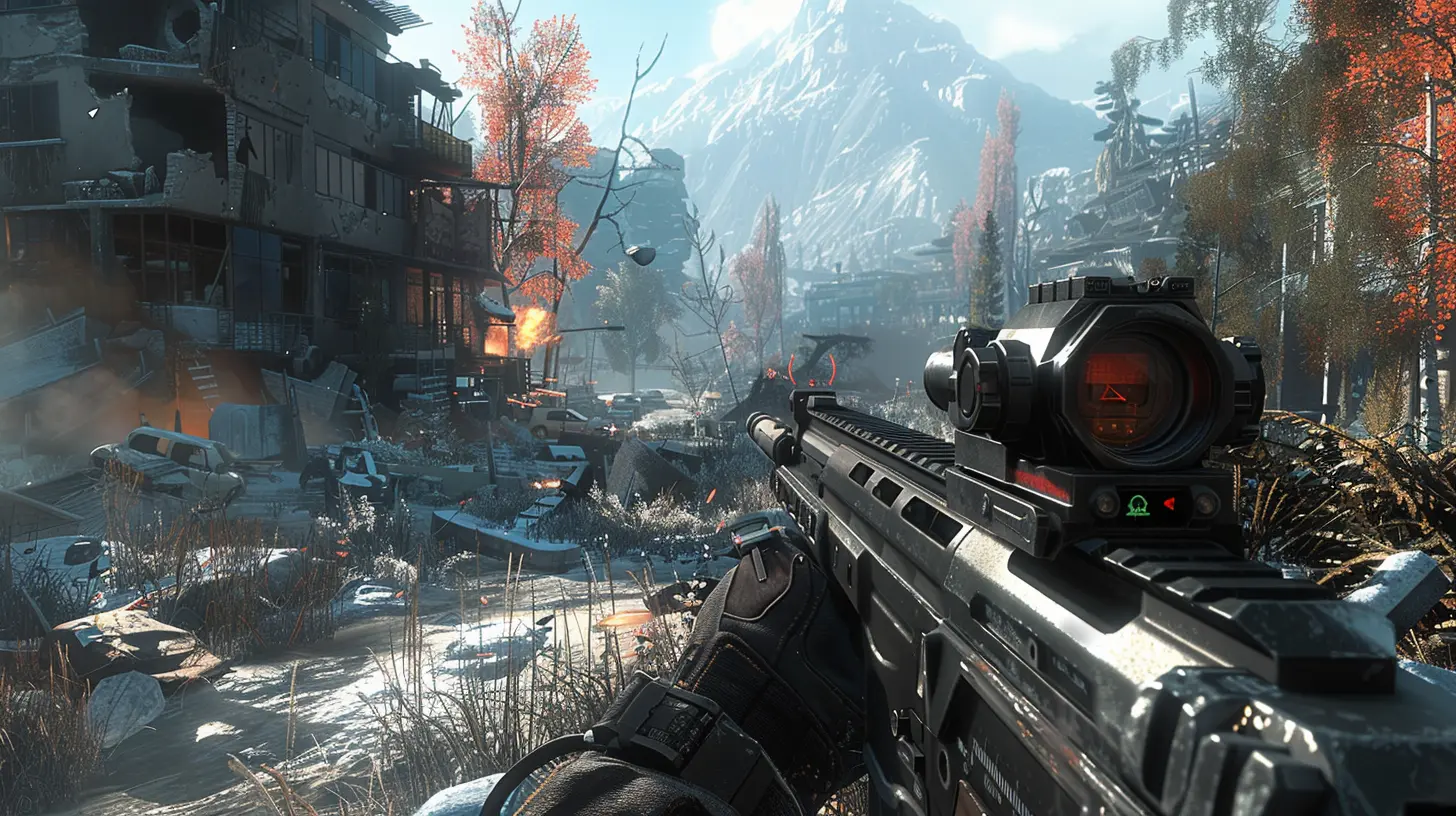
First things first, FPS stands for Frames Per Second. It's essentially a measure of how many frames (or images) your computer or gaming console can display every second while you're playing a game. Think of it like a flipbook animation—each frame is a still image, and when they're played back quickly in succession, it creates the illusion of motion.So, when you're playing a game, your graphics card and processor are working together to render each frame and send it to your monitor. The higher your FPS, the smoother and more fluid the game looks because more frames are being displayed in the same amount of time.
Why Does FPS Matter?
Imagine you're driving a car, and the road ahead is smooth and easy to navigate. Now imagine that same road with potholes every few meters. That's kind of what gaming at a low FPS feels like—choppy, sluggish, and difficult to control. Higher FPS makes everything feel more responsive and visually appealing.This responsiveness is especially important in fast-paced games like first-person shooters (FPS shooters, ironically), racing games, or real-time strategy titles where every millisecond counts. Whether you're trying to land a headshot or dodge an incoming attack, a higher frame rate can give you a competitive edge.
How FPS Is Measured
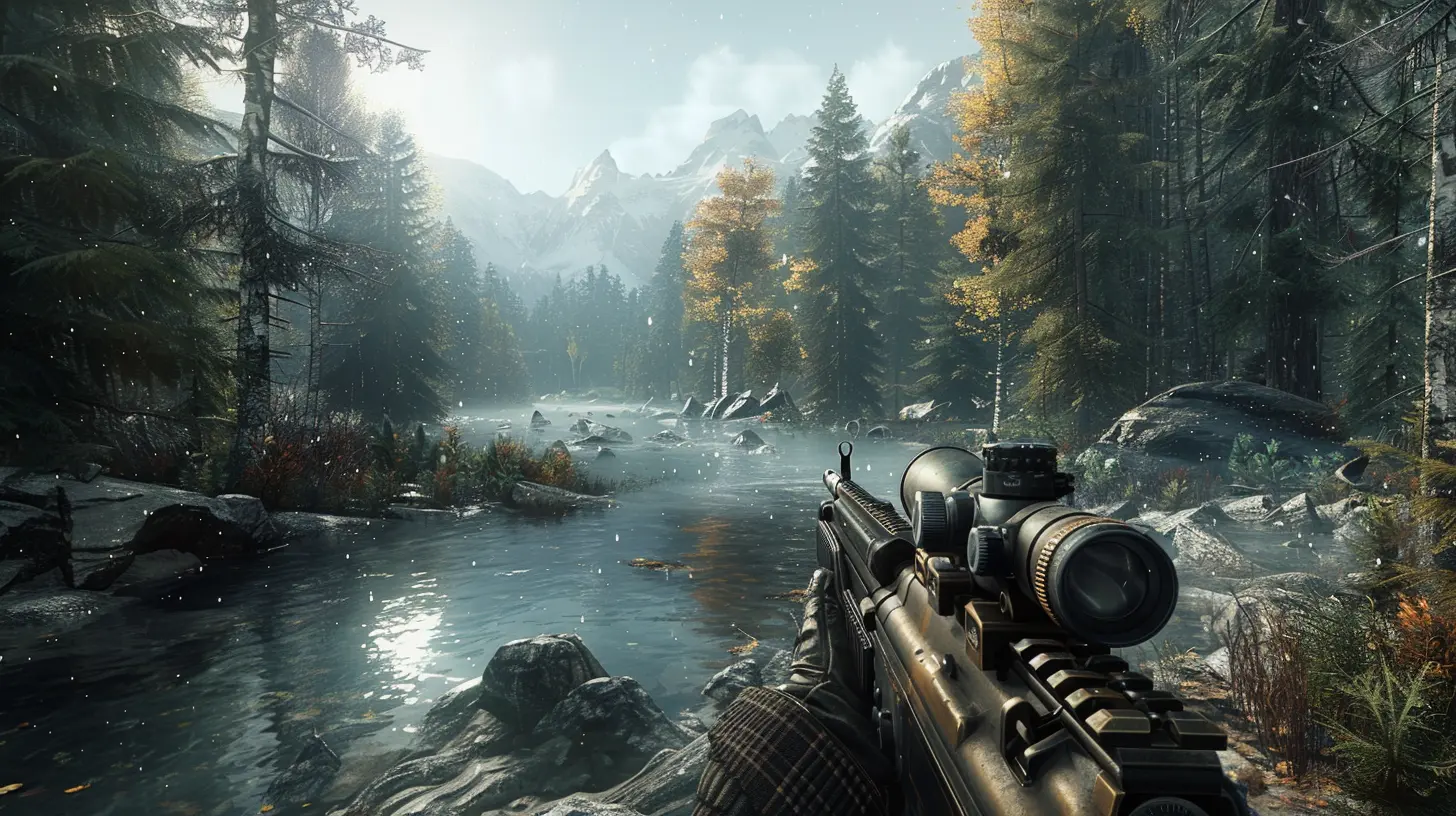
Frame rates are typically measured in three categories:- 30 FPS: This is considered the minimum playable frame rate in most games. It’s not the smoothest, but it’s tolerable in slower-paced games or on lower-end systems.
- 60 FPS: This is the sweet spot for most gamers. It provides a smooth and responsive experience, and is generally recognized as the standard for competitive gaming.
- 120 FPS and Above: For those with high-end gaming rigs, hitting 120 FPS or more offers an extremely fluid experience. This is where things start to feel buttery smooth, and it's usually the go-to for serious competitive gamers.
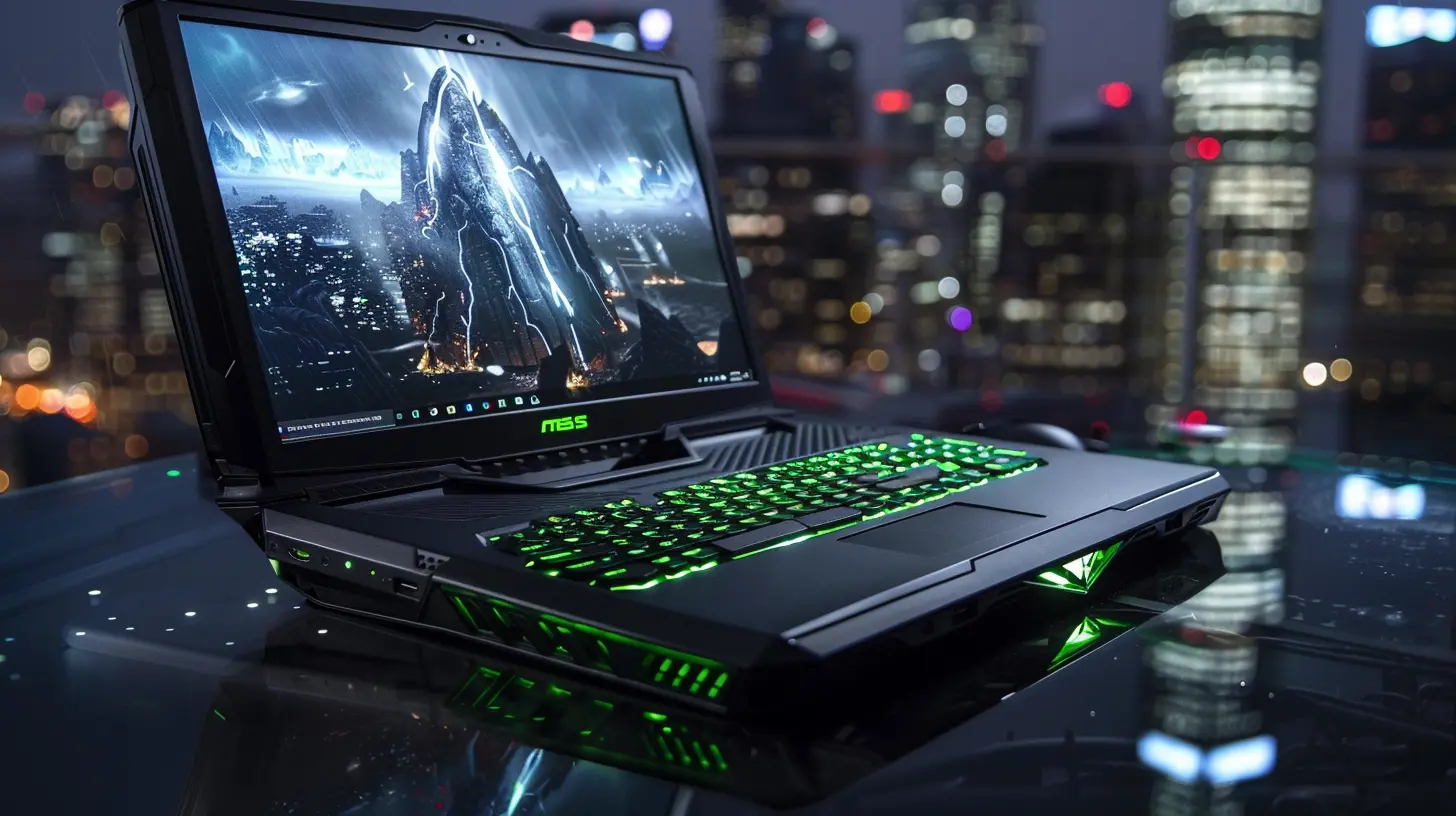
The catch? You need a monitor with a higher refresh rate (such as 120Hz or 144Hz) to actually see those extra frames. If your monitor is capped at 60Hz, it won’t display more than 60 FPS regardless of how powerful your PC is.
The Impact of FPS on Gameplay
Alright, let’s break down how FPS can affect your actual gaming experience. Whether you’re someone who enjoys the immersive world of RPGs or prefers the fast-paced action of an FPS shooter, frame rates can make or break your gaming sessions.Visual Smoothness
A higher frame rate leads to smoother animations. When you're playing a game in 30 FPS, the animation may appear slightly jittery or stuttered, especially in high-action sequences. With 60 FPS or more, everything moves like silk—characters, environments, and even UI elements appear much more fluid.Input Lag
Here's where things get really important for competitive players. Input lag refers to the delay between pressing a button on your keyboard, mouse, or controller and seeing the corresponding action happen on the screen. Lower FPS increases input lag because there’s a longer delay between each frame being rendered.For example, in a first-person shooter, if you're playing at 30 FPS, there's a noticeable lag between clicking your mouse and seeing your character fire their weapon. At 60 FPS or higher, that delay is cut down, making your actions feel more immediate and responsive.
Reaction Time
In gaming, milliseconds matter. Literally. In many competitive games, like "Counter-Strike: Global Offensive" or "Fortnite," the player with the faster reaction time often wins the duel. Higher FPS directly correlates to faster reaction times because more frames are being processed, giving you a smoother and quicker visual update of the game’s state.Imagine you're in a firefight, and you're playing at 30 FPS. Your opponent is playing at 120 FPS. They’ll see you move before you even realize what’s happening, giving them a crucial edge.
Visual Clarity in Fast Motion
When FPS drops, especially during fast-moving sequences, the game can start to blur or produce screen tearing (where parts of the screen don’t align properly). Higher frame rates reduce motion blur and screen tearing, especially when paired with technologies like V-Sync or G-Sync. This makes it easier to track fast-moving objects, like projectiles or enemies, which can be the difference between life and death in many games.
Balancing FPS and Graphics Quality
Now, you might be thinking, "I want the highest FPS possible!" And that’s a fair thought. But it's important to consider that achieving higher FPS often means lowering your game’s graphical settings. There’s a trade-off between visual fidelity and performance, and finding the right balance is key.Graphics Settings That Impact FPS
1. Resolution: Playing at higher resolutions like 1440p or 4K requires more processing power, which can drastically reduce your FPS. Dropping down to 1080p can give you a significant boost in frames.2. Anti-Aliasing: This smooths out jagged edges in the game, but it’s a major FPS killer. Reducing or turning off anti-aliasing can give you a big bump in performance.
3. Shadows and Reflections: These settings add realism to your game, but they’re also very resource-heavy. Lowering shadow quality and reflection details can help you squeeze out some extra frames.
4. Textures: High-resolution textures make the game look sharper, but they also eat up a lot of memory and processing power. Dropping texture quality can improve FPS, especially on older or mid-range systems.
Is It Worth Sacrificing Graphics for FPS?
It depends on the game and your personal preferences. For competitive games like “Valorant” or “Rainbow Six Siege,” most players prioritize FPS over graphical quality because every frame can give you an edge. On the other hand, if you’re playing a beautiful single-player RPG like "The Witcher 3," you might want to sacrifice some FPS for stunning visuals.Ultimately, it’s about finding what works best for you. If you're playing on a high-refresh-rate monitor, like 144Hz, you’ll want to aim for at least 144 FPS to fully take advantage of your display. For a standard 60Hz monitor, though, 60 FPS is usually more than enough.
How to Improve Your FPS
If you're not getting the FPS you want, don’t panic! There are several ways to improve your frame rates without dropping a ton of cash on a brand-new gaming rig.1. Update Your Drivers
One of the simplest solutions is to make sure your graphics card drivers are up to date. Manufacturers like NVIDIA and AMD regularly release updates that optimize performance for the latest games.2. Optimize In-Game Settings
As mentioned earlier, lowering demanding settings like resolution, anti-aliasing, and shadows can give you a significant FPS boost. Many games also have built-in presets (low, medium, high, ultra) that you can use to quickly adjust settings.3. Close Background Applications
Having too many programs running in the background can eat up valuable CPU and memory resources. Close unnecessary apps to free up more power for your game.4. Overclock Your Hardware
If you're comfortable tinkering with your system, overclocking your CPU or GPU can squeeze out some extra performance. Just be careful—overclocking can cause overheating if not done properly, so make sure you have adequate cooling.5. Upgrade Your Hardware
If all else fails, upgrading your hardware might be the only solution. A better graphics card, more RAM, or a faster processor can make a world of difference when it comes to FPS.
Conclusion: Frame Rates Matter More Than You Think
At the end of the day, FPS plays a huge role in determining how enjoyable and responsive your gaming experience is. Whether you're aiming for smooth visuals in an open-world adventure or seeking every edge you can get in a competitive shooter, understanding how FPS affects your gameplay is crucial.If you’re serious about gaming, it's worth taking the time to optimize your system for higher frame rates. Even a small boost, like going from 30 FPS to 60 FPS, can make a noticeable difference. And if you’re fortunate enough to hit 120 FPS or beyond, you’ll wonder how you ever gamed without it.
So, next time you're tweaking your graphics settings or shopping for a new monitor, remember: FPS isn't just a number, it's the key to unlocking your best gaming experience.
all images in this post were generated using AI tools
Category:
Pc GamingAuthor:

Kira Sanders
Discussion
rate this article
2 comments
Nathan McDonough
Oh great, another article on frame rates. Just what we needed. Because clearly, spending hours debating whether 60 FPS or 120 FPS makes us better gamers is the key to winning... or maybe just to more headaches and empty soda cans.
July 25, 2026 at 3:14 AM
Kira Sanders
I get your point! Frame rates can stir up debates, but understanding them can really enhance the gaming experience. It's more about enjoyment than just numbers.
Cassandra Lozano
Frame rates are crucial for a smooth gaming experience. Invest in optimizing your FPS for a competitive edge in gameplay.
June 9, 2026 at 12:41 PM
Kira Sanders
Absolutely, higher FPS can make a significant difference in gameplay. It enhances responsiveness and can give you a real advantage in competitive settings.