Top Tips for Maintaining Your Touchscreen Gadgets
23 January 2026
Touchscreen gadgets are everywhere—from our beloved smartphones to tablets, smartwatches, and even laptops. We tap, swipe, and pinch these screens hundreds of times a day, yet we often forget one crucial thing: maintenance.
Let’s be honest, when was the last time you actually cleaned your phone screen properly? Yeah, that’s what I thought! Unlike your old-school button phones, touchscreen devices demand a little extra care to keep them functional, responsive, and, well, not looking like they were dragged through a swamp.
So, whether you're using your phone to scroll through memes or sending those oh-so-important work emails, here are the top tips to keep your touchscreen gadgets in tip-top shape.
1. Keep Your Hands (and Screen) Clean
Your fingers are the main culprits behind those smudgy, greasy screens. From oily snacks to mystery gunk, your hands are constantly transferring dirt onto your device. If you aren't giving your screen a regular wipe, you're basically creating a petri dish of germs.Solution?
- Wash your hands before handling your devices.- Use a soft microfiber cloth to wipe down your touchscreen daily.
- For stubborn smudges, lightly dampen the cloth with a 50/50 mix of distilled water and white vinegar—just don’t drench it.
Now, unless you enjoy swiping through smudges, it’s time to make cleaning a habit!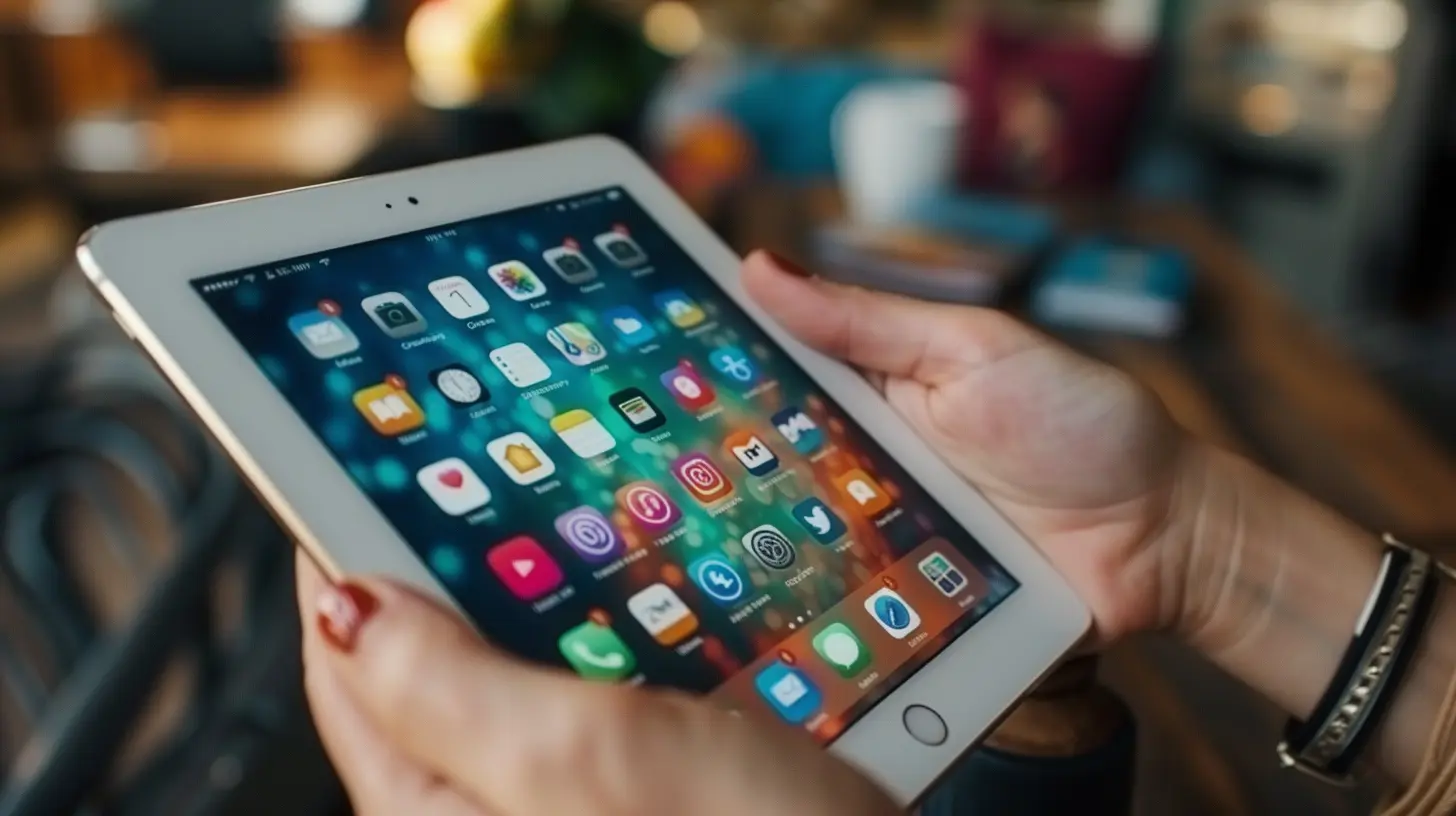
2. Screen Protectors Are Your Best Friend
You wouldn’t drive a car without a windshield, would you? (Hopefully not!) A screen protector is the same concept—it adds an extra layer of protection against scratches, cracks, and even fingerprints.Why You Need One:
✅ Prevents scratches – Keys, coins, and even the sand at the beach can scratch your screen.✅ Reduces fingerprint smudges – Many protectors come with anti-fingerprint coatings.
✅ Cheap insurance – It's way cheaper to replace a protector than an entire screen.
So, if you’re rolling the dice with an unprotected screen, it’s time to rethink your life choices. Get a screen protector. Your phone will thank you. 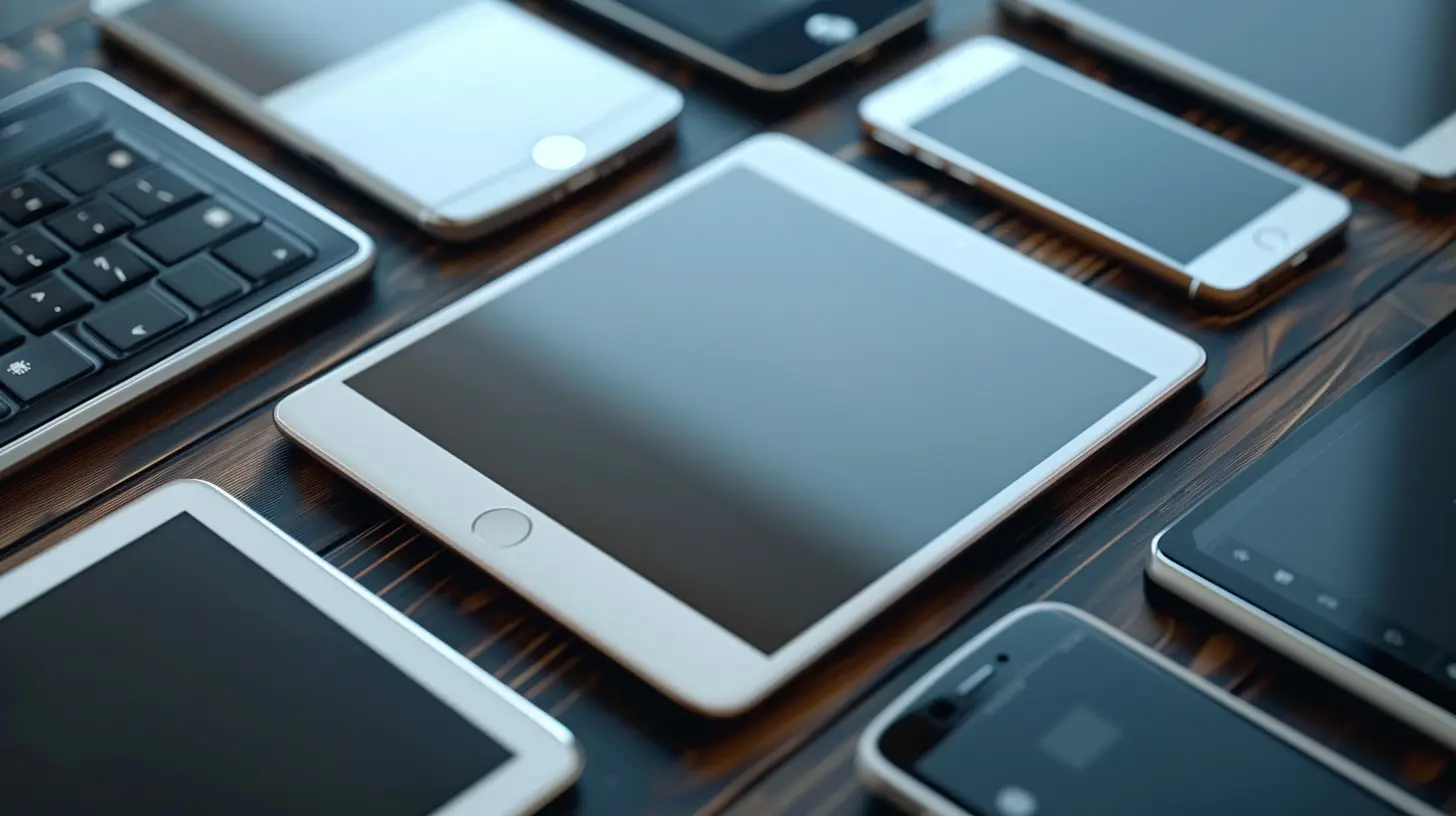
3. Avoid Extreme Temperatures
Your phone isn’t a winter warrior or a summer-loving beach bum. Extreme heat and cold can damage your touchscreen’s sensitivity and even shorten battery life.Cold Weather:
- Freezing temperatures can make your touchscreen less responsive or even cause cracks if exposed for too long.- Avoid leaving your phone in your car during winter—unless you want a touchscreen that reacts slower than your morning brain.
Hot Weather:
- Excessive heat can weaken your screen's adhesive, making it prone to damage.- Leaving your phone on the dashboard on a blazing summer day? Big mistake.
Moral of the story? Treat your device like a delicate flower—keep it in a temperature-friendly environment.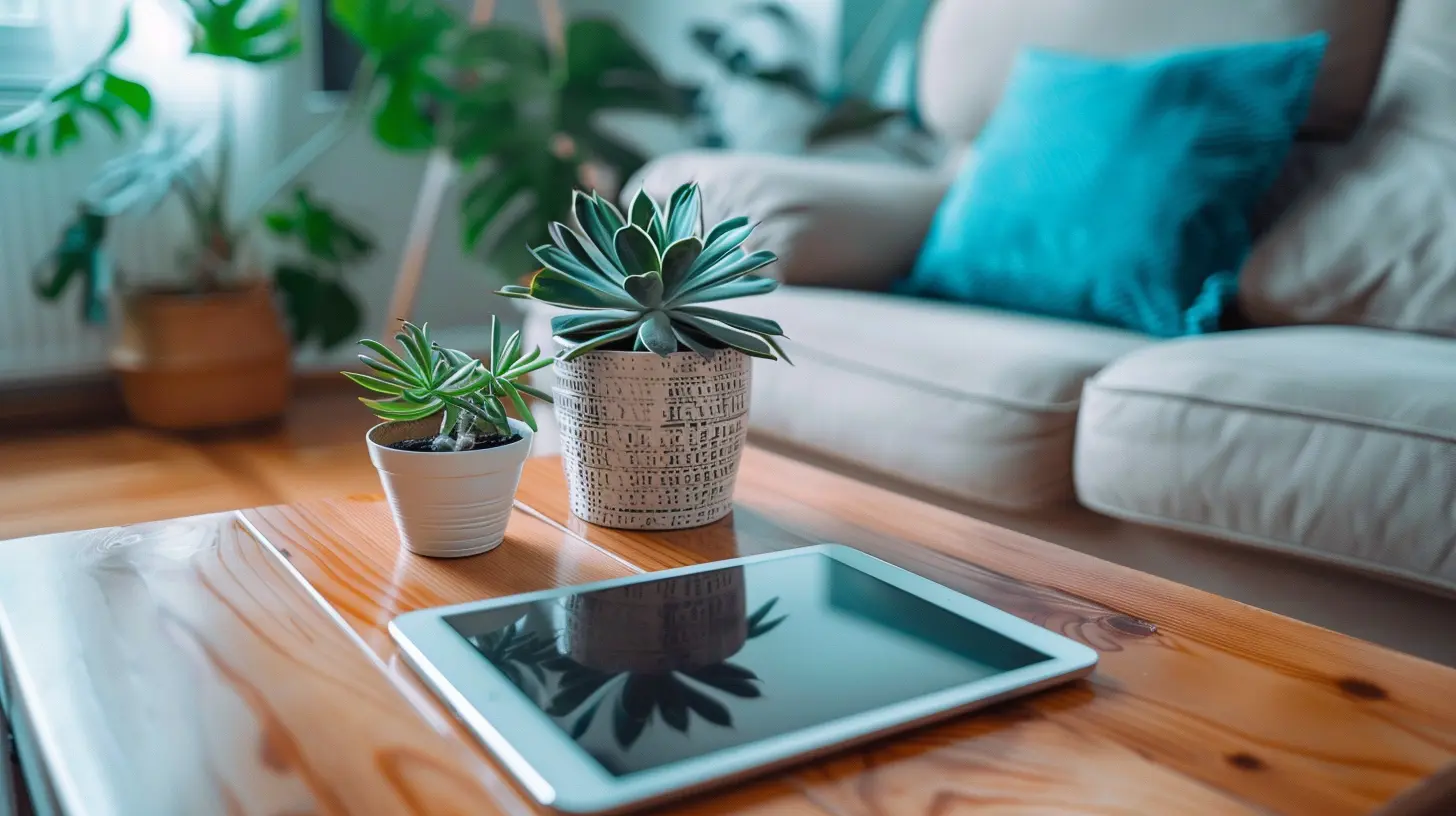
4. Beware of Moisture (Touchscreens Hate Water!)
Unless your device is waterproof, water is its worst nightmare. Even "water-resistant" devices have their limits, and too much exposure can lead to unresponsive touchscreens or permanent damage.How to Protect Your Device from Water Damage:
- Keep gadgets out of the bathroom when showering (yes, even if you love blasting music).- Never take your phone for a swim (it won’t appreciate the adventure).
- If you get caught in the rain, dry off your device immediately.
And if your phone does take an accidental dip? DO NOT put it in rice—seriously, that's a myth. Instead, power it off, dry it as much as possible, and use silica gel packets if you have them.
5. Update Your Software Regularly
I get it—those software update notifications pop up at the worst times. But ignoring them? Not a good idea. Software updates keep your touchscreen responsive and fix bugs that could be messing with its performance.Why Updates Matter:
- Improve touch sensitivity and accuracy.- Fix glitches and unresponsive areas on the screen.
- Boost security to protect against malware that could slow down your device.
So instead of hitting "Remind me later" for the millionth time, just tap ‘Update’ already! Your device will run smoother, and you won’t have to deal with random screen lags.
6. Don’t Use Harsh Cleaning Chemicals
Thinking about grabbing some Windex or alcohol wipes to clean your screen? STOP RIGHT THERE! Most touchscreen devices have an oleophobic coating (a fancy term for an anti-smudge layer), and harsh chemicals can ruin it.Safe Cleaning Solutions:
✅ A microfiber cloth (dry or slightly damp with water).✅ A screen-safe cleaning solution (check labels before buying).
✅ Pre-moistened electronic wipes (designed specifically for touchscreens).
Avoid paper towels, tissues, or anything abrasive—they’ll leave tiny scratches that you definitely don’t want.
7. Use a Sturdy Case
Dropping your phone screen-first onto concrete? A nightmare. A good case is like a seatbelt for your device—it cushions the impact and saves you from heartache and expensive repairs.Tips for Choosing a Case:
- Opt for shock-absorbing materials like silicone or TPU.- Look for raised edges to protect the screen from direct impact.
- If you’re clumsy (be honest), consider a rugged or military-grade case.
Sure, a sleek, thin phone looks great—but do you really want to risk breaking your screen for aesthetics? Didn’t think so.
8. Don’t Overload Your Screen with Widgets and Apps
Ever noticed your touchscreen lagging, even on a brand-new device? Too many widgets, apps, and unnecessary files can slow down responsiveness.How to Declutter Your Screen:
- Delete unused apps (do you really need that flashlight app in 2024?).- Reduce live wallpapers and excessive widgets.
- Clear cache regularly to keep the system running smoothly.
A clutter-free screen is a happy, responsive screen—it's that simple.
9. Be Gentle With Your Touch
Your touchscreen is designed for a light touch, not aggressive poking. Tapping too hard won’t make it work faster (seriously, stop that).Good Touchscreen Habits:
- Use light, short taps instead of forceful presses.- If something isn’t responding, try restarting your device instead of jabbing at it.
- If you use a stylus, make sure it’s touchscreen-friendly (no random pen tips, please).
Being gentle not only prevents screen damage but also ensures long-term responsiveness.
10. Store and Carry Your Device Properly
Throwing your phone into a bag full of keys and coins? Big mistake. Proper storage reduces the chances of scratches, cracks, and touchscreen malfunctions.How to Store Your Device Safely:
- Use a dedicated phone pocket in your bag.- Place it screen-side up when resting on flat surfaces.
- Avoid carrying it in your back pocket (unless you like living on the edge).
A little care goes a long way in keeping your touchscreen safe from unnecessary wear and tear.
Final Thoughts
Touchscreen gadgets are like pets—they need attention, care, and regular upkeep to stay in peak condition. From keeping your hands clean to avoiding extreme temperatures and using a sturdy case, these small habits can extend your device’s lifespan and enhance its performance.So, if you've been guilty of neglecting your touchscreen's maintenance, it’s time to turn over a new leaf. Treat your gadgets well, and they'll continue to serve you faithfully—fingerprint-free and responsive!
all images in this post were generated using AI tools
Category:
Touchscreen DevicesAuthor:

Kira Sanders
Discussion
rate this article
2 comments
Molly McNab
Great tips! I'm curious, though—are there any specific cleaning solutions or methods that are safer for different types of touchscreen materials? Also, how often should we really be doing maintenance to keep our devices in top shape? Thanks for sharing!
January 30, 2026 at 3:46 AM
Kira Sanders
Thank you! For cleaning, use a microfiber cloth with a solution of distilled water and isopropyl alcohol (70% or less) for most touchscreens. Avoid harsh chemicals. As for maintenance, aim to clean your devices weekly and check for software updates regularly to keep them in top shape.
Faryn McQuillen
Great tips! Keeping my devices in top shape is a game changer. Who knew a simple screen protector and regular cleaning could make such a difference? Thanks for sharing!
January 27, 2026 at 1:05 PM
Kira Sanders
Thank you! I’m glad you found the tips helpful. Keeping devices in great shape really does make a difference!