The Future of Touchscreen Devices in Virtual Reality
9 June 2026
Virtual reality (VR) is no longer just a buzzword tossed around in sci-fi movies or Silicon Valley boardrooms. It's here, it's growing fast, and it's redefining how we interact with tech — especially touchscreens. But here’s the real kicker: What happens when VR fully collides with touchscreen technology? Are we talking about a future where your tablet, smartphone, or even your fridge screen becomes a portal into the metaverse?
Buckle up, because we're diving deep into the future of touchscreen devices in virtual reality. Spoiler alert — it’s not just about tapping glass screens anymore.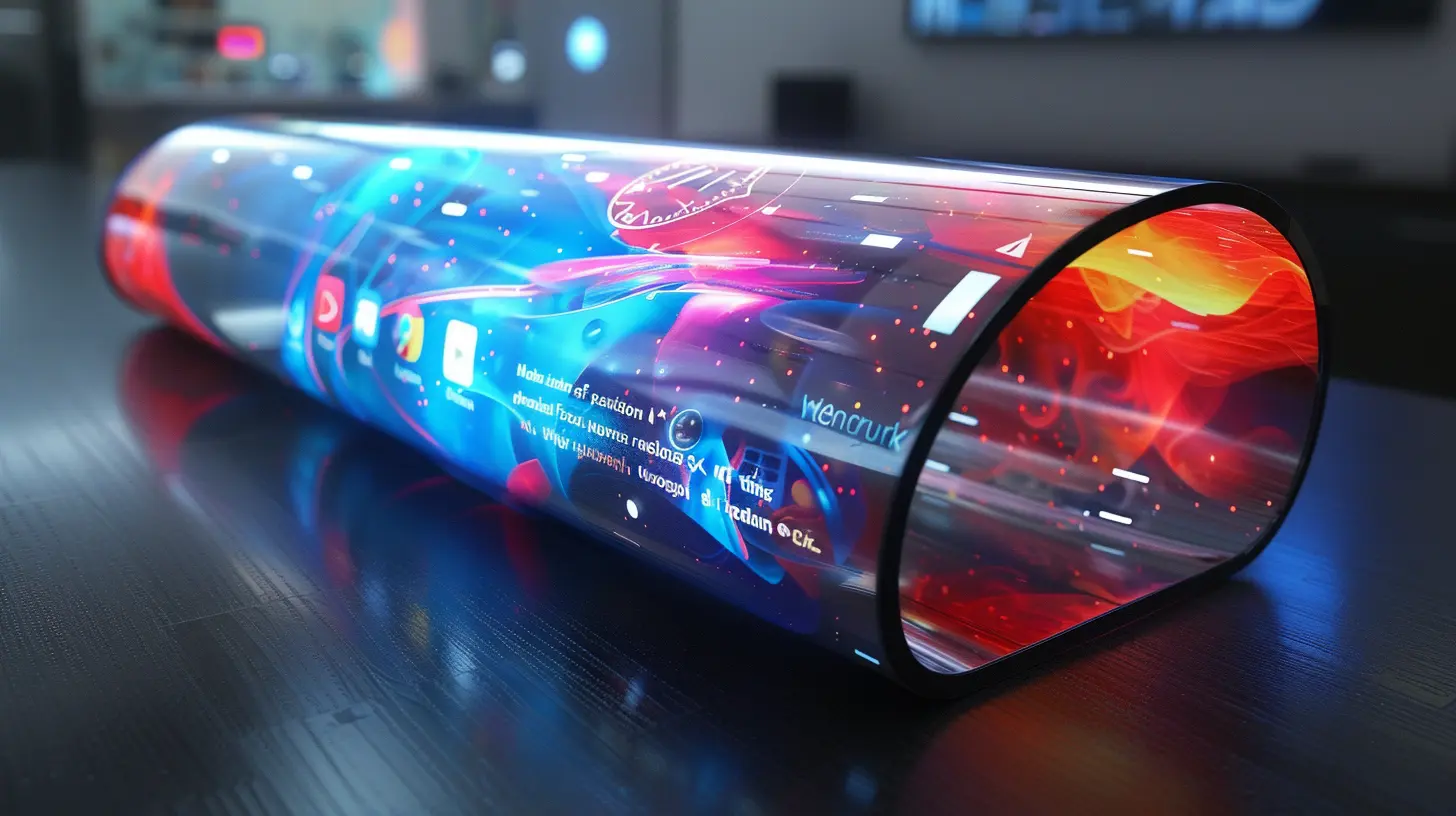
The Evolution of Touchscreens: From Flat Sheets to Interactive Portals
Let’s take a quick trip down memory lane.Touchscreens started off as simple input systems on clunky PDAs. Fast forward a couple of decades, and they’ve become the cornerstone of modern tech — phones, cars, ATMs, laptops, even smart mirrors. Everywhere you look, there's a screen you can poke.
But here’s the thing. As VR gains traction, our definition of “touch” is changing. It’s no longer about physical contact — it’s about simulating interaction in a 3D space. So, where do traditional touchscreens fit in this new reality?
Can Traditional Touchscreens Survive in VR?
Let’s be honest: In today’s VR setups, touchscreens kinda feel out of place.VR is immersive. You're inside a digital world, with headsets strapped on and controllers in-hand. Touchscreens? They're physical, flat, and static. It’s like trying to use a typewriter in a spaceship — possible, but painfully outdated.
So, does this mean touchscreen devices will become obsolete in a VR world?
Not necessarily.
Instead, they’re evolving — and the future might just surprise you.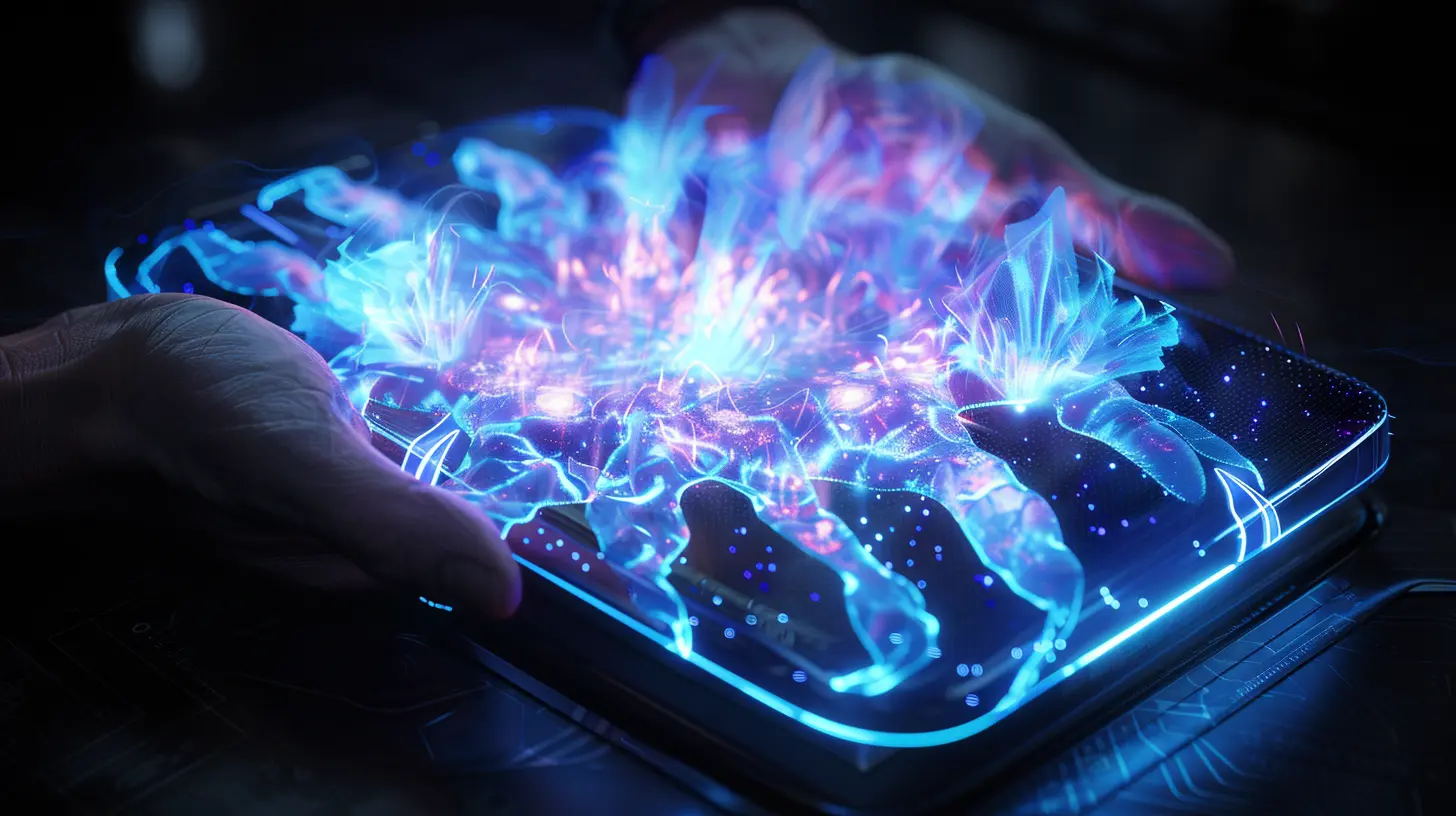
Merging the Physical with the Virtual
Here's where things get sci-fi-level interesting.Companies are already experimenting with mixed reality — where virtual and physical worlds blend. Imagine looking at your smartphone through a VR headset and being able to tap it as if it’s part of the VR environment. Or, better yet, imagine your touchscreen morphing into a 3D holographic interface visible through your headset.
It’s not just fantasy.
Technologies like passthrough AR (used in devices like the Meta Quest Pro) and spatial computing (think Apple Vision Pro) are making this possible. These systems use cameras to map your physical environment and overlay virtual elements on top of it.
So, your touchscreen remains part of your setup — but its role changes. It becomes a launchpad into immersive experiences.
Haptic Feedback: Bringing “Touch” Into VR
One of the biggest challenges in VR is replicating the sense of touch. When you touch something in the real world, you feel resistance, texture, maybe even temperature. In VR? Not so much.But what if your touchscreen could offer haptic feedback inside VR?
That’s the direction we’re heading. Emerging haptic technologies are pushing boundaries. Think pressure sensitivity, localized vibrations, and even microfluidic actuators (tiny airbags that simulate varying textures).
Imagine tapping a button on a virtual touchscreen and actually feeling it depress under your finger. That level of realism could bridge the gap between flat displays and fully immersive interfaces.
The Rise of Virtual Touchscreens
In the near future, we may not need physical screens at all.Virtual touchscreens — projected in your VR space — are on the rise. You’ll interact with floating buttons in mid-air, swipe through apps, type on imaginary keyboards. It sounds wild, but there’s already hardware making this happen.
Take hand-tracking systems like Ultraleap or Leap Motion. These allow you to use your hands — no gloves, no controllers — to interact with virtual elements. Combine that with advanced gesture recognition and boom: your finger becomes the stylus, and the air becomes your touchscreen.
It’s like Minority Report, but in your living room.
Touchscreens as Anchors in the VR World
Even with all this futuristic tech, traditional touchscreens might still stick around.Why? Because they’re familiar. They're excellent for quick input, they’re intuitive, and we’ve all spent years mastering them. In a VR setting, they could serve as anchors to the real world — giving users a sense of grounding.
Picture this: You’re in a VR meeting, but your smartwatch buzzes. You peek down, see the screen through your headset, and reply with a tap. Just because you're in VR doesn't mean the outside world disappears.
So, rather than being replaced, touchscreens may simply evolve into hybrid tools — bridging the gap between our physical and digital lives.
Future User Interfaces: It’s All About Context
Let’s talk UX (user experience) for a second.The future will be about context-aware interfaces. VR systems will know whether you’re sitting, walking, lying down, or in a crowded subway. And your touchscreen — physical or virtual — will adapt accordingly.
Standing in your kitchen? Your smart fridge touchscreen might display an AR recipe right inside your headset. Lying on the couch? Your phone could project a floating interface that follows your gaze.
Touchscreens will need to be smart, adaptive, and seamlessly integrated into VR-driven lives.
The Role of AI in Touchscreen-VR Integration
Artificial Intelligence is the secret sauce making this transition possible.AI is powering smarter gesture recognition, real-time environmental mapping, and even predictive text input on virtual keyboards. It's learning your behavior to customize your touchscreen interfaces, making them more personal — and more powerful — than ever.
And let’s not forget NLP (Natural Language Processing). When voice meets touch — in VR — you’re looking at a whole new kind of interface. Think Tony Stark talking to J.A.R.V.I.S. while swiping through holograms. That’s the goal.
Real-World Applications: Industries That’ll Lead the Charge
This tech isn’t just for gamers or sci-fi geeks.Here’s where touchscreen-VR integration is going to crush it:
1. Healthcare
Imagine surgeons practicing complex procedures in VR with touchscreen overlays that respond like real instruments. Medical training could become safer, cheaper, and way more effective.2. Education
Virtual classrooms where students tap on floating screens, interact with 3D models, and collaborate as avatars. Touchscreens offer a layer of intuitiveness that can speed up learning.3. Retail
Virtual storefronts where consumers “touch” products, view details, and buy — all from their headset. It’s like online shopping, but on steroids.4. Design & Engineering
Architects could sculpt 3D models using virtual touch interfaces. Car designers might tweak dashboards right inside VR environments without ever printing a prototype.Barriers to Watch Out For
Let’s not pretend this transition comes without hiccups.There are still a few hurdles to clear:
- Latency: Touch feedback needs to be instant. In VR, even a small lag can break immersion.
- Accuracy: Virtual buttons need to feel precise. People won’t tolerate clunky input systems forever.
- Hardware limitations: Not everyone wants to wear bulky headsets for hours.
- Cost: Current high-end VR hardware isn’t cheap. It needs to be affordable to go mainstream.
But here’s the catch — every one of these hurdles? We’re already working on them.
So, What Does the Future Look Like?
In short: It's gonna be wild.We’re looking at a world where touchscreens aren’t just rectangles of glass anymore. They’re dynamic, immersive, and deeply connected to our virtual experiences. Whether it's through smart integration with passthrough MR, or fully virtual screens you interact with mid-air — their role is evolving fast.
They won’t disappear — they’ll just adapt.
So the next time you tap on your phone or tablet, think of it not as just a screen — but as a stepping stone into the next generation of virtual interaction.
Final Thoughts
Touchscreen devices have changed the way we live, work, and play. Now, they’re about to do it all over again — in the virtual realm.VR is pushing us to rethink “touch.” What does it mean to interact with a digital world physically? How do we merge what’s real and what’s not?
One thing’s for sure: The future isn't touchscreen vs. VR.
It's touchscreen in VR.
And we’re just getting started.
all images in this post were generated using AI tools
Category:
Touchscreen DevicesAuthor:

Kira Sanders
Discussion
rate this article
2 comments
Kassidy Adams
Touchscreens in VR, yes please!
August 17, 2026 at 3:05 AM
Kira Sanders
Absolutely! Touchscreens in VR could revolutionize interaction and enhance immersion like never before.
Paige Gutierrez
Touchscreen advancements will greatly enhance user interaction in virtual reality.
June 11, 2026 at 3:48 AM
Kira Sanders
Absolutely! Touchscreen advancements can make virtual reality more intuitive and immersive, bridging the gap between the physical and digital worlds.