How Operating Systems Are Evolving with Augmented Reality
7 July 2026
The relationship between operating systems and augmented reality is not a simple case of software adaptation. It represents a fundamental shift in how we conceive of computing environments. For decades, operating systems have been built around a two-dimensional paradigm: windows, icons, menus, and pointers. The screen was the boundary. Augmented reality shatters that boundary, and the operating systems we rely on today are largely unprepared for what comes next.
When I say "unprepared," I mean it in a technical, architectural sense. Traditional OS kernels manage hardware resources for a known set of input and output devices: keyboard, mouse, display, storage. AR introduces a radically different set of constraints: real-time spatial tracking, low-latency sensor fusion, persistent anchor points in physical space, and the need to render virtual objects that convincingly interact with a dynamic, unpredictable physical world. This is not an incremental upgrade. It is a new category of system software.
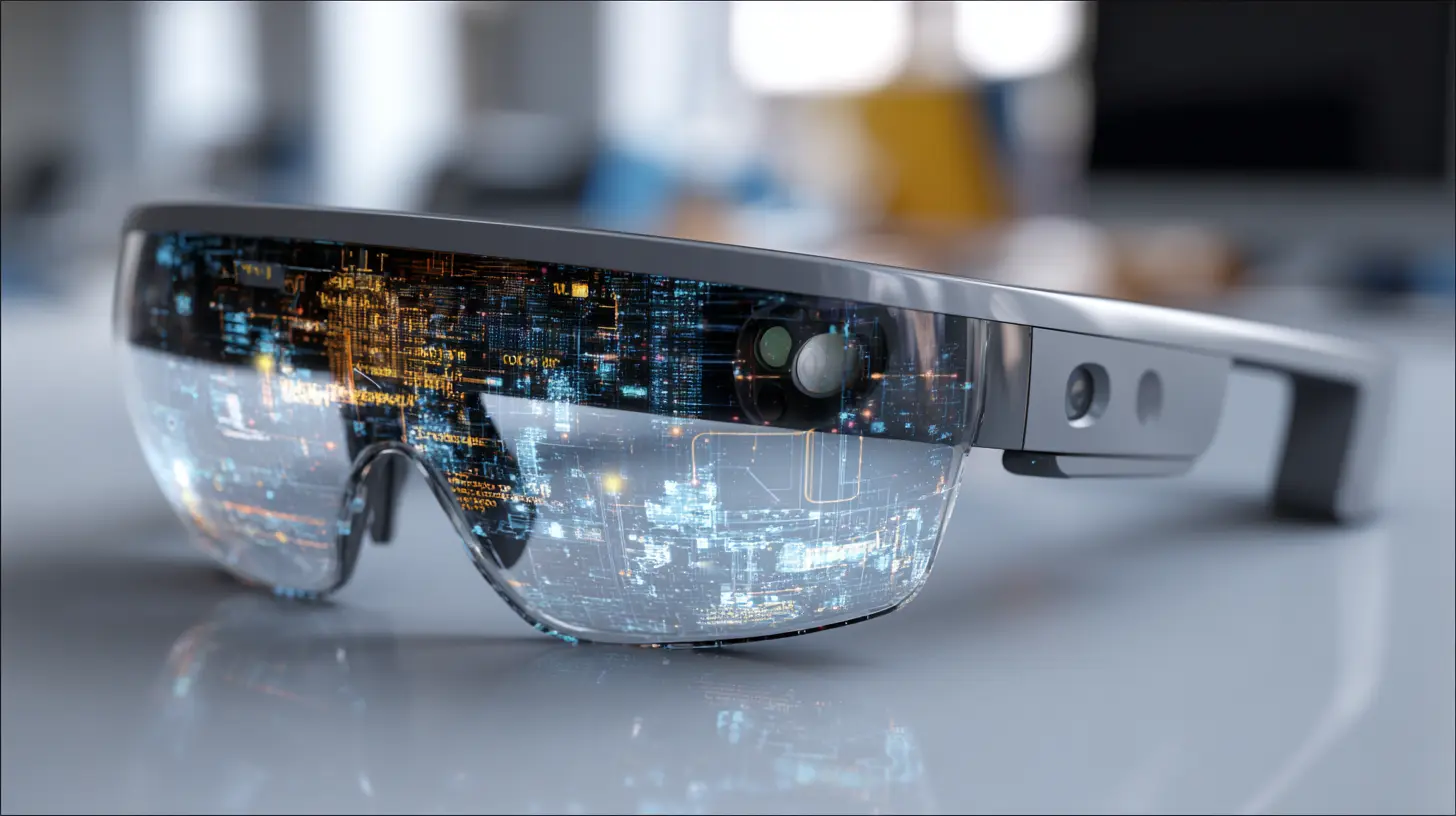
The Core Architectural Challenge
The most immediate problem an OS faces in an AR context is time. Not just clock speed, but temporal coherence. When you move your head in a VR headset, the system has about 11 to 20 milliseconds to update the display before the user notices latency. In AR, that requirement is even stricter because the virtual content must remain perfectly aligned with a physical world that is itself being tracked in real time. Miss that window, and the illusion breaks. The user experiences something called "judder" or "swim," where virtual objects appear to lag or drift. This is not just uncomfortable; it can cause physical nausea.Current operating systems, even real-time variants like those used in embedded systems, are not designed for this workload. They are designed for fairness and throughput. An OS scheduler typically tries to give each process a fair slice of CPU time. But in AR, the rendering pipeline and the sensor processing pipeline must have deterministic priority. If the GPU driver is waiting for a buffer swap while the inertial measurement unit (IMU) data is sitting in a queue, the entire experience degrades.
This is why we are seeing a move toward specialized microkernels or hypervisors that can partition resources for AR workloads. Apple's approach with visionOS, for example, is telling. They did not simply graft AR capabilities onto iOS. They built a new runtime layer called "Compositor Services" that runs at a higher priority than normal app processes. This compositor has direct access to the display hardware and the sensor fusion pipeline, bypassing many of the abstractions that iOS normally provides. The trade-off is reduced flexibility for developers in exchange for guaranteed performance.
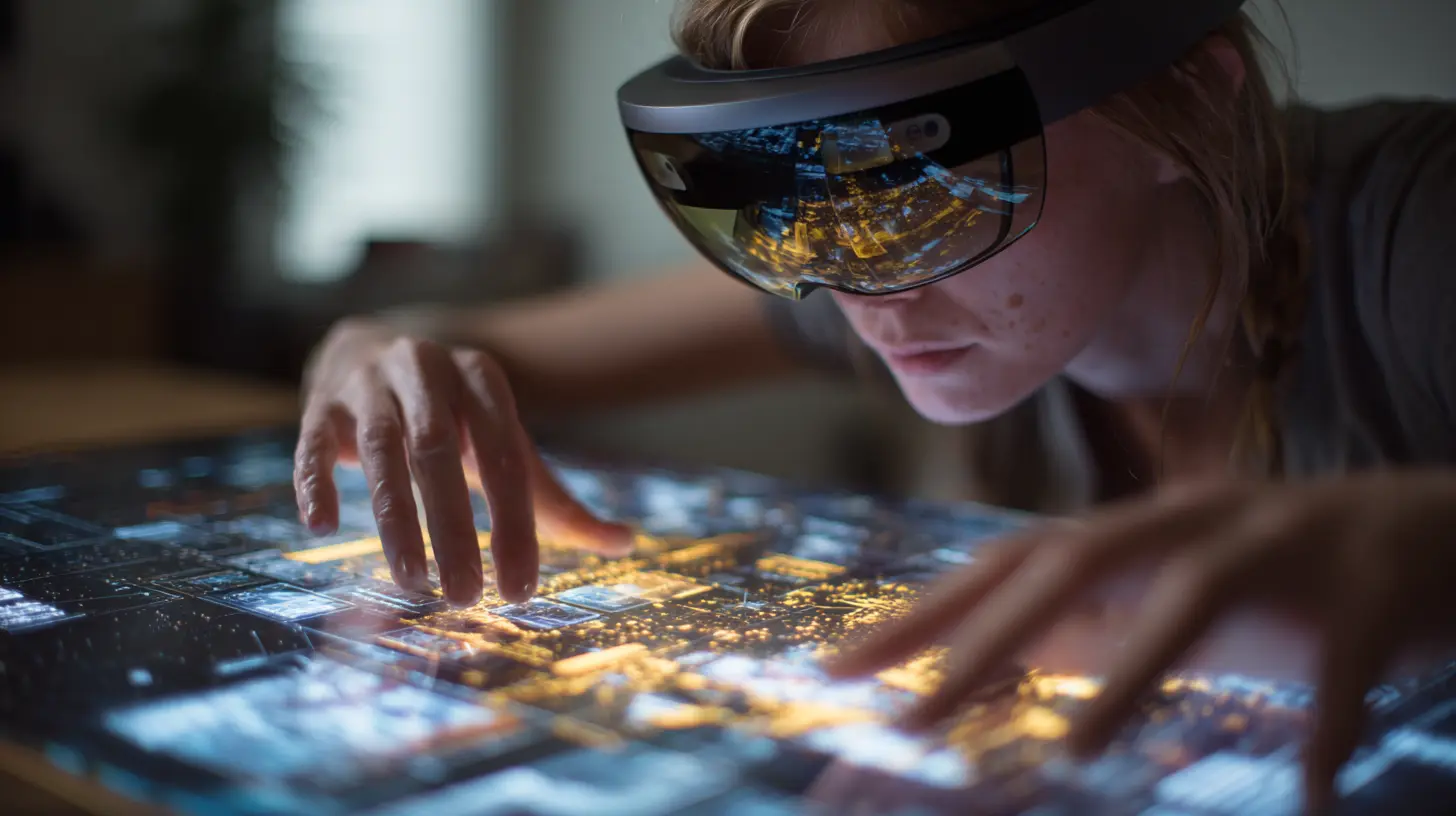
Spatial Understanding as a First-Class OS Service
One of the biggest misconceptions about AR operating systems is that they are just about rendering graphics over a camera feed. The real complexity lies in spatial understanding. An AR OS must maintain a persistent model of the physical environment. This includes walls, floors, tables, chairs, and the lighting conditions. It must understand that a table is a stable surface and that a person walking through the room is an obstacle, not a feature of the environment.This requires the OS to provide a spatial mapping service as a core function, similar to how a traditional OS provides a file system. The file system abstracts away the physical details of the hard drive and presents a logical hierarchy of files. Similarly, an AR OS must abstract away the raw sensor data from cameras, depth sensors, and IMUs, and present a logical representation of the physical space.
The challenge here is persistence and sharing. If I place a virtual note on my desk, that note should still be there when I come back tomorrow. The OS must manage anchor points that are tied to physical features of the room, not to the device's position. This is called "world locking." If the room is remodeled or furniture is moved, the OS must decide whether to invalidate those anchors or attempt to re-map them. This is an open research problem, and different OS implementations handle it differently.
Microsoft's Mixed Reality Toolkit, for instance, uses a concept of "spatial anchors" that can be shared across devices. This means two users in the same room can see the same virtual object in the same physical location. The OS must synchronize these anchors across a network, which introduces issues of latency and conflict resolution. If one user moves the virtual object, the other user's OS must update its spatial model. This is analogous to distributed file system consistency, but with the added constraint of real-time visual feedback.
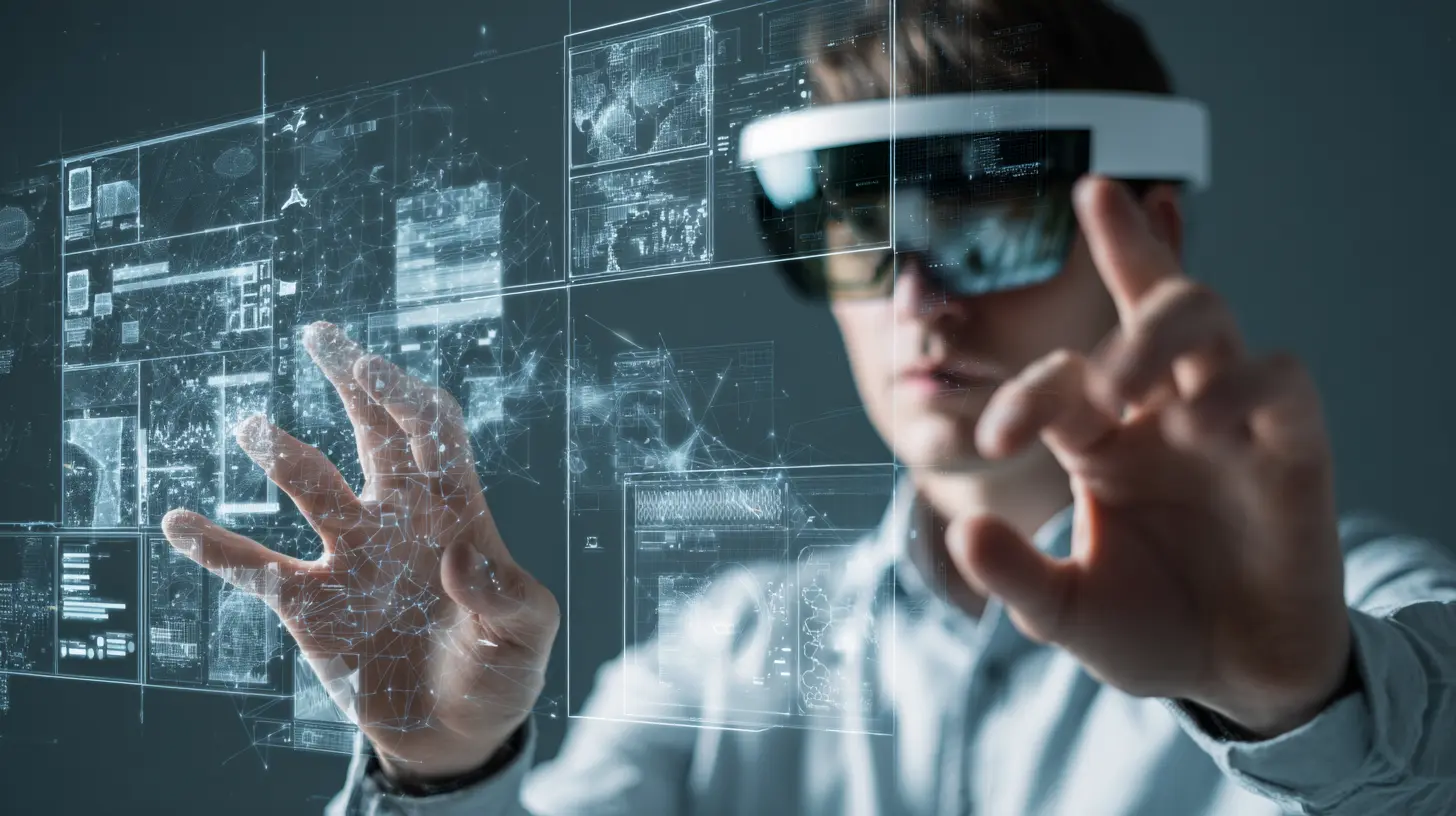
Input Modalities Beyond the Keyboard
The input stack in an AR operating system is more complex than anything in a traditional desktop or mobile OS. You have hand tracking, eye tracking, voice commands, physical controllers, and even brain-computer interfaces in experimental systems. Each of these modalities has different latency characteristics, different precision, and different failure modes.Hand tracking, for example, is great for coarse gestures like pointing or grabbing, but it is terrible for precise selection. Try tapping a virtual button that is only 20 pixels wide using your index finger in mid-air. It is frustrating. Eye tracking, on the other hand, is fast and precise for targeting but poor for confirmation. You cannot "click" with your eyes without some additional input, like a blink or a hand gesture.
The OS must fuse these inputs into a coherent interaction model. This is not just about handling multiple event streams. It is about predicting user intent. If the user's gaze is on a virtual button and their hand is moving toward it, the OS should assume they intend to press it and begin preparing the visual feedback before the actual contact happens. This predictive input processing is a new OS responsibility. It is similar to how a modern OS might pre-fetch data from disk based on usage patterns, but it operates at millisecond granularity with physical consequences.
A common mistake among developers new to AR is to assume that the OS will handle all this fusion automatically. It does not. Most current AR operating systems provide raw event streams and expect the application to do its own gesture recognition and intent prediction. This leads to inconsistent user experiences. Some apps feel snappy, others feel laggy, because each developer implements their own latency compensation. The best practice is to rely on the OS-level gesture recognizers and spatial input APIs when they are available, even if they feel restrictive. They are almost always better optimized than anything you can write in user space.

The Rendering Pipeline Revolution
Rendering for AR is fundamentally different from rendering for a traditional display. In a game or a desktop application, the renderer knows exactly where the camera is. In AR, the camera is the user's head, and it is moving constantly. The renderer must produce frames that are not only accurate in terms of geometry but also correct in terms of lighting, shadows, and occlusion.Occlusion is the killer feature that separates good AR from bad AR. If a virtual object is supposed to be behind a real table, the table must visually cover it. This requires the OS to maintain a depth map of the environment, which is typically generated by a time-of-flight sensor or stereo camera pair. The renderer then uses this depth map to mask out parts of the virtual scene.
But here is the nuance: the depth map is noisy and has holes. The OS must apply temporal filtering and spatial smoothing to produce a usable occlusion mask. If it filters too aggressively, virtual objects will appear to clip through real surfaces. If it filters too little, the edges will jitter. This is a classic trade-off between stability and accuracy.
Modern AR operating systems are moving toward a "scene understanding" approach where the OS builds a semantic mesh of the environment, labeling each surface as "floor," "wall," "ceiling," "table," or "object." This allows the renderer to apply different occlusion rules. For example, a virtual character might be allowed to walk behind a chair but not through a wall. This semantic layer is computationally expensive to build and maintain, which is why it is often offloaded to a dedicated neural processing unit (NPU) or GPU compute shaders.
Power Management and Thermal Constraints
Augmented reality devices are worn on the face. They have limited battery capacity and even more limited thermal dissipation. You cannot put a fan on a pair of glasses. This imposes brutal constraints on the operating system. The OS must manage power not just for the CPU and GPU, but for the cameras, the depth sensors, the displays, the eye-tracking illuminators, and the wireless radios.The biggest power drain in any AR system is the display. Most AR headsets use either waveguide-based optics or birdbath optics, both of which require significant backlighting to overcome the efficiency losses in the optical path. The OS must dynamically adjust the brightness of the virtual content based on the ambient light in the physical environment. In a dim room, the display can run at lower brightness, saving power. In direct sunlight, the display must be significantly brighter, which drains the battery faster.
Thermal management is even more challenging. The OS must throttle performance before the device reaches a temperature that is uncomfortable for the user's skin. This is not a hard crash. It is a gradual degradation. The OS might reduce the field of view, lower the refresh rate, or reduce the quality of the virtual content. The user might not notice the field of view reduction, but they will notice if the headset gets hot. The best practice for developers is to design applications that can gracefully degrade their visual complexity when the OS signals a thermal warning. Ignoring these signals leads to user discomfort and negative reviews.
Security and Privacy in a Spatial Context
Security in an AR operating system is not just about preventing unauthorized access to files. It is about preventing unauthorized access to the user's physical environment. An AR device has cameras that see everything the user sees. It has microphones that hear everything the user hears. It has depth sensors that can map the user's home. If an application gets access to this data, it can build a detailed model of the user's private life.The OS must enforce a permission model that is granular and transparent. The user should know exactly when an application is using the camera, and for what purpose. This is similar to the permission model on modern smartphones, but the stakes are higher. A malicious application on a phone can steal your photos. A malicious application on an AR headset can map your living room while you are not wearing it.
One of the most controversial security decisions in AR operating systems is how to handle "world data." If an application needs to place a virtual object on your wall, it needs access to the spatial map of that wall. But that spatial map contains information about the layout of your home. The OS must decide whether to give the application the raw mesh data or a processed version that only contains the surface location and orientation, without the texture or color information.
Apple's approach in visionOS is to sandbox spatial data at the OS level. Applications only receive a "scene understanding" representation that includes planes and meshes, but not the raw camera images. This protects user privacy but limits what developers can do. For example, an application that wants to analyze the color of your walls to adjust virtual lighting cannot do so without additional permissions. This is a reasonable trade-off, but it is one that developers must understand before designing their applications.
The Network Stack and Spatial Computing
AR applications are inherently networked. The virtual object you see might be a shared annotation from a colleague in another city. The spatial anchor you placed might need to be synchronized with another device. The OS must provide a network stack that can handle low-latency, high-reliability data transmission with jitter compensation.This is where the OS must differentiate between "local" and "remote" spatial content. If the content is local, the network latency is irrelevant. If the content is remote, the OS must predict the user's movements and pre-fetch the necessary spatial data. This is similar to how a web browser pre-fetches links, but the consequences of a miss are more severe. If the OS guesses wrong about which room the user will walk into, the user will see empty space or low-resolution placeholders.
The best practice for network design in AR is to use a "spatial relevance" model. The OS should only synchronize data that is within the user's current field of view or immediate vicinity. Data that is behind the user or in another room can be synchronized at a lower priority. This reduces bandwidth and latency for the most important data.
Common Mistakes Developers Make
I see three recurring mistakes when developers build for AR operating systems. The first is assuming that the OS will handle all the spatial tracking. It will not. You must design your application to handle tracking loss gracefully. When the user moves into a dark room or a featureless space, the OS may lose its spatial map. Your virtual objects should fade out or stay in place until tracking resumes, not jump to a random location.The second mistake is ignoring the field of view limitations. Current AR headsets have a narrow field of view, typically between 30 and 50 degrees. This means the user can only see a small portion of the virtual scene at any time. If you place a virtual object at the edge of the user's vision, they will have to turn their head to see it. This is not intuitive. Design your content to appear within the central 20 degrees of the user's vision, and use audio cues to guide them to off-screen content.
The third mistake is over-reliance on hand gestures. Hand tracking is fatiguing. The user's arms get tired after a few minutes of reaching and tapping. The OS provides voice commands and eye tracking for a reason. Use them. Design your application so that the user can perform most actions with a combination of gaze and voice, using hand gestures only for precise manipulation.
The Future of OS Design for AR
I believe we are moving toward a "spatial operating system" that is fundamentally different from any OS we have today. This OS will not have a desktop, a home screen, or a file system in the traditional sense. Instead, it will present the user's environment as the primary interface. Applications will be anchored to physical locations. Files will be objects you can hold in your hand. The OS will manage the transition between virtual and physical spaces seamlessly.This future OS will need to solve problems we do not even have names for yet. How do you manage multitasking when the user is walking down the street? How do you handle notifications when the user is in a meeting? How do you prevent motion sickness when the user is riding in a car while using AR? These are not just application-level problems. They are OS-level problems that require new kernel primitives, new scheduling algorithms, and new power management strategies.
The companies that succeed in this space will be the ones that treat AR not as a feature of an existing OS, but as the foundation for a new one. The ones that try to bolt AR onto a mobile or desktop OS will fail, because the underlying assumptions about user interaction, resource management, and security are fundamentally incompatible.
For developers and architects, the takeaway is clear: start thinking about spatial computing as a first-class OS concern. Understand the constraints of latency, thermal management, and privacy. Design for graceful degradation and tracking loss. And most importantly, respect the user's physical environment. The operating system is no longer a layer between the user and the hardware. It is a layer between the user and reality itself. That is a profound responsibility.
all images in this post were generated using AI tools
Category:
Operating SystemsAuthor:

Kira Sanders
Discussion
rate this article
2 comments
Lumen Cruz
Oh great, just what we need-an operating system that lets us see the world through a digital lens. Because navigating reality wasn't confusing enough already. I can't wait to trip over my own augmented feet while trying to find my virtual coffee. This is progress, folks... just not the kind we asked for.
September 8, 2026 at 4:34 AM
Mila McBride
This article highlights the transformative role of augmented reality in operating system development. By integrating AR features, OS designers are enhancing user experiences, improving accessibility, and enabling innovative applications. As AR technology advances, we can expect more immersive and intuitive interactions across various devices.
July 18, 2026 at 2:30 AM