The Best Smart Home Gadgets for Renters in 2027
6 October 2026
Renting used to mean living with whatever fixtures your landlord installed and hoping the water pressure was decent. Smart home tech changed that equation years ago, but 2027 is the first year where renters genuinely have better options than homeowners in some categories. That sounds backwards, so let me explain.
The smart home industry spent the last decade optimizing for people who own their walls. In-wall switches, wired doorbells, permanent security cameras, smart locks that replace deadbolts. Every one of those requires drilling, wiring, or permission you probably do not have. But a parallel market matured quietly in the background. Battery-powered everything, adhesive mounting systems that actually hold, matter-compatible devices that do not care which ecosystem you picked three years ago, and rental-friendly form factors that install in under five minutes and leave zero trace when you move out.
This guide covers the gadgets worth your money in 2027, why they work for renters specifically, where they fall short, and the mistakes that turn a clever setup into a security deposit dispute.
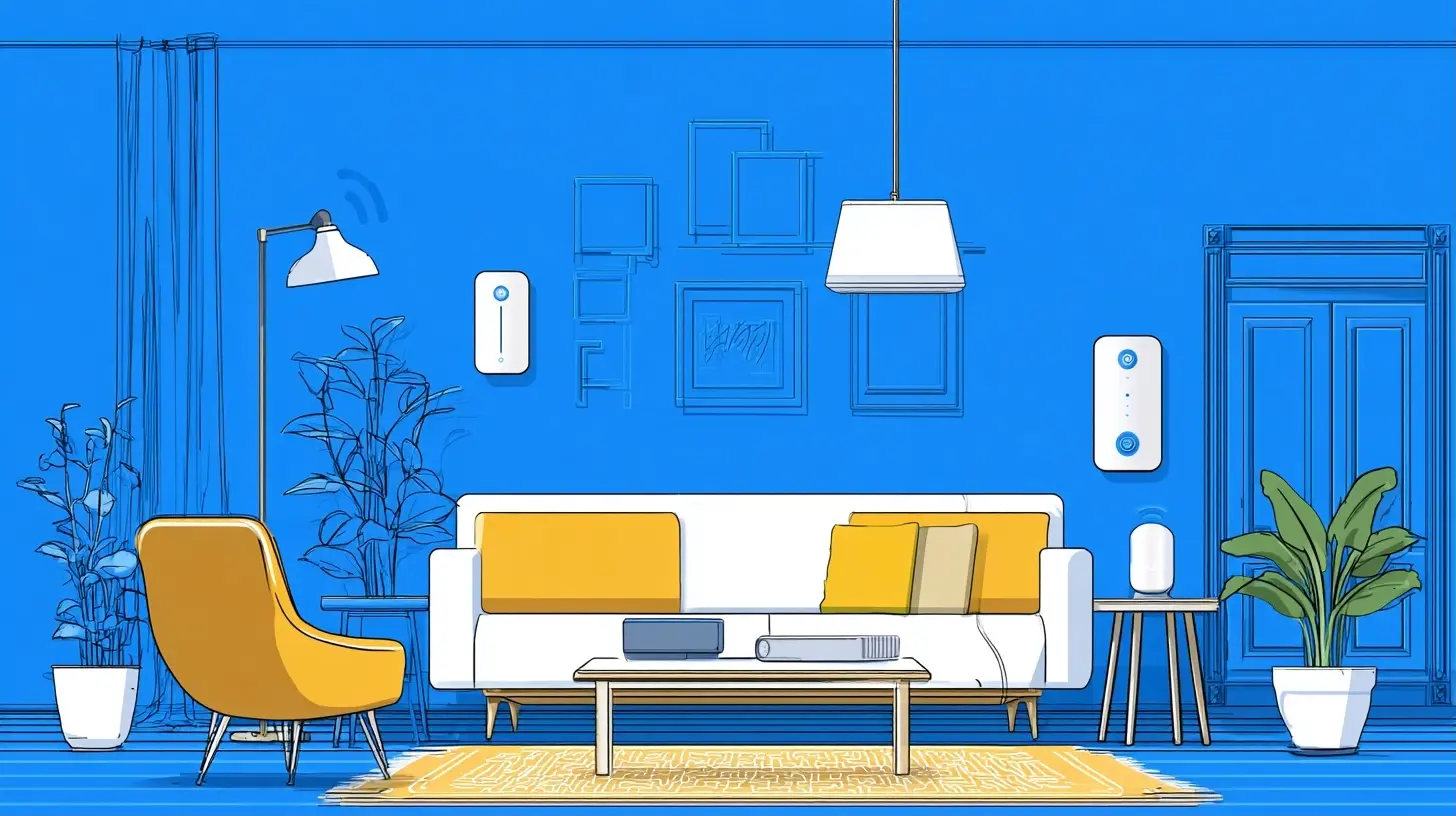
The Renter's Advantage Nobody Talks About
Here is the counterintuitive part. Renters can upgrade their smart home setup faster and cheaper than most homeowners.A homeowner replacing a thermostat hires an electrician, deals with permit questions in some jurisdictions, and commits to a five to ten year relationship with that device. A renter buys a $60 battery-powered thermostat controller, sticks it on the wall next to the existing unit, and takes it to the next apartment. When a better standard arrives in eighteen months, the renter upgrades without sunk cost guilt.
The constraint is not money. It is reversibility. Every purchase decision should pass one test: can I remove this in ten minutes and leave the wall looking like I was never here?
That single question eliminates about 70 percent of the smart home market and clarifies everything else.
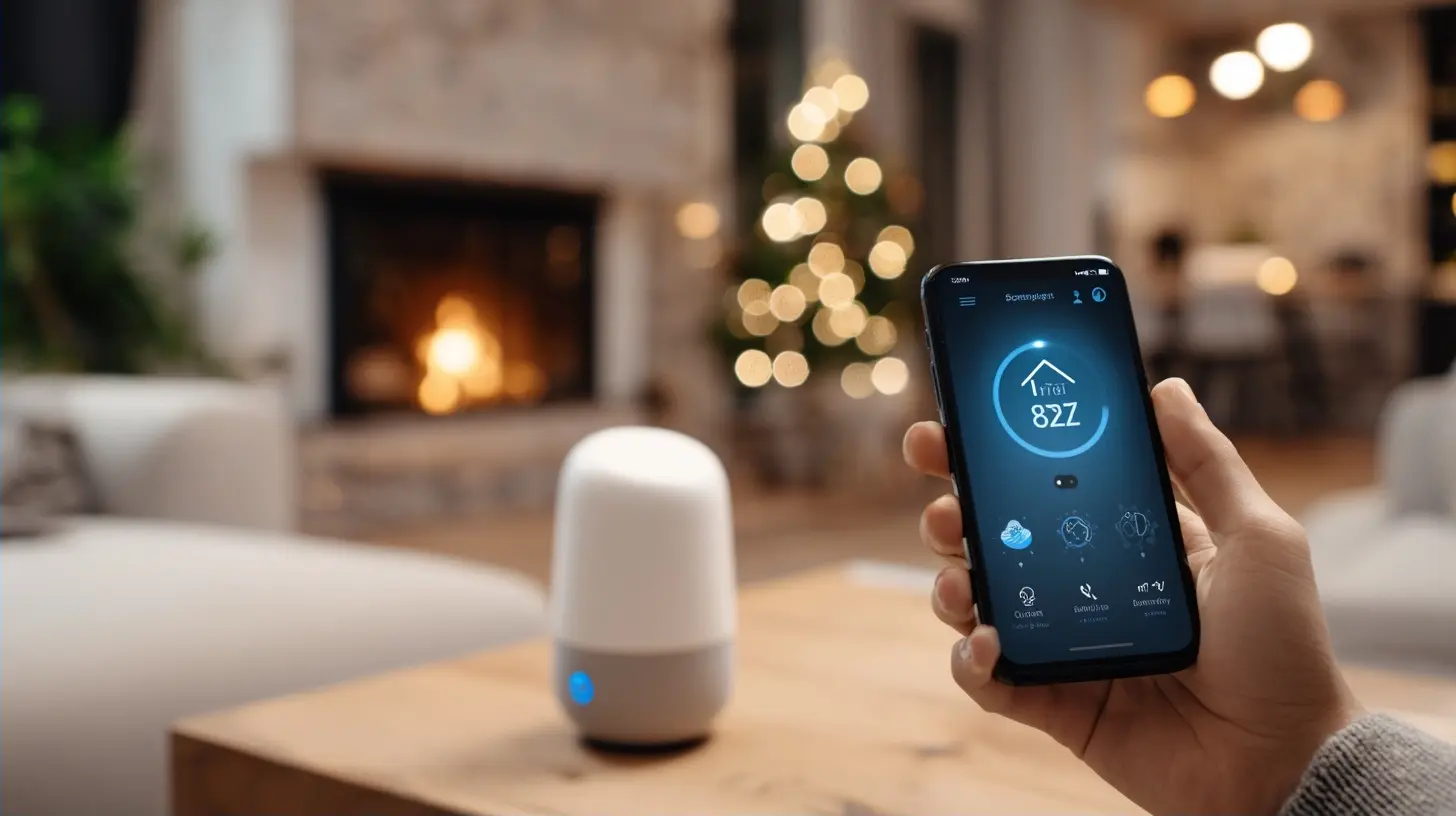
Matter Finally Made Ecosystem Lock-In Irrelevant
For years, the biggest hidden cost of smart home gear was commitment. Buy into one brand's hub and you were stuck. Switch platforms and half your devices became expensive paperweights.Matter, the interoperability standard that rolled out across 2023 and 2024, is now mature enough in 2027 that it genuinely does not matter which voice assistant or hub you prefer. A Matter-certified bulb from one company pairs with a hub from another company and responds to a third company's voice assistant. Thread, the low-power mesh protocol that most battery devices now use, handles the networking layer without clogging your WiFi.
Why this matters for renters specifically: you move more often than homeowners. Every move is a chance to change platforms, switch phone ecosystems, or end up in a building with different WiFi realities. Matter devices survive all of that. Non-Matter devices increasingly do not.
Before buying anything in 2027, check for the Matter logo. If a product does not have it and the manufacturer has not committed to a firmware update, treat it as a two-year purchase at best.
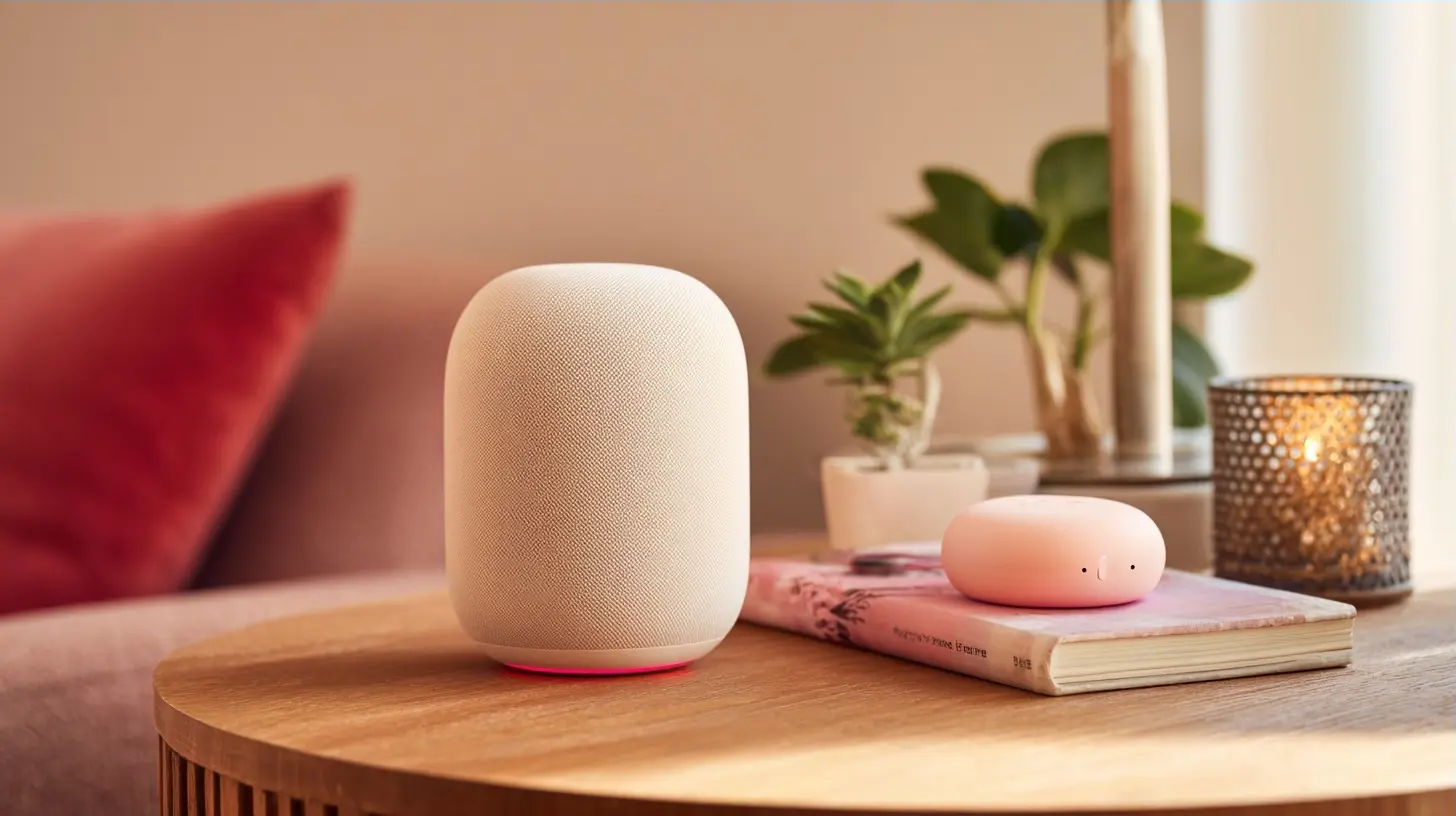
Smart Lighting That Does Not Require an Electrician
Smart Bulbs: Still the Easiest Win
Smart bulbs remain the single best entry point for renters. You unscrew the old bulb, screw in the new one, done. No wiring, no hub required in most cases, and you take them with you when you leave.The trade-off nobody mentions upfront: smart bulbs only work if the physical switch stays on. The moment someone flips the wall switch off, your bulb goes offline. This is the number one source of "my smart lights stopped working" complaints, and it has nothing to do with the bulb.
Solutions range from practical to elegant. The practical option is a switch cover that physically blocks the toggle from being flipped. The elegant option is a battery-powered smart switch mounted over or beside the existing one that controls the bulb wirelessly. Both cost under $25 and both are fully removable.
Smart Plugs for Lamps
If you have a floor lamp, a desk lamp, or any fixture with a physical on/off switch, a smart plug is cheaper than a smart bulb and works with whatever bulb you already own. Plug it in, plug the lamp into it, control the lamp from your phone.Smart plugs shine for renters because they are zero-commitment. They work in any outlet in any apartment in any country with the right plug shape. They also handle non-lighting jobs: space heaters with mechanical switches, holiday lights, fans, coffee makers you want running before you wake up.
One warning worth repeating: never use a smart plug with a device that has an electronic touch control or a physical dial that resets to off when power is cut. It will not work, and you will spend an hour confused.
Light Strips and Ambient Lighting
Adhesive LED strips behind a TV, under kitchen cabinets, or along a headboard are the highest-impact-per-dollar smart lighting purchase available to renters. Modern strips use 3M-style mounting tape that holds firmly for years and peels off cleanly with a little heat from a hair dryer.The mistake most people make is buying the cheapest strip. Cheap adhesive fails within months, and cheap LEDs develop color drift where one section turns slightly greener than the rest. Mid-tier strips from established brands cost maybe $15 more and last three times as long.
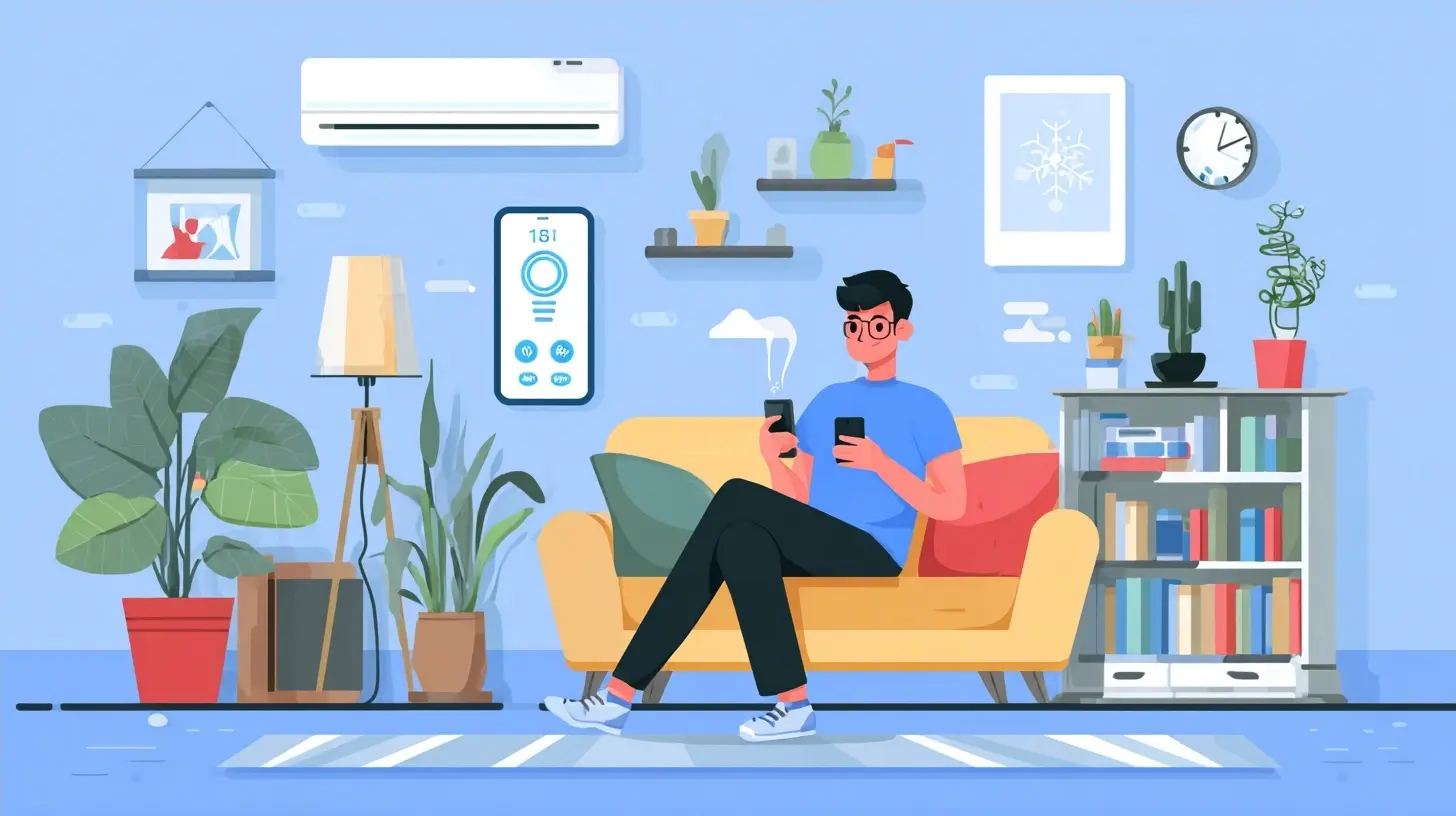
Security Without Drilling Anything
Video Doorbells That Mount Over the Existing One
The renter-friendly video doorbell category exploded once manufacturers figured out they could power a camera from a rechargeable battery and mount it with a bracket that slips over the existing doorbell housing. No wiring, no drilling, and it comes off in seconds.Two real limitations. First, battery life varies wildly based on how much foot traffic your door sees. A quiet suburban apartment might get six months per charge. A busy urban hallway might get six weeks. Second, many apartment buildings have shared entryways where your door is not visible from the street, which reduces the value significantly. Check whether your door faces a space where a camera is actually useful before buying.
Indoor Cameras With Adhesive Mounts
Indoor cameras are the least controversial security device for renters because almost all of them now ship with both a screw mount and a strong adhesive option. The adhesive works fine on painted drywall, tile, and most smooth surfaces.What to actually use them for: pet monitoring, checking on packages if your entryway is inside, keeping an eye on a home office, and general peace of mind when traveling. What not to expect: deterrence. A camera inside your apartment does nothing to stop someone breaking in, because they will not see it until they are already inside.
If deterrence is your goal, a window-mounted camera facing outward or a doorbell camera is more effective.
Smart Locks Without Replacing the Deadbolt
This is the category where renters get the worst advice. Most "renter-friendly smart lock" articles recommend replacing the deadbolt and swapping it back when you move out. That works, but it is technically a modification to the property and some leases prohibit it.The genuinely renter-safe option is a retrofit device that fits over the existing deadbolt's interior thumb turn. It does not touch the lock cylinder, does not change the key, and does not alter anything the landlord owns. You install it in about five minutes with the provided adhesive or a single screw into the existing plate.
These retrofit locks handle the main use cases: letting a dog walker in, giving a cleaner temporary access, unlocking remotely when you are expecting a delivery. They do not change the exterior appearance of the door at all.
Climate and Comfort Gadgets That Pay for Themselves
Smart Thermostat Controllers
If your apartment has a window AC unit or a wall-mounted mini-split with an infrared remote, a smart controller that sits across the room and blasts IR commands is a legitimate upgrade. It learns your schedule, adjusts temperature when you are away, and can save meaningful money on utilities in climates with extreme seasons.If your apartment has central air controlled by a building-wide system, skip this category entirely. You cannot control what you cannot control.
The one thing to verify before buying: does the controller support your specific AC model's IR codes? Most major brands are covered, but obscure or older units sometimes are not. Check the compatibility list, not the marketing copy.
Smart Air Quality Monitors
This is the sleeper category for 2027. Wildfire smoke seasons are longer, urban air quality fluctuates more, and renters often have less control over ventilation than homeowners. A $100 air quality monitor tells you when to run a purifier, when to close windows, and when your cooking is quietly pushing particulate levels into unhealthy territory.Pair it with a smart plug on a standard HEPA purifier and you get automatic air cleaning without buying an expensive all-in-one unit. The monitor triggers the plug, the plug runs the purifier, total cost is often half of a smart purifier with the same cleaning power.
The Kitchen and Small Appliance Layer
Smart kitchen gadgets for renters mostly fall into two buckets: genuinely useful and aggressively pointless.Genuinely useful: smart plugs on coffee makers and kettles so your morning routine starts before you get out of bed. Smart temperature probes for cooking, which work in any oven regardless of whether it is yours. Smart scales that sync recipes to your phone, which sounds gimmicky until you use one for baking.
Aggressively pointless for renters: smart refrigerators, smart ovens, and anything that requires replacing a major appliance. You are not going to move a refrigerator to your next apartment, and your landlord is not going to thank you for swapping one out.
The rule of thumb: if it plugs into a wall and weighs less than 20 pounds, it is fair game. If it needs a dedicated circuit or a delivery truck, skip it.
Common Mistakes Renters Make With Smart Home Gear
Buying before checking the WiFi situation. Older apartment buildings sometimes have concrete walls, crowded 2.4GHz bands, or ISP-provided routers with limited device capacity. Before you buy fifteen devices, test whether your network can handle them. A $40 mesh node often solves this.Ignoring the move-out day problem. Every adhesive mount, every screw, every bracket needs a removal plan. Buy a small kit with adhesive remover, touch-up paint that matches your walls, and spackle. Ten minutes of prep saves a deposit deduction.
Over-automating too fast. The renters who love their smart homes started with two or three devices, lived with them for a month, and expanded based on actual friction points. The renters who hate their smart homes bought twelve devices at once, created a tangle of automations, and got frustrated when the lights did something unexpected at 2 AM.
Assuming all rentals allow cameras. Some leases prohibit cameras in common areas or facing shared hallways. Read your lease, and if it is ambiguous, ask. Getting this wrong is worse than not having the camera.
Forgetting about power. Battery devices are renter-friendly until you are changing twelve batteries every month. Track which devices need charging and when. A simple note in your phone prevents the classic "my doorbell died and I did not notice for two weeks" problem.
What to Buy First, Second, and Third
If you are starting from zero, resist the urge to buy everything at once. Here is a sequence that works for most renters.First purchase: two smart plugs and one smart bulb. Total cost under $50. This teaches you how your network handles smart devices, how the app ecosystem feels, and whether you actually use voice control or prefer your phone. Live with it for two weeks.
Second purchase: a video doorbell or indoor camera, depending on your layout. This is where the value becomes obvious for most people, either for security or for pet and package monitoring.
Third purchase: smart lighting beyond the entry point. Light strips, additional bulbs, a battery-powered switch to solve the wall-switch problem. This is where the setup starts feeling like a real smart home instead of a gadget collection.
Fourth and beyond: climate, air quality, and specialty devices. These are the purchases that benefit from you already understanding your habits and your apartment's quirks.
The Future-Proofing Question
Every renter eventually asks whether they should buy cheap devices now or wait for something better. The answer in 2027 is different than it was in 2020.The core standards are settled. Matter handles interoperability. Thread handles low-power networking. WiFi handles high-bandwidth devices. Voice assistants are mature. The wild west phase is over.
What is still evolving: battery technology, sensor accuracy, and AI-driven automation that predicts what you want instead of waiting for you to ask. Those improvements will make future devices nicer, but they will not make current devices obsolete. A Matter-certified smart plug you buy today will still work in five years.
Buy what solves a real problem now. Upgrade when a specific limitation bothers you. Do not wait for a perfect device that does not exist.
Final Thoughts
The best smart home setup for a renter in 2027 is not the most expensive one or the one with the most devices. It is the one that installs in an afternoon, works with whatever ecosystem you prefer, solves problems you actually have, and disappears without a trace when you move.That constraint, far from being a limitation, is what makes renter smart homes genuinely better than the over-engineered setups homeowners often end up with. You are forced to prioritize. You are forced to buy things that work anywhere. You are forced to stay flexible.
Turns out that is exactly how smart homes should work in the first place.
all images in this post were generated using AI tools
Category:
Tech GadgetsAuthor:

Kira Sanders