The Best Desk Setup Gadgets for the Ultimate Workspace in 2027
30 September 2026
Let's be honest about something. Your desk is probably a disaster. Not because you're lazy, but because the entire desk gadget industry has spent the last decade convincing you that you need seventeen different accessories, most of which do the same thing. Cable organizers that organize cables for three days. Monitor stands that wobble. "Ergonomic" keyboards that feel like typing on a bag of frozen peas.
The year is 2027. The hardware is genuinely better now. But better hardware doesn't automatically mean a better workspace. What matters is understanding why certain gadgets earn their place on your desk and which ones are just expensive clutter with RGB lighting.
This guide cuts through that. No affiliate-driven hype. No "top 10" listicles written by someone who has never actually used a standing desk for eight hours. Just real analysis of what works, what doesn't, and what you should think about before spending money.
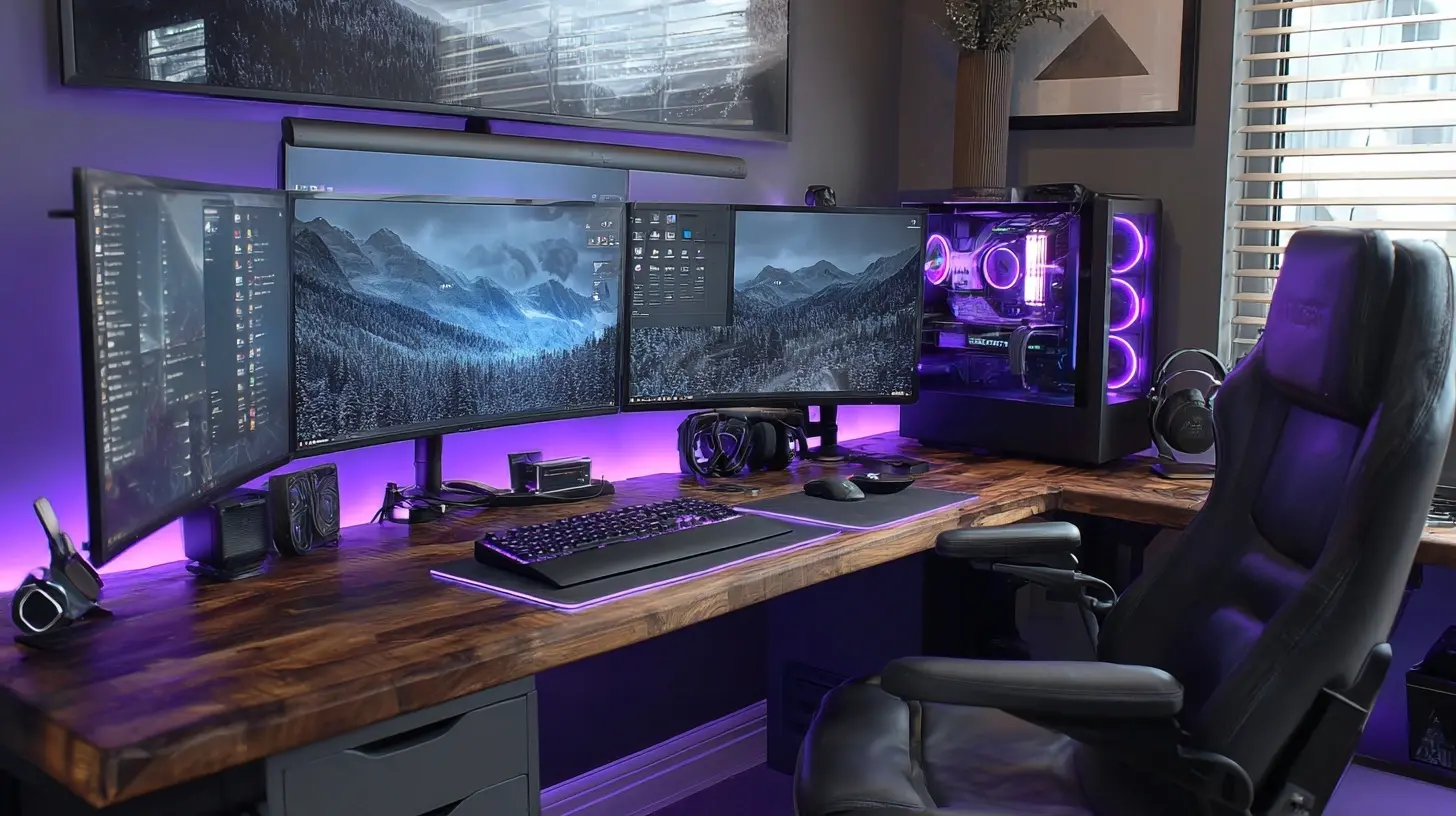
The Core Principle: Your Desk Should Disappear
Here's the thing most people get wrong. They buy gadgets to make their desk feel more impressive. That's backwards.A great workspace disappears. You sit down, and the tools get out of your way. You don't think about your keyboard. You don't fight your monitor. You don't notice the cable situation because there isn't one to notice. Every gadget that demands your attention is a gadget that's failing at its job.
Keep that principle in mind as we go through the categories below. The question isn't "is this cool?" It's "does this remove friction or add it?"
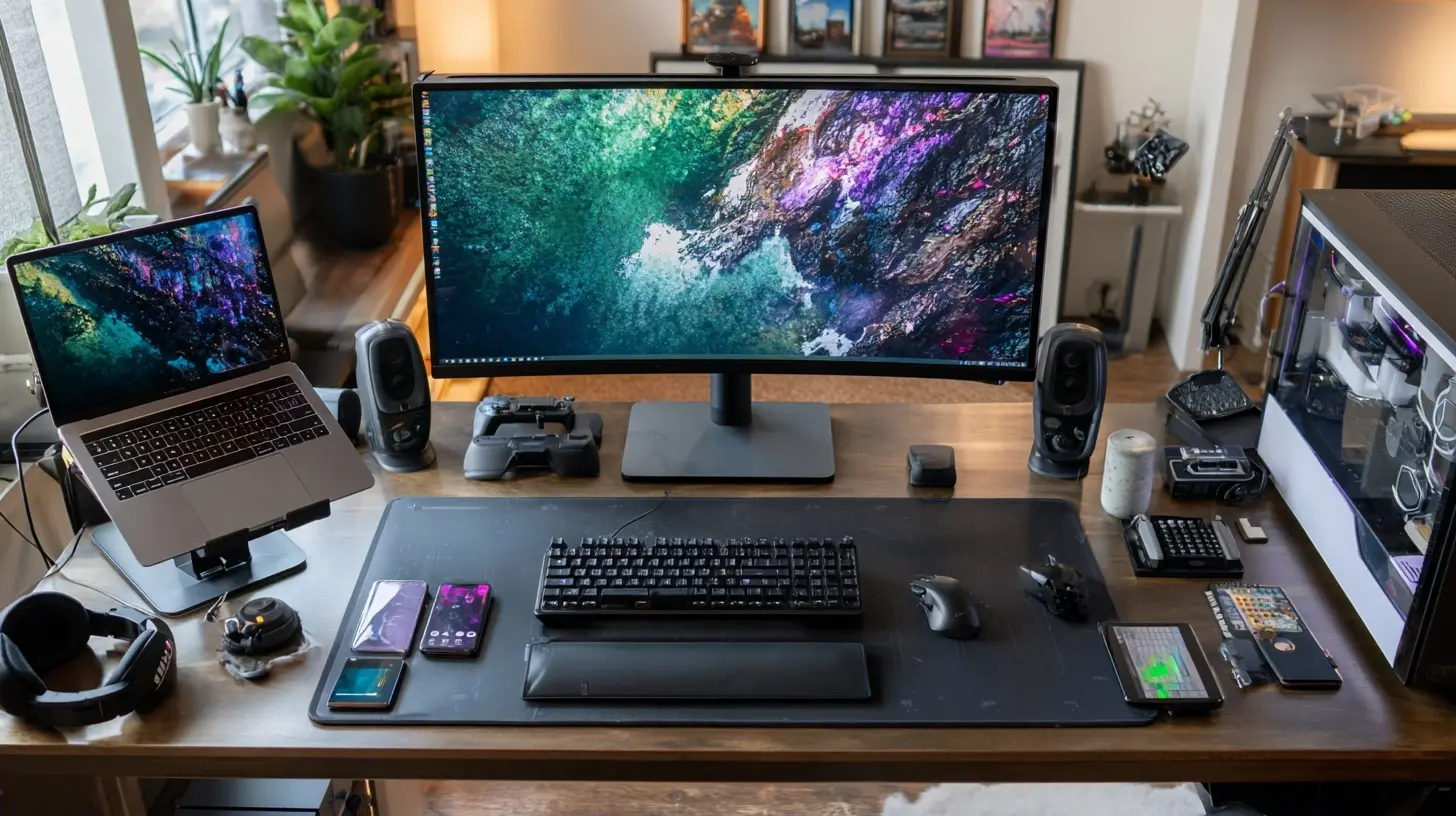
Monitors and Display Hardware
The 5K Sweet Spot
By 2027, 5K monitors have moved from luxury to reasonable default for anyone doing text-heavy work. The reason is simple: pixel density. At 27 inches, 5K gives you around 218 pixels per inch, which is right at the threshold where text looks like ink on paper rather than a grid of glowing rectangles.Why does this matter? Because your eyes spend all day resolving letterforms. At lower densities, your visual system does constant micro-adjustments to interpret text edges. You don't consciously notice it, but you feel it by 3 PM.
The trade-off: 5K at high refresh rates still costs significantly more than 4K. If you game competitively, a 4K 240Hz panel will serve you better than a 5K 60Hz one. If you write code, edit documents, or design interfaces, prioritize resolution over refresh rate.
Ultrawide vs Dual Monitor: The Real Answer
This debate has been settled in practice, but people keep relitigating it.Dual monitors give you a physical bezel that acts as a natural divider between tasks. That sounds trivial until you realize it helps your brain compartmentalize. Code on the left, browser on the right. No ambiguity.
Ultrawides give you a seamless canvas, which is genuinely better for timeline-based work like video editing or audio production. You can see more of your project at once without a visual break in the middle.
The mistake people make is buying an ultrawide to replace dual monitors for general productivity. Then they spend weeks fiddling with window management software to recreate the division they lost. If your workflow is task-switching heavy, dual monitors. If it's timeline or canvas heavy, ultrawide. Don't overthink it beyond that.
Monitor Arms: Buy Once, Cry Once
A cheap monitor arm is worse than the stand that came in the box. It sags. It drifts. You tighten one joint and another loosens. You spend more time adjusting your monitor than using it.A good monitor arm, on the other hand, is one of the highest-value upgrades you can make. It frees desk space, lets you position the screen at actual eye level, and eliminates the neck strain that comes from looking down at a monitor sitting on a stack of textbooks.
Look for arms with gas spring mechanisms rather than friction joints. Gas springs hold position consistently over years. Friction joints degrade. Also check the weight range carefully. An arm rated for 4 to 9 kilograms will not hold a 3 kilogram monitor properly, and it will not hold a 10 kilogram monitor at all.
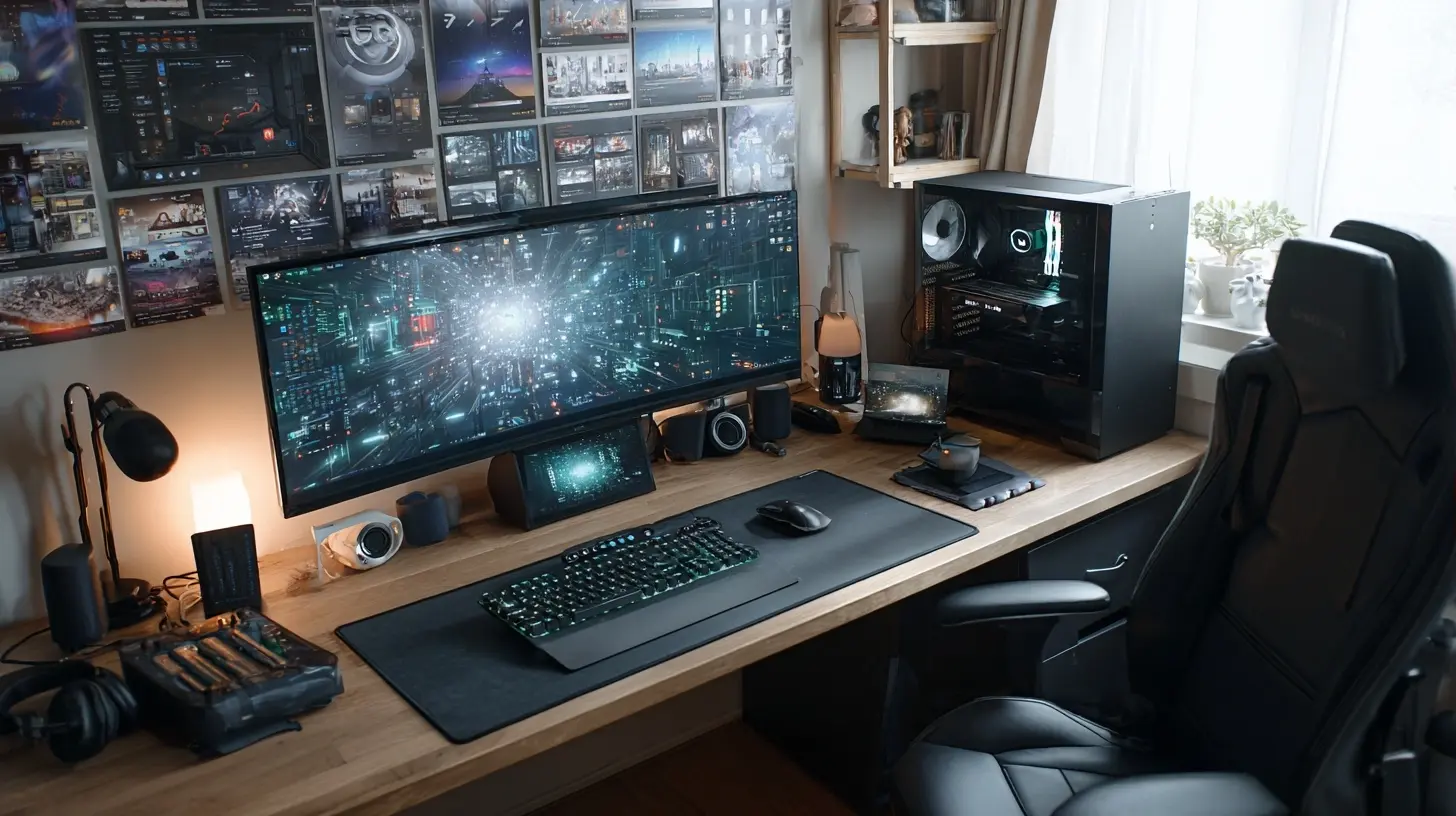
Input Devices
Keyboards: The Rabbit Hole Goes Deep
Mechanical keyboards have been mainstream for years now, but the conversation has matured. The question is no longer "mechanical or membrane?" It's "what layout and switch type actually fits how I work?"Three categories matter in 2027:
Low-profile mechanical. These use switches with shorter travel, usually around 2.5 to 3 millimeters instead of the standard 4. They're faster to type on for most people and take up less desk space. The downside is reduced tactile feedback, which some typists rely on for accuracy.
Standard mechanical. Full 4 millimeter travel, wide switch variety. If you type more than 4 hours a day and you've never tried a proper mechanical keyboard, this is probably where you should start. The tactile bump on something like a brown switch gives you confirmation that a key registered without the noise of a clicky switch.
Split ergonomic. These separate the keyboard into two halves that you position shoulder-width apart. The learning curve is real, usually two to four weeks of reduced typing speed. But if you're experiencing wrist or shoulder discomfort, the geometry makes a genuine difference. Your wrists stay in a neutral position instead of angling inward.
A common mistake: buying an expensive keyboard with exotic switches before you know what you like. Start with a hot-swappable board. That way you can try different switch types without buying a new keyboard each time.
Mice and Trackballs and Trackpads, Oh My
The mouse market has consolidated around a few genuinely good options, which is refreshing. But the bigger question is whether you should be using a mouse at all.If you do precision work in design software, a mouse with a high-quality sensor and low click latency is the right call. Look for something with a comfortable shape for your grip style. Palm grip, claw grip, and fingertip grip all need different mouse shapes, and using the wrong one causes strain over time.
If you do a lot of scrolling through documents or code, a trackball is worth considering. Your thumb or fingers stay in one place while your hand doesn't move at all. It sounds weird for the first week. Then you wonder why you ever moved your whole arm to move a cursor.
Vertical mice deserve a mention too. They rotate your hand into a handshake position, which reduces forearm pronation. Whether that actually prevents injury is debated, but many people report reduced discomfort. If you have wrist pain, it's worth trying before jumping to more drastic solutions.
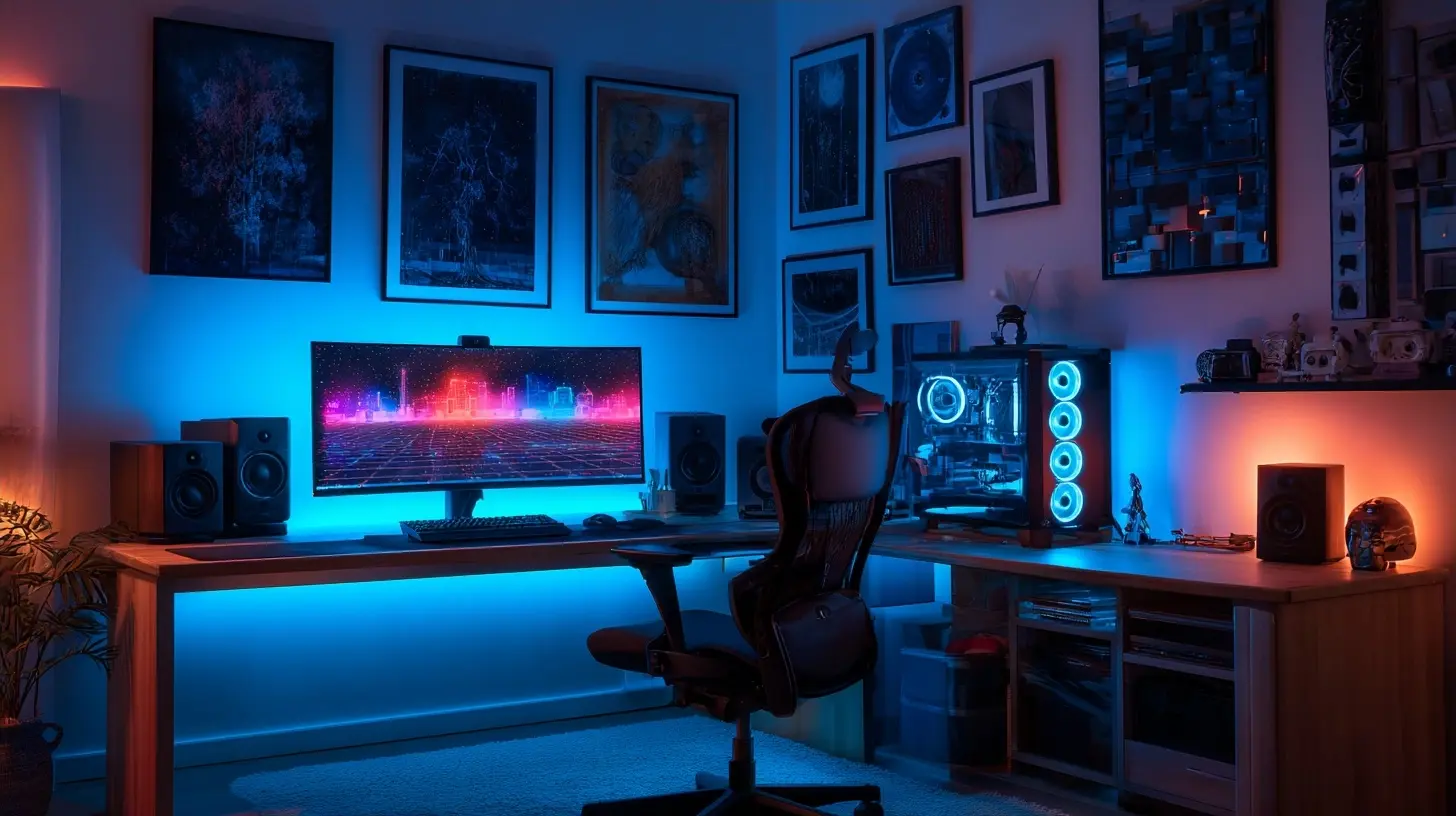
Audio
Headphones vs Speakers: You Probably Want Both
Headphones isolate. Speakers fill a room. These are different jobs.For headphones in 2027, the wireless vs wired debate has mostly resolved. Wireless is fine for casual listening and calls. For anything where latency matters, like music production or competitive gaming, wired still wins. Bluetooth codecs have improved, but physics is physics.
Open-back headphones deserve more attention than they get. They let air move through the ear cups, which reduces the pressure buildup that makes your ears feel fatigued after a few hours. The trade-off is sound leakage. Everyone around you hears what you hear. In a private office, that's fine. In a shared space, it's a problem.
For speakers, the biggest mistake is buying cheap ones and placing them badly. A pair of mid-range speakers positioned correctly will outperform expensive speakers shoved against a wall. Speakers need space to breathe. Tweeters should be at ear level. The distance between speakers and your head should form roughly an equilateral triangle.
Microphones: Clarity Over Everything
If you spend any time on video calls, your microphone matters more than your camera. People forgive grainy video. They do not forgive audio that sounds like you're calling from inside a washing machine.A dynamic microphone is usually the better choice for untreated rooms. It picks up less room reflection and background noise than a condenser. You have to sit closer to it, but that's a small price for not sounding like you're in a bathroom.
USB microphones have gotten genuinely good. The gap between USB and XLR in terms of audio quality has narrowed considerably. XLR still wins for flexibility and long-term upgrade paths, but if you just want to sound clear on Zoom calls, a decent USB dynamic mic is all you need.
Desk Furniture and Organization
Standing Desks: The Honest Assessment
Standing desks are not magic. The research on their health benefits is more nuanced than the marketing suggests. Standing all day is not better than sitting all day. It's just a different set of problems.What standing desks actually do well is enable movement. The value is in the transition, not the destination. Sitting for 45 minutes, standing for 15, then sitting again keeps your body from locking into any single position for too long.
If you buy one, prioritize stability at standing height. A wobbly desk is unusable when raised. Dual-motor designs handle weight better than single-motor. And check the height range carefully. If you're taller than about 190 centimeters, many desks won't go high enough for proper standing ergonomics.
Cable Management: The Unglamorous Hero
Nobody wants to think about cable management. Everybody benefits from it.The goal isn't perfection. It's reducing visual noise and preventing the specific frustration of crawling under your desk to figure out which cable came loose.
A simple system works better than an elaborate one. Adhesive cable clips along the back edge of the desk. A cable tray underneath to catch the slack. Velcro ties instead of zip ties, because you will need to change things eventually. That's it. You don't need a custom wiring harness.
The most common mistake is routing cables before you've finalized your layout. Move everything into position first. Use the setup for a week. Then commit to cable management once you know nothing is moving.
Lighting
Bias Lighting: Small Change, Big Difference
A light strip behind your monitor, aimed at the wall, reduces the contrast between the bright screen and the dark wall behind it. Your eyes don't have to constantly adjust between two very different brightness levels. The result is less fatigue over long sessions.This is one of those upgrades that sounds like nonsense until you try it. Then you notice its absence immediately.
Desk Lamps: Task Lighting Done Right
A good desk lamp does one thing: puts light where you need it without putting it where you don't. Adjustable arm, focused beam, warm color temperature for evening work.Avoid lamps that illuminate the entire room. That's what ceiling lights are for. Your desk lamp should light your work surface and nothing else.
Power and Connectivity
Docks and Hubs: Match Your Ports to Your Life
The ideal dock has exactly the ports you use and no more. Every extra port is a potential point of failure and a reason the dock costs more.Count your actual devices. Monitor, keyboard, mouse, webcam, microphone, external drive, phone charger. That's seven connections. If your laptop has four ports and you need seven, you need a dock with at least three extra ports plus pass-through charging.
Thunderbolt docks cost more but handle everything through a single cable. USB-C docks are cheaper but sometimes share bandwidth in ways that cause problems. If you're running a 5K monitor at high refresh rate plus multiple USB devices, Thunderbolt is the safer bet.
Wireless Charging: Convenient, Not Essential
A wireless charging pad on your desk is genuinely nice for your phone. It's also a source of mild frustration when your phone isn't perfectly aligned and charges at half speed all night.If you get one, get one with a magnet array that snaps the phone into the right position. Otherwise you'll spend more time adjusting your phone than you saved by not plugging in a cable.
The Stuff You Should Skip
Not every gadget deserves a spot. Here's what to avoid.Smart desks with built-in screens. You will use the screen for a month. Then it becomes an expensive clock.
RGB everything. Lighting that doesn't serve a functional purpose is visual noise. A little accent lighting is fine. A desk that looks like a carnival ride is not.
Ergonomic accessories you don't need yet. Wrist rests, footrests, and lumbar pillows solve specific problems. If you don't have those problems, they create new ones by forcing your body into positions it doesn't need.
Cable management boxes that hide a mess instead of organizing it. If your cables are tangled inside a box, they're still tangled. You just can't see it.
Putting It Together
The best desk setup in 2027 isn't the most expensive one. It's the one where every item earns its place by removing friction.Start with the fundamentals: a monitor at the right height, a keyboard and mouse that fit your hands, audio that doesn't make you wince. Add lighting and cable management once the basics are solid. Consider standing desks and ergonomic peripherals only if you have specific needs they address.
And remember: your setup will change. Your job will change. Your body will change. Build a desk that's easy to adjust rather than one that's optimized for a version of you that won't exist in two years.
The gadget industry wants you to believe the next purchase is the one that finally completes your workspace. It isn't. The best workspace is the one you stop thinking about because everything just works.
all images in this post were generated using AI tools
Category:
Tech GadgetsAuthor:

Kira Sanders