Tech-Savvy Parenting: Managing Screen Time and Safety Tools
26 October 2026
Let me start with a confession that every parent reading this will recognize. I have handed a tablet to a screaming toddler in a restaurant bathroom just to buy ninety seconds of peace. I have also, in the same week, delivered a stern lecture about screen addiction. Both things are true. That contradiction lives in every household with a Wi-Fi router, and pretending otherwise is how parenting advice loses its audience.
The screen time conversation has been stuck for years between two useless poles. On one side, the doom prophets who talk about screens the way nineteenth-century doctors talked about miasma. On the other, the tech optimists who insist that an iPad is basically a Montessori school with a battery. Neither camp helps you at 7:15 on a Tuesday morning when your eight-year-old has discovered autoplay and you have a meeting in twelve minutes.
What actually helps is treating screens and safety tools the way you treat any other part of parenting: as an engineering problem with trade-offs, failure modes, and no perfect solution. That is what this article is about. Not rules handed down from on high, but a working model you can adapt to your own house, your own kids, and your own tolerance for chaos.

Why the Screen Time Debate Keeps Going in Circles
The fundamental problem with most screen time advice is that it treats "screen time" as a single substance, like sugar. It is not. A video call with a grandparent, a two-hour Minecraft build with a friend, a doom-scrolling session on short-form video, and a homework session on a school portal are all "screen time" in the same way that eating a salad and eating a bag of chips are both "eating."The research landscape reflects this mess. Studies on screen time and child development often produce contradictory results, and the honest reading is that context matters enormously: what the child is doing, whether anyone is co-engaging, whether the content is designed to be consumed passively or actively, and what the screen is displacing. A kid who spends two hours building redstone contraptions in Minecraft is doing something meaningfully different from a kid who spends two hours watching an algorithm feed them short videos. The duration is the same. The experience is not.
So the first mental shift is this: stop measuring minutes and start measuring modes. Ask what the screen is replacing. If screen time is replacing boredom, that is usually fine, because boredom is cheap and screens are not the enemy of imagination so much as its loudest competitor. If screen time is replacing sleep, physical movement, face-to-face friendship, or family meals, that is the signal worth acting on.
The second shift is to accept that your rules will be inconsistent and that this is okay. Kids are not spreadsheets. A rule that works for a seven-year-old will be absurd for a twelve-year-old, and the same twelve-year-old will need different rules on a sick day than on a school night. Rigidity feels principled but usually just teaches kids to game the system. Consistency of values matters more than consistency of minutes.

The Age Question: What Actually Changes as Kids Grow
Screen guidance by age is where a lot of advice goes wrong, because it treats developmental stages as if they were uniform. They are not. Two nine-year-olds can be worlds apart in maturity, impulse control, and social awareness. That said, there are real developmental fault lines worth knowing about, because they explain why certain tools and rules stop working.Toddlers and Preschoolers
For kids under about five, the dominant issue is not content quality so much as displacement and co-viewing. Very young children learn language and social behavior primarily through interaction with humans, and passive video is a poor substitute. This does not mean screens are poison. It means the value of screen time for a toddler is almost entirely determined by whether an adult is present, narrating, pausing, and turning it into a shared activity. A parent watching a slow-paced show with a three-year-old and asking questions is doing something fundamentally different from parking the child in front of a tablet.The practical implication: for this age group, the tooling question is almost irrelevant. Parental controls exist, but the real control is you, sitting there. If you cannot sit there, the goal is to minimize solo screen time rather than to optimize it with software.
Early Elementary
Around six to nine, kids start wanting independence and start noticing that their friends have different rules. This is where the first real negotiations happen, and where parents often make the mistake of treating screen time as a reward currency. The reward framing backfires because it inflates the value of screens. Anything you dangle as a prize becomes more desirable, which is the opposite of what you want.A better frame at this age is routine-based rather than reward-based. Screens fit into predictable slots, the same way meals and bedtime do. "Screen time is after homework and before dinner" is a rule a seven-year-old can internalize without it becoming a bargaining chip.
Tweens
Ten to twelve is the inflection point, and it is where most parental control setups start to break. Tweens are socially motivated, technically curious, and increasingly private. They will figure out how to bypass restrictions, not necessarily out of defiance but out of a completely normal drive to have a life that is not entirely surveilled.This is the age to shift from control to coaching. The goal is not to build an impermeable wall but to build a kid who can recognize a sketchy link, a manipulative notification, or a stranger being weird. You will not be there for every moment, and pretending otherwise produces kids who are excellent at hiding things and terrible at handling them.
Teenagers
By thirteen and up, heavy-handed monitoring tends to produce conflict and evasion rather than safety. That does not mean you abdicate. It means the tools change from surveillance to transparency, and the conversations change from rules to judgment. Teens respond better to "here is why this app is designed to keep you scrolling" than to "you have thirty minutes."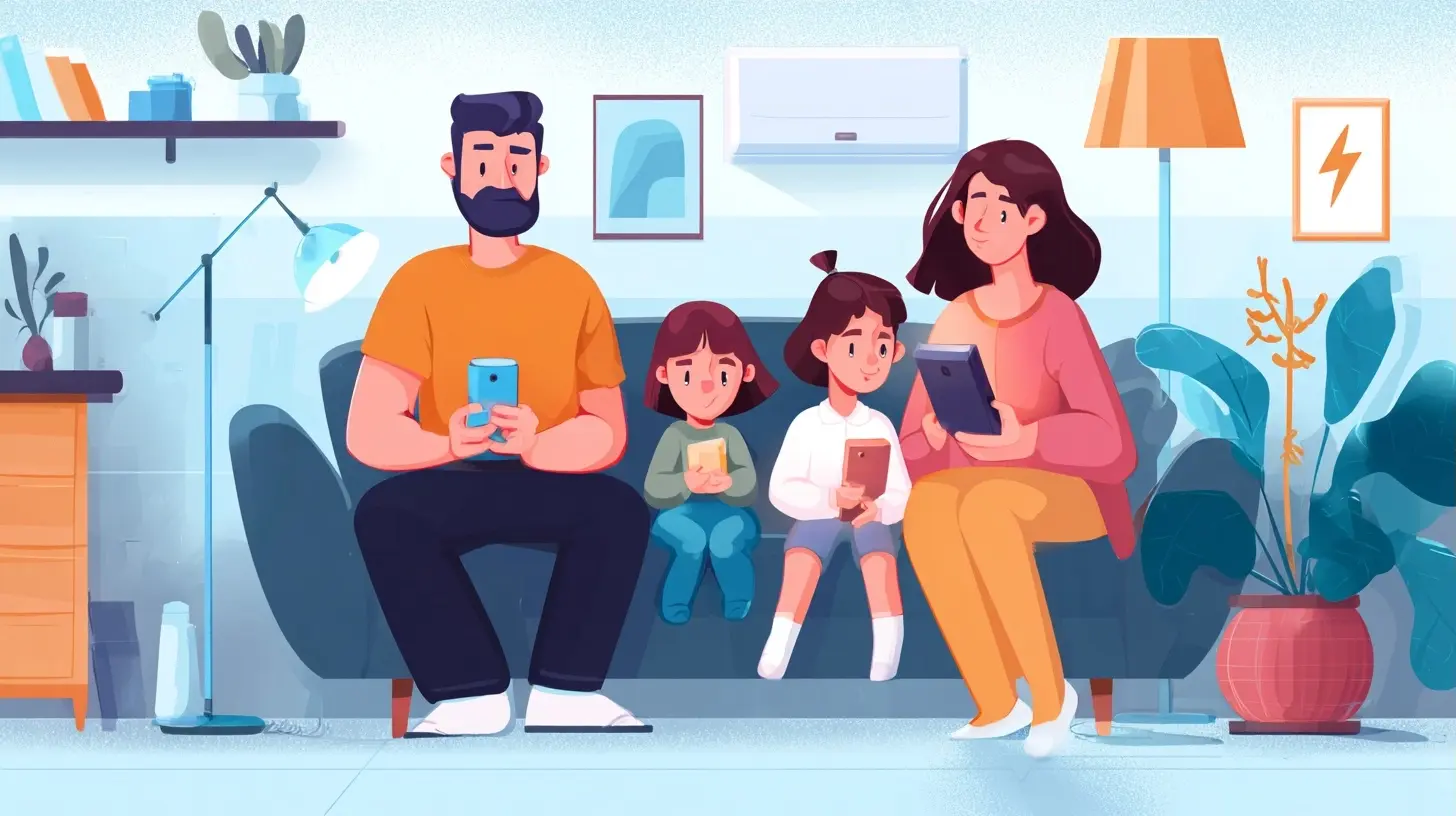
Safety Tools: What They Actually Do and Where They Fail
Now let us talk about the software, because this is where parents spend a lot of money and get a lot of false confidence. Parental control tools fall into a few broad categories, and each has real strengths and real limits.Device-Level Controls
These are the built-in tools: Apple's Screen Time, Google Family Link, Microsoft Family Safety, and similar systems baked into phones, tablets, and computers. Their big advantage is that they are free, they integrate deeply with the operating system, and they cover everything on the device, not just specific apps.Their weakness is that they are blunt instruments. Time limits apply to categories, and category assignment is often wrong. An educational app can get lumped into "entertainment." A messaging app your kid needs for a group project can get blocked at the worst moment. And the bypasses are well documented: kids share tricks with each other the way they share cheat codes, and a determined ten-year-old with a YouTube search bar can usually find a workaround.
That is not a reason to skip them. It is a reason to treat them as speed bumps rather than walls. A speed bump does not stop a car. It makes the driver slow down and think. For most families, that is the realistic goal.
Router-Level and Network Controls
Controlling the home network is a genuinely useful layer that many parents overlook. Tools that filter at the router level apply to every device on the network, which means your kid cannot bypass them by switching devices or using a guest profile. They also give you a single dashboard for the whole house.The trade-off is that router-level tools are terrible at nuance. They block by category or domain, which means they will occasionally block a legitimate site and occasionally miss a bad one. And of course they do nothing once the device leaves the house and connects to cellular data. If your kid has a phone with a data plan, network controls cover maybe half their life.
App-Level and Content Filters
Many apps have their own parental settings, and some dedicated filtering apps do deeper content analysis than device controls. These can be useful for specific concerns, like filtering explicit content in a browser or limiting in-app purchases. The catch is that they add complexity. Every additional tool is another thing to configure, another thing to update, and another thing that can break silently and leave you thinking you are protected when you are not.A rule of thumb: run fewer tools, configured well, than many tools configured badly. One well-understood device control plus a conversation beats five overlapping apps nobody in the house understands.
Monitoring Versus Filtering
This distinction matters and parents often blur it. Filtering blocks content before it arrives. Monitoring records what happened and reports it to you after the fact. Filtering is preventive; monitoring is investigative.Monitoring tools have a real place, especially for younger kids or for a specific concern that has already surfaced. But they carry a heavy relational cost. A kid who discovers that every message is being logged tends to respond in one of two ways: they stop using the monitored channel and move to one you do not know about, or they internalize that they are not trusted. Neither outcome is what you wanted. Use monitoring as a temporary, disclosed measure with a clear end point, not as a permanent surveillance state.

The Bypass Problem, and Why It Is Not the Whole Story
Every parent eventually discovers that their kid has outsmarted the controls. This feels like a failure. It usually is not. It is a normal developmental event, roughly equivalent to a kid learning to climb out of the crib.The important question is not "how do I make the controls unbypassable" because the answer is "you cannot, not really, not against a motivated kid with access to the internet." The important question is "what happens when my kid encounters something the controls did not catch?" That is where the real safety lives, in the kid's judgment, not in the software.
This is why the families who handle screens best tend to have a standing rule that is not about punishment: if you see something weird, upsetting, or confusing, you can tell me without getting in trouble. Kids who believe that rule will report things. Kids who fear the consequences will hide them, and hiding is where real harm happens.
Practical Setup: A Working Model You Can Actually Run
Enough theory. Here is a setup that works for a lot of families, with the reasoning attached so you can adapt it.Step 1: Map the actual devices and accounts
Before touching any settings, write down every device, who uses it, and what accounts exist. You will be surprised how many you forget. The school-issued Chromebook. The old phone in a drawer. The smart TV that has a browser nobody remembers. The kid's account on your own phone. You cannot manage what you have not inventoried.Step 2: Decide your non-negotiables
Pick two or three things that genuinely matter to your family and let the rest go. Common non-negotiables: no devices in bedrooms overnight, no screens during meals, no social media before a certain age. The small number is the point. A short list you actually enforce beats a long list you abandon by Thursday.Step 3: Configure device controls with a bias toward simplicity
Set up the built-in controls on each device. Use time limits for categories you actually care about, not everything. Set a bedtime that shuts down the device. Turn on content restrictions for the app store and browser. Then stop. Resist the urge to add five more layers.Step 4: Add network-level filtering if you have the patience
If your router supports it, set up basic content filtering at the network level. This is especially valuable for younger kids and for shared devices. Do not expect it to be perfect. Expect it to catch the obvious stuff.Step 5: Tell your kids what you did and why
This step gets skipped constantly and it is the most important one. Controls that are secret feel like betrayal when discovered. Controls that are explained feel like care. "I set up limits because I want you to sleep and I do not trust the app designers to have your best interests at heart" is a sentence a kid can respect, even if they do not like it.Step 6: Schedule a review
Set a calendar reminder for every few months to revisit the setup. Kids grow. Rules that fit a nine-year-old will be absurd for an eleven-year-old. A scheduled review prevents the slow drift into either total lockdown or total abandonment.
Common Mistakes That Undermine Everything
A few patterns show up over and over, and they are worth naming directly.Using screens as the default reward and punishment. This inflates the value of screens and turns every behavioral issue into a screen negotiation. It also teaches kids that screens are the most valuable thing in the house, which is exactly the message you are trying to avoid.
Setting rules you do not follow yourself. Kids notice hypocrisy with a precision that is almost supernatural. If the rule is no phones at dinner and you are checking email under the table, the rule is dead. You do not have to be perfect, but you do have to be visibly trying.
Buying every tool and configuring none of them. A household with six parental control apps and no coherent policy is less safe than a household with one tool and a clear rule. Complexity creates gaps.
Treating bypass as a crime. If your kid finds a workaround, the productive response is curiosity, not punishment. Ask how they did it. Ask why. You will learn more about your kid in that conversation than in a month of monitoring reports.
Ignoring the social dimension. For tweens and teens, the screen is often the social lifeline. Cutting it off entirely can isolate a kid in ways that are genuinely harmful. The goal is not less connection; it is better connection.
What Good Looks Like in Practice
A family that handles this well does not look like a family with perfect rules. It looks like a family where screens are a normal part of life with normal boundaries, where the kid knows the rules and mostly follows them, where bypasses happen and get discussed, and where the parent is not spending every evening policing minutes.It also looks like a family that has accepted a hard truth: you cannot control everything, and the attempt to control everything tends to backfire. What you can do is build a kid with judgment, keep the lines of communication open, and use tools as support rather than as a substitute for presence.
That is less satisfying than a checklist. It is also the only approach that survives contact with a real child.
all images in this post were generated using AI tools
Category:
Technology GuidesAuthor:

Kira Sanders