Is Liquid Cooling Worth It for Your Gaming PC?
14 April 2026
So, you’ve built (or plan to build) your dream gaming rig. You’ve got that beastly GPU, a powerful CPU, RGB lighting that can land a plane, and of course—a case that screams, “I mean business.” But now you’re staring down one burning question: _Is liquid cooling worth it for your gaming PC?_
Well, buckle up buttercup, because we’re diving headfirst into the cool, refreshing world of liquid cooling—and whether it’s just hype, flex fuel, or a real performance booster for your setup.
First Things First: What the Heck Is Liquid Cooling?
For the uninitiated, liquid cooling (aka water cooling) is exactly what it sounds like. Instead of using fans to cool your CPU or GPU, it uses—yep, you guessed it—liquid.Here’s a quick breakdown: A pump pushes coolant through a loop that includes a water block (attached to your CPU or GPU), tubing, and a radiator. The coolant absorbs heat from the component, then transfers it to the radiator where it’s cooled off (with the help of some fans), and then the cycle repeats.
Sounds fancy? It is. And it looks cool as hell. But let’s not get ahead of ourselves.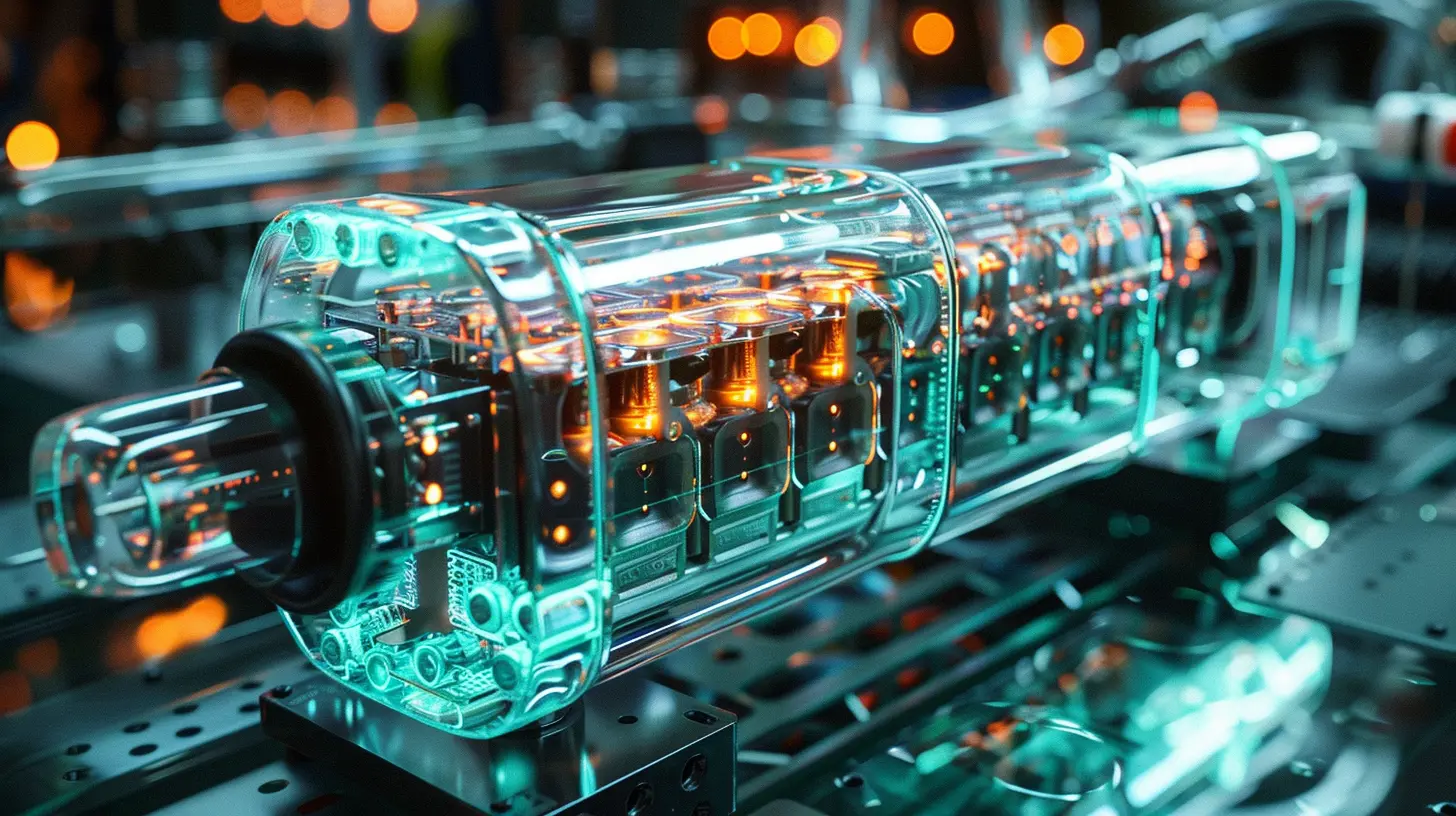
Air Cooling vs. Liquid Cooling: The Showdown
Let’s pit these two cooling giants against each other. It’s like Batman vs. Ironman—with thermal paste.🌬️ Air Cooling – The OG
Air coolers have been around forever. They’re simple, affordable, and efficient for most gaming needs. You’ve got a heat sink and a fan, and that’s about it. Less can go wrong, and honestly, they do the job unless you're trying to cook eggs on your CPU.💦 Liquid Cooling – The Cool Kid
Liquid cooling is the flashy new kid on the block—offering better thermals, quieter operation, and some serious aesthetic swagger. But with great power comes great... well, complexity. And cost. And the potential for leaks (yikes).So how do you decide? Let’s break it down.
The Pros of Liquid Cooling (a.k.a Why So Many Gamers Swear By It)
1. Better Cooling Performance
Let’s not beat around the silicon. Liquid cooling is superior when it comes to raw thermal performance. If you’re running a top-tier CPU like the Intel Core i9 or AMD Ryzen 9, or if you’re dabbling in overclocking territory—you’re gonna need something more powerful than traditional fans.🔥 Your CPU under pressure = sauna.
💧 Liquid cooling = ice bath.
That’s the level we’re talking.
2. Whisper-Quiet Operation
Ever try to sneak in a late-night gaming session, and your PC sounds like it’s prepping for takeoff? With liquid cooling, those days are mostly gone. Radiators dissipate heat more efficiently, so your fans don’t have to spin like crazy. Less noise means more immersive gameplay—and fewer dirty looks if you’re gaming past bedtime.3. Aesthetics On Point
Let’s be real—part of building a gaming PC is flexing. And nothing screams “I’m serious about my frames” like a glowing liquid cooling loop or a sleek all-in-one (AIO) that looks straight outta Tony Stark’s lab.RGB-lit tubes? Custom coolant colors? Clear reservoirs that show off circulation like a lava lamp? That’s eye candy for days, my friend.
4. More Headroom for Overclocking
For the adrenaline junkies out there tweaking voltages and pushing clocks, liquid cooling gives you that temperature cushion you need. More efficient cooling = more thermal headroom. That could translate to better gaming performance and higher frame rates—especially in CPU-bound games.
The Cons of Liquid Cooling (Yep, There Are a Few)
1. Cha-Ching! It Ain’t Cheap
You knew this was coming. Liquid cooling solutions—especially custom loops—can get expensive fast. Even AIOs (all-in-one coolers) are pricier than entry-level air coolers.If you’re already shelling out for a high-end GPU, SSDs, and a monitor that breaks the 144Hz sound barrier, this could tilt your budget over the edge.
2. Installation Can Be a Pain
Building a regular PC is already a puzzle. Add tubes, a pump, coolant, and cable management gymnastics, and you’ve got yourself a build that’s not for the faint of heart.Even AIOs, which are easier to install than full custom loops, still require a bit more finesse than slapping on an air cooler.
3. Maintenance is a Thing
Air coolers? Just clean the fan every few months and you’re golden.Liquid coolers? You might have to check for clogs, top off coolant, monitor temps closely, and pray to the PC gods that you detect a leak before it turns into a flood.
Custom loops can be high-maintenance divas. Gorgeous, but needy.
4. Risk of Leakage
It’s rare, but it happens. A tiny leak can spell disaster for your mobo, GPU, RAM, and pretty much the whole shebang. Quality AIOs are well-sealed, but if you’re going the full DIY route, you’ve got to know your stuff—or be ready to learn the hard way.So... Is Liquid Cooling Actually Worth It?
Alright, let’s cut through the fog.Liquid cooling is worth it if:
- You're running high-performance hardware (hello Ryzen 9, i9, RTX 4090, etc.)
- You’re planning to overclock
- Noise drives you nuts
- You want your rig to look like it belongs in a sci-fi movie
- You love to tinker, maintain, and optimize your system
Liquid cooling is probably overkill if:
- You’re gaming casually or on mid-range hardware
- Budget is tighter than your cable management
- You value simplicity and reliability
- You don’t care what the inside of your case looks like
Bottom line? It's about your goals, your budget, and your tech comfort level.
Still Not Sure? Here’s a Quick Checklist
Ask yourself:- Am I experiencing high temps or thermal throttling?
- Am I aiming for silence during gaming sessions?
- Do I want to show off my build online or at LAN parties?
- Do I have the patience (and guts) to do ongoing maintenance?
- Is my PC case even compatible with radiators or custom loops?
If you answered “yes” to most of those, then congrats: you’re liquid cooling material.
AIO vs. Custom Loop: Which One’s for You?
So you’ve decided to take the plunge. Sweet. But now we’ve got another fork in the road:🤖 AIO (All-in-One Coolers)
These are pre-built liquid cooling systems that come sealed and ready to install. Brands like Corsair, NZXT, and Cooler Master have some solid options.Pros:
- Easier to install
- Less risk of leaks
- Lower maintenance
Cons:
- Less customizable
- Can still be pricier than air coolers
🛠️ Custom Loop
This is the tech enthusiast’s playground. Every part—from the reservoir to the tubing—is chosen and assembled by you. The customization level? Through the roof.Pros:
- Max cooling performance
- Show-stopping aesthetics
- Full control over components
Cons:
- Higher cost (seriously, it can get wild)
- Steep learning curve
- Time-consuming maintenance
Liquid Cooling on a Budget: Can You Do It?
Absolutely, but manage your expectations. If you’re not chasing insane overclocks or 4K ultra gaming on triple monitors, a 120mm or 240mm AIO can give you good temps and decent visuals without raiding your life savings.Keep an eye out for deals, seasonal discounts, and refurbished units from trusted retailers. Also—don’t shell out for a custom loop unless you’re really committed. It’s like buying a Ferrari when all you need is a Camry.
What About GPU Liquid Cooling?
Ah yes, the magma-hot graphics card. Some GPUs come with integrated liquid cooling (like hybrid models), but for most users, air-cooled GPUs are fine. If you do want to liquid cool your GPU, be warned—it’s a whole new level of commitment and $$$.GPU blocks, extra radiators, and fittings add cost and complexity. But if you're into 4K ultra gaming or running demanding workloads (hello, content creators), it might be worth it.
Conclusion: Cool or Fool?
If you're a gamer who values performance, aesthetics, and hates noisy fans, liquid cooling might just be the upgrade you've been dreaming of. But if you're on a budget, want something maintenance-free, or don't plan on pushing your rig to the thermal limit, air cooling still absolutely holds its ground.Ultimately? It’s your PC, your rules.
So whether you go with a frosty liquid setup or stick with good ol’ air, just remember: keep your temps cool, your framerates high, and your RGB always synced.
all images in this post were generated using AI tools
Category:
Pc GamingAuthor:

Kira Sanders
Discussion
rate this article
2 comments
Callie McClain
Great article! It’s important to weigh the benefits of liquid cooling against your specific needs and budget. For avid gamers, it can enhance performance and reduce noise, but it may not be necessary for everyone. Consider your usage and comfort level with maintenance before making the leap.
April 22, 2026 at 4:39 AM
Kira Sanders
Thank you for your feedback! You're absolutely right—assessing individual needs and budget is crucial when considering liquid cooling for gaming PCs.
Roman Harmon
Liquid cooling can enhance performance and reduce noise in gaming PCs, but it's often more expensive and complex than air cooling. Consider your needs.
April 19, 2026 at 4:28 AM
Kira Sanders
Thank you for your insights! Liquid cooling does offer great benefits, but it's essential for gamers to weigh performance needs against budget and complexity.