How Touchscreen Devices Are Transforming Education
20 February 2026
Let’s face it—education looks a whole lot different than it did just a decade ago. Remember when chalk and blackboards ruled the classroom? Fast forward to today, and you'll find students swiping, tapping, and zooming on touchscreen devices—all while learning in ways we could only dream of back then. From tiny tots in preschool to doctoral candidates in universities, touchscreen technology is reshaping how we learn, teach, and even think.
So, how exactly are these sleek, glowing screens transforming education? Let’s dive in and unravel the touchscreen revolution.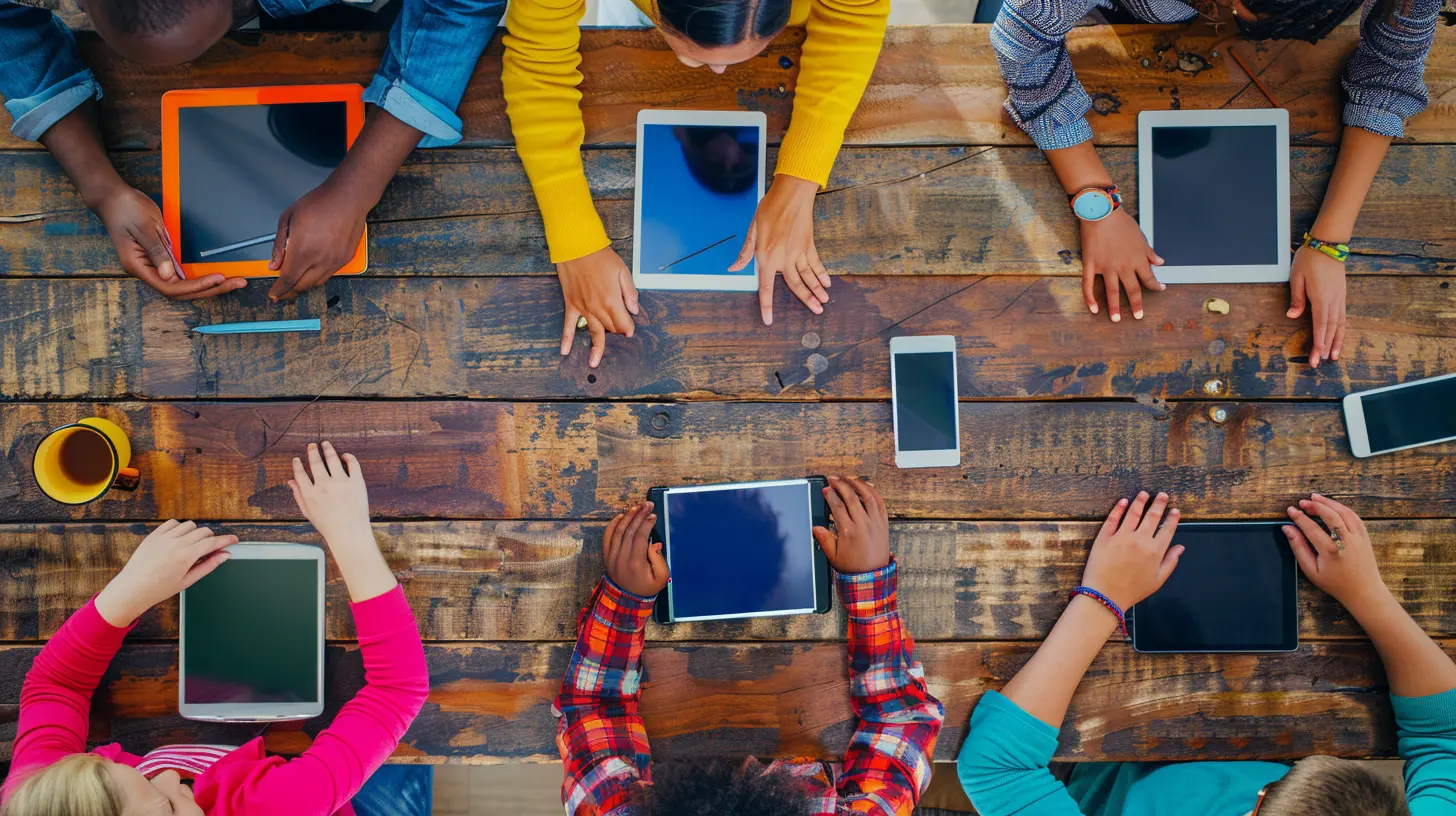
The Rise of Touchscreen Devices in the Classroom
Before we get into the nitty-gritty, let’s understand what’s happening on the ground. Over the past few years, schools have increasingly adopted tablets, touchscreen laptops, and interactive whiteboards. Why? Because they merge tactile interaction with visual elements, something traditional textbooks just can’t offer.Whether it’s an iPad, a Chromebook, or a Microsoft Surface, these devices are becoming as essential as pencils and pens used to be.
Why Touchscreens, Though?
Here’s the thing—touchscreens are intuitive. Kids as young as two instinctively know how to swipe and tap their way through apps. They don’t need a manual to figure it out. That’s because touch is one of our most natural forms of interaction. Combine that with the power of digital media, and you’ve got yourself a tool that makes learning feel like play.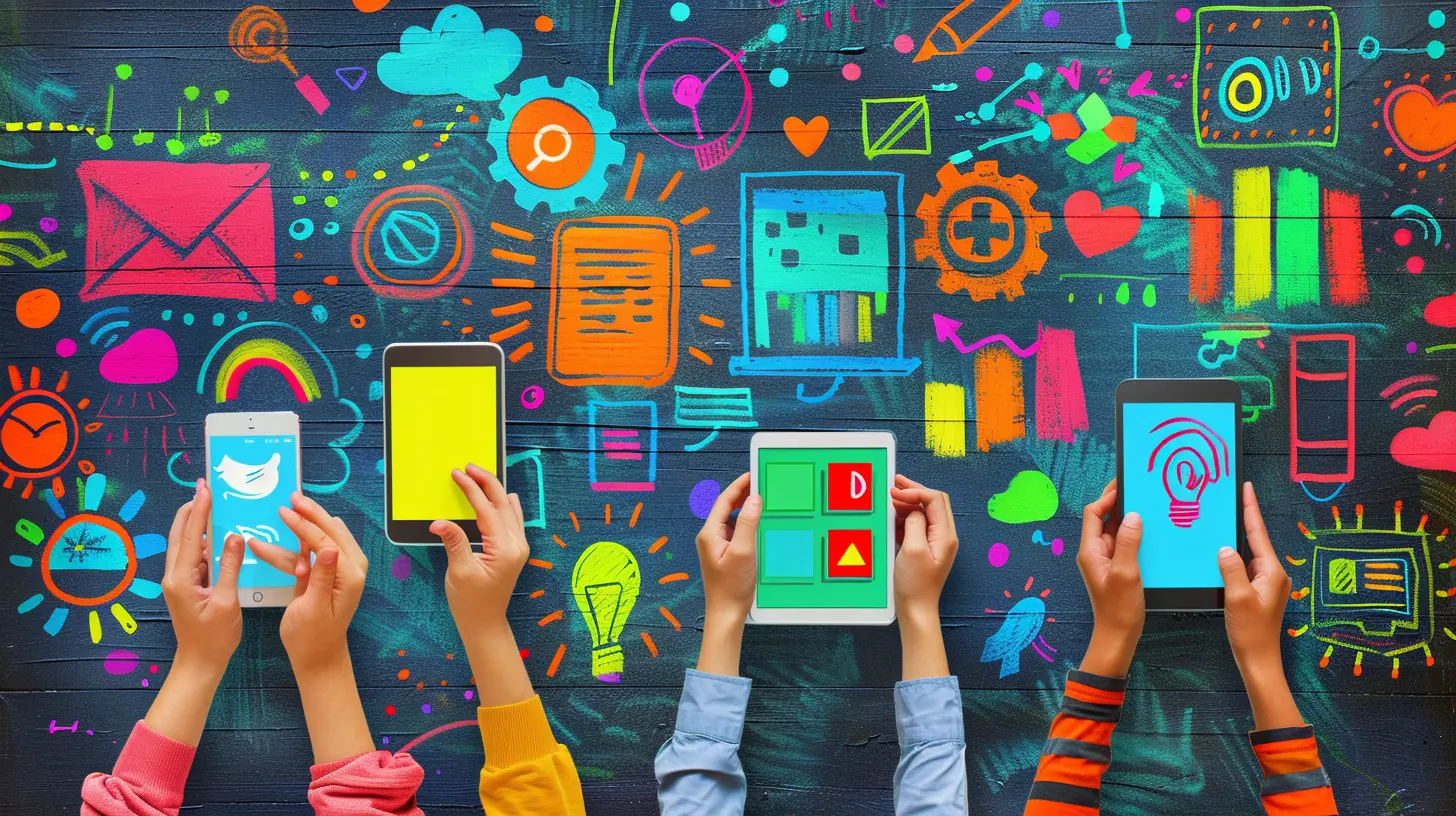
Tactile Learning: Making Abstract Concepts Feel Real
Have you ever tried explaining fractions using words alone? It's tough. Now imagine a touchscreen app that lets students slice virtual pizzas into halves, thirds, or quarters. Suddenly, it clicks.Touchscreen devices allow for tactile engagement—students physically interact with what they're learning. They can drag, drop, rotate, and zoom into content, making abstract concepts more tangible. For visual and kinesthetic learners, this approach is a game-changer.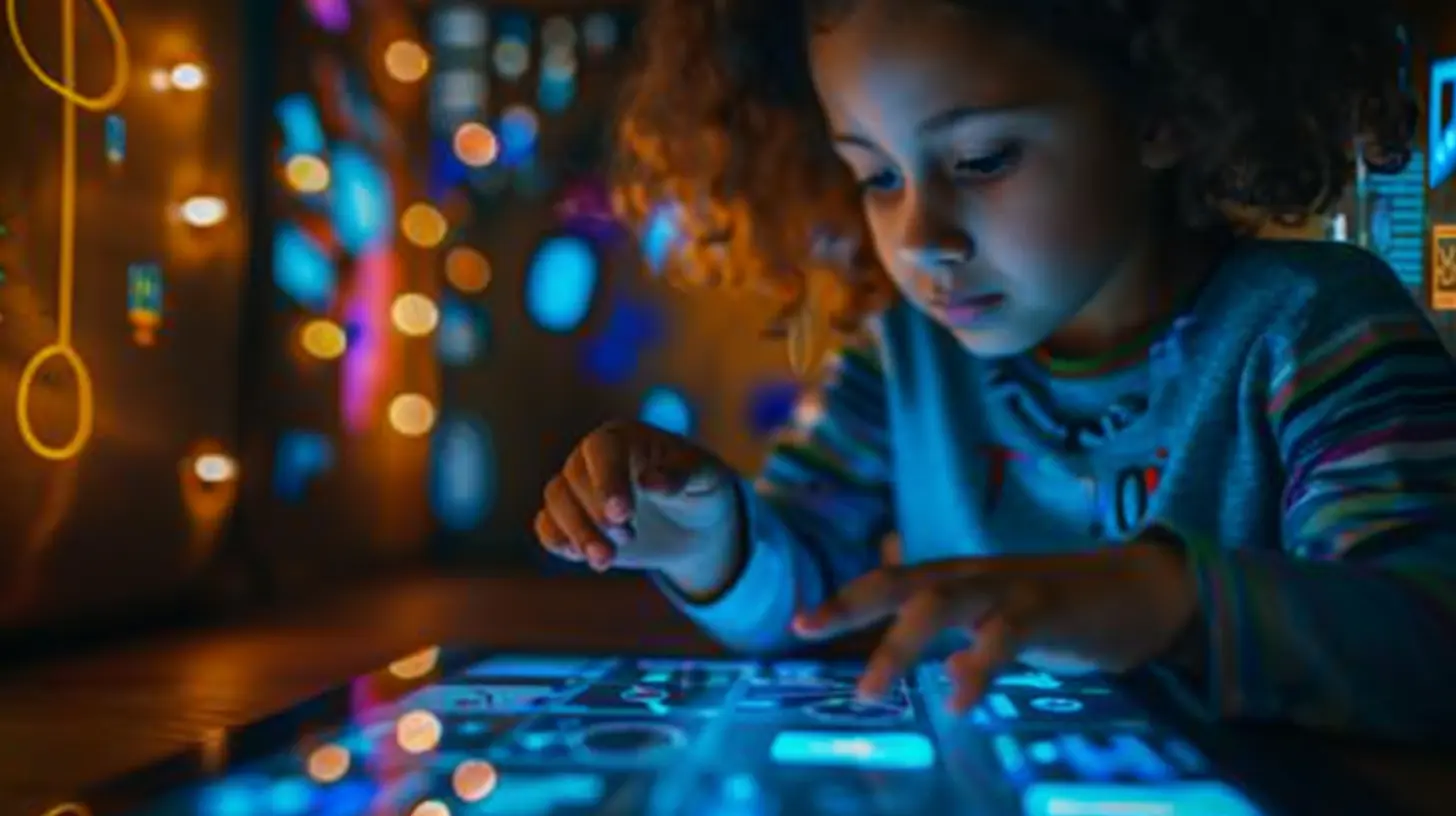
Personalization of Learning: One Size Doesn’t Fit All
Every learner is different. While one student might breeze through grammar, another might struggle with basic math. Touchscreen technology supports personalized learning by adapting content to each student’s pace and style.Adaptive Learning Apps
Many educational apps now use AI to assess a student’s performance and adjust the difficulty level accordingly. These apps track progress and offer targeted exercises where needed. In essence, they act like personal tutors—only digital.Self-Directed Learning
Because touchscreen devices are so user-friendly, students can explore content on their own. They’re no longer bound to the pace of the classroom. Want to rewatch a tutorial? Go ahead. Curious about volcanoes after your science class? Type it in and dive deeper. It empowers independent learning, and guess what? That builds confidence like nothing else.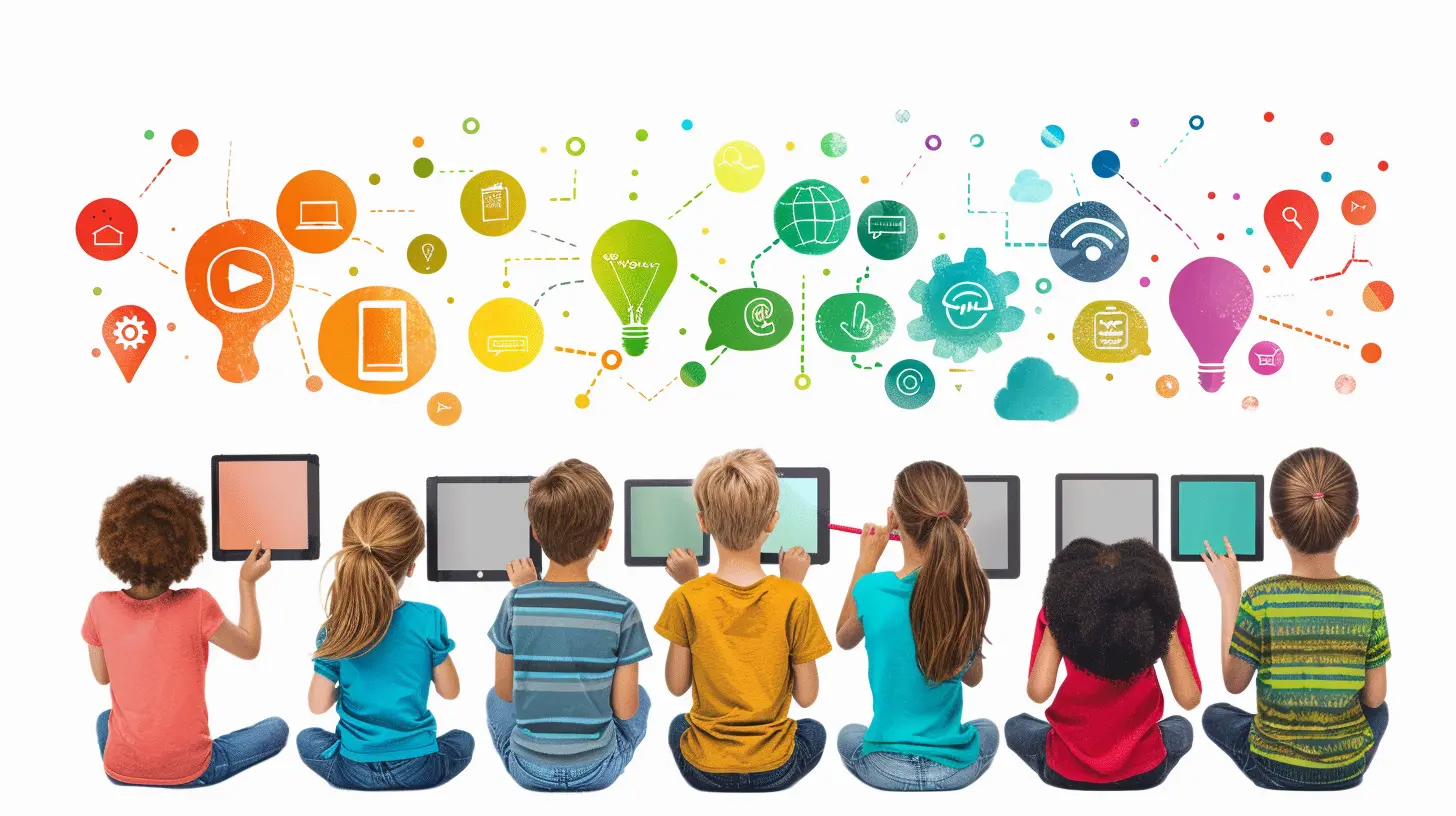
Gamification: Turning Lessons into Adventures
Who doesn’t love a good game? Touchscreen devices bring a whole new level of excitement to learning through gamification. Educational games reinforce concepts in a way that feels nothing like traditional studying.Points, Badges & Leaderboards
When students earn points for solving math problems or unlocking new vocabulary levels, learning becomes addictive—in a good way. It’s instant gratification that motivates them to push forward. Plus, friendly competition via leaderboards can spark enthusiasm in even the most reluctant learners.Think about it—would you rather memorize historical dates from a textbook or play a game where you’re a time-traveling historian tasked with fixing the timeline? Exactly.
Accessibility and Inclusivity: Bridging the Learning Gap
One of the most beautiful things about touchscreen technology in education is its ability to level the playing field. These devices can be tailored to meet the needs of students with disabilities or learning differences.Built-In Accessibility Features
- Text-to-speech for visually impaired students- Speech-to-text for those with mobility issues
- Closed captioning for hearing-impaired learners
- Color contrast adjustments for learners with dyslexia
These features mean that more students than ever before can access high-quality education, and that’s a win for everyone.
Collaboration: Learning Together, Screen by Screen
Touchscreens don’t isolate learners—they bring them together. Students can collaborate on projects in real-time, sharing screens or working on interactive whiteboards.Group Projects Made Easy
Platforms like Google Workspace, Microsoft Teams, or education-specific tools like Seesaw and Kahoot! allow for seamless collaboration. Whether it’s group writing projects, shared presentations, or peer feedback, the touchscreen becomes the portal to teamwork.And let's be honest, collaboration is a life skill that’s as essential as any academic subject.
Instant Feedback: No More Waiting in the Dark
Remember handing in your homework and waiting days—sometimes weeks—for feedback? Those days are gone. Touchscreen devices make real-time feedback possible.Real-Time Quizzes & Assessments
Teachers can use touchscreen apps to run quick quizzes and polls during lessons. Students get instant results, and teachers can adjust the lesson on the fly. If the whole class struggles with a concept, that’s a sign to revisit it—right then and there.That kind of responsiveness wasn’t possible just a few years ago.
Redefining the Teacher's Role
With all this tech, it’s easy to think teachers are being replaced. Not true. If anything, touchscreen devices are enhancing the teacher’s role.From Lecturer to Facilitator
Teachers are no longer the sole gatekeepers of information. Instead, they’re guides—helping students navigate resources, ask better questions, and apply their knowledge. Technology handles the content delivery. Teachers handle the inspiration.It’s a beautiful partnership.
Real-World Prep: A Digital Skillset for the Future
Let’s not forget—we’re living in a digital age. Preparing students for the real world means giving them the tools and skills they’ll actually use out there.Touch Means Tech-Savvy
Touchscreen devices help students become comfortable with digital tools early on. Whether it’s typing, researching, creating presentations, or using productivity apps, these are essential 21st-century skills.Plus, many industries rely on touchscreen tech—think doctors using tablets for patient charts or designers using stylus pens on digital canvases. Schools using touchscreens help bridge the gap between education and employment.
Challenges Worth Noting (And Solving)
We’d be lying if we said it’s all sunshine and rainbows. Touchscreen devices in education come with their fair share of challenges.Screen Time Concerns
Too much of a good thing can be, well... too much. Excessive screen time has been linked to eye strain and reduced physical activity. That’s why it’s crucial to balance digital lessons with screen-free activities and structured breaks.Cybersecurity & Data Privacy
Touchscreen tech often relies on cloud-based platforms. That means student data is floating around somewhere online. It’s up to schools and developers to ensure robust cybersecurity measures are in place.Tech Access & Equity
Not all students have access to devices or reliable internet at home. Without equitable access, the digital divide can widen, not shrink. Fortunately, more initiatives are now investing in providing devices and internet bundles to underserved communities.A Glimpse Into the Future of Education
We’re just scratching the surface of what touchscreen devices can do. With emerging technologies like augmented reality (AR) and artificial intelligence (AI), learning is about to get even more immersive.Imagine biology students dissecting virtual frogs in 3D with a swipe or history buffs walking through ancient Rome right from their desks. Sounds crazy? Not anymore.
And with voice recognition, gesture controls, and styluses improving every year, the touchscreen classroom of tomorrow is going to make today’s tech look quaint.
So, Are Touchscreens Here to Stay?
Absolutely. They're not a passing trend or a classroom gimmick. Touchscreen devices have rooted themselves as essential tools in the learning process. They're making education more interactive, accessible, personalized, and fun.But like any tool, their impact depends on how we use them. When paired with thoughtful teaching and smart strategies, they become catalysts for a smarter, more inclusive future.
Sure, chalkboards have their charm. But let’s not forget—touchscreens are writing the next chapter in the book of learning. And it's a story worth watching (and tapping) unfold.
all images in this post were generated using AI tools
Category:
Touchscreen DevicesAuthor:

Kira Sanders
Discussion
rate this article
2 comments
Kestrel McGillivray
This article effectively highlights the transformative impact of touchscreen devices in education. The integration of technology fosters interactive learning, making lessons more engaging for students. However, it’s crucial to address potential drawbacks, such as screen time concerns and accessibility issues, to ensure that all students benefit equally from these advancements.
February 26, 2026 at 4:59 AM
Kira Sanders
Thank you for your insight! You're absolutely right—while touchscreen devices enhance engagement, we must also be mindful of screen time and accessibility to ensure equitable learning for all students.
Rhea McKeever
Touchscreen devices are revolutionizing education by fostering interactive learning and enhancing engagement. They enable personalized experiences, facilitate collaboration among students, and provide instant access to vast resources. As educators adapt, these tools are reshaping traditional teaching methods and preparing students for a tech-driven future.
February 22, 2026 at 1:12 PM
Kira Sanders
Thank you for your insightful comment! I completely agree—touchscreen devices are indeed pivotal in transforming education, making learning more interactive and personalized.