How to Build a Smart Home on a Realistic Budget in 2027
4 September 2026
The smart home market has matured significantly since the early days of overpriced hubs and proprietary protocols. By 2027, the landscape is defined by interoperability, affordable sensors, and a clear separation between what adds genuine convenience and what is simply gadget noise. Building a smart home on a realistic budget is no longer about buying the cheapest Wi-Fi plug and calling it a day. It is about making deliberate choices that align with your daily routines, your existing devices, and your tolerance for maintenance. This guide walks through a practical, phased approach that avoids the common trap of accumulating incompatible hardware that requires three different apps to turn off a light.
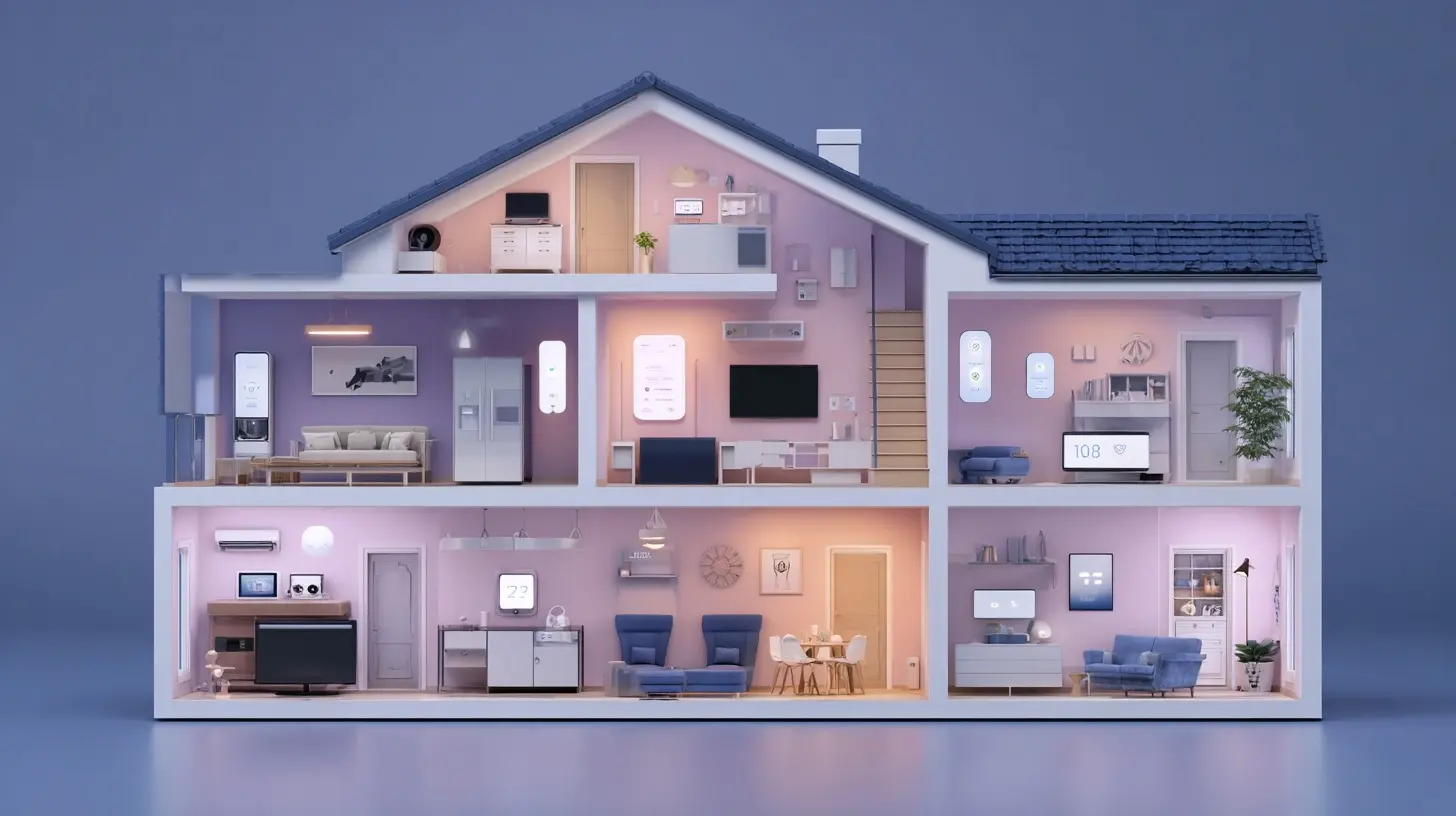
The 2027 Reality Check: What Has Changed
Before spending a single dollar, understand the current ecosystem. The past few years have forced a consolidation around two dominant local communication standards: Matter and Thread. Matter, the application-layer standard, finally delivers on the promise of a single certification for devices that work across Apple, Google, Amazon, and Samsung ecosystems. Thread, the mesh networking protocol underneath, provides low-power, low-latency communication without relying on your congested Wi-Fi band.In 2027, the budget smart home builder should prioritize Matter-certified devices. The price premium for Matter certification has largely evaporated, with basic smart plugs and bulbs from reputable brands costing nearly the same as their proprietary predecessors from 2022. More importantly, Matter eliminates the need for cloud-dependent bridges for many device categories. A Matter light bulb talks directly to your phone or a local hub, which means when your internet goes down, your lights still respond to a physical switch or a local automation.
The second major shift is the rise of the "hubless" home. You no longer need a dedicated central hub like a SmartThings or Hubitat box for basic functionality. Modern voice assistants, whether an Amazon Echo or an Apple TV, have built-in Thread border routers and Matter controllers. For a budget setup, your existing smart speaker likely serves as the brain. The exception is advanced automation logic, which still benefits from a dedicated local hub, but that is an optional expense for power users, not a requirement for a functional smart home.
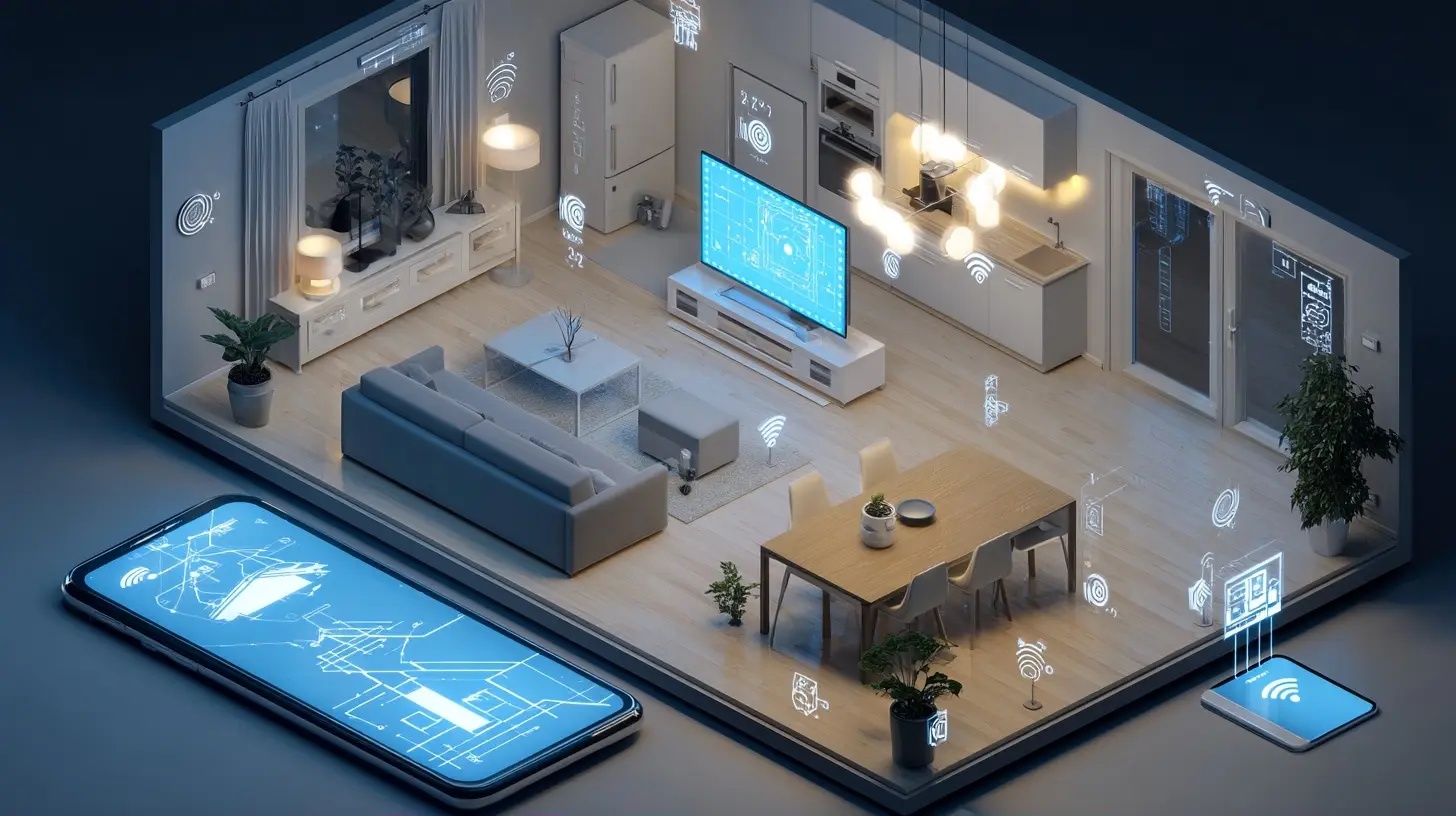
Phase One: The Foundation - Start with Switches, Not Bulbs
The single most common mistake in budget smart home building is buying smart bulbs for every fixture. A $15 smart bulb placed in a lamp that you operate with a physical wall switch is a recipe for frustration. When someone flips the wall switch off, the bulb loses power and becomes unresponsive. You cannot turn it on from your phone or a voice assistant. You then either train everyone in the house to never touch the switch, which fails, or you spend more money on smart switches anyway.The smarter, more cost-effective approach in 2027 is to install smart wall switches and dimmers for all fixed lighting. A quality Matter-compatible smart switch costs between $25 and $40. It replaces your existing switch in about fifteen minutes with a screwdriver and a voltage tester. The advantage is that the switch retains physical control, which is non-negotiable for guests and family members who do not care about your automation hobby. It also controls the entire light circuit, meaning any standard bulb works, and you are not paying a premium for smart functionality in every single bulb.
Where do smart bulbs still make sense? In lamps that are not connected to a wall switch, such as floor lamps plugged into an outlet. For those, a smart plug is often cheaper than a smart bulb. A dedicated smart bulb is only justified for color-changing needs or if you have a fixture with an unusual socket type and you want to control it remotely. For general ambient lighting, switches win on cost, reliability, and user acceptance.
When selecting a smart switch, pay attention to the neutral wire requirement. Most homes built after the mid-1980s have a neutral wire in the switch box, which is required for most smart switches to maintain power for their wireless radios. If you have an older home without neutrals, you have two options: hire an electrician to run a neutral, which is not budget-friendly, or purchase a smart switch specifically designed for no-neutral operation. These no-neutral switches are more expensive and often have lower power limits for LED bulbs, so factor that into your decision. Test one switch in a high-traffic location before committing to replacing the whole house.
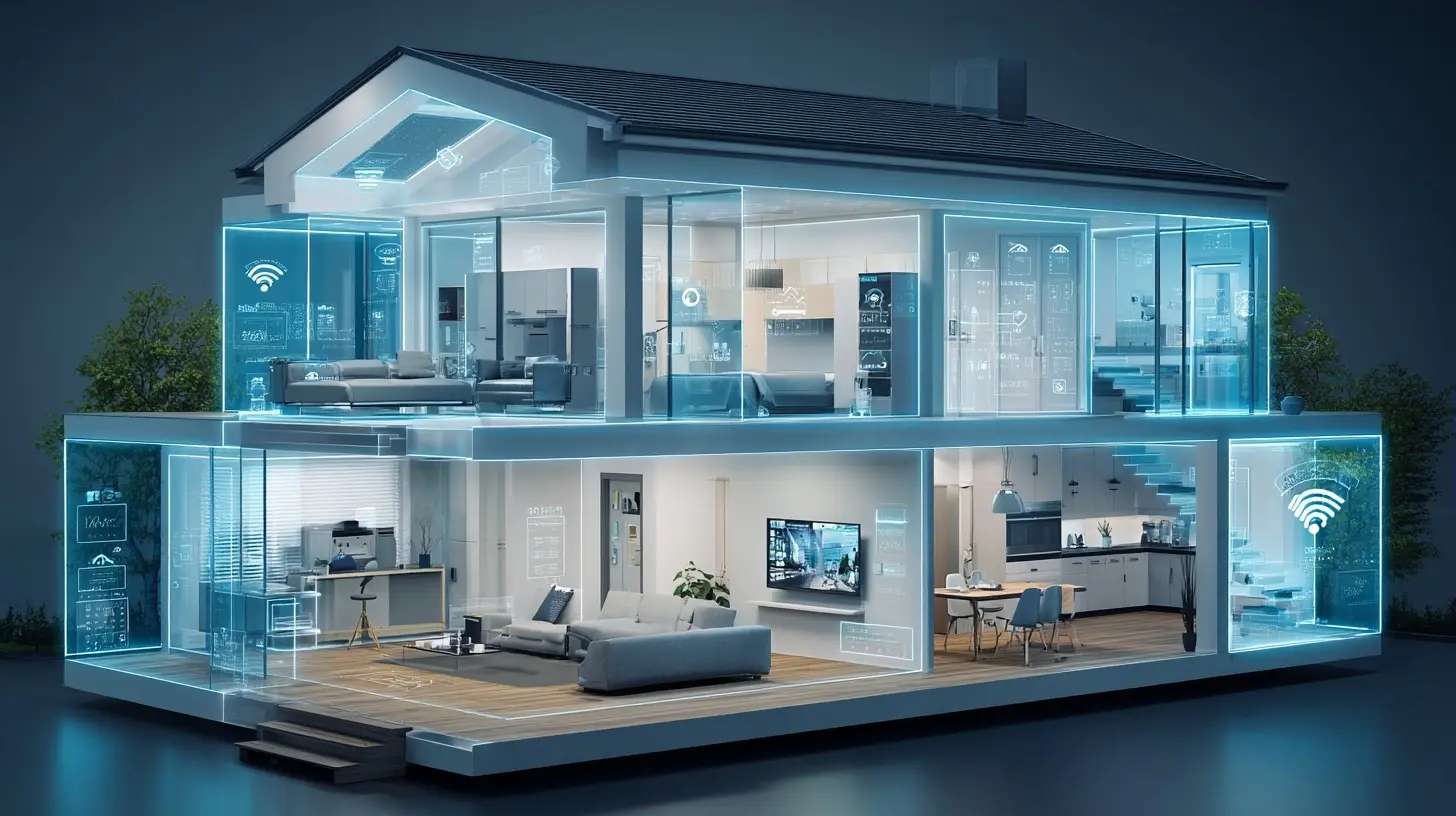
Phase Two: The Backbone - Choose Your Voice Platform and Stick to It
By 2027, the platform wars have settled into a cold peace. Amazon Alexa, Google Assistant, and Apple Siri all support Matter, but the user experience still differs. The budget builder cannot afford to maintain multiple ecosystems. Pick one primary voice assistant, and ensure that every device you buy is compatible with that assistant. Do not chase the best deal on a device that only works with a different assistant, because you will end up with a fragmented system.The budget-friendly recommendation is to base your choice on what you already own. If you have an iPhone and an Apple TV, use Siri and HomeKit. The Home app has become significantly more reliable, and Siri's on-device processing means that your automations run locally without cloud delays. If you are an Android user, Google Home is the natural choice, although the app interface has historically been clunkier than Apple's. Amazon Alexa remains the most flexible for third-party integrations and often has the lowest entry price for Echo devices, but the interface can feel crowded with shopping prompts.
A critical consideration for 2027 is local execution. Cloud-dependent automation is a thing of the past for serious users. When you say "Good night," and the command goes to Amazon's servers, processes, and then comes back to your home, you experience a two-second delay. More importantly, if the internet is down, the command fails. Ensure that your chosen platform supports local execution for Matter devices. Apple Home and Google Home both support local control for certified Matter devices. Alexa has improved, but some older devices and routines still rely on the cloud. Test this by disconnecting your router from the internet and trying a basic voice command. If it fails, you are not truly smart; you are just remote-controlled.
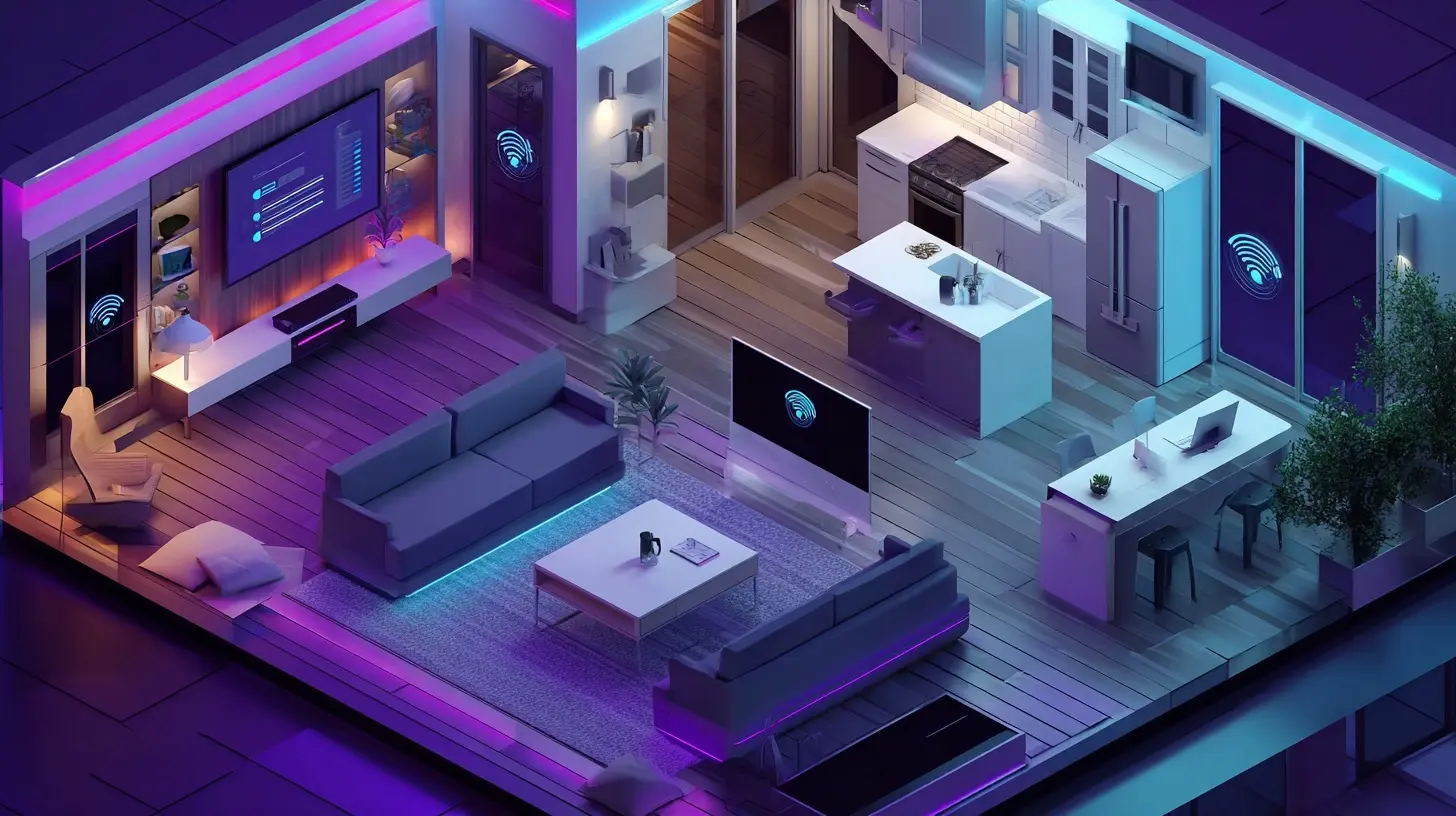
Phase Three: Sensors and Automations - The Real Value
The core value of a smart home is not controlling individual devices one by one. That is a novelty that wears off in a week. The real value is in automation: having the home respond to your presence and routines without any input. This is where sensors come in. A budget of $50 to $100 for sensors will yield more daily convenience than $500 worth of smart bulbs.Start with a door and window contact sensor. Place it on the front door. Then create an automation: when the front door opens after sunset, turn on the entryway and living room lights. This is a basic arrival scene. The same sensor can trigger a notification if the door is left open for more than five minutes, which is useful if you have children or pets.
Next, consider a motion sensor for the hallway or bathroom. The best use case is a night light automation. Between the hours of 10 PM and 6 AM, when motion is detected in the hallway, turn on a low-level light at 10% brightness. This prevents the blinding full-brightness experience when you stumble to the bathroom. It also saves energy because the light turns off automatically after three minutes of no motion.
In 2027, the best budget sensors are battery-powered and use Thread for communication. Thread sensors have a battery life of two to three years with standard coin-cell batteries. They are also more responsive than older Zigbee sensors because the Thread mesh network is self-healing. A sensor that is far from your hub does not need to communicate directly with it; it hops through other Thread devices in your home, such as smart plugs or switches.
A common misconception is that you need a security system subscription to make door sensors useful. That is false. A simple automation that turns on a light and sends a push notification when a door opens is a basic security layer. For a more advanced setup, you can add a smart lock later, but for the budget phase, a sensor on the door and a siren-capable smart plug (one that can turn on a loud alarm) is a reasonable deterrent. The goal is not to prevent a determined thief; it is to make your home less attractive than the neighbor's.
Phase Four: Climate Control - The Highest ROI
Heating and cooling account for the largest portion of a home's energy bill. This is the area where a smart home can actually pay for itself, provided you have a heat pump or central HVAC system. A smart thermostat is the single highest-return purchase in the entire smart home category.In 2027, the budget smart thermostat is not a learning thermostat that tries to predict your schedule. Those models are expensive and often over-engineered. A simpler programmable thermostat with occupancy detection is more reliable and cheaper. The key feature to look for is geofencing. This uses your phone's location to determine when you have left the home and when you are returning. When you leave, it sets the temperature back by 8 to 10 degrees. When you are within a mile of home, it starts heating or cooling so that the house is comfortable when you walk in.
The real-world savings depend on your climate and how often you are away. A reasonable estimate is a 10% to 15% reduction in HVAC energy usage if you previously ran the system 24/7 at a constant temperature. If you already manually adjusted the thermostat when leaving for work, the savings are minimal. The automation value is not just money; it is the elimination of the "did I leave the heat on?" anxiety.
A critical installation note: the smart thermostat must be compatible with your HVAC system's wiring. Most homes have a C-wire (common wire) that provides continuous power to the thermostat. If you do not have a C-wire, you may need to buy an adapter kit, which adds to the cost. Check your furnace's control board before purchasing. Many budget thermostats also require a specific voltage for their display, so verify that your system is low-voltage (24V), which is standard for central systems, and not line-voltage (120V) which is common for baseboard heaters. Line-voltage smart thermostats exist but are a different, more expensive category.
Do not pair your smart thermostat with smart vents. Smart vents that close off rooms to redirect airflow are a gimmick in most homes. They increase static pressure in your ductwork, which can damage your HVAC blower motor and reduce system efficiency. The HVAC system is designed to work with a balanced load. Closing too many vents causes the blower to work harder and can freeze the evaporator coil in summer. Avoid this unless you have a zoned system with dampers designed for this purpose.
Phase Five: Entertainment and Voice - Resist the Upgrade Cycle
The smart home budget is often blown on entertainment devices. A smart TV with built-in voice assistants is tempting, but the built-in microphones are usually inferior to a dedicated smart speaker, and the TV's operating system becomes sluggish with updates. A better budget strategy is to buy a "dumb" TV that is large and has good picture quality, then attach a streaming device that supports your chosen voice platform.A streaming stick or box from Apple, Google, or Amazon costs between $30 and $130. This device handles voice commands, integrates with your smart home, and can be replaced when it becomes outdated without replacing the entire television. The same logic applies to speakers. Do not buy expensive smart speakers with poor audio quality. A $50 smart speaker is fine for voice commands and controlling your home. If you care about music quality, buy a separate pair of passive bookshelf speakers and an amplifier, and then use a smart speaker or an IR blaster to control the amplifier's volume.
A common misconception is that you need a smart speaker in every room. You do not. You need one central speaker in a common area where you spend the most time. For other rooms, you can use small, cheap contact sensors or motion sensors to trigger automations. For example, instead of a speaker in the bathroom to play music, you can set a motion sensor to turn on the exhaust fan for a set duration. This is more practical and costs less.
The Maintenance Budget You Must Not Ignore
The most overlooked aspect of a budget smart home is not the initial hardware cost. It is the ongoing maintenance and battery replacement. A home with 20 devices, many of which are battery-powered sensors and locks, will require you to change batteries every 6 to 18 months. This is a recurring cost that surprises many people. A pack of quality AA or CR2032 batteries is not expensive, but the labor and the frustration of a dead sensor that silently fails to trigger an automation is a real cost.Set a calendar reminder every six months to check the battery status of all your devices in your smart home app. Most apps show battery level. Replace batteries proactively before they fail, especially for door locks and security sensors. Do not use cheap off-brand batteries in critical sensors; they tend to leak and corrode, ruining the device.
Another hidden cost is the need for a reliable Wi-Fi router. A smart home with 30 connected devices will stress a cheap internet service provider router. If your router struggles to maintain connections, your smart devices will appear to be "unresponsive" even though they are fine. A budget of $100 to $150 for a decent Wi-Fi 6 router is a prerequisite for a stable smart home. This is not a smart home expense per se, but it is an infrastructure cost that you must account for. If you already have a good router, you are ahead of the game.
Common Mistakes and How to Avoid Them
The first mistake is buying a "smart home starter kit" that bundles a hub, a plug, and a sensor from a single brand. These kits are often proprietary and do not support Matter. You end up with a hub that becomes useless when the brand discontinues it, which happens frequently. Buy individual devices from different manufacturers, all certified for Matter, and connect them to your primary platform.The second mistake is over-optimizing for voice control. Voice is great for simple commands like "turn on the living room light," but it is terrible for adjusting a thermostat by two degrees or setting a timer for 14 minutes. For those tasks, physical controls or a well-designed app are faster. Do not spend money on voice assistants in every room just to avoid walking to a switch. Walking to a switch is often faster and more reliable than shouting across the house.
The third mistake is ignoring the physical environment. Smart devices are not magic. A motion sensor placed behind a plant will not work. A Wi-Fi smart plug inside a metal enclosure will lose connectivity. A temperature sensor placed in direct sunlight will give false readings that cause your thermostat to cool an empty house. Consider the physics of sensor placement. Mount motion sensors at a height of 7 feet, angled downward. Keep temperature sensors away from windows and vents. Place your Wi-Fi router centrally, not in a closet at the edge of the house.
The Phased Purchase Plan for a $500 Budget
Here is a realistic breakdown for a one-bedroom apartment or a small house, assuming you already have a compatible voice assistant device. This plan prioritizes impact over gadget count.First, allocate $120 for two smart switches for the main living area and one bedroom. This covers the most used lights. Second, allocate $80 for a smart thermostat if you have central HVAC, or $70 for a smart plug for a window AC unit and a space heater (do not use a smart plug for high-wattage heaters without checking the rating; 15 amp max is standard). Third, allocate $60 for three contact sensors: one for the front door, one for a back door, and one for a window in the bedroom for overnight ventilation monitoring. Fourth, allocate $50 for two motion sensors: one for the hallway and one for the living room to trigger lights when you are present. Fifth, allocate $40 for a smart plug for a lamp or a fan. Finally, reserve $150 for a better router if your current one is older than three years.
Total is $500, leaving a small buffer for batteries and a screwdriver if you do not have one. This setup gives you: automated lighting based on presence, geofenced climate control, door and window alerts, and voice control for the main light circuits. You have not bought a single smart bulb, no proprietary hub, and every device works even if the internet goes down, provided your automations are set to run locally.
When to Spend More and When to Walk Away
There are specific scenarios where spending more is justified. A smart lock is a worthwhile upgrade if you frequently carry groceries or have guests arriving when you are not home. A quality Matter smart lock with a physical key override costs around $150. This is not a budget item, but it is a high-convenience item. Do not buy a smart lock without a physical key slot; if the electronics fail, you cannot get into your house without calling a locksmith.Another justified expense is a smart video doorbell. This is a security and convenience tool. A budget model without subscription fees, storing clips locally on a microSD card or on your home hub, is available for under $100. Avoid cloud-subscription doorbells; the recurring cost will eat your budget over time. The trade-off is that local storage means you cannot view a live feed from anywhere unless the doorbell supports remote access without a subscription, which is becoming more common.
Walk away from smart appliances. A smart refrigerator that tells you when you are out of milk is a solution to a problem that does not exist. A smart oven that you can preheat from your phone is marginally useful, but the premium over a standard oven is several hundred dollars. The same goes for smart washing machines. The integration with your smart home is shallow, and the appliance's own app is often poorly maintained. Spend your money on the house's infrastructure, not on connected white goods.
The Final Word on Realistic Budgeting
A smart home is not a destination; it is an iterative process. In 2027, the technology is stable enough that you are not throwing money into an abandoned protocol. Matter and Thread are here to stay, and your devices will remain compatible for years. The budget strategy is to start with the foundation of switches and sensors, build automations that solve actual annoyances, and resist the urge to buy gadgets that you will unplug after three weeks.The realistic outcome of a $500 investment is a home that saves you a modest amount on energy, eliminates the constant small frictions of forgetting to turn off lights or adjust the thermostat, and provides a basic layer of security awareness. It is not a sci-fi home with voice-controlled everything and self-opening curtains. It is a functional, reliable system that becomes invisible because it works. That is the definition of a successful smart home, regardless of the budget.
all images in this post were generated using AI tools
Category:
Tech GadgetsAuthor:

Kira Sanders
Discussion
rate this article
1 comments
Elowen Barnes
Embrace innovation without breaking the bank. Your smart home awaits!
September 30, 2026 at 2:30 AM
Kira Sanders
Absolutely! Smart solutions can be affordable and impactful. Let's explore budget-friendly options together.