How AI is Transforming Browser Add-ons
25 August 2026
Browser add-ons have been around for over two decades. For most of that time, they were simple tools: ad blockers, password managers, grammar checkers, and the occasional novelty cursor effect. They sat quietly in your toolbar, did one job, and asked for nothing in return. Then artificial intelligence showed up, and everything changed.
We are now in the middle of a fundamental shift in what a browser extension can do. The old model was static rules and local logic. The new model is dynamic, context-aware, and powered by large language models that can read, write, summarize, translate, and reason. This is not just an upgrade. It is a reinvention of the entire category.
In this article, I will walk you through how AI is transforming browser add-ons, what that means for developers and users, and where the real value lies. I will also cover the pitfalls, the privacy trade-offs, and the practical decisions you need to make before you build or install your next AI-powered extension.

From Rule-Based to Reasoning-Based
The first browser extensions were built on a simple premise: if this happens, do that. An ad blocker checks the URL against a filter list. A password manager looks for a login form and fills it in. A grammar checker runs a series of pattern-matching rules against your text. These are deterministic systems. They are fast, predictable, and easy to debug.AI changes that premise entirely. Instead of matching patterns, an AI-powered extension can understand intent. It can read the content of a page and decide what is relevant. It can summarize a long article into three bullet points without being told what to look for. It can draft an email reply based on the tone of the message you received. It can even translate a web page while preserving the original layout and meaning.
The shift is from "if-then" logic to "understand-then-act" logic. That is a massive leap.
Consider the humble dictionary extension. The old version would look up a word you double-clicked and show a definition from a bundled database. The AI version can look at the word in context, infer whether you mean "bank" as a financial institution or "bank" as the side of a river, and then provide a definition, example sentences, synonyms, and even a pronunciation guide generated on the fly. It does not need a database. It needs a model.
This reasoning-based approach is what makes modern extensions feel almost magical. But it also introduces complexity. The model needs to be called, the response needs to be parsed, and the user needs to wait. That latency, even if it is only a second or two, changes the user experience. The old extensions were instant. The new ones are thoughtful.
The Rise of the AI Assistant in Your Toolbar
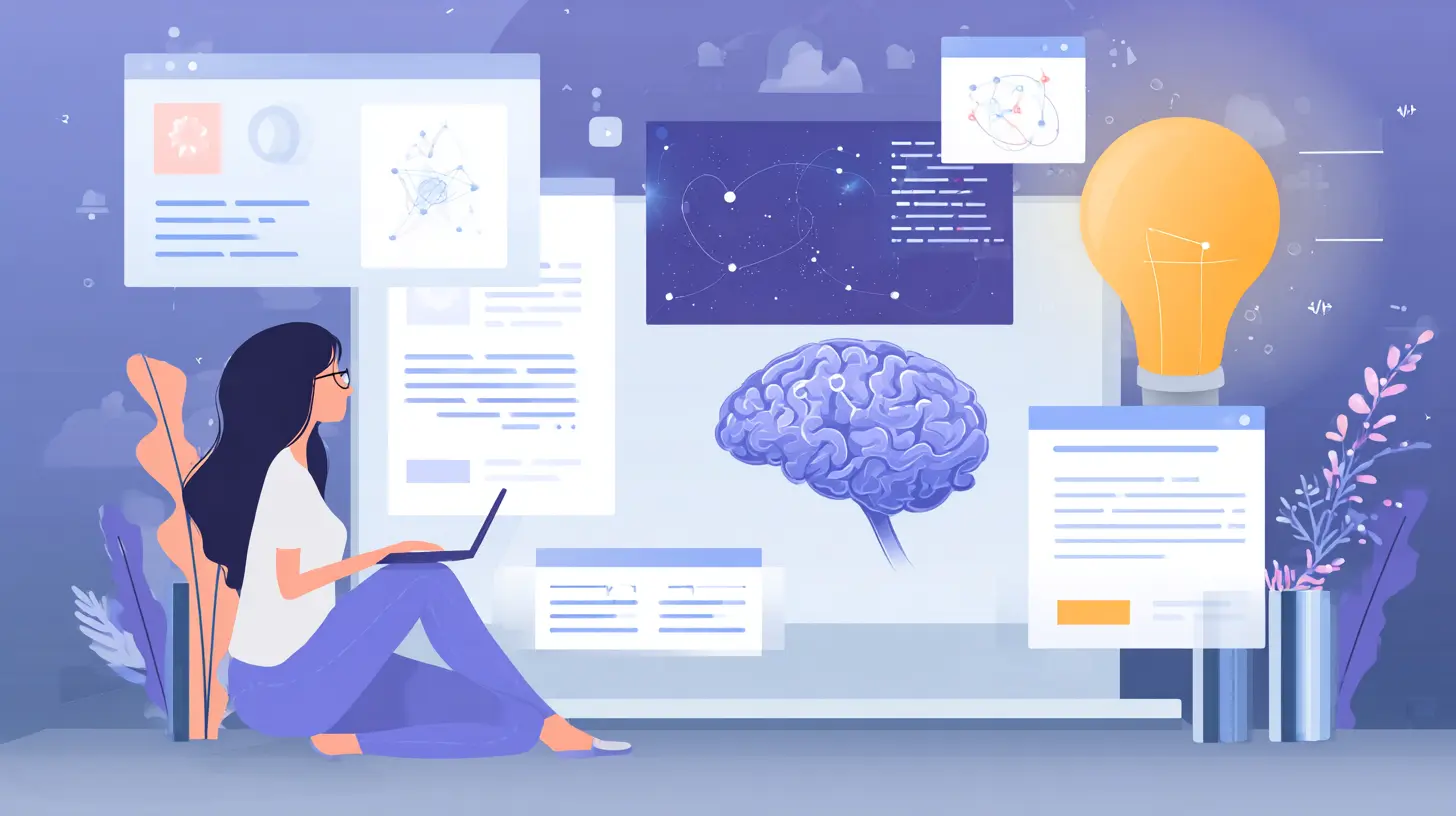
The most visible transformation is the AI assistant extension. You have seen them: a small icon in the corner of your browser that opens a chat panel. You can ask it to summarize the page you are on, explain a complex paragraph, generate a social media post from the article, or rewrite a sentence you highlighted.These extensions are not just chatbots with a browser skin. They are deeply integrated into the browsing context. They can access the DOM, read the selected text, capture the current URL, and even interact with forms. That gives them a level of context that a standalone AI app simply does not have.
For example, a good AI assistant extension can take the entire content of a long research paper and produce a structured summary with key findings, methodology, and limitations. It can then offer to export that summary to a note-taking app or a Google Doc. The old way would have been to copy the text, paste it into a separate AI tool, and manually organize the output. The extension collapses that workflow into a single action.
This is where the real value lies. It is not about having AI in your browser. It is about having AI that understands what you are looking at and can act on it without you having to switch contexts.
But there is a catch. These extensions need to send page content to an external server to process it. That raises serious privacy questions. If you are reading a confidential document, a legal brief, or a personal email, do you really want that text leaving your machine? Some extensions offer local models that run on your device, but those are still limited in size and capability. The trade-off between power and privacy is the central tension of this new generation of add-ons.
Privacy Is the Elephant in the Room
Let me be direct about this. The biggest misconception about AI browser extensions is that they are just like any other extension. They are not. A traditional ad blocker processes everything locally. An AI extension, in most cases, sends your browsing data to a third-party server.That is not necessarily a deal-breaker. Many extensions are transparent about their data practices and offer clear privacy policies. Some let you opt out of data collection. Others process everything on-device using smaller models. But you need to be aware of what is happening under the hood.
Here is a practical checklist for evaluating the privacy of an AI extension:
- Does it send page content to a remote server? Check the privacy policy and the network requests in the developer tools.
- Is there a local processing option? Some extensions let you choose between a cloud model and a local model.
- What happens to your data after it is processed? Is it stored? Is it used for training? Is it deleted immediately?
- Can you use the extension without creating an account? Account requirements often mean data is tied to your identity.
The best practice is to assume that anything you type or view in an AI extension could be seen by someone else unless you have verified otherwise. That sounds paranoid, but it is the right mindset for sensitive work.
For developers, the privacy challenge is even bigger. You need to decide whether to build a cloud-based extension with a large model, which gives you the best quality, or a local extension with a smaller model, which gives you the best privacy. There is no perfect answer. It depends on your use case.
If you are building an extension for general consumers who want quick summaries and chat, a cloud model is probably the right choice. If you are building for professionals who handle confidential data, you should seriously consider a local model or at least offer a local mode.

The New Power Users: Content Summarizers and Research Tools
One of the most practical applications of AI in browser add-ons is content summarization. This is not just about shrinking a long article into a few sentences. It is about extracting the essential information without losing nuance.A good summarizer extension does not just take the first paragraph and call it a summary. It reads the entire page, identifies the main arguments, picks out supporting evidence, and then generates a concise overview. It can also adapt the summary length based on your needs. A one-sentence summary for a quick scan. A bulleted list for a meeting. A detailed outline for a research project.
This is incredibly useful for researchers, journalists, and students who spend hours reading multiple sources. Instead of opening ten tabs and skimming each one, you can open ten tabs and have the extension generate a summary for each. Then you can decide which ones are worth reading in full.
But there is a common mistake here. People assume that a summary is a replacement for reading. It is not. A summary gives you the gist, but it loses the tone, the nuance, and the supporting details. If you are writing a critical analysis or making an important decision, you still need to read the original. The summary is a triage tool, not a substitute.
Another powerful use case is research assistance. Imagine you are reading a Wikipedia article about a historical event. An AI extension can pull up related primary sources, cross-reference facts, and even flag potential biases in the article. This turns the browser from a passive reading tool into an active research partner.
The key to making these tools work well is context. The extension needs to understand what you are researching, not just what page you are on. Some extensions let you provide a research topic or a question, and then they actively search for relevant information across multiple pages. That is a level of assistance that was simply impossible before AI.
Writing and Communication Extensions
AI has also transformed writing extensions. The old grammar checkers were useful but limited. They could catch spelling mistakes and basic punctuation errors. They could not understand style, tone, or audience.The new generation of writing extensions can do much more. They can rewrite a sentence to be more formal or more casual. They can suggest better word choices based on the context. They can even generate entire paragraphs from a few bullet points.
Here is a concrete example. You are writing an email to a client who is upset about a delay. The old grammar checker would tell you that "the delay was caused by" is passive voice. The AI extension can go further. It can suggest a more empathetic opening, rephrase your explanation to sound less defensive, and offer a closing that rebuilds trust. It is not just correcting your grammar. It is helping you communicate more effectively.
This is a huge advantage for non-native speakers and for people who struggle with written communication. But it also creates a risk. If you rely too heavily on AI rewriting, you lose your own voice. The extension will make your writing more polished, but it will also make it more generic. That is a trade-off you need to be aware of.
My advice is to use AI writing extensions as a second pass, not a first pass. Write your draft yourself. Then use the extension to tighten it up, catch errors, and suggest improvements. That way, you keep your voice while still benefiting from the AI's polish.
Shopping and Price Comparison
Another area where AI is making a big impact is shopping. Traditional price comparison extensions were rule-based. They checked a few known retailers and showed you the lowest price. That was useful, but it was also limited.AI-powered shopping extensions can do much more. They can analyze the product page, identify the exact model and specifications, and then search across the entire web for the same product. They can also factor in shipping costs, return policies, and seller ratings. Some can even predict whether the price is likely to drop in the near future based on historical pricing data.
The real magic, though, is in the natural language interface. Instead of clicking through menus, you can type something like "find a good budget laptop under 800 dollars with at least 16GB of RAM" and the extension will do the search for you. It will understand what "good" means in this context, filter out irrelevant results, and present you with a shortlist.
This is a great example of how AI changes the interaction model. The old way was to manually configure filters. The new way is to describe what you want and let the AI figure out the rest.
However, you should be cautious about sponsored results. Some shopping extensions are paid to promote certain products. The AI might not always give you the best deal. It might give you the deal that makes the extension developer the most money. Always cross-check with a manual search before making a big purchase.
Security and Privacy Extensions Get Smarter
Security extensions have also benefited from AI. Traditional phishing detectors used blacklists and simple heuristics. They could catch known malicious sites, but they struggled with new, sophisticated attacks.AI-powered security extensions can analyze the content of a page in real time. They can detect subtle signs of phishing, such as a login page that looks legitimate but has a slightly wrong URL or a request for unusual information. They can also analyze email content for social engineering attempts.
This is a significant improvement. Phishing attacks are becoming more convincing every year. A simple blacklist is no longer enough. You need a system that can reason about the context and intent of a page, not just its reputation.
But again, there is a trade-off. An AI security extension that scans every page you visit is sending a lot of data to a server. That data could include sensitive information. You need to trust the extension developer completely. Look for extensions that process as much as possible locally and only send anonymized data to the cloud.
The Developer's Perspective: Building AI Extensions
If you are a developer, the shift to AI is both exciting and daunting. The old extension APIs were stable and well-documented. The new AI landscape is changing every few months. Model prices drop, new models are released, and the best practices are still being written.Here is what you need to know before you start building.
First, decide on your architecture. Are you going to call a cloud API like OpenAI, Anthropic, or Google? Or are you going to run a local model using something like llama.cpp or ONNX Runtime? Cloud APIs are easier to integrate and give you access to the most powerful models. Local models are slower and less capable, but they offer privacy and no per-request cost.
Second, think about latency. Users expect browser extensions to be fast. If your AI call takes five seconds, users will abandon the extension. You need to design your UI to handle the delay gracefully. Show a loading indicator. Let users know what is happening. Consider using streaming responses so that text appears as it is generated, rather than all at once.
Third, consider the cost. AI API calls are not free. If you build a popular extension, you could be paying thousands of dollars a month in API fees. You need to decide whether to charge users, show ads, or limit the number of free requests. Many extensions use a freemium model: a limited number of free AI calls per day, with a subscription for unlimited use.
Fourth, handle errors gracefully. AI models are not deterministic. They can produce wrong answers, hallucinate facts, or simply fail to respond. Your extension needs to handle these cases without crashing. Show an error message. Offer a retry button. Let users know that the AI might be wrong and that they should verify important information.
Common Mistakes and Misconceptions
Let me clear up a few misconceptions that I see all the time.Misconception one: AI extensions are always better than traditional ones. That is not true. For simple, deterministic tasks like blocking ads or managing passwords, a traditional extension is faster, more reliable, and uses less memory. AI adds value when the task requires understanding or generation. It is not a universal improvement.
Misconception two: AI extensions can read your mind. They cannot. They can only process the text and context you provide. If you want a good summary, you need to give the extension clear instructions. If you want a good email reply, you need to provide enough context. The quality of the output depends heavily on the quality of the input.
Misconception three: AI extensions are a security risk by default. That is not necessarily true. Many reputable developers follow best practices for data privacy. The risk depends on the specific extension and its data handling policies. You should evaluate each extension on its own merits.
Misconception four: You need a powerful computer to run AI extensions. That is only true for local models. Cloud-based extensions run the heavy computation on remote servers, so your computer just needs to display the results. Even a low-end laptop can run a cloud-based AI extension smoothly.
The Future of AI in Browser Add-ons
Looking ahead, I expect to see several trends.First, more extensions will offer hybrid models. You will be able to choose between a fast local model for simple tasks and a powerful cloud model for complex ones. The extension will automatically route requests based on the task and your privacy preferences.
Second, we will see more multimodal extensions. These will not just process text. They will process images, audio, and video. Imagine an extension that can analyze a chart on a web page and explain what it means, or an extension that can transcribe and summarize a video embedded in an article.
Third, browser vendors will build more AI features directly into the browser. We are already seeing this with features like automatic tab grouping and AI-powered translation in some browsers. This could reduce the need for third-party extensions, but it will also raise the bar for what extensions need to offer to be valuable.
Fourth, we will see better integration between extensions and other tools. An AI extension will not just work in the browser. It will connect to your note-taking app, your calendar, your email client, and your project management tool. It will become a central part of your digital workflow.
Practical Recommendations
If you are a user, here is my advice. Start with a few well-reviewed AI extensions and test them on non-sensitive content. See how they work. Pay attention to the latency, the quality of the output, and the privacy settings. Do not install ten AI extensions at once. They will slow down your browser and confuse you with overlapping features.If you are a developer, focus on a specific use case. Do not try to build a general AI assistant. That market is already crowded. Instead, find a narrow problem that AI solves exceptionally well. Maybe it is summarizing legal documents. Maybe it is generating alt text for images. Maybe it is helping non-native speakers write professional emails. The more specific your use case, the better your extension will be.
Also, be transparent about how your extension works. Tell users when their data is sent to a server. Explain what you do with that data. Show them how to delete their data. Trust is the most valuable currency in this space. Once you lose it, you cannot get it back.
Final Thoughts
AI is not just adding a feature to browser add-ons. It is changing what they are. The old extension was a tool. The new extension is a collaborator. It reads, understands, and acts. It helps you think, write, and decide. That is a profound change.But with that power comes responsibility. Users need to be aware of privacy risks. Developers need to be honest about limitations. And everyone needs to remember that AI is a tool, not a replacement for human judgment. Use it to augment your abilities, not to outsource them.
The browser is the most important piece of software on most people's computers. It is where we work, learn, shop, and communicate. Making it smarter with AI is a natural evolution. The extensions that do this well will become indispensable. The ones that do it poorly will fade away. The difference will come down to thoughtful design, honest privacy practices, and a clear understanding of what AI can and cannot do.
So go ahead. Try an AI extension. See what it can do for you. But keep your eyes open. Ask questions. Read the privacy policy. And remember that the best tool is the one that makes you better, not the one that does everything for you.
all images in this post were generated using AI tools
Category:
Browser ExtensionsAuthor:

Kira Sanders
Discussion
rate this article
1 comments
Murphy Erickson
AI is the secret sauce making browser add-ons smarter and essential.
August 26, 2026 at 11:29 AM