Sustainable Productivity: Eco-Friendly Features Coming Soon
15 October 2026
Your laptop fan spins up. A dashboard refreshes. Another cloud sync fires off in the background. None of this feels heavy, yet every one of those actions draws power from a grid that is still, in most regions, partly fossil-fueled. The productivity software industry has spent two decades optimizing for speed, collaboration, and storage. It has spent almost no time optimizing for energy. That is about to change, and the shift will reshape how we think about the tools we use every day.
The next wave of productivity features will not just help you do more. It will help you do more with less environmental cost, often without you noticing. Some of these features are already in early testing. Others are quietly moving through engineering roadmaps at major platforms. Understanding what is coming, and why it matters, gives you an advantage as both a user and a decision-maker.
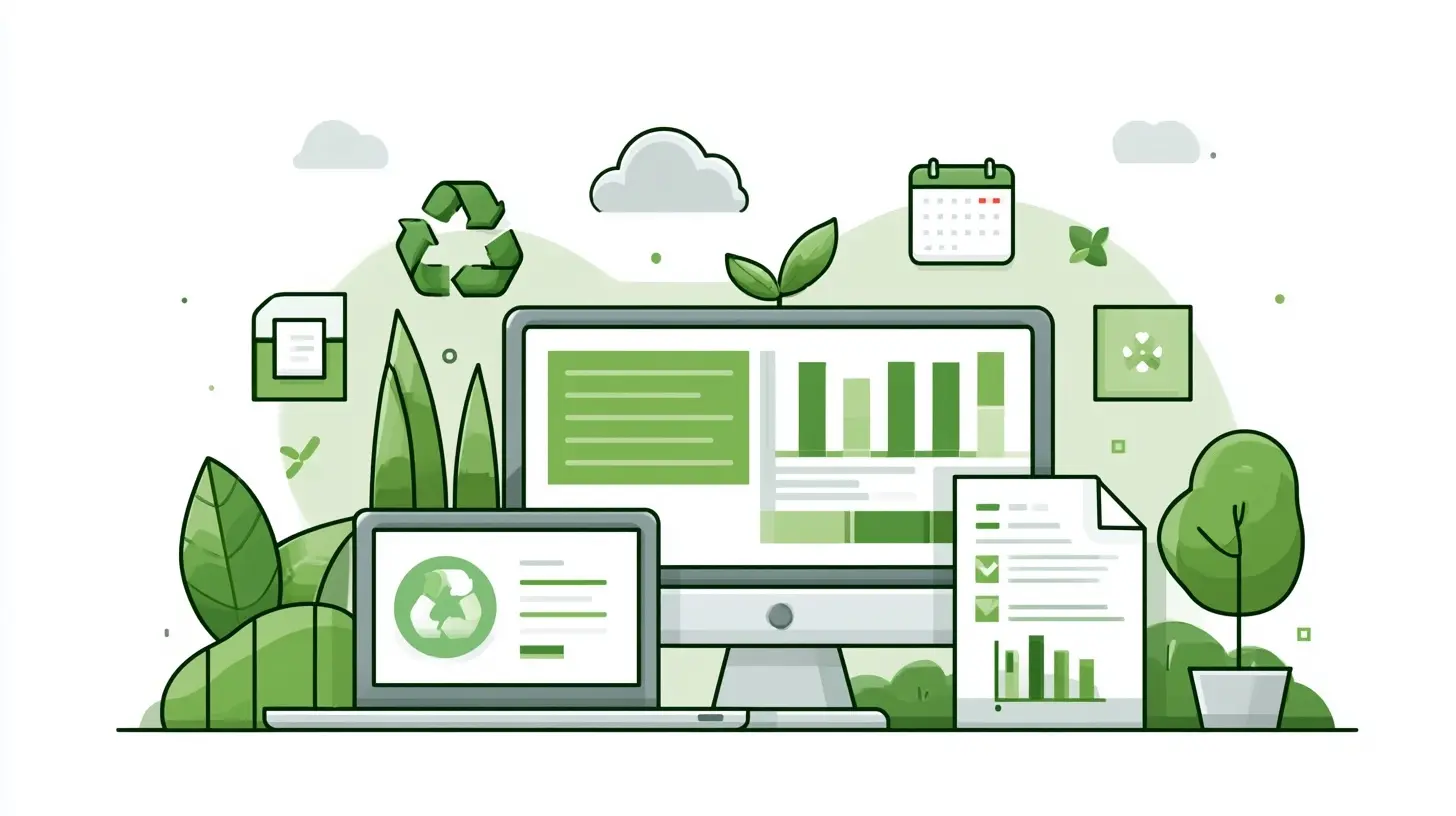
Why Productivity Software Has an Energy Problem
Most people assume digital work is clean by default. The reasoning goes like this: no paper, no shipping, no physical manufacturing, so it must be green. That logic breaks down under scrutiny.A single cloud document is replicated across multiple data centers for redundancy. Each replica consumes storage, cooling, and network bandwidth. Real-time collaboration tools maintain persistent connections that never fully sleep. Video calls transcode streams on the fly, which is computationally expensive. Background indexing, search crawlers, and notification systems all run continuously, whether or not a human is actively using them.
The result is a category of emissions that is diffuse and hard to measure. Unlike a factory smokestack, there is no single point of accountability. This makes the problem easy to ignore, which is exactly why it has persisted for so long.
The pressure to change is now coming from three directions at once. Regulators in several regions are beginning to require disclosure of digital infrastructure emissions. Enterprise buyers are adding sustainability criteria to procurement checklists. And a growing number of employees simply prefer tools that align with their values. When those three forces converge, product teams listen.

The Measurement Layer Comes First
You cannot improve what you cannot see. The earliest wave of eco-friendly productivity features will focus on measurement, because everything else depends on it.Expect to see per-action energy estimates embedded directly in interfaces. Not vague dashboard numbers, but granular signals. A document edit might show a small energy cost. A video call might show a larger one. A scheduled report that runs every hour might reveal a surprising cumulative footprint over a month.
The technical challenge here is real. Attributing energy use to a specific user action inside a shared cloud environment is genuinely difficult. Servers are multi-tenant. Workloads shift between machines. Cooling overhead varies by region and season. Any number a vendor shows you is an estimate built on assumptions, and those assumptions matter enormously.
This is where users should be skeptical. A vendor that reports a low carbon number without explaining its methodology is not giving you useful information. It is giving you marketing. The features worth trusting will disclose their boundaries, their data sources, and their margin of error.
What Good Measurement Looks Like
A credible measurement feature will typically do several things:- Separate operational emissions from embodied emissions, meaning the carbon baked into manufacturing hardware
- Account for regional grid intensity rather than using a global average
- Distinguish between marginal and average emissions, since the two tell different stories
- Allow third-party audit rather than self-reporting alone
If a tool skips these steps, treat its numbers as directional at best.

Carbon-Aware Scheduling
This is the feature most likely to arrive first and matter most. Carbon-aware scheduling means shifting flexible workloads to times when the electricity grid is cleaner.The concept is straightforward. Solar output peaks at midday. Wind output varies with weather. Grid carbon intensity fluctuates hour by hour, sometimes by a factor of two or more within a single day. If a task does not need to run right now, why run it when the grid is dirtiest?
Applied to productivity software, this could look like:
- Automated backups that run overnight when regional demand drops
- Report generation queued for low-carbon windows
- Large file syncs deferred until grid conditions improve
- Batch processing for analytics and search indexing scheduled dynamically
The trade-off is latency. A user who expects a report at 9 AM may not want it delayed until 2 PM for environmental reasons. This is why the best implementations will be user-configurable, with clear indicators of when a task has been deferred and why.
There is also a subtle risk of greenwashing here. A vendor could claim carbon-aware scheduling while only applying it to a tiny fraction of workloads. The meaningful question is what percentage of total compute is actually shiftable, and how often the system exercises that flexibility.
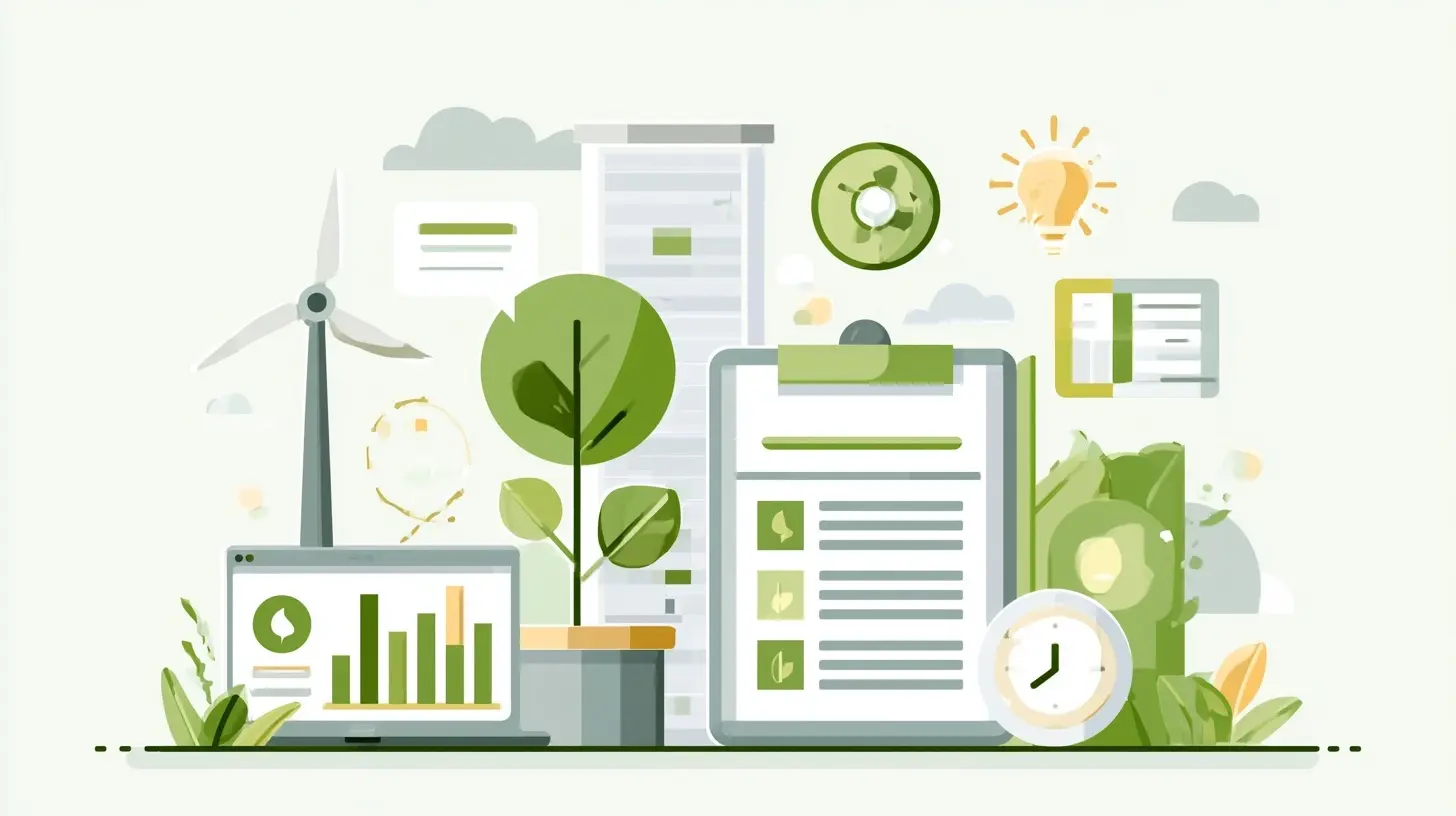
Efficiency Gains Hidden in Plain Sight
Some of the most impactful eco-friendly features will be invisible. They will reduce energy use by making software do less unnecessary work.Consider real-time collaboration. Many platforms maintain persistent websocket connections for every open document, even when a user has not touched the file in hours. A smarter system could drop idle connections and re-establish them on demand. The user experience barely changes. The energy savings compound across millions of sessions.
Other examples in this category:
- Compression improvements that reduce data transfer without visible quality loss
- Caching strategies that avoid redundant server round trips
- On-device processing for tasks that do not need cloud compute
- Adaptive video quality that responds to actual attention, not just network speed
Each of these is a small win. Together they represent a meaningful reduction in the baseline energy cost of digital work.
Why On-Device Processing Is Underrated
Moving computation from the cloud to a local device is often framed as a privacy feature. It is also an energy feature, though the math is not always obvious.A cloud server is typically more energy-efficient per computation than a laptop, because data centers are optimized for density and cooling. But the cloud also adds network transmission, which has its own cost. For small, frequent tasks, the network overhead can exceed the compute savings. For large, infrequent tasks, the cloud usually wins.
The right answer depends on the specific workload. Vendors that blindly push everything to the cloud are not optimizing for energy. They are optimizing for control and recurring revenue. Expect smarter hybrid approaches to emerge as the sustainability conversation matures.
Sustainable Defaults and the Power of Nudges
Behavioral design will play a larger role than most people expect. The default settings in a productivity tool shape the behavior of millions of users, often without any conscious decision on their part.A few defaults that could shift:
- Video resolution set to adaptive rather than maximum
- Notification frequency tuned to actual engagement patterns
- Auto-save intervals adjusted to balance data safety against write frequency
- Cloud storage tiers that move cold data to lower-energy storage automatically
None of these changes require users to sacrifice anything meaningful. They simply remove waste that accumulated because no one was measuring it.
The counterargument is that defaults can feel paternalistic. Users who want maximum performance may resent automatic downgrades. The solution is transparency and easy override, not hidden throttling. A tool that quietly reduces your video quality without telling you is not sustainable design. It is just bad design with a green label.
The Data Center Side of the Equation
User-facing features are only half the story. The infrastructure underneath them is undergoing its own transformation, and those changes will eventually surface as product capabilities.Several trends are worth watching:
Liquid cooling. Traditional air cooling is reaching its limits as chip density increases. Liquid cooling allows higher performance per watt, which translates to lower emissions per unit of work.
Renewable matching. Many cloud providers now match their electricity consumption with renewable purchases. The quality of these matches varies widely. Hourly matching is far more meaningful than annual matching, because it reflects what is actually happening on the grid at any given moment.
Geographic load balancing. Workloads can be routed to regions with cleaner grids, provided latency requirements allow it. This is already common for batch jobs and will likely extend to more interactive workloads over time.
Hardware longevity. Extending the useful life of servers reduces embodied emissions, which often dominate the total footprint of a data center. Software that runs efficiently on older hardware is, in a real sense, a sustainability feature.
What to Watch For as These Features Ship
Not every eco-friendly feature will be genuine. Some will be cosmetic. Here is how to tell the difference.A real sustainability feature changes the energy profile of the product. It reduces work, shifts work to cleaner times, or extends the life of existing hardware. It comes with methodology you can inspect.
A cosmetic feature changes the narrative without changing the physics. It might involve a dashboard that displays a number no one can verify. It might involve a carbon offset purchase that does not reduce actual emissions. It might involve a badge or certification with weak criteria.
The most reliable signal is whether the vendor is willing to talk about trade-offs. Anyone claiming a feature is purely good, with no cost and no compromise, is either misinformed or selling something.
Practical Steps You Can Take Now
You do not have to wait for new features to reduce the environmental cost of your digital work. A few habits and settings make a measurable difference today.- Turn off auto-play for video and audio in tools where it is not essential
- Close tabs and applications you are not actively using, especially those with live connections
- Reduce video call resolution when high definition is not needed
- Schedule large syncs and backups for off-peak hours
- Prefer tools that offer transparency about their infrastructure
- Ask vendors directly about their energy sourcing and measurement practices
These steps are small. Their value is partly in the direct savings and partly in the signal they send. When enough users ask, vendors respond.
The Bigger Picture
Sustainable productivity is not about doing less. It is about doing the same work with less waste. The features coming soon will make that easier, but they will not make it automatic. Users, buyers, and administrators will still need to make choices.The most interesting possibility is that sustainability becomes a competitive advantage rather than a compliance cost. A tool that runs leaner is also a tool that runs cheaper. A platform that respects grid conditions is also a platform that respects its users' time and attention. Those alignments are rare, and they are worth paying attention to.
The next time your fan spins up, ask yourself whether it needed to. In a few years, your software may answer that question for you.
all images in this post were generated using AI tools
Category:
Productivity AppsAuthor:

Kira Sanders