Best Cooling Solutions for High-Performance Gaming PCs
13 May 2026
Building a high-performance gaming PC is like assembling a race car—you can’t just throw in a powerful engine and call it a day. If that engine runs too hot, it’s game over. Whether you're chasing buttery-smooth 4K graphics or trying to crank every frame out of your RTX 4090, proper cooling isn’t just a nice-to-have—it’s mission critical.
In this guide, we’re diving deep into the best cooling solutions for high-performance gaming PCs. We’ll break down the options, compare air vs. liquid cooling, and help you make the smartest thermal decisions for your build. Ready to keep your rig chill under fire? Let’s do this.
Why Cooling Matters (More Than You Think)
High temps don’t just make your gaming PC uncomfortable to touch—they can seriously impact performance and lifespan. Modern CPUs and GPUs are thermal beasts. Left unchecked, they’ll throttle (aka slow themselves down) to avoid damage. That means lower FPS, potential crashes, and a shorter hardware lifespan.And if you’re into overclocking? Yeah, you’d better believe your cooling situation needs to be top-notch. The hotter the hardware, the more unstable your build becomes.
Let’s break down the top cooling strategies that keep those temps where they should be: low and steady.
First Things First: Airflow Is Everything
Before we even talk about fans or radiators, let’s talk case airflow. Even the best cooling hardware won’t save you if your case is a heat trap. What you want is a solid airflow design—cool air in, hot air out.? Pro Tip: Follow the Flow
Position intake fans at the front or bottom of your case, and exhaust fans at the rear and top. Cold air comes in low, hot air rises—it’s science, baby.Key things to consider:
- Positive air pressure (more intake than exhaust) helps keep dust out.
- Negative air pressure (more exhaust) can pull in dust through unfiltered gaps.
- Neutral pressure (even intake and exhaust) strikes a good balance.
Now, let’s explore the actual cooling hardware.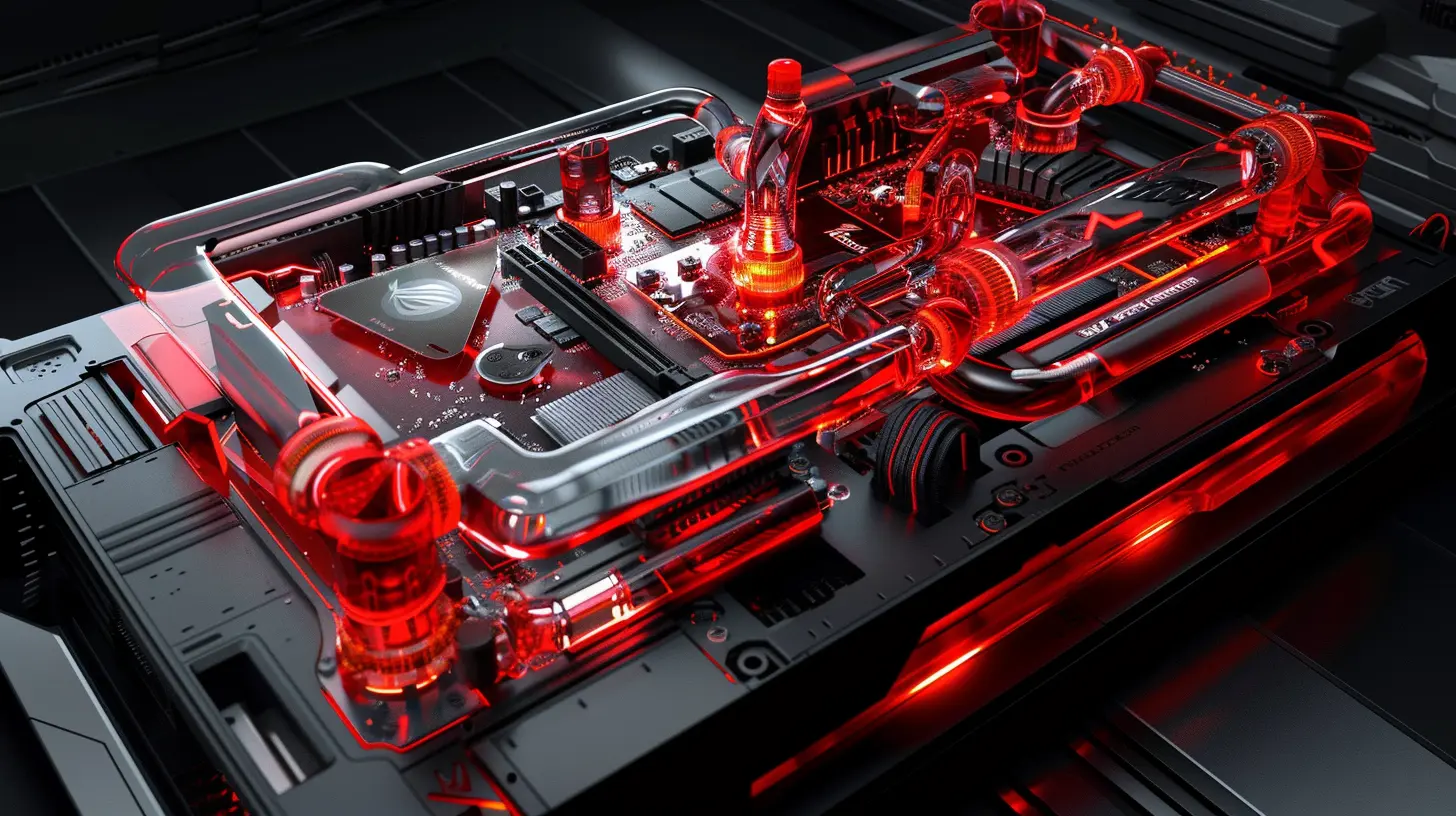
Option 1: Air Cooling – Reliable, Affordable, and Surprisingly Effective
Air cooling is the classic solution, and for a lot of folks, it’s all they’ll ever need. High-performance air coolers have come a long way, and some of them can handle even the beefiest CPUs out there.✅ Benefits of Air Cooling:
- Lower cost: Great bang for your buck.- Simplicity: Fewer parts, easy installation.
- Low maintenance: No pumps or liquid to worry about.
❌ Drawbacks:
- Bulky: Some tower coolers are HUGE.- Not ideal for small cases.
- Limited overclocking headroom compared to liquid.
? Top Air Coolers Worth Checking Out:
- Noctua NH-D15 – A dual-tower beast with whisper-quiet fans.- be quiet! Dark Rock Pro 4 – Classy looks, strong performance.
- Scythe Fuma 2 – Excellent performance for the price.
Air cooling is perfect if you don’t plan on extreme overclocking and you’ve got the room for a beefy heatsink. But if you want next-level cooling…
Option 2: All-in-One (AIO) Liquid Coolers – Chill Without the Hassle
AIO liquid coolers combine a water block, pump, radiator, and fans into one tidy package. They’re great for gamers who want better cooling than air without diving into full custom loops.✅ Benefits of AIO Cooling:
- Better thermal performance: Especially for high-end CPUs.- Looks cleaner: Sleek aesthetic with RGB options.
- Space-saving: Keeps your RAM and PCIe slots clear.
❌ Drawbacks:
- Pricey compared to air coolers.- Some pump noise.
- Lifespan depends on the pump.
? Best AIO Coolers for 2024:
- Corsair iCUE H150i Elite Capellix XT – Top-tier cooling with slick software.- NZXT Kraken Elite 360 – Gorgeous LCD display and strong performance.
- ARCTIC Liquid Freezer II 360 – Incredible performance per dollar.
If you’ve got a high-end CPU like the Ryzen 9 7950X or an Intel Core i9, an AIO cooler is a no-brainer. You can push your system harder, and your temps will stay in the safe zone.
Option 3: Custom Water Cooling – The Ultimate Cooling Flex
This is where things get serious. Full custom loops offer unmatched cooling performance and a chance to flex your skills (and your rig on Reddit).You choose every component: pump, reservoir, water blocks, tubes, and radiators. It’s like building a Lego set with liquid nitrogen vibes.
✅ Benefits of Custom Loops:
- Insane cooling potential – Ideal for overclocking.- Cool both CPU and GPU – One loop to rule them all.
- Showstopper looks – It’s basically PC art.
❌ Drawbacks:
- Expensive. Like, really expensive.- High maintenance – You're cleaning and refilling every 6–12 months.
- Risk of leaks if not installed properly.
? Best Use Case?
If you’re building a no-compromise PC, custom loops give you the best temps and most control. And let’s be honest—it just looks freaking awesome.Cooling Your GPU: Don’t Forget This Bad Boy
Your CPU isn’t the only thing that needs love. GPUs, especially modern monsters like the RTX 4080 or RX 7900 XTX, generate serious heat.Built-in vs. Aftermarket Cooling
Most GPUs come with decent cooling solutions out of the box. But if you’re pushing limits or care about acoustics and aesthetics, you’ve got options:- Aftermarket air coolers: Better thermal performance and quieter fans.
- GPU water blocks: For custom loops only, but incredibly effective.
Vertical GPU Mount?
Looks cooler, runs hotter. Vertical mounting limits airflow unless you’ve got a case designed for it. Something to keep in mind.Case Fans Matter More Than You Think
Case fans are like the supporting cast in your cooling setup. They don’t get the spotlight, but they totally affect the performance of your main stars.Look For:
- High airflow (CFM) for intake fans.- High static pressure for fans placed on radiators.
- Low noise levels – gaming in a jet engine isn’t fun.
Fan Size Tips:
- 120mm – Standard, good balance.- 140mm – More airflow, quieter at lower speeds.
- 200mm – Gentle giants, but not every case supports them.
Stick with trusted brands like Noctua, Corsair, or be quiet! and you'll be golden.
Fan Configuration: Push, Pull, or Both?
Radiator performance can change depending on how you mount your fans.- Push: Fans push air through the radiator.
- Pull: Fans pull air through from the other side.
- Push-pull: Both. Best performance, but requires more space.
Try to avoid trapping hot air in your case. If your radiator fans are exhausting air, make sure there's fresh air feeding in from elsewhere.
Thermal Paste: Tiny Tube, Big Deal
It’s tempting to ignore thermal paste, but that little gray blob makes a big difference. It fills microscopic gaps between your CPU and cooler, improving conductivity.What to Look For:
- High thermal conductivity – Measured in W/mK.- Longevity – Some pastes last years, others degrade quickly.
Top picks:
- Arctic MX-6
- Thermal Grizzly Kryonaut
- Noctua NT-H2
Don’t overdo it—a pea-sized dot is perfect. Too much actually insulates your CPU. Weird, right?
Monitoring Tools: Keep an Eye on Those Temps
All that gear is great, but you still need to monitor your system. Here are some trusty tools:- HWMonitor – Solid, no-frills temp readouts.
- NZXT CAM – Especially good if you’re using their coolers.
- MSI Afterburner – Great for GPU temp and fan curve control.
Set custom fan curves to balance performance and noise. It’s like cruise control for your fans.
Cooling Myths That Need To Die
Let’s clear the air (see what I did there?):1. "More fans = better cooling" – Not if they're fighting each other or causing turbulence.
2. "Liquid cooling is dangerous" – Totally safe if done right.
3. "Thermal paste doesn't matter" – It totally does.
4. "Louder fans are better" – Nope. You can have quiet and cool.
Final Thoughts: Give Your Rig the Chill Treatment It Deserves
Cooling your gaming PC isn’t just about slapping on fans—it's about building a strategy. Airflow, cooler type, fan placement, case design, and paste quality all work together like a well-oiled team. If you’re gaming on high-end hardware, treat it right. Good cooling keeps your performance high, your noise low, and your components healthy.Think of it like this: would you drive a Ferrari without checking the oil or radiator? Exactly.
So whether you're going basic with air, rising to AIO, or diving deep with a custom loop, make sure your cooling setup is as powerful and thoughtful as the rest of your build.
Game hard. Stay frosty.
all images in this post were generated using AI tools
Category:
Pc GamingAuthor:

Kira Sanders
Discussion
rate this article
2 comments
Gabriel Kirkland
Great insights on cooling solutions! It's crucial for gamers to keep their systems running smoothly. Thanks for sharing these tips to enhance performance and longevity.
June 12, 2026 at 11:56 AM
Kira Sanders
Thanks for the feedback! I'm glad you found the tips helpful for maintaining performance and longevity. Happy gaming!
Arianth Sanchez
If your gaming rig is running hotter than a summer day, it's time for an upgrade. Don't let your CPU sweat it out. Invest in a cooling solution that keeps your game cool and your performance ice cold.
May 17, 2026 at 4:47 AM
Kira Sanders
Absolutely! Keeping your rig cool is crucial for peak performance. A solid cooling solution can make all the difference in your gaming experience.