The Best Webcams for Professional Video Calls in 2027
1 October 2026
Video calls stopped being a novelty a long time ago. For most professionals, they are simply the office. That shift changed what we expect from a webcam. A grainy 720p image with washed-out skin tones and a microphone that picks up your neighbor's dog is no longer something you tolerate. It is something that quietly costs you credibility in every meeting.
This guide is about choosing a webcam for 2027 with your eyes open. I will walk through what actually matters in image quality, how sensors and lenses interact, why lighting beats megapixels almost every time, and which categories of cameras make sense for different kinds of work. I will also explain where the money goes when you spend more, and where you are simply paying for a logo.
Why 2027 Is a Different Buying Year
The webcam market changed in three meaningful ways over the past few years.First, sensor technology trickled down. The 1/2.8-inch and 1/3-inch sensors that once lived only in premium cameras now appear in mid-range models. Bigger sensors capture more light, and more light means cleaner images in ordinary rooms. That single change matters more than any resolution bump.
Second, onboard processing got serious. Modern webcams run their own auto-framing, noise reduction, and exposure logic on dedicated chips. This means your laptop's CPU is not doing the heavy lifting, and your image stays consistent even when your machine is busy.
Third, the software layer matured. Instead of installing clunky vendor utilities, many cameras now expose their features through standard protocols, so Zoom, Teams, Google Meet, and OBS can all use them without friction.
The practical result: you can get a genuinely professional image for far less than you could five years ago. But the floor has also risen, which means the gap between a $50 camera and a $200 camera is now mostly about optics, low-light performance, and field of view, not raw resolution.
The Specs That Actually Matter
Sensor Size Beats Resolution
A 1080p camera with a 1/2.8-inch sensor will almost always look better than a 4K camera with a tiny 1/4-inch sensor. Resolution describes how many pixels you get. Sensor size describes how much light each pixel collects. In a typical home office with a window and a desk lamp, light is the limiting factor, not pixel count.Think of it like a bucket in the rain. A wide bucket collects more water in the same amount of time. A bigger sensor collects more photons. If your image looks noisy or smeared in dim light, the problem is almost never resolution. It is sensor area and aperture.
Aperture and Low Light
Look for an aperture of f/2.0 or wider. The lower the number, the more light reaches the sensor. An f/1.8 lens on a mid-size sensor can produce a usable image from a single soft lamp. An f/2.8 lens on a small sensor will need much more light to avoid grain.This is why two cameras with identical resolution can look wildly different in the same room. The one with the wider aperture and larger sensor wins, and it wins by a margin you can see immediately.
Field of View and Framing
Field of view, usually expressed in degrees, determines how much of your room appears behind you. A 65-degree lens gives a tight, head-and-shoulders frame. A 90-degree lens shows more of your space, which is great if you have a tidy office and bad if you have a cluttered wall.For most professional calls, 70 to 80 degrees is the sweet spot. It gives you a natural frame without turning your background into the main character.
Frame Rate
30 frames per second is fine for talking heads. 60 fps matters if you gesture a lot, present with hand movements, or stream. It also makes motion look smoother when you lean forward or turn. For pure meeting use, 30 fps at a clean exposure beats 60 fps with noise.Autofocus and Fixed Focus
Fixed focus cameras are set to keep everything from about arm's length to infinity reasonably sharp. They are cheap and reliable. Autofocus cameras adjust as you move, which helps if you lean in to show a document or hold up a product.The trade-off: autofocus can hunt. A camera that constantly racks focus during a call is more distracting than one that is simply a little soft. Good autofocus is fast and quiet. Bad autofocus is worse than none.
Microphones: The Hidden Half of Quality
People forgive a soft image. They do not forgive bad audio. If your voice sounds like you are calling from a submarine, nothing else matters.Built-in webcam microphones have improved, but they still struggle with room echo and keyboard noise. A camera with a dual-microphone array and hardware noise suppression can be surprisingly good in a quiet room. In a noisy space, no webcam microphone will beat a dedicated USB mic or a headset.
My honest advice: if you must choose where to spend, spend on audio first and video second. A $60 camera with a $100 microphone will make you look and sound more professional than a $300 camera with its built-in mic.
The Categories, and Who They Are For
The Reliable Workhorse
This is the $80 to $150 range. Expect 1080p at 30 or 60 fps, a decent sensor, a wide-ish aperture, and a solid mounting clip. These cameras are the right answer for the vast majority of knowledge workers. They handle a normally lit office without drama and they last for years.If you take calls in a room with a window and a ceiling light, this category is where you should start. Spending more only pays off if you have a specific problem to solve.
The Low-Light Specialist
These cameras cost $150 to $250 and focus on one thing: looking good when the light is bad. They use larger sensors, wider apertures, and smarter processing. Some include built-in ring lights or rely on computational tricks to brighten the frame without turning your face into a flat, noisy mess.Buy this if you take early morning calls before sunrise, work in a basement office, or share a space where you cannot control the lighting. Do not buy it if your room is already bright. You will pay for capability you never use.
The 4K and Creator Option
4K webcams make sense when you crop. If you use software that digitally zooms and pans to follow you, a 4K sensor gives the software room to work while still outputting a sharp 1080p frame. If you stream, record tutorials, or present detailed visuals, 4K also helps.For a standard talking-head call, 4K is mostly wasted. Most platforms compress your video heavily, and your colleagues are watching on laptop screens. The benefit is in the cropping headroom, not the raw pixel count.
The PTZ and Conference Room Camera
Pan, tilt, and zoom cameras are built for rooms with multiple people. They track the active speaker, frame groups automatically, and cover wide tables. They are overkill for a single desk and often awkward to mount on a monitor.If you run a small conference room, this is the category to research. If you work alone, skip it.
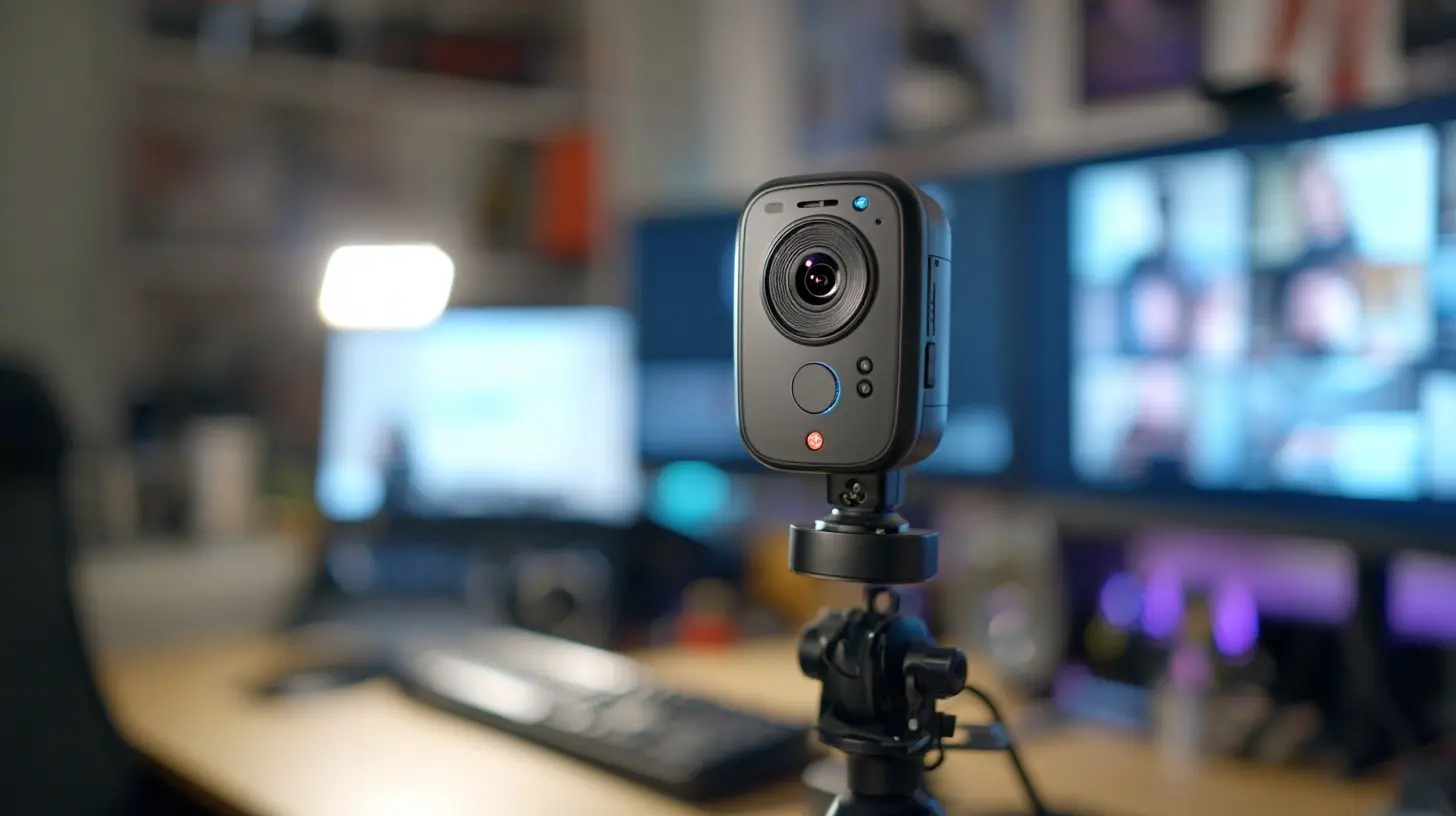
What Separates a Good Camera from a Great One
Dynamic Range
Dynamic range is the camera's ability to show detail in both bright and dark areas at the same time. A window behind you is the classic test. A camera with poor dynamic range turns you into a silhouette. A camera with good dynamic range keeps your face visible and the window from blowing out into pure white.This is one of the most underrated specs. It is also hard to find on a spec sheet, which is why real-world reviews with window-lit examples are worth more than marketing copy.
Color Science
Two cameras can capture the same scene and produce very different skin tones. Some lean warm and flattering. Others lean cool and clinical. Neither is objectively correct, but consistency matters. You want a camera that renders your skin the same way every day, so you do not look pale on Monday and orange on Tuesday.Look for examples of real faces in reviews, not product renders.
Autoframing and Tracking
Autoframing crops and moves the frame to keep you centered. It is genuinely useful if you stand, gesture, or move around. It is annoying if you sit still and it keeps adjusting. Most cameras let you turn it off, and you should test both modes before deciding.Privacy Shutter
A physical shutter is a small feature with a large psychological benefit. It removes any doubt about whether the camera is on. Software indicators can fail. A piece of plastic that covers the lens cannot.Mounting and Cable Management
A good mount grips a monitor without sagging. A bad one slowly tilts down over weeks. Check whether the camera uses a standard tripod thread, because that opens up better mounting options. Also check the cable. A permanently attached USB cable that is too short is a daily irritation.Common Mistakes and Misconceptions
Chasing Megapixels
More megapixels do not mean a better image. They mean more data. If the sensor is small and the light is low, those extra pixels just capture more noise.Ignoring Lighting
The single biggest upgrade to your video quality is not a camera. It is a light. A $30 soft light placed behind your laptop, angled toward your face, will improve a cheap webcam more than a $200 camera will improve bad lighting.Sitting With a Window Behind You
Backlighting is the most common home office mistake. Either move so the window is in front of you, or close the blinds and use artificial light. No webcam fully solves a bright window directly behind your head.Assuming 4K Solves Everything
4K cannot fix bad lighting, a noisy room, or a bad microphone. It only adds detail. If the underlying image is poor, more detail just makes the poor image sharper.Forgetting About Audio
A camera with a great image and terrible audio is a bad camera. Test your audio before you buy, or plan to add a separate microphone.
Practical Setup Advice
Place the camera at eye level. A camera looking up your nose is unflattering, and a camera looking down at you is worse. If your monitor sits low, raise the camera or lower your chair.Position your key light in front of you, slightly off to one side. This creates gentle shadows that give your face dimension. Flat, straight-on light makes you look like a passport photo.
Keep your background simple. A plain wall, a bookshelf, or a plant works. A moving ceiling fan or a hallway with traffic does not.
Test your setup in the actual app you use. Zoom, Teams, and Meet all apply their own compression and color processing. A camera that looks great in its own preview can look different in a call.
Finally, check your upload bandwidth. A beautiful 4K camera means nothing if your connection cannot carry the stream. Most platforms cap outgoing video well below 4K anyway.
How to Decide
Ask yourself three questions.What is my lighting like? If it is good, a mid-range 1080p camera is enough. If it is bad, prioritize sensor size and aperture.
Do I move around? If yes, autoframing and 60 fps help. If no, save the money.
What is my audio situation? If your room is quiet and you speak clearly, a good webcam mic may suffice. If not, budget for a separate microphone before you upgrade the camera.
Answer those honestly and the choice becomes obvious. The best webcam for 2027 is not the one with the highest number on the box. It is the one that fits your room, your habits, and your budget without asking you to fix problems you do not have.
all images in this post were generated using AI tools
Category:
Camera GearAuthor:

Kira Sanders