Setting Up Your First Smart Home: A Starter Guide for 2027
21 September 2026
A smart home in 2027 looks very different from the gadget-packed setups people were assembling a decade ago. The early years of this market rewarded novelty. You could buy a connected bulb, a Wi-Fi plug, and a camera, and you had something that felt futuristic even if nothing worked together. That era is over. The technology has matured, the standards have settled, and the real challenge now is not finding smart devices. It is choosing a foundation that will still make sense three years from now when you want to add the next thing.
This guide is written for someone starting from zero. You may own a phone and a router and not much else. Or you may already have a few mismatched devices and want to bring order to the chaos. Either way, the goal is the same: build a system that is reliable, private, and expandable without wasting money on gear you will replace in a year.
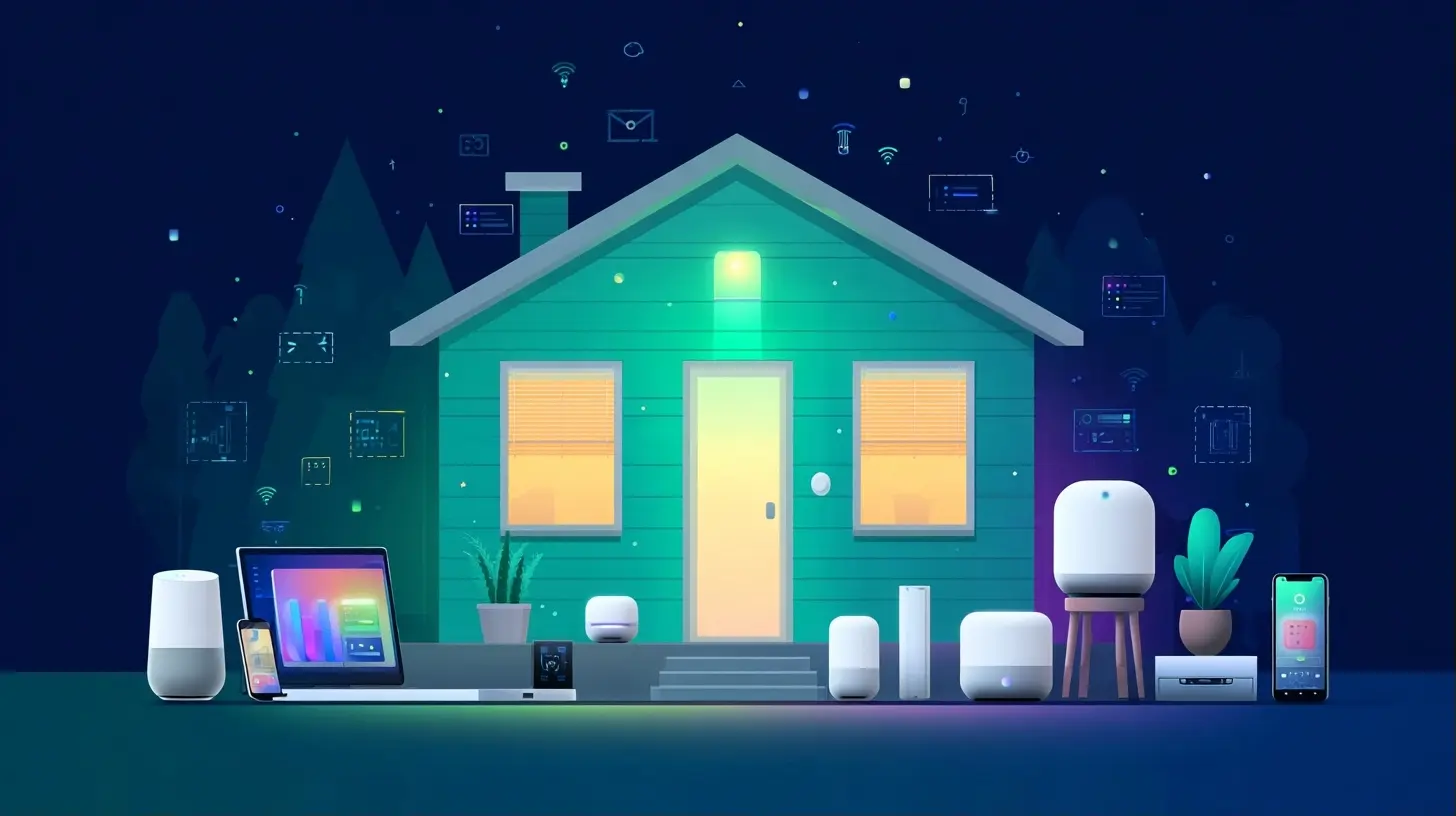
Start With the Problem, Not the Product
The most common mistake beginners make is shopping for devices before they understand what they actually want the home to do. A smart home is not a collection of gadgets. It is a set of automated responses to conditions in your house. If you cannot describe the condition and the response, you are not ready to buy anything.Ask yourself a few concrete questions:
- What do I do repeatedly that I would rather not think about? Locking a door, turning off lights, adjusting a thermostat.
- What do I worry about? A forgotten garage door, a water leak, a package left on the porch.
- What would genuinely improve my daily routine? Waking up to gradual light, arriving to a cool house, silencing notifications at night.
Write the answers down. Most people find that three or four real needs cover 90 percent of the value they will ever get from a smart home. Everything else is entertainment. That is fine, but do not confuse the two when you are budgeting.
Choosing Your Ecosystem: The Decision That Shapes Everything
A smart home ecosystem is the platform that ties your devices together. It determines which products work, how you control them, and how much freedom you have later. In 2027 there are three broad paths, and each has real trade-offs.Path One: A Single Brand Ecosystem
Companies like Apple, Google, and Amazon each offer a cohesive ecosystem. You buy their hub or speaker, use their app, and stay mostly within their recommended devices.The advantage is simplicity. Setup is usually guided, updates are handled for you, and voice control works consistently. The disadvantage is lock-in. If you later want a device that does not support your chosen platform, you either skip it or run a second app. Over time, a single-brand home can become a collection of apps anyway, which defeats the purpose.
This path suits people who value convenience over flexibility and who do not expect to tinker.
Path Two: A Standards-Based Approach
Matter and Thread have changed the game. Matter is an application-layer standard that lets devices from different brands talk to each other. Thread is a low-power networking protocol designed for devices that need to run on batteries for years. Together they allow a light bulb from one company to be controlled by a hub from another.This is the most future-proof path. When you buy a Matter-certified device, you are buying into a standard rather than a company. The catch is that Matter support varies in quality. Some devices implement it well. Others support only a subset of features. You should check reviews for how a specific product behaves under Matter, not just whether it carries the logo.
Path Three: A Local-First Platform
Platforms like Home Assistant and Hubitat run on hardware in your home. They do not depend on a cloud service to function. This means your automations keep working when the internet goes down, and your data stays on your network.The trade-off is effort. You will spend weekends configuring things. You will read documentation. You will occasionally break your setup and have to fix it. In return, you get control that no cloud platform can match. For someone who enjoys that process, it is the best option available. For someone who wants a light to turn on when they walk in, it is overkill at the start.
A reasonable strategy is to begin with a mainstream ecosystem and keep your options open. Buy Matter devices. Avoid anything that requires a proprietary hub you cannot replace. If you outgrow the simple setup, you can migrate to a local platform later without replacing your hardware.
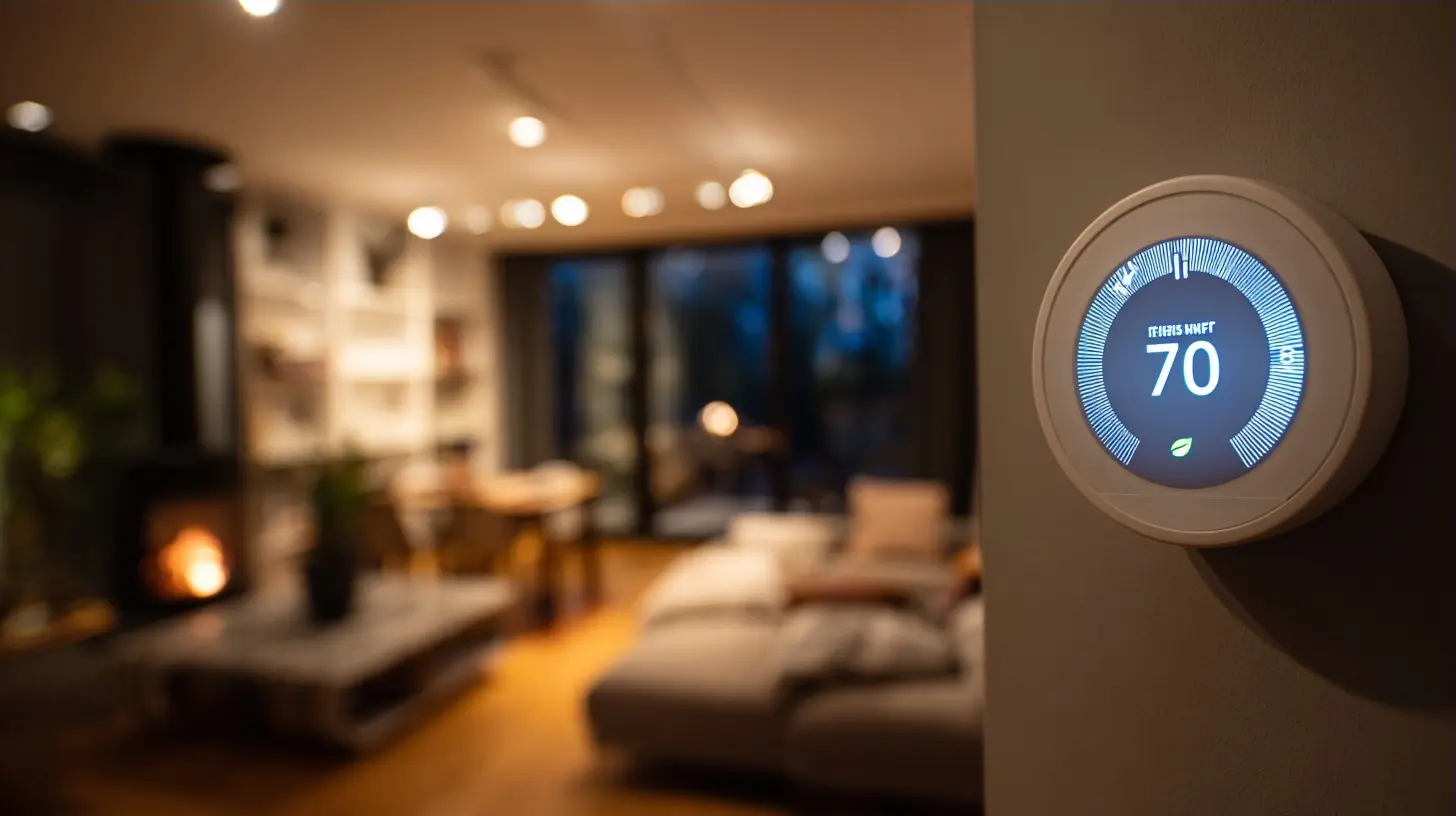
The Network Is the Foundation Nobody Talks About
Your smart home runs on your Wi-Fi network, and most home networks were not designed for it. A typical router from five years ago may struggle with thirty connected devices. When it does, you get the classic symptoms: lights that respond slowly, cameras that drop frames, and devices that go offline for no clear reason.Before you buy a single smart device, do two things.
First, check how many devices your router can handle. The number is usually listed as a maximum concurrent client count. If you are close to it, plan to upgrade.
Second, consider separating your smart devices onto their own network. Many modern routers support a guest network or a separate SSID. Putting smart devices there keeps them from competing with your laptop and streaming traffic. It also isolates them, which is a modest security improvement because a compromised device cannot easily reach your personal computers.
For battery-powered sensors, Wi-Fi is the wrong choice. It drains batteries quickly. Thread and Zigbee exist precisely for this reason. They use far less power, which is why a door sensor can run for a year or more on a coin cell. If your hub supports Thread, prefer it for sensors.
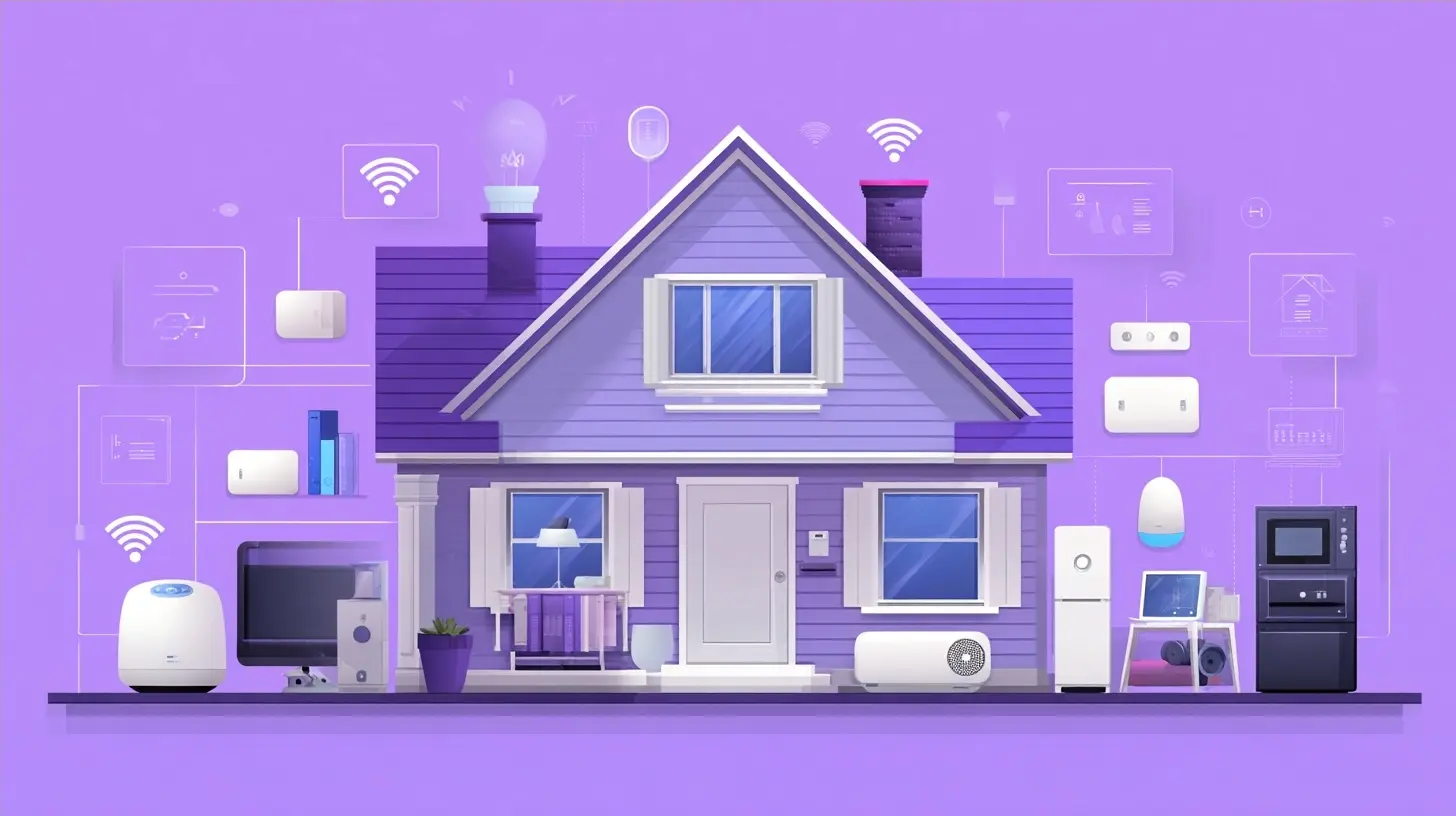
Hubs: When You Need One and When You Do Not
A hub is a device that coordinates your smart home. It translates between protocols, runs automations, and provides a single point of control. Some ecosystems build the hub into a speaker. Others sell it separately.You do not always need a hub. A few Wi-Fi plugs and bulbs can run through their own apps. But the moment you want devices from different brands to work together, or you want automations that run without the cloud, a hub becomes necessary.
There are three questions to ask when evaluating a hub:
1. Which protocols does it support? Look for Thread, Zigbee, Matter, and Wi-Fi at minimum.
2. Does it run automations locally? If the answer is no, your routines will fail during an internet outage.
3. Can you export your configuration? This matters if you ever want to move to another platform.
A hub that supports Matter and Thread is the safest long-term purchase. It will work with the widest range of devices and is least likely to be abandoned by its manufacturer.
Lighting: The Best First Project
If you are new to this, start with lighting. It is low-risk, immediately useful, and teaches you the concepts you will need everywhere else.You have two main choices: smart bulbs or smart switches.
Smart bulbs replace the bulb. They are easy to install and can change color. The downside is that they need constant power. If someone flips the wall switch off, the bulb loses power and stops responding. You also lose the ability to control the fixture from the switch unless you buy a separate smart switch or a button.
Smart switches replace the wall switch. They control the fixture normally, so anyone in the house can use them. They are more work to install and require basic electrical comfort. They do not change color, but they work with any bulb.
The right answer depends on the room. In a rental, smart bulbs make sense because you can take them with you. In a home you own, smart switches are usually the better long-term choice because they preserve normal behavior for everyone else in the house.
A practical hybrid: use smart switches for ceiling fixtures and smart bulbs for lamps and accent lighting. This gives you reliable control where it matters and flexibility where it is fun.
One more consideration. Cheap smart bulbs often have poor dimming performance, visible flicker at low levels, and unreliable Wi-Fi chips. The difference between a budget bulb and a mid-range one is noticeable. Buy one of each and test before committing to a whole house.
Sensors: The Quiet Workhorses
Sensors are what turn a remote-controlled home into an automated one. A motion sensor can turn on lights. A door sensor can trigger a notification. A temperature sensor can adjust heating. A leak sensor can shut off a valve.Most sensors are battery-powered and use Thread or Zigbee. They are inexpensive, often under twenty dollars each, and they are where a smart home starts to feel genuinely useful.
Placement matters more than quantity. A motion sensor in a hallway should be positioned so it sees people as they enter, not after they have already passed. A door sensor needs a clean gap between the two halves. A leak sensor belongs near the water heater, under the kitchen sink, and behind the washing machine.
Avoid the temptation to automate everything at once. Start with one sensor and one automation. Live with it for a week. Adjust the timing. Then add the next one.
Security and Cameras: Where Privacy Decisions Matter Most
Cameras and doorbells are among the most popular smart home devices, and they are also the ones with the largest privacy implications. A camera in your home streams video to a server somewhere. That server may be in your house, or it may be in a data center owned by a company you have no relationship with.Before buying a camera, decide where the video should live. Options include:
- Cloud storage, which is convenient but requires a subscription and sends footage off-site.
- Local storage on an SD card, which keeps footage in the camera but is vulnerable if the camera is stolen.
- A local network video recorder, which stores footage on a device in your home and is the most private option.
There is no universally correct answer. Cloud storage is easier to use and gives you access when you are away. Local storage is more private but requires more setup. Many people use a mix: cloud for the doorbell, local for indoor cameras.
Also consider what happens when the internet goes down. A camera that depends entirely on the cloud may stop recording. A camera with local storage keeps working. If your goal is security, local recording is the more reliable choice.
Automations: The Difference Between Useful and Annoying
An automation is a rule. When this happens, do that. The best automations are invisible. You do not notice them because they simply make things work.Good automations share a few traits:
- They have a clear trigger. A time, a sensor event, or a device state change.
- They have a condition that prevents them from firing when they should not. For example, only turn on lights if it is dark outside.
- They fail gracefully. If a sensor is offline, the automation should not leave you in the dark.
Common beginner automations include turning on lights when motion is detected, locking doors at night, and adjusting the thermostat when everyone leaves. These are fine starting points.
The trap is over-automation. If a light turns on every time you move, it becomes irritating. If a notification fires every time a door opens, you stop reading them. The goal is not maximum automation. It is automation that removes friction without adding confusion.
A useful practice is to add a manual override to every automation. A physical button or a voice command that lets you say "not now." This keeps the system respectful of the people living in the house.
Common Mistakes and Misconceptions
Several myths persist about smart homes, and they lead people to make poor decisions.Myth: More devices equal a better home. In reality, a small number of well-chosen devices that work together beats a large collection that does not. Focus on integration, not quantity.
Myth: You need to automate everything. Most people get the most value from a handful of routines. The rest is novelty.
Myth: Cheap devices are fine because they all do the same thing. They do not. Cheap devices often have weaker radios, worse firmware, and shorter support lives. A device that stops receiving security updates becomes a liability.
Mistake: Ignoring the network. A weak router undermines everything. Budget for a better router before you budget for more devices.
Mistake: Buying devices that require a hub you do not own. Always check what is required to make a device work. Some products are useless without a specific bridge.
Mistake: Skipping the manual controls. Guests and family members should be able to use your home without an app. If they cannot, your smart home is a burden.
A Sensible First Build
If you want a concrete starting point, here is a build that covers the essentials without overspending.1. A router that supports at least fifty devices and has a separate network for smart devices.
2. A hub that supports Matter and Thread.
3. Smart switches for two or three high-traffic rooms.
4. Two or three smart bulbs for lamps.
5. A motion sensor for a hallway or bathroom.
6. A door sensor for the main entry.
7. A leak sensor near the water heater.
8. A video doorbell with local storage if privacy matters to you.
This setup handles lighting, basic security, and early leak detection. It is expandable. It does not lock you into a single brand. And it costs far less than a house full of gadgets that never quite work together.
Looking Ahead
The smart home market is consolidating around standards. Matter and Thread are not perfect, but they represent a real shift away from proprietary silos. Devices you buy in 2027 are more likely to work with devices you buy in 2030 than they were five years ago.That is good news for anyone starting now. You do not need to predict the future. You need to choose devices that follow open standards, keep your network healthy, and automate only what genuinely helps. Do that, and your smart home will quietly do its job for years without demanding attention.
The best smart home is the one you forget about because it simply works.
all images in this post were generated using AI tools
Category:
Tech GadgetsAuthor:

Kira Sanders
Discussion
rate this article
1 comments
Naomi McIntire
If my toaster starts giving me life advice, I'm officially out of here...
September 21, 2026 at 12:23 PM