Securing Your Home Network Against Cyber Intruders
17 December 2025
Ah, the sweet sound of buffering when you're binge-watching your favorite show — nothing screams "secure home network" like the Wi-Fi cutting out every time someone sneezes. But let’s get real for a sec: it’s 2024, and cyber intruders are no longer just hoodie-wearing folks lurking in dark alleys of the internet — they're sophisticated, relentless, and yes, deeply annoying. So, how do you stop these pixelated pirates from making your digital life their playground?
Buckle up, buttercup. We’re diving deep into the abyss (okay, your router settings) to lock down your home network like Fort Knox — but cooler.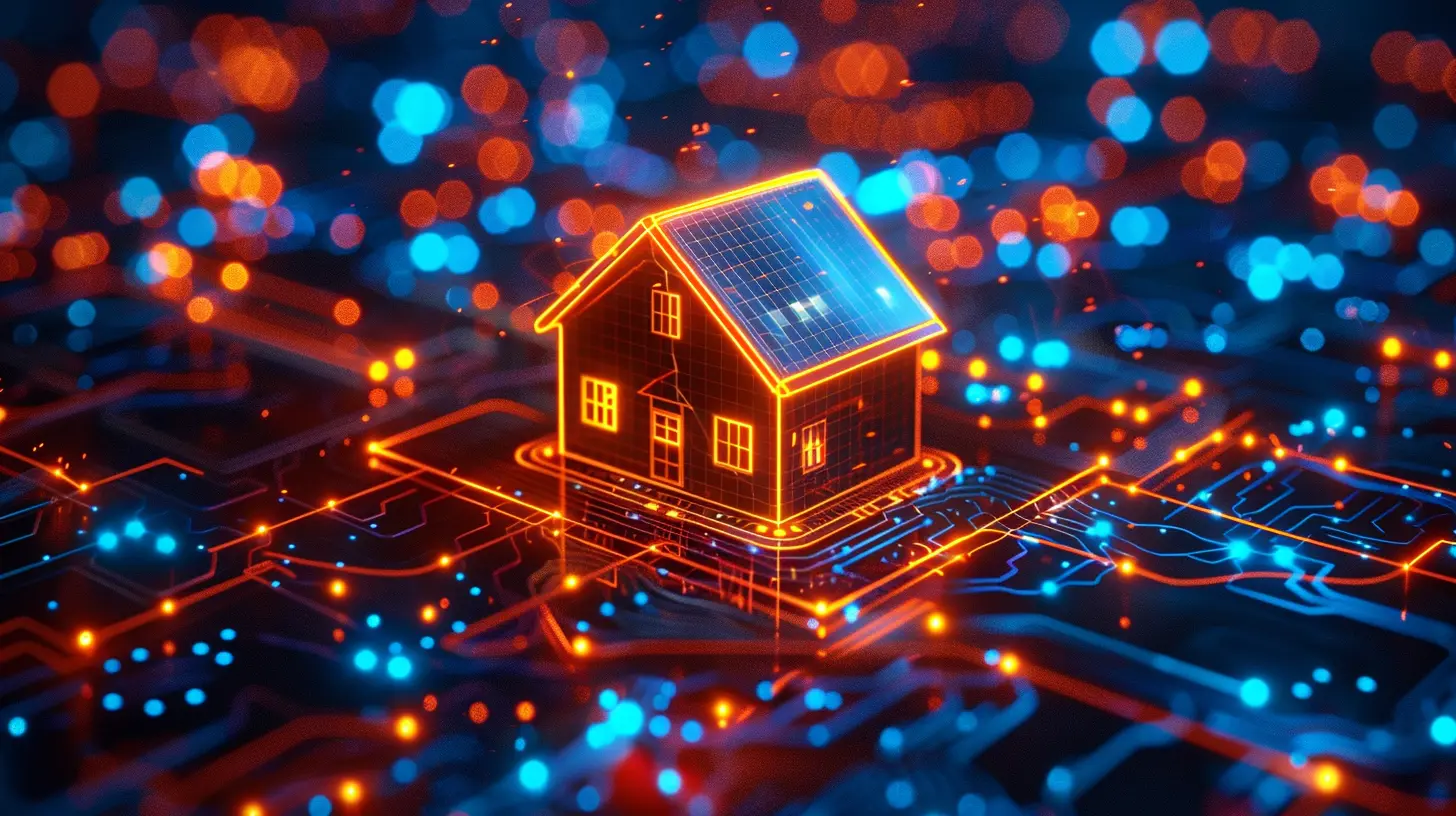
Why Should You Even Care About Securing Your Home Network?
So you’re thinking, “I just stream cat videos and stalk exes on Facebook — who’d want to hack me?” Oh, sweet summer child. Everyone is a target when it comes to unsecured networks.Cyber intruders aren’t picky. They’re like raccoons — they’ll dumpster dive into any network that gives them access. Even if you don’t store state secrets on your devices, your personal info, financial data, and even your smart fridge (yes, really) are fair game.
And what about those cute security cameras you installed to spy on your dog? Without a secure connection, someone else might be watching too. Creepy enough for ya?
Meet Your Network: It’s More Than Just a Fancy Wi-Fi Name
Before we start fortress-building, let’s understand what makes up your home network:- Router (a.k.a. The Gatekeeper): Connects all your devices to the big bad internet.
- Modem (The Middleman): Translates digital stuff so your ISP gets it.
- Devices (The Potential Victims): Laptops, phones, smart toasters — anything you’ve connected to the web.
Your router is the MVP here, and just like any MVP, it needs some serious protection.
Step 1: Change That Ridiculous Default Router Name and Password
You know what’s more predictable than your neighbor’s Halloween decorations? Default router settings.Most routers come with username/password combos like admin/admin, or even better: password/password. Genius, right?
💡 Pro Tip:
- Rename your SSID (Wi-Fi name) to something that doesn’t scream “Hi, I’m technologically challenged.”- Change the default password to something strong, complicated, and preferably not your dog’s birthday.
Because guess what? Hackers run scripts that test all known factory default login details in seconds. You don’t want to make it that easy.
Step 2: Update Your Firmware — Yes, That’s a Thing
Firmware updates are like dentist appointments — annoying, but necessary. Your router’s firmware is its operating system, and outdated firmware is like leaving your front door open with a neon “rob me” sign.Visit your router manufacturer’s website, look for your model, and follow their instructions to update. Many modern routers even let you do it automatically. Set it and forget it, just like your favorite frozen lasagna.
Step 3: Turn Off WPS (Unless You Enjoy Security Holes)
WPS (Wi-Fi Protected Setup) sounds fancy and secure, right? Wrong. It’s the cyber equivalent of putting a fake lock on your door.While WPS makes it easy to connect devices to Wi-Fi without typing in a password, it’s laughably easy to exploit. Unless you enjoy surprise guests on your network, turn it off.
Step 4: Pick a Super-Strong WPA3 Encryption
If you’re still using WEP or even WPA, please stop what you’re doing, unplug your router, and take a long, hard look at your life choices.As of this era of smart mirrors and AI text generators, WPA3 is where it’s at. It’s the Fort Knox of Wi-Fi encryption standards.
What’s the difference?
- WEP = "Please hack me."- WPA = "Try me, I dare you."
- WPA2 = "Okay, slightly better."
- WPA3 = "Now we're talking security."
If your router doesn’t support WPA3, it might be time to upgrade. Treat yourself to a new one — your network deserves it.
Step 5: Enable a Guest Network (Because Not Everyone Deserves Full Access)
When your friends come over and ask for the Wi-Fi password, do you give them full access to your network? That’s like giving them a key to your house and saying, "Feel free to snoop through my sock drawer."Instead, set up a guest network. It’s like giving them the living room couch and keeping your private office locked. You can even set bandwidth limits so your guests can’t stream all day and kill your internet.
Make them feel welcome, just not "total-access-to-everything-you-own" welcome.
Step 6: MAC Filtering – For the Control Freak in You
Your router has a feature that lets you specify which devices can connect to your network based on their MAC address (not Apple Mac — I mean Media Access Control address).It’s like a bouncer at a VIP club. If your device isn’t on the list, it ain’t getting in.
Sure, it’s a bit tedious to set up, but hey, that's the price of being the digital gatekeeper of your humble abode.
Step 7: Turn Off Remote Management – Unless You Enjoy Russian Roulette
Remote management sounds convenient, but it’s just another gaping door for hackers. Unless you absolutely, positively need to access your router from another location (and let’s be honest, most of us don’t), turn this feature off.Because nothing screams "come hack me" like giving global access to your router settings.
Step 8: Disable UPnP – Yes, Another Annoying Acronym
UPnP (Universal Plug and Play) automatically opens ports for devices and apps. Great for video games, terrible for security. It’s like opening all your windows just to avoid getting up to answer the door.Turn this sucker off in your router settings. Your smart fridge doesn’t need a direct line to the PlayStation servers.
Step 9: Firewall? On. Always On.
A firewall acts like a digital bouncer, blocking suspicious activity from entering or exiting your network. Most routers have them built-in, but guess what? They’re often turned off by default.Flip that switch, friend. Better safe than hacked.
Step 10: Monitor, Monitor, Monitor
If you think securing your network is a set-it-and-forget-it deal, think again. You’ve gotta keep an eye on it like a concerned parent at a high school party.Regularly check connected devices. Notice anything weird, like a random “Samsung Fridge 42” showing up and you don’t own one? Boot it out.
Use tools like:
- Fing (mobile app)- Advanced IP Scanner
- Your router’s admin dashboard
Don't let rogue devices camp out on your network like freeloading couch surfers.
Bonus Round: Smart Devices Need Smart Protection Too
Smart TVs. Smart bulbs. Smart thermostats. Ironically, most of them are dumb when it comes to security.They often come with minimal protection and rarely (if ever) get updates. Treat them like digital toddlers — always supervise.
Here’s what you can do:
- Keep them on your guest network.
- Change their default settings.
- Check for firmware updates (yes, even for your smart toaster).
Your future self will thank you.
Final Thoughts: Your Network, Your Rules
Look, we live in an age where your toaster might be sending your Wi-Fi password to a data center in the middle of nowhere. Wild times.Securing your home network isn’t just for tech geeks or NSA agents anymore. It’s basic digital hygiene — like washing your hands, but for your data.
So, grab a coffee, log into your router, and start locking things down like a boss. Because there’s nothing sexy about getting hacked. Nothing.
all images in this post were generated using AI tools
Category:
Cyber ThreatsAuthor:

Kira Sanders
Discussion
rate this article
2 comments
Brandon McDermott
Great article! It’s crucial to prioritize home network security. Simple steps like updating passwords and enabling firewalls can make a significant difference in protecting against cyber threats.
December 19, 2025 at 1:28 PM
Kira Sanders
Thank you! I appreciate your feedback and completely agree—simple steps can profoundly enhance home network security.
Bradley Wilkerson
Great insights! Securing our home networks is so important. Thank you for sharing these valuable tips!
December 17, 2025 at 4:38 AM
Kira Sanders
Thank you for your feedback! I'm glad you found the tips helpful. Staying secure is crucial!