How Touchscreen Interfaces Are Improving Customer Service
13 December 2025
Let’s be real for a second — how many times have you been in a store or a café and thought, “If only this line would move faster,” or “Why is it so hard to get someone’s attention here?” Yeah, we’ve all been there. But guess what? Touchscreen interfaces are swooping in like superheroes to solve a lot of those customer service headaches. From fast food joints to bank lobbies, these sleek digital screens are changing the game — big time.
So, grab a coffee (or don’t, because touchscreens are making coffee shop lines shorter!), and let’s dive into how touchscreen interfaces are improving customer service in ways you might not have even noticed.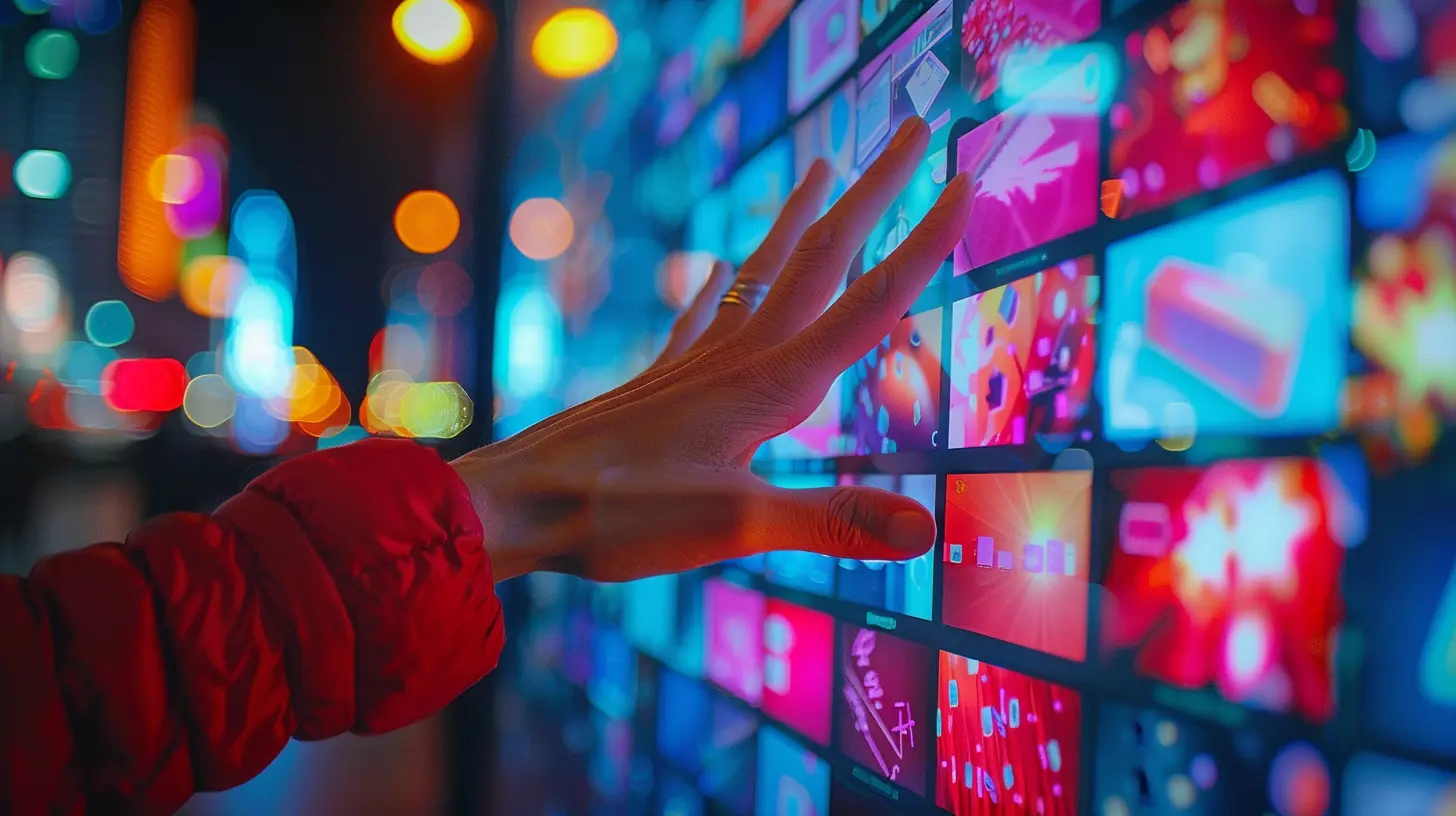
What Are Touchscreen Interfaces, Exactly?
Before we dive into all the good stuff, let’s get on the same page. A touchscreen interface is a kind of user interface that lets you interact with a system directly by touching the screen — think of your smartphone, tablet, or those cool self-checkout machines at the grocery store.They're interactive, intuitive, and they eliminate the need for buttons, keyboards, or even a staff member in some cases. And while touchscreens have been around for a while, it's only in recent years that they’ve become a staple in customer service environments. Why now? Better technology, lower costs, and — let’s face it — a massive push from the pandemic.
The Evolution of Customer Service (and Why It Needed a Makeover)
Let’s not sugarcoat it: traditional customer service had its flaws. Long wait times, inconsistent experiences, human errors — the list goes on. Customers used to rely solely on a human at the counter to help them out. And while there's still value in face-to-face interaction, it just wasn't scalable for today’s fast-paced, on-demand world.Enter touchscreen interfaces. They don’t get tired, don’t forget your order, and they’re always ready to go. That consistency and efficiency? It’s gold in today’s service-driven economy.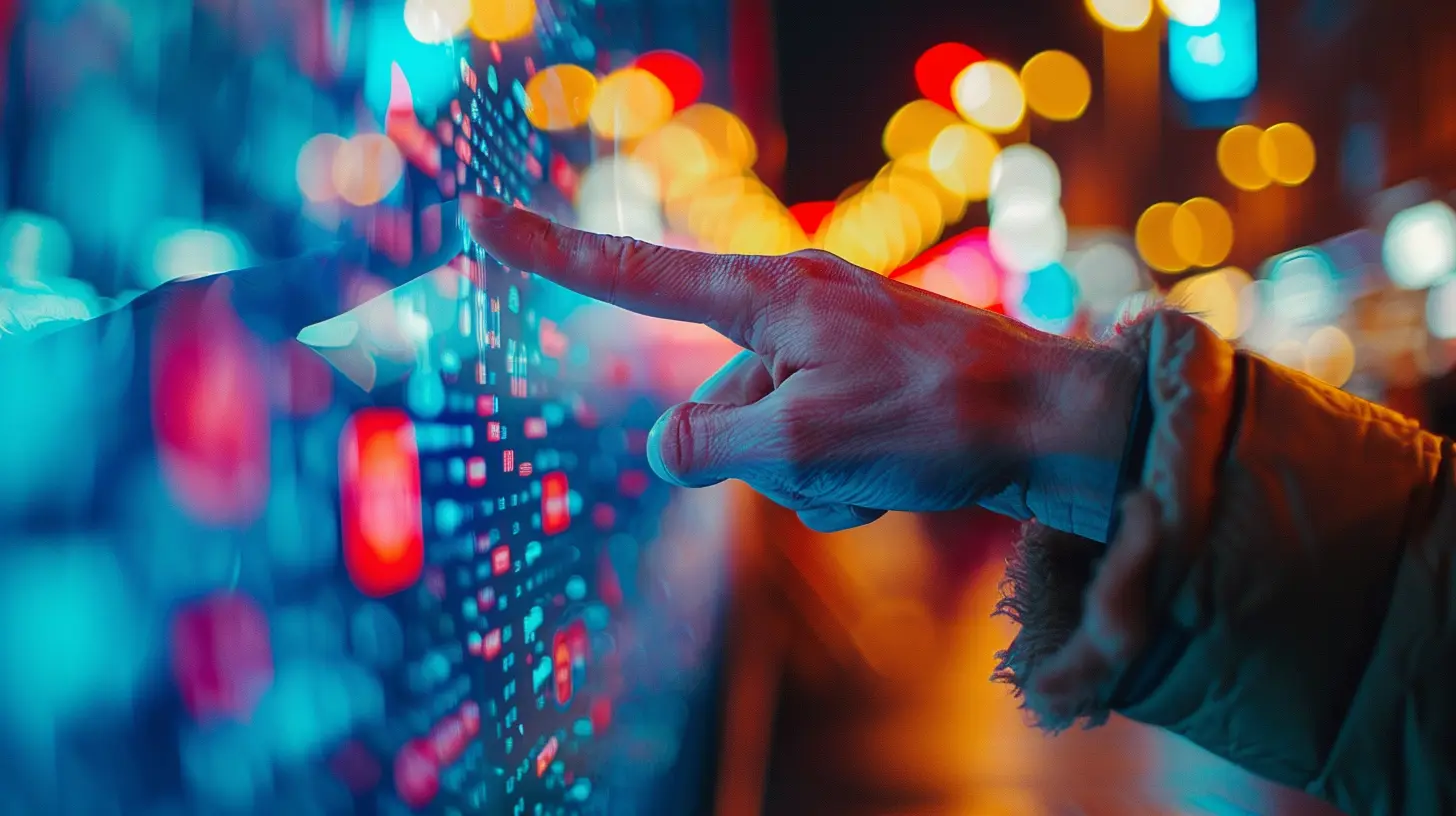
Enhancing Speed and Efficiency
Instant Gratification, No Waiting Required
One of the biggest perks of touchscreen interfaces is speed. Let’s face it, nobody likes waiting in line — whether you're ordering a burger or booking a train ticket.With touchscreens, customers can serve themselves. Just walk up, tap a few buttons, and boom — you’re done.
Think of fast-food chains like McDonald's. Their self-service kiosks have slashed wait times dramatically. You can browse the full menu, customize your order, and even pay — all without saying a single word to the person behind the counter.
Reducing Human Error
We’re all human, and that means mistakes are part of the deal. But touchscreen interfaces? They follow instructions to the letter.No more:
- Misheard orders
- Misspelled names
- Wrong sizes or options
The machine records exactly what you input, which reduces the chance of errors and improves customer satisfaction. It’s kind of like having a super-focused, unflappable helper who never gets an order wrong.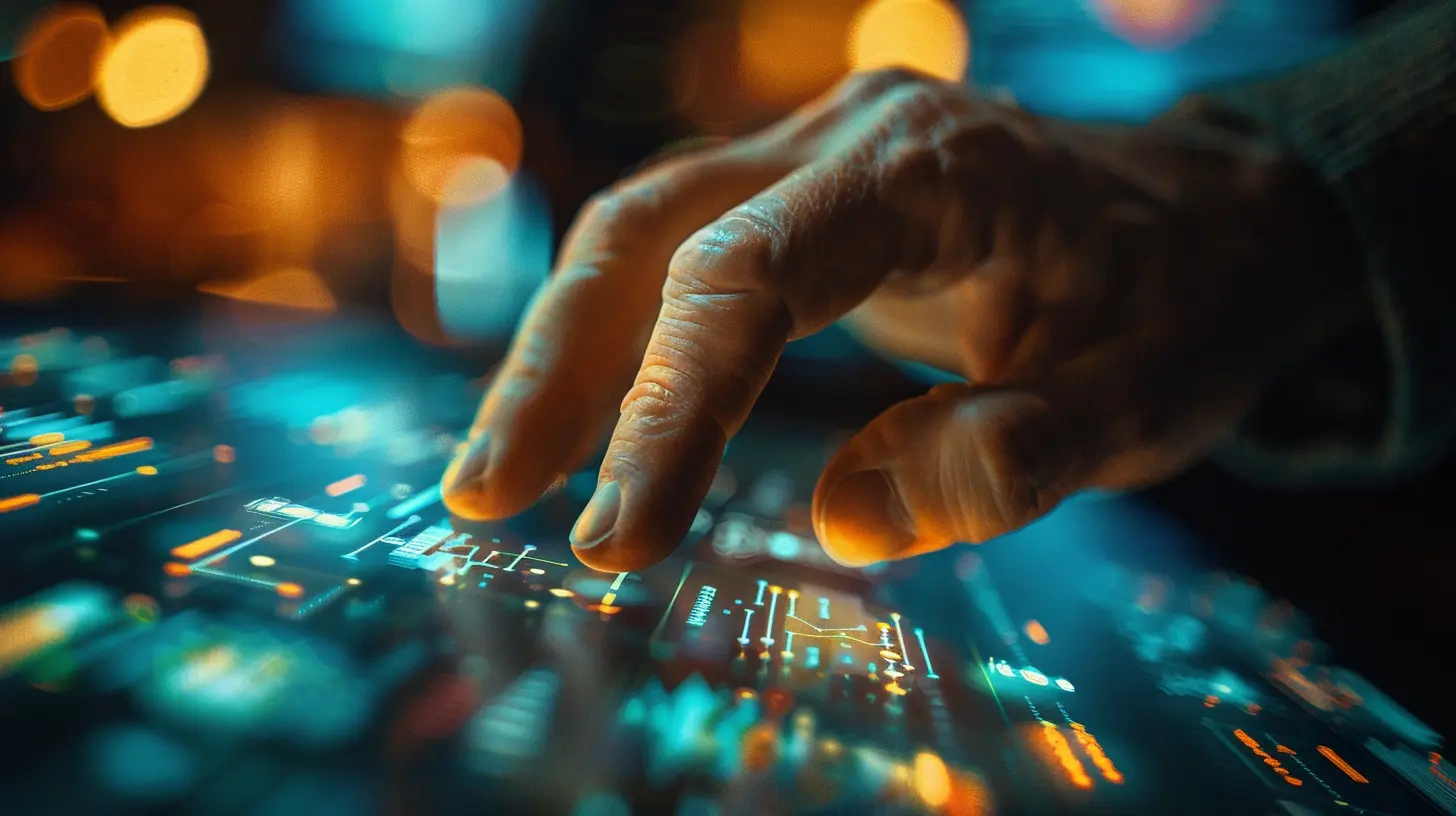
Personalization Like Never Before
Tailored Experiences With Every Tap
You know what’s better than great service? Service that feels personal. Touchscreens can deliver that by saving preferences, offering customized promotions, and suggesting items based on your previous choices.Let’s say you regularly use a touchscreen ordering system at your favorite coffee shop. The next time you walk in, it might suggest your usual latte with an extra shot of espresso — it’s like the barista knows you, only it’s a screen with a memory.
Multilingual Support
Language barriers? Not anymore.Touchscreen interfaces can offer a wide range of languages, making it easier for people from all backgrounds to interact without confusion. That’s especially helpful in airports, international hotels, or busy urban hubs where tourists flock.
No awkward communication, just crystal-clear options in your language of choice.
Convenience at Its Best
24/7 Availability
Unlike humans, screens don’t need bathroom breaks or sleep.Businesses can install touchscreen kiosks for after-hours service or in places with limited staff. Think of hotel check-ins or train stations — you don’t need someone at the counter all night if a touchscreen can handle check-ins, ticket sales, or information requests.
Quick Access to Information
Got questions? Touchscreens have answers.Interactive kiosks can give customers instant access to FAQs, maps, product details, and more. No need to wait for someone to be free. It’s like having a super-knowledgeable assistant right at your fingertips.
Making Things More Engaging
Eye-Catching Design and Interactive Features
Touchscreens don’t just get the job done — they do it in style. With bright colors, animations, and interactive touchpoints, they’re much more engaging than reading a flyer or waiting for a rep.Retailers use this interactivity to show off products in 3D or let customers scroll through options. Booking a hotel? A touchscreen might show you a virtual tour of the rooms. Shopping for clothes? The kiosk could suggest outfit pairings. It’s infotainment meets customer service.
Gamification for the Win
Some businesses even add gamified elements to their touchscreen interfaces to keep users engaged. Think reward points for checking in at a kiosk or spinning a digital wheel for discounts. It makes the whole experience more fun and memorable.Better Data Collection = Better Service
Real-Time Customer Feedback
You know those little “Rate your experience!” pop-ups at the end of a self-checkout? That’s gold for businesses.Touchscreen interfaces allow for instant feedback that companies can use to tweak their service, retrain staff, and fix issues fast. No need for lengthy surveys — just a couple taps and the data’s ready to go.
Smart Analytics
Every interaction with a touchscreen can be tracked and analyzed. This kind of data helps businesses:- Find out what products are most popular
- Understand peak service times
- Predict customer behavior
It’s like reading your customer’s mind — but legally and ethically.
Going Contactless: A Healthier, Safer Option
The demand for contactless service soared during the COVID-19 pandemic, and touchscreens played a major role in that transition. With integrated payment systems, gesture recognition, and voice-activated options, businesses could still offer great service while keeping physical contact to a minimum.This safer environment boosted customer confidence and made it easier for people to return to in-person services without feeling anxious.
Touchscreens in Different Industries
Restaurants and Cafés
Obviously, fast food chains are using kiosks like crazy. But it’s not just the big players.Even small, local cafés are installing iPad-based ordering systems that let customers browse the menu, place orders, and pay — all without waiting in line.
Tip: These systems often help increase upsells by suggesting add-ons like desserts or drinks you might’ve skipped.
Hotels
Forget waiting at the front desk. Many hotels now offer touchscreen check-in/out kiosks that let guests handle things themselves.You can:
- Choose your room
- Customize your stay
- Get your key card
- Even book a spa session
All without speaking to anyone unless you want to.
Retail
In fashion and electronics stores, touchscreen kiosks give customers detailed info about products, sizes, stock availability, and even let them order items for home delivery.It’s like a digital sales clerk — without the pressure.
Transportation
Train stations and airports love touchscreens. Why? Efficiency.You can:
- Print boarding passes
- Buy tickets
- Get directions
- Check schedules
All in a few taps, even during peak hours.
Challenges? Yep, There Are a Few
Alright, it’s not all sunshine and rainbows. Touchscreen interfaces aren’t perfect.Here are a few hiccups:
- Tech Glitches: Yep, they freeze sometimes.
- Accessibility: Not everyone finds them easy to use (especially elderly customers or those with disabilities).
- Lack of Human Touch: Some folks just prefer talking to a person. And that’s okay!
But the good news? Every year, these systems are becoming smarter, more intuitive, and more inclusive.
What's Next for Touchscreen Interfaces?
Think voice integration. Artificial intelligence. Haptic feedback. Gesture control. We're heading into a world where touchscreens won’t even need to be “touched” anymore.Imagine waving your hand to scroll through menu options or using voice commands to place an order. Sounds futuristic? It’s already happening.
And it’s only going to get better, faster, and more user-friendly.
Final Thoughts
Touchscreen interfaces are doing way more than just replacing buttons — they’re reshaping customer service as we know it. From cutting down wait times to personalizing the shopping experience, they’re standing at the crossroads of technology and human interaction.And while they won’t completely replace good old-fashioned customer service, they’re definitely making it faster, smarter, and way more convenient.
So next time you tap your way through an order or check into a hotel with zero hassle, take a second to appreciate the touchscreen tech that’s making it all possible.
all images in this post were generated using AI tools
Category:
Touchscreen DevicesAuthor:

Kira Sanders
Discussion
rate this article
2 comments
Berenice McIntire
Touchscreen interfaces simplify interactions, enhance customer engagement, and streamline service processes, making them a game-changer for businesses.
December 14, 2025 at 12:38 PM
Kira Sanders
Absolutely! Touchscreen interfaces are revolutionizing customer service by making interactions more intuitive and efficient, ultimately boosting engagement and satisfaction.
Owen McNab
Touchscreen interfaces are revolutionizing customer service by streamlining interactions and enhancing user experience. However, reliance on technology can sometimes overlook the need for human touch.
December 13, 2025 at 6:06 AM
Kira Sanders
Thank you for your insightful comment! While touchscreen interfaces greatly improve efficiency and user experience, it’s crucial to balance technology with the personal touch to ensure comprehensive customer service.