How Touchscreen Devices are Transforming Creative Workflows
3 July 2026
It’s no secret that touchscreen devices have taken the world by storm. From smartphones to tablets, we use them every day—whether it's to check emails, scroll through social media, or play the latest mobile game. But what’s really fascinating is how these devices have revolutionized the way creative professionals work. Whether you're a designer, photographer, or illustrator, touchscreen technology is shaking up traditional workflows in ways that were once unimaginable.
In this article, we’re going to dive deep into how touchscreen devices are transforming creative workflows, and why you should consider incorporating them into your routine if you haven’t already. So, grab your stylus and let’s get started!
The Rise of Touchscreen Devices in Creative Industries
Touchscreens are no longer just fancy features on smartphones and tablets. They’ve evolved into powerful tools for creativity, allowing artists and professionals to create, edit, and collaborate in ways that were once confined to desktop computers.A Brief History of Touchscreen Technology
Touchscreen technology has actually been around longer than you might think. The first patent for a touchscreen device was filed in 1965, believe it or not! But it wasn’t until the early 2000s, with the advent of smartphones and tablets, that touchscreens became mainstream.Now, fast forward to today, and touchscreens are everywhere—on phones, tablets, laptops, and even desktop monitors. And they’re not just for convenience anymore; they’re helping creatives take their work to the next level.
Why Touchscreens are a Game-Changer for Creatives
So, what exactly makes a touchscreen so useful for creative work? Imagine you’re an artist. Instead of using a mouse to draw or edit your work, you can now use your fingers or a stylus to directly manipulate the pixels on the screen. It’s as close as you can get to drawing on paper, but with the powerful capabilities of digital software.Touchscreens provide a more natural and intuitive interface for creative work. The ability to pinch, swipe, and tap gives artists and designers a level of control that simply isn’t possible with traditional input devices like a mouse and keyboard.
How Touchscreens are Enhancing Different Creative Workflows
Let’s break it down by industry and see how touchscreen devices are shaking things up across different creative professions.1. Graphic Design and Illustration
For graphic designers and illustrators, touchscreen devices—especially those with stylus support—have opened up a whole new world of possibilities. Apps like Adobe Photoshop, Illustrator, and Procreate have optimized their interfaces for touch control, allowing artists to easily sketch, paint, and design directly on their screens.Benefits for Designers and Illustrators:
- Precision Drawing: Styluses, like the Apple Pencil or the Samsung S Pen, offer pressure sensitivity and tilt recognition, mimicking the experience of traditional drawing tools.- Faster Workflow: The ability to make real-time adjustments with a touch of your finger or stylus speeds up the design process significantly.
- Portability: Devices like the iPad Pro are lightweight and portable, allowing designers to work on the go, without being tied to their desktop setups.
There’s something incredibly satisfying about using your hand to create art directly on a screen. It feels more like a natural extension of your creativity, as opposed to the often detached experience of working with a keyboard and mouse.
2. Photography and Photo Editing
Touchscreen technology has also had a profound impact on photography and photo editing. Apps like Adobe Lightroom, Snapseed, and Affinity Photo have embraced touch controls, making it easier than ever for photographers to edit their images on the go.Benefits for Photographers:
- Pinch-to-Zoom: This simple gesture allows you to zoom in on specific parts of an image to make precise adjustments.- Brush Tool Precision: Using a stylus for retouching or applying effects feels much more natural and precise than using a mouse.
- Streamlined Interface: Touchscreen interfaces often reduce clutter and offer a more streamlined, intuitive design, which can help speed up the editing process.
Imagine being able to edit your photos while lounging on a couch, without the need for a full laptop or desktop setup. That’s the kind of freedom touchscreen devices are now offering to photographers.
3. Video Editing
Once considered the domain of high-powered desktop rigs, video editing has become increasingly accessible on touchscreen devices. Apps like LumaFusion and Adobe Premiere Rush have brought powerful video editing capabilities to tablets and smartphones.Benefits for Video Editors:
- Multi-Touch Editing: With multi-touch gestures, editors can easily trim, cut, and arrange clips with just a few taps of their fingers.- Touchable Timelines: The ability to touch and drag clips directly on the timeline makes the editing process more intuitive.
- On-the-Go Editing: Touchscreen devices allow editors to work from anywhere, without needing to lug around heavy equipment.
While video editing on a touchscreen device may not yet be as powerful as working on a desktop, it’s getting closer every day. For smaller projects or quick edits, touchscreen devices are more than capable of handling the job.
4. 3D Modeling and Animation
Okay, this is where things get really interesting. 3D modeling and animation have traditionally been the most hardware-intensive creative tasks. But thanks to advancements in touchscreen devices, even these fields are starting to benefit from touch technology.Apps like Autodesk SketchBook and ZBrush now offer touch and stylus support, allowing artists to sculpt and model in 3D directly on their devices.
Benefits for 3D Modelers and Animators:
- Direct Manipulation: Sculpting with a stylus feels more like working with clay than using a mouse.- Enhanced Control: Pressure sensitivity and tilt recognition provide animators and modelers with a level of control that was previously only possible with specialized hardware.
- Portability: Just like with other creative fields, the ability to take your work on the go is a huge advantage.
The tactile experience of using a stylus to mold and shape a 3D object is something that traditional input devices simply can’t match. It’s as if technology is finally catching up with the way our brains naturally want to create.
Collaboration and Sharing in Real-Time
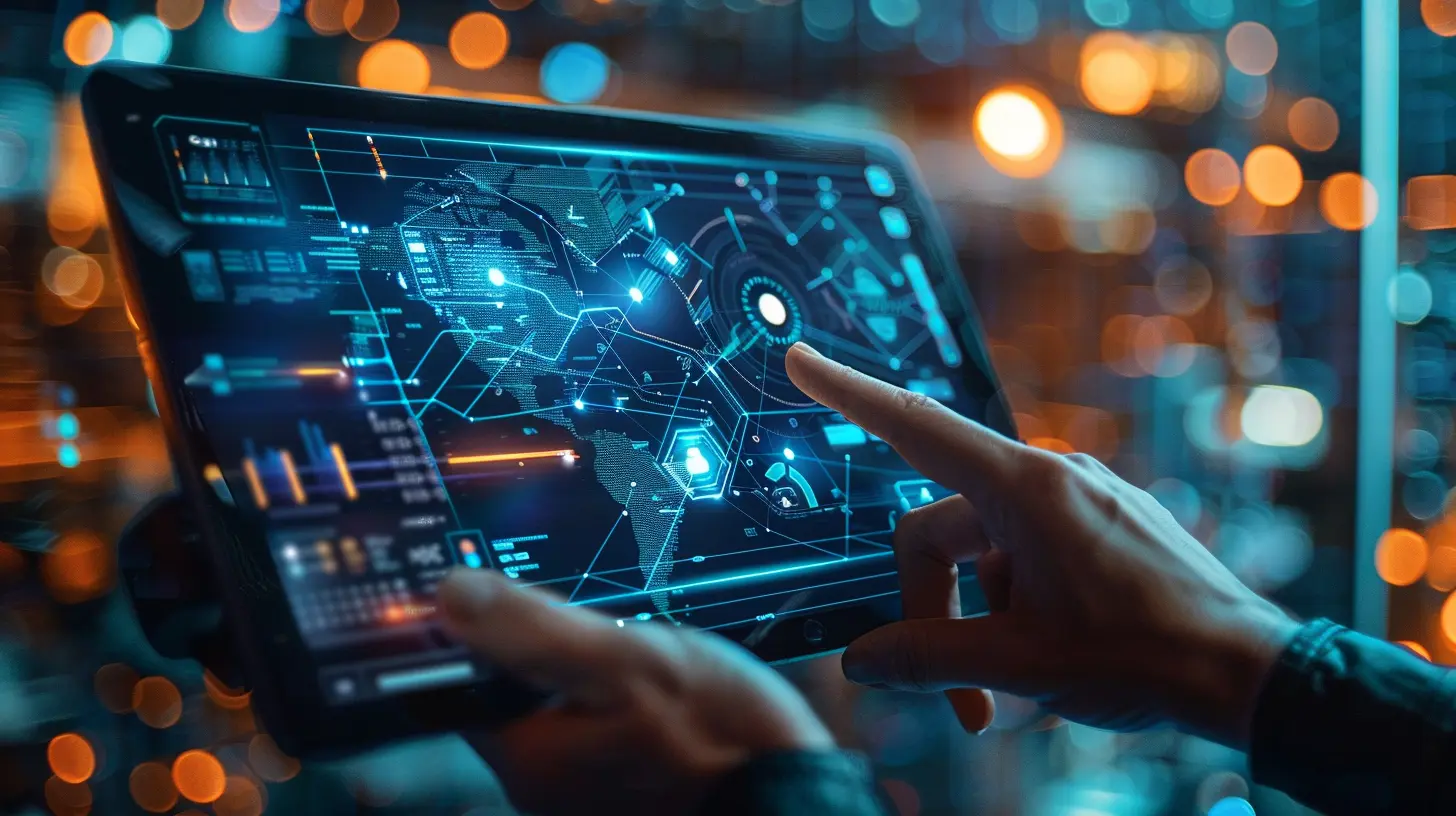
One of the biggest advantages of touchscreen devices is how they’re changing the way we collaborate. With cloud-based apps like Google Docs, Dropbox, and Adobe Creative Cloud, sharing your work with clients or team members is as simple as touching a button.Ever been in a meeting where you needed to make a quick change to a design or document? Touchscreen devices make this incredibly easy. You can sketch out ideas, mark up documents, or even edit video clips in real-time, all while collaborating with others remotely.
And let’s not forget how easy it is to share your work on social media. Many touchscreen apps come with built-in sharing tools that let you post your designs, photos, or videos directly to Instagram, Twitter, or Facebook with just a few taps.
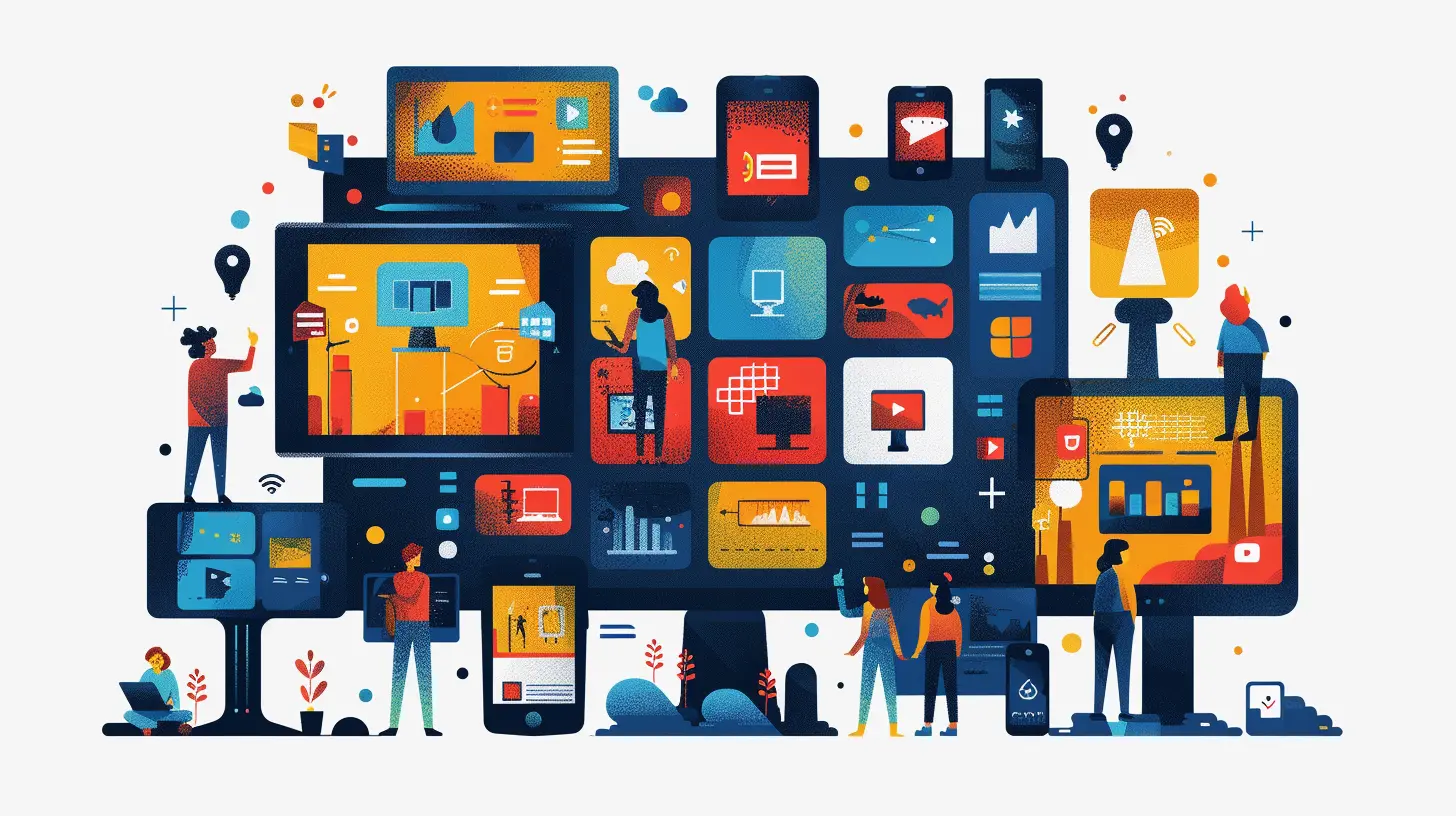
The Future of Touchscreen Technology in Creative Workflows
So, what does the future hold for touchscreen devices in creative workflows? As touchscreen technology continues to evolve, we can expect to see even more powerful tools and features designed specifically for creative professionals.For one, we’re likely to see more advanced gesture controls. Imagine being able to manipulate 3D models in mid-air with just a wave of your hand, or using multi-touch gestures to control advanced animation rigs. The possibilities are endless.
We’re also going to see more cross-device integration. Devices like Apple’s iPad Pro and MacBook are already starting to work together seamlessly, allowing creatives to use both touch and traditional input methods in tandem. This kind of flexibility is only going to become more common as time goes on.
Finally, expect to see more AI-powered tools that take advantage of touchscreen technology. From automatic photo retouching to intelligent design suggestions, AI is already making waves in the creative industry, and touchscreen devices are the perfect platform for these innovations.
Conclusion
There’s no doubt about it—touchscreen devices are transforming creative workflows in ways that we couldn’t have anticipated just a few years ago. Whether you’re a graphic designer, photographer, video editor, or 3D modeler, touchscreens offer a more intuitive, natural, and flexible way to work.So, if you haven’t yet incorporated a touchscreen device into your creative workflow, now’s the time to consider it. You might just find that it unlocks a new level of creativity and productivity.
Who knows? Maybe someday we’ll all be creating our next masterpiece with just a swipe of our fingers.
all images in this post were generated using AI tools
Category:
Touchscreen DevicesAuthor:

Kira Sanders
Discussion
rate this article
2 comments
Christa Wilkins
Touchscreen devices are revolutionizing creative workflows by offering intuitive interfaces that enhance productivity. The ability to draw, manipulate, and edit with touch adds a new dimension to design and collaboration, making it easier for creators to bring their visions to life.
August 26, 2026 at 11:29 AM
Callie Roberson
Touchscreen devices truly empower creativity, making workflows more intuitive and engaging.
July 26, 2026 at 1:05 PM
Kira Sanders
Absolutely, touchscreen devices enhance creativity by making tasks feel more organic and accessible. It's exciting to see how they reshape our workflows.