How to Start a Tech Podcast with Minimal Gear in 2026
29 April 2026
Let’s be honest for a second. You’ve probably been sitting on that podcast idea since 2020, telling yourself, “I’ll start when I have a proper studio, a $2,000 microphone, and a soundproof closet.” But here’s the truth: in 2026, that’s like saying you need a Ferrari to drive to the grocery store. It’s overkill, and it’s keeping you stuck.
I’m here to tell you that you can launch a tech podcast that sounds professional with gear that fits in a backpack and costs less than a weekend getaway. The tech podcasting landscape has evolved. AI-powered noise cancellation, cloud-based editing, and smartphone-grade audio have democratized the entire game. You don’t need a radio station; you need a strategy, a bit of grit, and a willingness to hit “record” with what you’ve got.
So, grab a coffee (or tea, I don’t judge), and let’s walk through how you can start your tech podcast in 2026 with minimal gear—and maximum impact.
Why 2026 Is the Golden Age for Low-Budget Podcasting
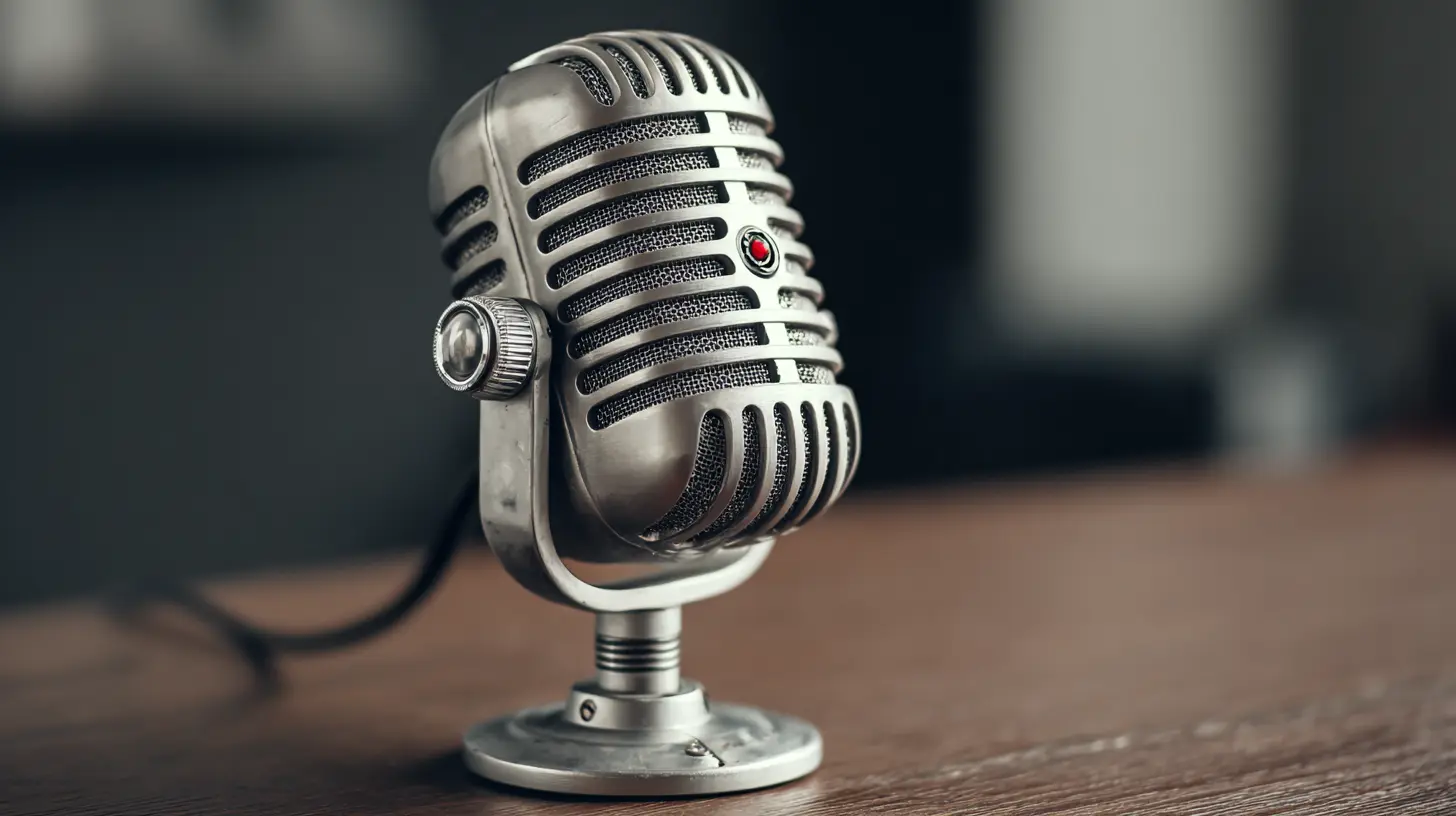
Think of podcasting in 2026 like smartphone photography in 2016. Five years earlier, you needed a DSLR and a tripod. By 2016, your phone could shoot 4K video that looked cinematic. The same leap has happened in audio.Today, a $50 USB microphone can sound better than a $500 studio mic from 2015, thanks to digital signal processing (DSP) and real-time noise suppression. Cloud services like Adobe Podcast or NVIDIA Broadcast can scrub out background hum, dog barks, and even your neighbor’s leaf blower. The barrier to entry isn’t gear anymore—it’s consistency and content.
Rhetorical question: Are you really going to let a lack of XLR cables stop you from sharing your tech insights with the world?
The Absolute Minimum Gear List (No Excuses)
Let’s get practical. Here’s what you actually need to start recording tomorrow. I’ve broken it down into three tiers: the “I have literally nothing” tier, the “I can spend a little” tier, and the “I want to sound like a pro without selling a kidney” tier.Tier 1: The Smartphone Setup (Cost: $0–$30)
Your smartphone in 2026 is a recording powerhouse. The microphones on the latest iPhones and Android flagships are surprisingly good—especially if you record in a quiet room. The trick is to use a voice memo app or a dedicated recording app like Ferrite (iOS) or BandLab (Android).What you’ll need:
- Your phone (duh)
- A quiet room (closet full of clothes = free soundproofing)
- A free editing app (Audacity on a laptop, or Hokusai on mobile)
Pro tip: Place your phone on a stack of books so it’s at mouth level, about six inches away. This reduces plosives (those “p” and “b” explosions) and gives you a warm, present sound.
Tier 2: The Budget USB Mic Setup (Cost: $50–$150)
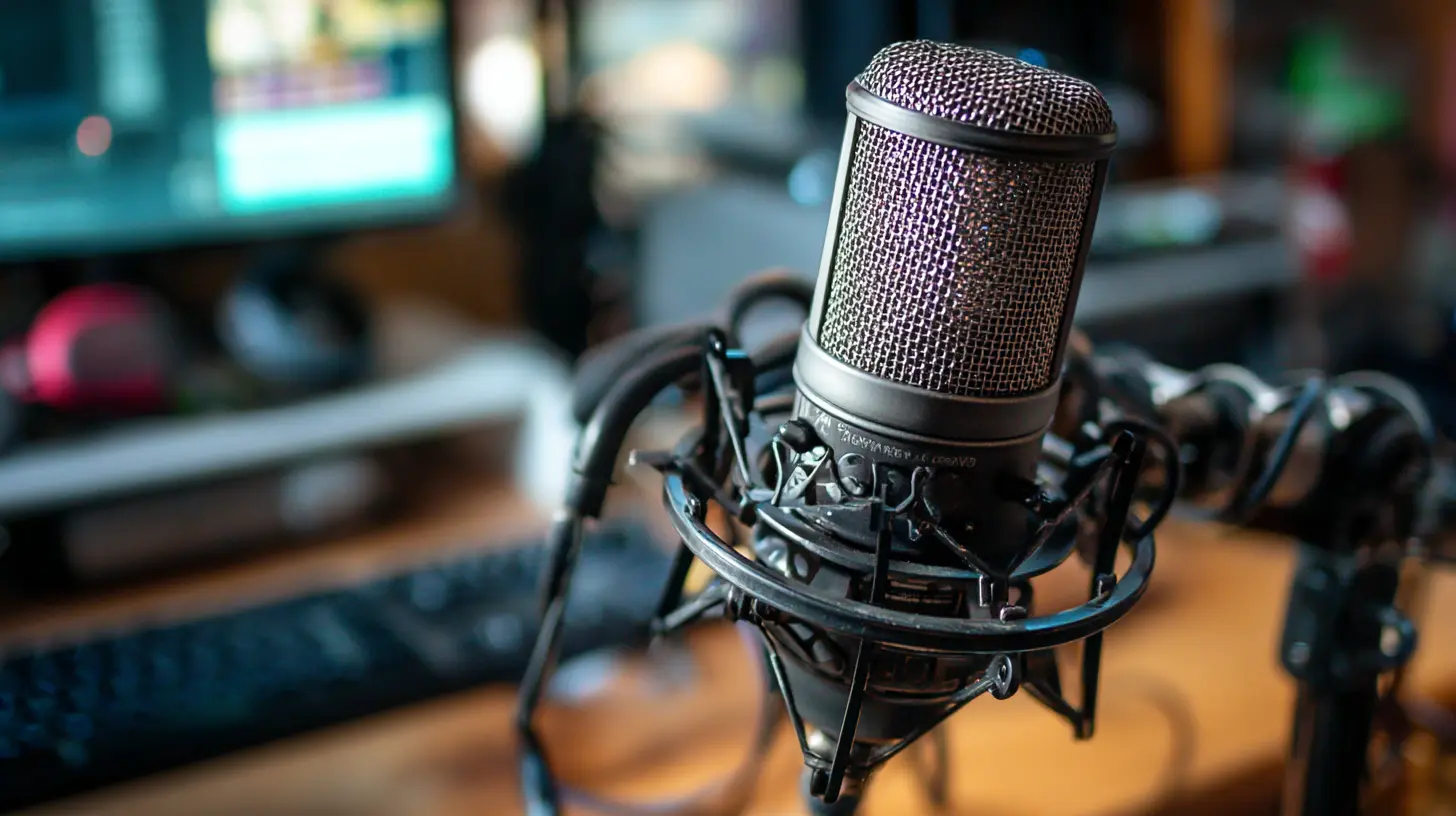
If you can spare the cash, a USB microphone is the sweet spot. In 2026, the Samson Q2U or the Rode NT-USB Mini are still kings of the budget world. They plug directly into your laptop or phone (with a USB-C adapter) and require zero audio interface.What you’ll need:
- A USB microphone (dynamic or condenser—dynamic is better for noisy rooms)
- A simple boom arm or a desktop stand ($15 on Amazon)
- A pop filter (literally a sock works in a pinch)
- Free recording software (Audacity or GarageBand)
Why this works: USB mics have gotten so good that many professional podcasters use them for remote interviews. The difference between a $100 mic and a $1,000 mic in 2026 is marginal for spoken word. You’re not recording a symphony; you’re recording your voice talking about AI, crypto, or DevOps.
Tier 3: The “I’m Serious About This” Setup (Cost: $200–$400)
This is where you get clean, broadcast-ready sound without breaking the bank. The key addition here is a portable recorder like the Zoom PodTrak P4 or the Rodecaster Duo (used, of course). These devices act as a mixer, recorder, and USB interface all in one.What you’ll need:
- A dynamic microphone (Shure SM58 or Behringer XM8500)
- A portable recorder (Zoom PodTrak P4)
- A pair of closed-back headphones (Audio-Technica ATH-M20x)
- XLR cables (two, if you plan to have guests)
The beauty of this setup: You can record up to four people without a computer. You can edit later, but you can also publish raw if you’re brave. It’s portable, rugged, and sounds 90% as good as a $5,000 studio.
The Secret Sauce: Software That Does the Heavy Lifting
Gear is only half the battle. In 2026, software is your secret weapon. Here are the tools that will make your minimal gear sound like a million bucks.AI Noise Reduction (Free or Cheap)
Adobe Podcast Enhance is a free web tool that removes background noise and equalizes your audio. Upload a WAV file, wait 30 seconds, and download a file that sounds like you recorded in a broadcast booth. It’s magic.NVIDIA Broadcast (free if you have an NVIDIA GPU) removes noise in real time. You can literally record next to a construction site, and your voice will sound isolated.
Remote Recording That Doesn’t Suck
If you’re interviewing guests, don’t use Zoom’s built-in recorder. Use Riverside.fm or Zencastr. These platforms record locally on each participant’s computer and upload the high-quality files afterward. Even if your guest is using a $20 headset, the audio will be clean.Analogy: Think of Riverside as a safety net. It’s like having a backup parachute—you hope you don’t need it, but you’ll be grateful it’s there when your internet drops.
Editing in the Cloud
Descript is the editing tool that changed everything. You edit audio by editing text. Delete a sentence in the transcript, and the audio deletes automatically. It’s like magic for non-editors. In 2026, Descript also has AI voices for filler word removal and “studio sound” enhancement.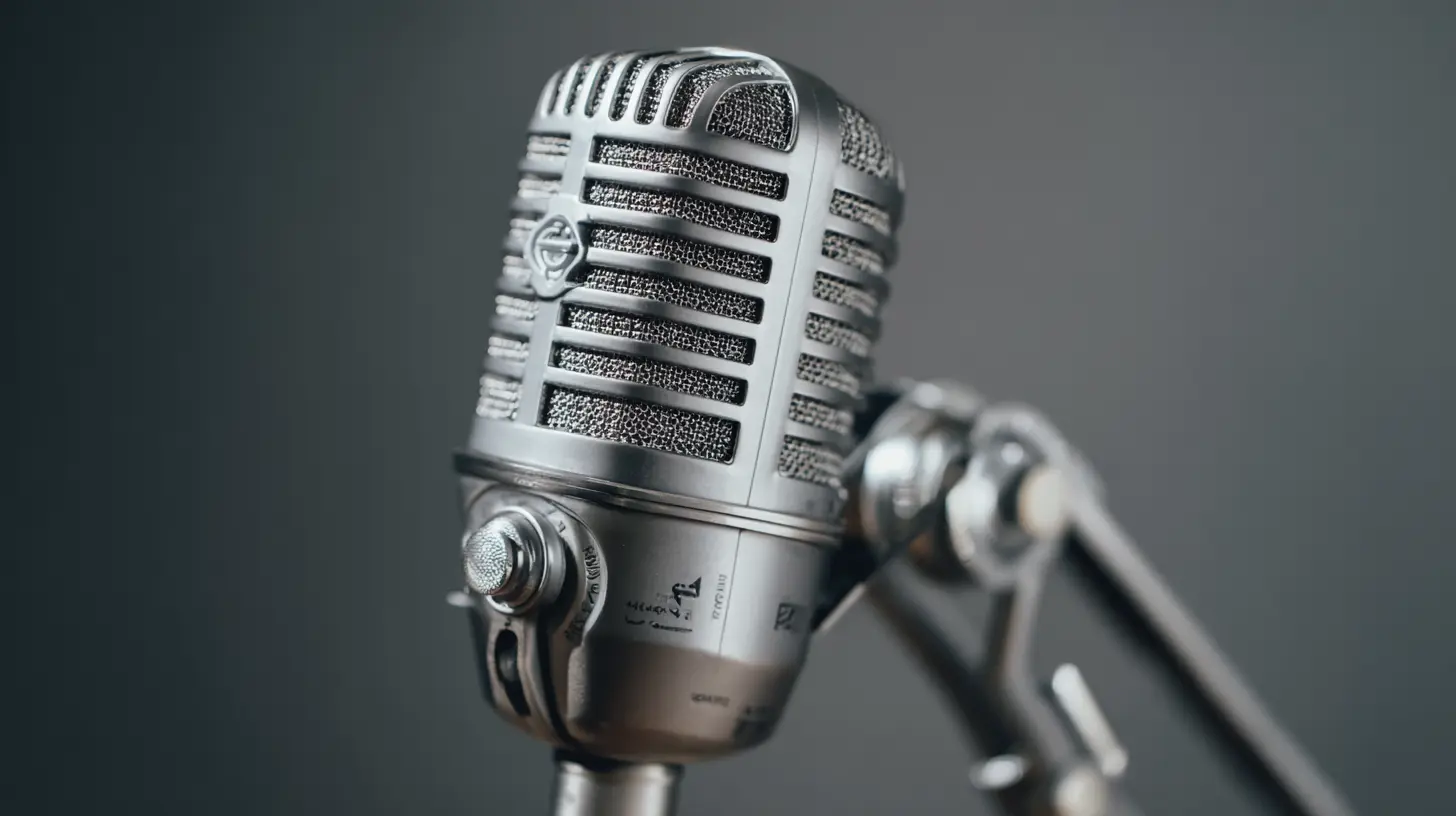
How to Plan Your First 10 Episodes (Without Overthinking)
The biggest mistake new podcasters make is obsessing over the first episode. They want it to be perfect, so they never publish. Here’s a better approach: plan 10 episodes in advance, but only record the first three before launch.Choose a Niche That’s Specific (But Not Too Narrow)
A tech podcast about “AI” is too broad. A podcast about “using AI for small business marketing in 2026” is perfect. You want to be the go-to resource for a specific pain point.Examples:
- “The Indie Developer’s Podcast” (tools, workflows, and mental health for solo devs)
- “Cloud Cost Optimization Weekly” (how to save money on AWS/Azure)
- “Tech for Non-Tech Founders” (explain APIs, databases, and DevOps to CEOs)
Create a Content Batching System
Record three episodes in one sitting. Use the same intro and outro. Keep each episode between 20–40 minutes. Longer episodes get less listens; shorter episodes get shared more.Metaphor: Think of podcast episodes like LEGO bricks. You don’t need to build a castle in one day. Just snap together a few bricks, publish, and iterate.
Recording Like a Pro in a Non-Pro Space
You don’t have a studio. I get it. But you can create a “sound bubble” in any room.The Closet Trick
Record in a closet full of clothes. The fabric absorbs echo and reverb. Hang a thick blanket on the wall behind you. Put a rug on the floor if it’s tile. This is called “deadening” the room, and it’s free.The Under-The-Desk Hack
If you’re in a home office, record under your desk. The desk surface reflects sound upward, and the walls create a natural enclosure. It’s weird, but it works.The “I’m in a Coffee Shop” Emergency
If you have to record in a noisy environment, use a dynamic microphone (like the Shure SM58) and hold it close to your mouth. Dynamic mics reject background noise naturally. Then use Adobe Podcast Enhance to clean it up.
How to Publish and Grow Without a Big Budget
You’ve recorded your first episode. Now what? Publishing is easier than ever, but growth requires a strategy.Distribution (Free and Fast)
Use Anchor (now part of Spotify for Podcasters). It’s free, distributes to all major platforms (Apple, Spotify, Google), and provides basic analytics. In 2026, it’s still the best starting point.Show Notes That Actually Help
Write bullet-point show notes that summarize key takeaways. Google loves text, and so do listeners who skim. Include timestamps for major topics. This helps with SEO and makes your podcast look professional.The “Content Repurposing” Loop
Don’t just publish audio. Turn each episode into:- A blog post (use Descript to transcribe and clean it)
- A 60-second clip for TikTok/Reels (use Headliner or Audiogram)
- A tweet thread (extract 5 key quotes)
Rhetorical question: Why create one piece of content when you can create five from the same recording session?
Overcoming the Fear of Starting (The Real Obstacle)
Let’s talk about the elephant in the room: imposter syndrome. You think your voice sounds weird. You think you don’t know enough. You think nobody will listen.Here’s the truth: Your first 10 episodes will be bad. And that’s okay.
Every successful podcaster I know cringes at their early episodes. The difference between them and you is that they published anyway. They used cheap gear, made mistakes, and improved over time.
Analogy: Starting a podcast is like learning to swim. You can’t read about swimming and expect to float. You have to jump in the shallow end, swallow some water, and flail around until you find your rhythm.
The 2026 Mindset: Abundance Over Perfection
In 2026, the podcasting world is crowded, but it’s also hungry for authentic voices. Listeners don’t care if you used a $50 mic or a $5,000 mic. They care if you’re passionate, knowledgeable, and consistent.Minimal gear isn’t a limitation; it’s a liberation. You can record from a hotel room, a car, or a park bench. You can publish weekly without a production team. You can build an audience one listener at a time.
Final thought: The best time to start a tech podcast was five years ago. The second best time is today. Your gear won’t make you great—your ideas will. So plug in that cheap mic, hit record, and start sharing your voice with the world.
You’ve got this. Now go make some noise.
all images in this post were generated using AI tools
Category:
Technology GuidesAuthor:

Kira Sanders
Discussion
rate this article
2 comments
Zinna King
Quality ideas outshine gear; passion drives engagement.
May 11, 2026 at 5:04 AM
Kira Sanders
Absolutely! Focusing on compelling content and genuine passion makes all the difference, no matter the gear.
Carina Morales
Great reminder that 2026's tech podcasts don't need a pro studio. Solid tips on leveraging smartphone mics and cloud editing. The real takeaway? Consistent, authentic content beats expensive gear every time. Thanks for the actionable guide.
April 30, 2026 at 3:43 AM
Kira Sanders
Thanks for your thoughts! Glad you found the tips useful. Authentic content really does shine through. Happy podcasting!