How to Safely Back Up Your Data in the Cloud
16 November 2026
In today's digital landscape, data is one of the most valuable assets individuals and businesses possess. Losing it can lead to significant setbacks, financial loss, and emotional stress. Cloud backup solutions have emerged as a vital safeguard against data loss, offering flexibility and security. However, navigating the myriad options and best practices can be daunting. This article will guide you through the process of safely backing up your data in the cloud, providing practical advice, expert analysis, and insights to ensure your information is secure.
Understanding Cloud Backup
What is Cloud Backup?
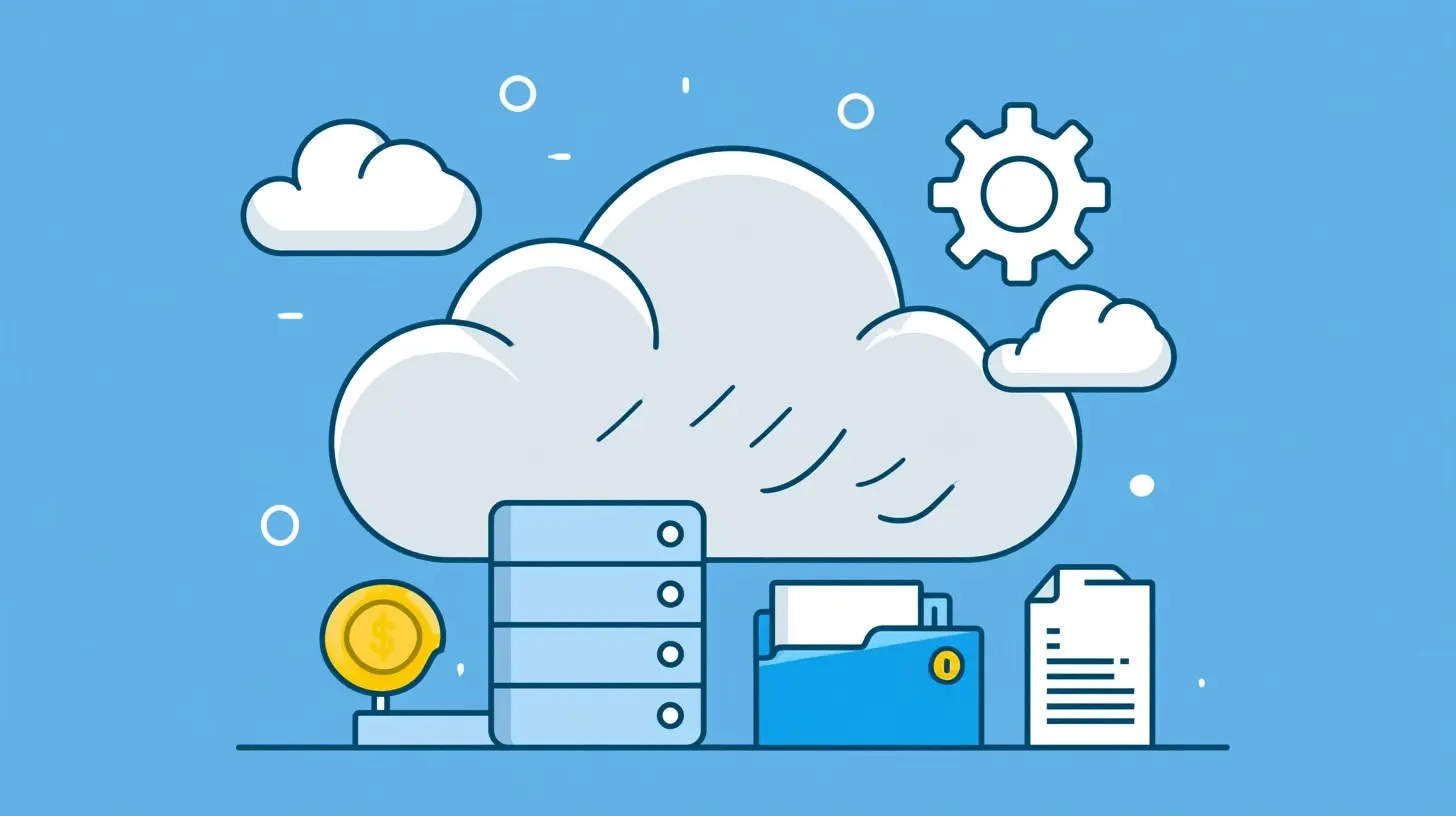
Cloud backup refers to the process of storing data on remote servers accessed via the internet instead of on local devices like hard drives or servers. This method has gained popularity due to its convenience, scalability, and the ability to access data from anywhere with an internet connection.Why Use Cloud Backup?
The primary reasons for using cloud backup include:- Accessibility: You can access your data from multiple devices and locations.
- Scalability: Cloud solutions can grow with your needs, allowing you to increase storage as necessary.
- Cost-Effectiveness: Many cloud services operate on a pay-as-you-go model, making it easier to manage costs.
- Automatic Backups: Many services offer automated backup options, reducing the risk of human error.

Choosing the Right Cloud Backup Service
Types of Cloud Backup Services
When selecting a cloud backup service, you will encounter several types:1. Personal Cloud Solutions: Services like Google Drive and Dropbox are user-friendly and suitable for personal use. They offer a limited amount of free storage, with options to pay for more.
2. Business Cloud Solutions: Services like Microsoft Azure and Amazon Web Services (AWS) cater to businesses needing robust data management features, compliance, and scalability.
3. Hybrid Solutions: These combine local and cloud storage, providing the best of both worlds. For example, you can back up critical data locally for quick access while also syncing it with the cloud for redundancy.
Key Features to Consider
When evaluating cloud backup services, consider the following features:- Storage Capacity: Ensure the service can accommodate your current and future storage needs.
- Security Measures: Look for encryption, both in transit and at rest, to protect your data.
- User Interface: A straightforward interface can simplify the backup process, especially for non-technical users.
- Customer Support: Reliable support can be crucial, especially in emergencies.
- Backup Frequency Options: Some services allow for continuous backup, while others may only perform backups daily or weekly.
Popular Cloud Backup Solutions
- Backblaze: Known for its unlimited storage and straightforward pricing, Backblaze is an excellent choice for personal users.- Carbonite: This service offers comprehensive backup options and is ideal for small to medium-sized businesses.
- Acronis: Acronis provides robust security features, including ransomware protection, making it suitable for high-stakes data.

Setting Up Your Cloud Backup
Step-by-Step Guide
1. Select Your Cloud Backup Service: Choose a service that fits your needs based on the criteria discussed above.2. Create an Account: Sign up and set up your account. Ensure you use a strong password and enable two-factor authentication for added security.
3. Install the Software: Download and install the cloud backup application on your devices. Most services provide a user-friendly installation process.
4. Choose What to Back Up: Decide which files and folders are critical. You may want to prioritize important documents, photos, and videos.
5. Set Backup Schedule: Configure the frequency of backups. Continuous backup may be ideal for critical data, while less frequently updated files may only need daily or weekly backups.
6. Monitor Your Backups: Regularly check the backup status to ensure everything is running smoothly. Most services provide notifications and reports.
Common Mistakes to Avoid
- Neglecting to Verify Backups: Always verify that your data has been successfully backed up. Many services offer a verification feature; use it.- Overlooking Security Settings: Ensure your security settings are configured correctly. Failing to do so can expose your data to risks.
- Ignoring Updates: Regularly update your backup software to benefit from the latest features and security patches.

Best Practices for Cloud Backup
Regularly Review Your Backup Strategy
Your data needs may change over time. Regularly assess your backup strategy to ensure it aligns with your current requirements. This includes evaluating storage needs, security measures, and the effectiveness of your chosen service.Implement a 3-2-1 Backup Strategy
The 3-2-1 backup strategy is a widely recommended practice:- Three Copies of Your Data: Keep one primary copy and two backups.
- Two Different Media: Store backups on two different types of storage media (e.g., an external hard drive and a cloud service).
- One Offsite Backup: Ensure one backup is stored offsite, which the cloud inherently provides.
Encrypt Sensitive Data
If your data includes sensitive information, consider additional encryption before uploading it to the cloud. While many cloud services offer encryption, encrypting your data adds an extra layer of security.Understand Compliance Requirements
If you handle sensitive data, be aware of legal and regulatory compliance requirements, such as GDPR or HIPAA. Ensure your cloud backup solution complies with these standards to avoid legal issues.Real-World Examples
Case Study: A Small Business Experience
Consider a small business that relied solely on local storage for its data. When a fire destroyed their office, they lost critical client files and financial records. Afterward, they implemented a cloud backup solution, allowing them to recover quickly from any future incidents. This example underscores the importance of having a reliable backup strategy.Individual User Perspective
An individual user might experience a hard drive failure, losing years of family photos. By having a cloud backup in place, they can easily restore their precious memories without significant stress or loss. This illustrates how cloud backups can provide peace of mind.
Addressing Misconceptions
"Cloud Backup is Too Expensive"
While some cloud services can be costly, many offer free tiers or affordable plans. It is essential to evaluate your needs and choose a service that provides value without breaking the bank."My Data is Safe in the Cloud"
While cloud services employ robust security measures, no system is entirely foolproof. It is crucial to implement additional security practices, such as strong passwords and two-factor authentication, to safeguard your data."Backing Up is a One-Time Task"
Backing up is not a one-time task but an ongoing process. Regularly updating and monitoring your backups is essential to ensure data integrity and security.Conclusion
Backing up your data in the cloud is not just a technical necessity; it is a vital part of data management strategy. By understanding the options available, selecting the right service, and implementing best practices, you can protect your valuable information from loss and ensure peace of mind.In a world where data is increasingly vulnerable, taking proactive steps to secure it is essential. Whether you are an individual or a business, investing time and resources into a solid cloud backup strategy will pay off in the long run.
all images in this post were generated using AI tools
Category:
Technology GuidesAuthor:

Kira Sanders