How to Pick the Right RAM for Your Gaming PC
7 June 2026
So, you're building or upgrading your gaming PC, huh? You're picking out the best graphics card, a blistering fast CPU, and a solid SSD—but wait, don't forget one of the most crucial parts: your RAM. Yep, your Random Access Memory. It might not be as flashy as your GPU, but trust me, it plays a massive role in how smooth your games run and how fast your system responds.
But here's the thing: RAM isn't one-size-fits-all. There’s a ton of jargon floating around—DDR4, DDR5, CL timings, MHz, dual-channel—you get the gist. Feeling overwhelmed? Don’t sweat it. By the end of this guide, you’ll have a crystal-clear idea of how to pick the perfect RAM for your gaming PC.
Let’s dive in.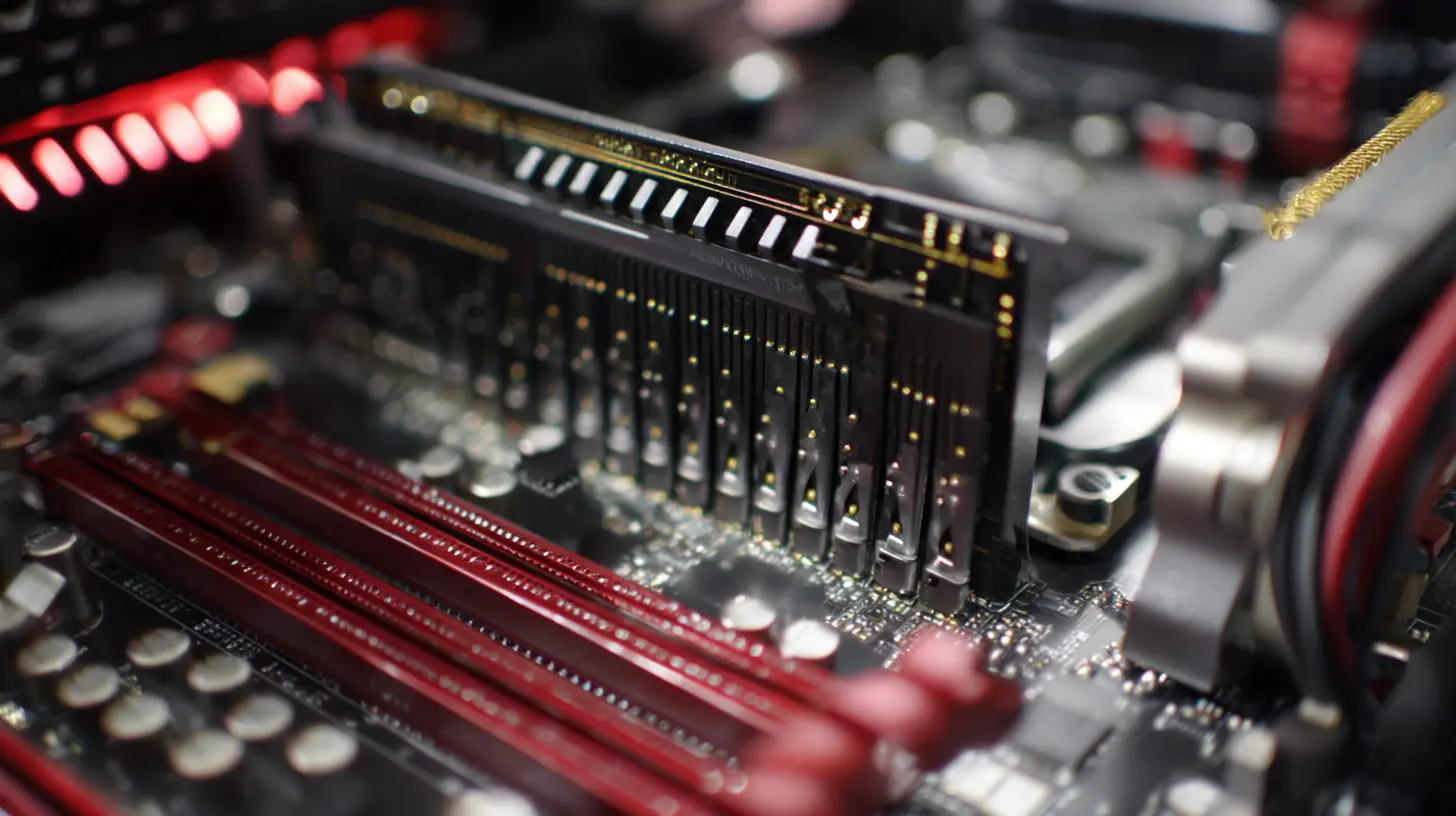
Why RAM Matters in Gaming
Think of RAM as your PC’s short-term memory. Just like how we use short-term memory to remember things for a few seconds (like that 5-digit code you just typed into your phone), your computer uses RAM to temporarily store data it needs quick access to.In gaming, your system pulls textures, assets, and scripts from the game into RAM so your CPU and GPU can quickly fetch them. Not enough RAM? You’ll experience stuttering, long load times, frame drops, or even crashes. That’s definitely not the high-octane gaming experience you're looking for.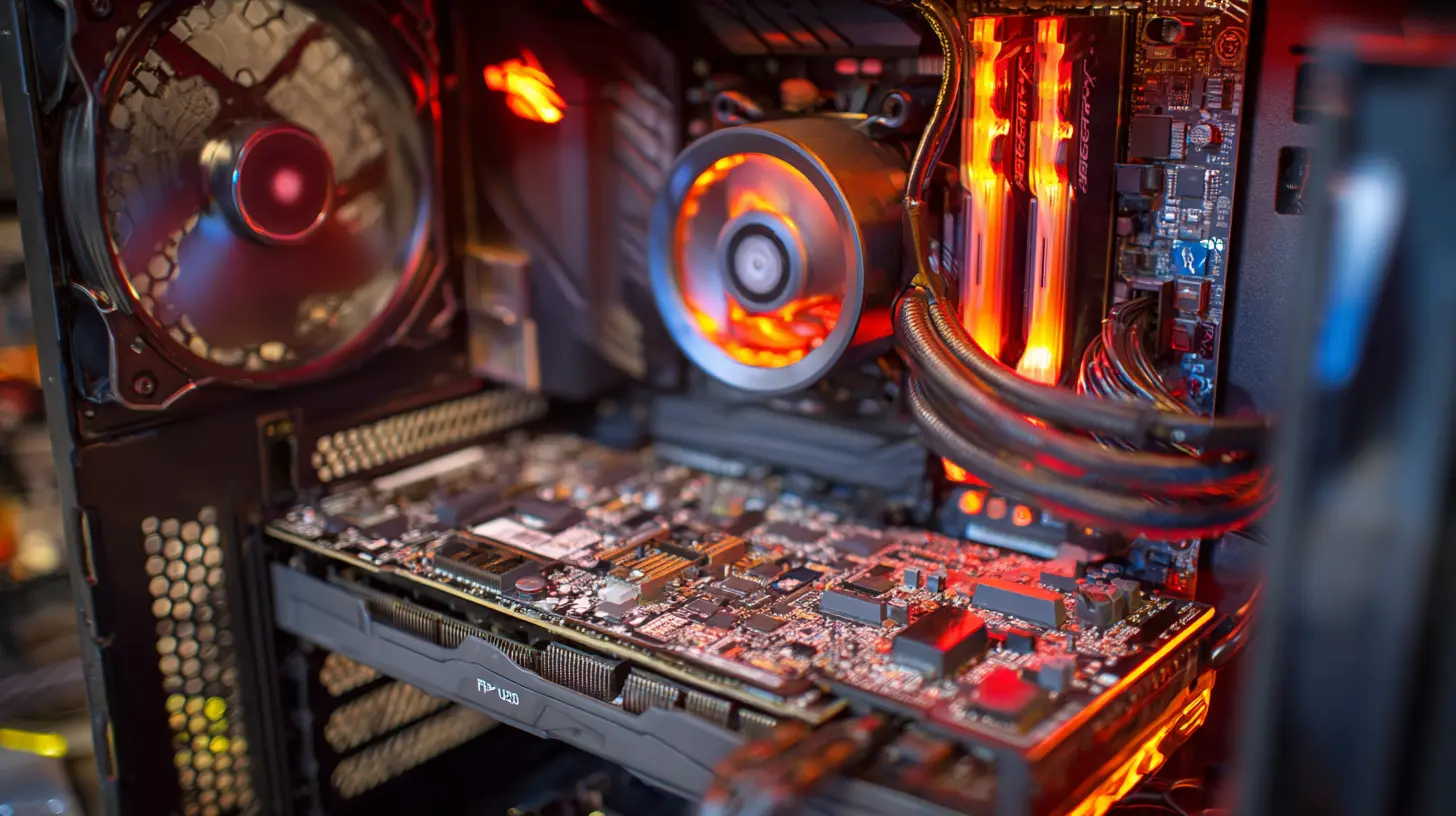
How Much RAM Do You Actually Need?
Let’s keep it short and sweet:- 8GB – The bare minimum these days. You’ll be able to run most games, but multitasking will be tough. Expect some limitations.
- 16GB – The current sweet spot for most gamers. Smooth performance, freedom to multitask, and room for background apps like Discord, Chrome, or OBS.
- 32GB – Overkill for most, but perfect if you're into AAA titles, content creation, or want to future-proof.
- 64GB+ – Mostly for workstations, not average gamers. Unless you’re doing heavy modding, streaming, and video editing all at once, you probably won't need this much.
? Pro Tip: For most gamers in 2024, 16GB of RAM is the way to go. If you've got the budget, and plan to stream or create content too, consider 32GB.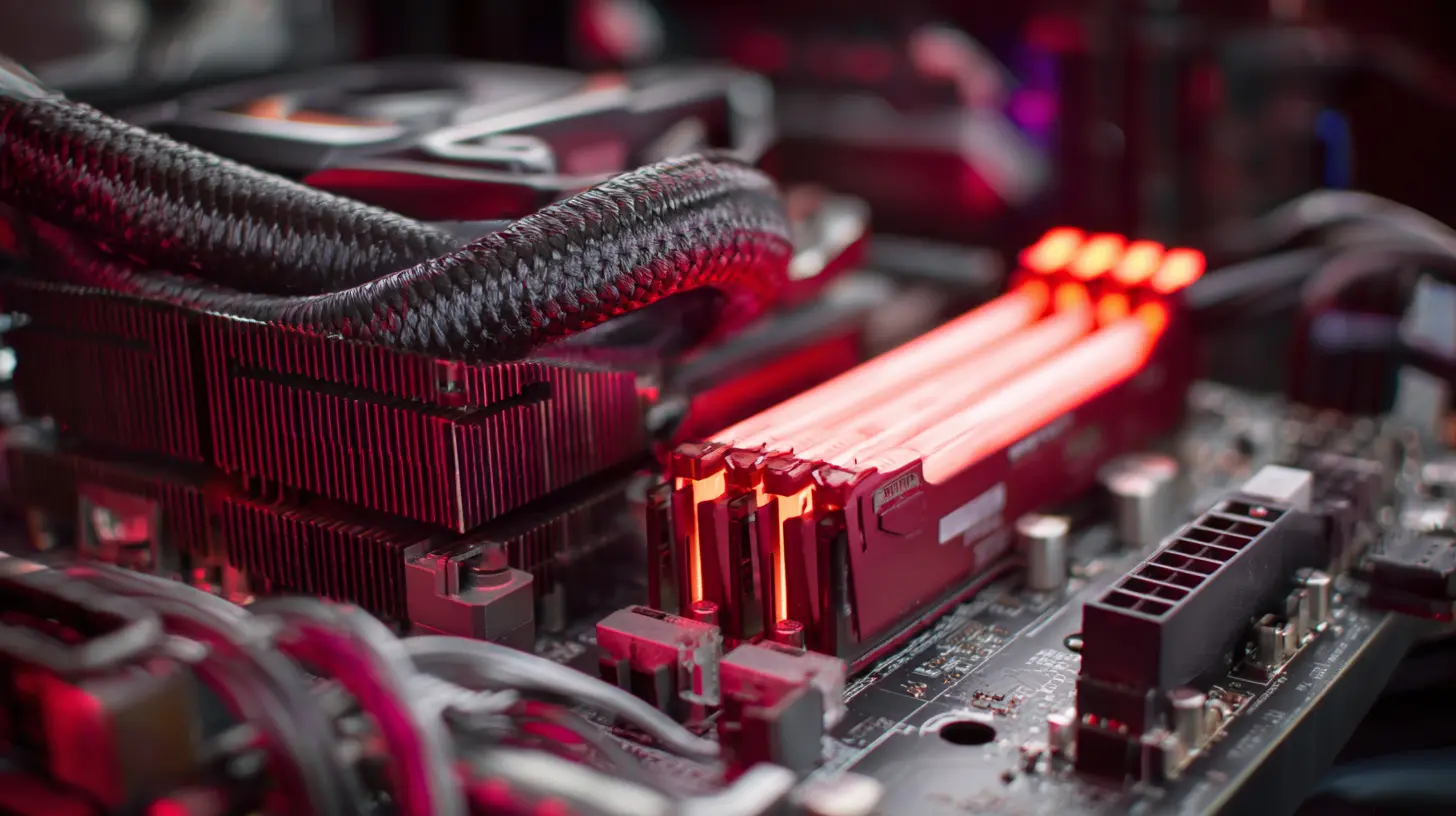
DDR4 vs DDR5: What’s the Difference?
These are the two generations of RAM you'll commonly see right now. So which one should you pick?DDR4
- More affordable- Stable and widely compatible
- Speeds typically range from 2400MHz to 3600MHz
- Lower latency compared to early DDR5 models
DDR5
- Newer and faster- Speeds starting around 4800MHz and up
- Higher capacity modules
- Slightly higher latency but compensated by bandwidth
- More expensive
If your motherboard and CPU support DDR5 (think Intel 12th Gen+, AMD Ryzen 7000 series), and you’ve got the cash to spare, go for it. Otherwise, DDR4 is still a solid, cost-effective choice that doesn’t bottleneck most games.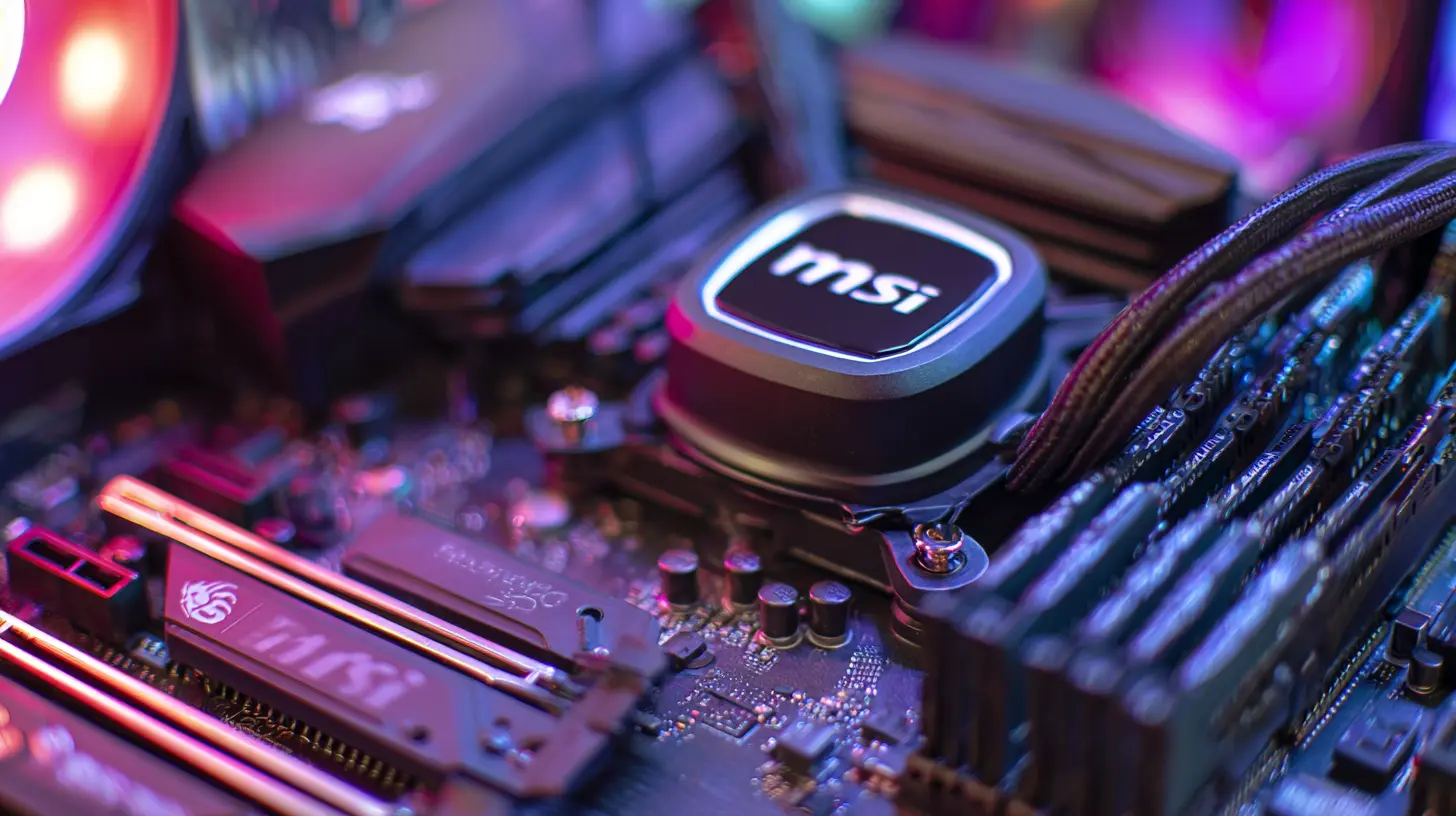
Speed (MHz): Is Higher Always Better?
You've seen it before—RAM sticks labeled "3200MHz", "3600MHz", or even "6000MHz". So, what does it mean?RAM speed (measured in MHz) tells you how many cycles per second your RAM can perform. Faster speeds can improve game performance, especially in CPU-heavy titles. But the gains can be marginal after a point.
Here’s a basic breakdown:
- 2666–3000MHz – Entry-level but still functional
- 3200–3600MHz – Ideal sweet spot for DDR4 users
- 5200–6000MHz+ – Great speeds for DDR5 users
Just remember: your motherboard and CPU must support the RAM speed you’re eyeing. If they don’t, your RAM will downclock to the nearest supported value, and your dollars are wasted.
CAS Latency (CL): What About Timings?
Okay, let’s geek out for a second. CAS Latency refers to how many clock cycles your RAM takes to respond to a command. Lower is better. But here's the catch—CL by itself doesn’t tell the whole story. You’ve got to look at CL in combination with RAM speed.A 3200MHz CL16 kit performs similarly to a 3600MHz CL18 kit in many games. It's a balancing act.
If you're a casual gamer or you're not squeezing every drop of performance, don’t overthink this part. Just don’t buy a kit with abnormally high latency.
Single vs Dual vs Quad Channel: Does It Matter?
Short answer: Yes, it matters.Running RAM in dual channel significantly increases memory bandwidth, which means your CPU can access more data more quickly. It’s especially helpful in gaming and content creation.
Always aim to run two RAM sticks (or four if your motherboard supports it and you’re going for 32GB or more). Avoid single stick configurations unless you're absolutely forced to.
Imagine trying to drink a milkshake through one straw vs. two. Same milkshake, but you're sipping faster and smoother.
What About RAM Capacity per Stick?
Modules come in different sizes—4GB, 8GB, 16GB, 32GB, and so on. Depending on how many RAM slots your motherboard has (typically 2 or 4), you’ll want to choose RAM sticks accordingly.- 2 x 8GB = 16GB (ideal dual-channel setup)
- 2 x 16GB = 32GB (future-proofed and multitasking heaven)
- 4 x 8GB = 32GB (only if you've got four slots and want to fill them)
In most cases, two sticks are better than one. Keeps things balanced and leverages dual-channel capabilities.
RGB or Nah?
Alright, it’s not gonna boost FPS, but it sure looks cool.If your PC has a tempered glass panel, some clean RGB RAM sticks can really elevate the aesthetics. Brands like Corsair, G.Skill, and Kingston make some eye-catching pieces. That said, RGB RAM generally costs more, so you’ll have to decide if the bling is worth the bucks.
Best RAM Brands for Gaming PCs
You don’t want to cheap out on RAM. Stick with trusted names to ensure reliability, warranty, and solid performance.Here are some of the top RAM brands:
- Corsair – Great mix of performance and aesthetics (Vengeance and Dominator series are popular)
- G.Skill – Known for their high-speed kits and Trident Z RGB series
- Kingston – Solid and reliable, especially the Fury series
- Crucial – Budget-friendly and dependable
- TeamGroup – Good value, especially their T-Force lineup
Stick to well-reviewed kits and check compatibility with your motherboard to avoid headaches.
RAM Compatibility: Don’t Skip This Step
Before you hit that “Buy Now” button, double-check your motherboard’s specs. Not all RAM works with all boards, especially if you're mixing different brands or types.Here’s a checklist:
✅ Is it DDR4 or DDR5?
✅ Is the speed supported by the motherboard and CPU?
✅ Do you have enough DIMM slots?
✅ Is it on your motherboard's QVL (Qualified Vendors List)?
Also, remember that mixing different RAM sticks (in speed, brand, or even capacity) might cause instability or force all sticks to run at the lowest common denominator.
Overclocking RAM: Worth It?
If you’ve got a system that supports XMP (Intel) or DOCP (AMD), overclocking your RAM is a breeze. Basically, it lets you run RAM at its advertised speed with a single BIOS setting.Performance gains vary game to game, but CPU-heavy or esports titles like Valorant, CS:GO, or Warzone can get a small but noticeable FPS boost.
Worried about frying your components? Don’t be. XMP/DOCP profiles are generally safe and tested by the manufacturer.
Future-Proofing: Should You Go Big Now?
It's tempting to grab 64GB of DDR5 just because it's shiny and new. But take a step back. Ask yourself:- Do I play heavy AAA titles?
- Am I planning to stream and record content?
- Do I use RAM-hungry apps like Adobe Premiere, Blender, or Chrome with 50 tabs open?
If yes, investing in more RAM makes sense. Otherwise, 16GB or 32GB will keep you gaming strong for years to come.
Final Thoughts
Picking the right RAM for your gaming rig doesn’t have to be rocket science. Focus on what matters: the right capacity, speed, compatibility, and a reputable brand. Whether you're building your first PC or upgrading, the right RAM ensures smoother gameplay, faster load times, and peace of mind.Take the time, do the research, and trust your instincts. Because nothing’s worse than shelling out for high-end gear and then bottlenecking your performance with the wrong memory.
And hey—if you’re still on the fence about RGB RAM, just remember: your PC's gotta look good while fragging enemies, right?
all images in this post were generated using AI tools
Category:
Pc GamingAuthor:

Kira Sanders
Discussion
rate this article
2 comments
Kathleen Warner
Choose wisely, play fiercely, win big.
August 21, 2026 at 5:04 AM
Kira Sanders
Thanks for the reminder! Choosing the right RAM can definitely make a big difference in gaming performance.
Sera Mendez
Ah yes, the ultimate guide to RAM. Because clearly, choosing between 16GB and 32GB is the real challenge in building a gaming PC. Next, can we get a tutorial on picking the right snacks for marathon sessions?
June 8, 2026 at 3:15 AM
Kira Sanders
I get your point! RAM choices can feel trivial next to the snacks. But every bit counts in building that perfect setup... even if it's just for gaming fuel!