How to Choose a Tablet for Work, Play, or Both in 2027
8 October 2026
Tablets have quietly become one of the most flexible computing categories you can buy. They can act as a second screen, a sketchpad, a video player, a note-taking device, a point-of-sale terminal, or a full laptop replacement with the right keyboard. That flexibility is also the problem. The same device that feels perfect for a commuter watching shows may feel crippling for someone editing spreadsheets or annotating architectural drawings.
Choosing well in 2027 means understanding what tablets are actually good at, where they still fall short, and how your specific mix of work and play maps onto real hardware decisions. This guide walks through the trade-offs honestly, explains the reasoning behind each recommendation, and helps you avoid the mistakes that lead to buyer's remorse a month after purchase.

Start With the Job, Not the Brand
Most people begin shopping by looking at brands or price tags. A better starting point is a simple list of tasks you expect the tablet to handle in a typical week. Be specific. "Work" is not a task. "Joining two video calls a day, annotating PDFs, and replying to email for three hours" is a task profile.Write down three columns:
- Tasks that must work well
- Tasks that would be nice to work well
- Tasks you will never do on this device
That third column matters more than people expect. If you will never edit video, you do not need to pay for a chip that excels at it. If you will never draw, a stylus is optional rather than essential. Every feature you add raises the price and often adds weight.
Once your list is honest, the rest of the decision becomes a series of comparisons rather than a hunt for the "best" tablet. There is no best tablet. There is only the best fit for a defined set of tasks.
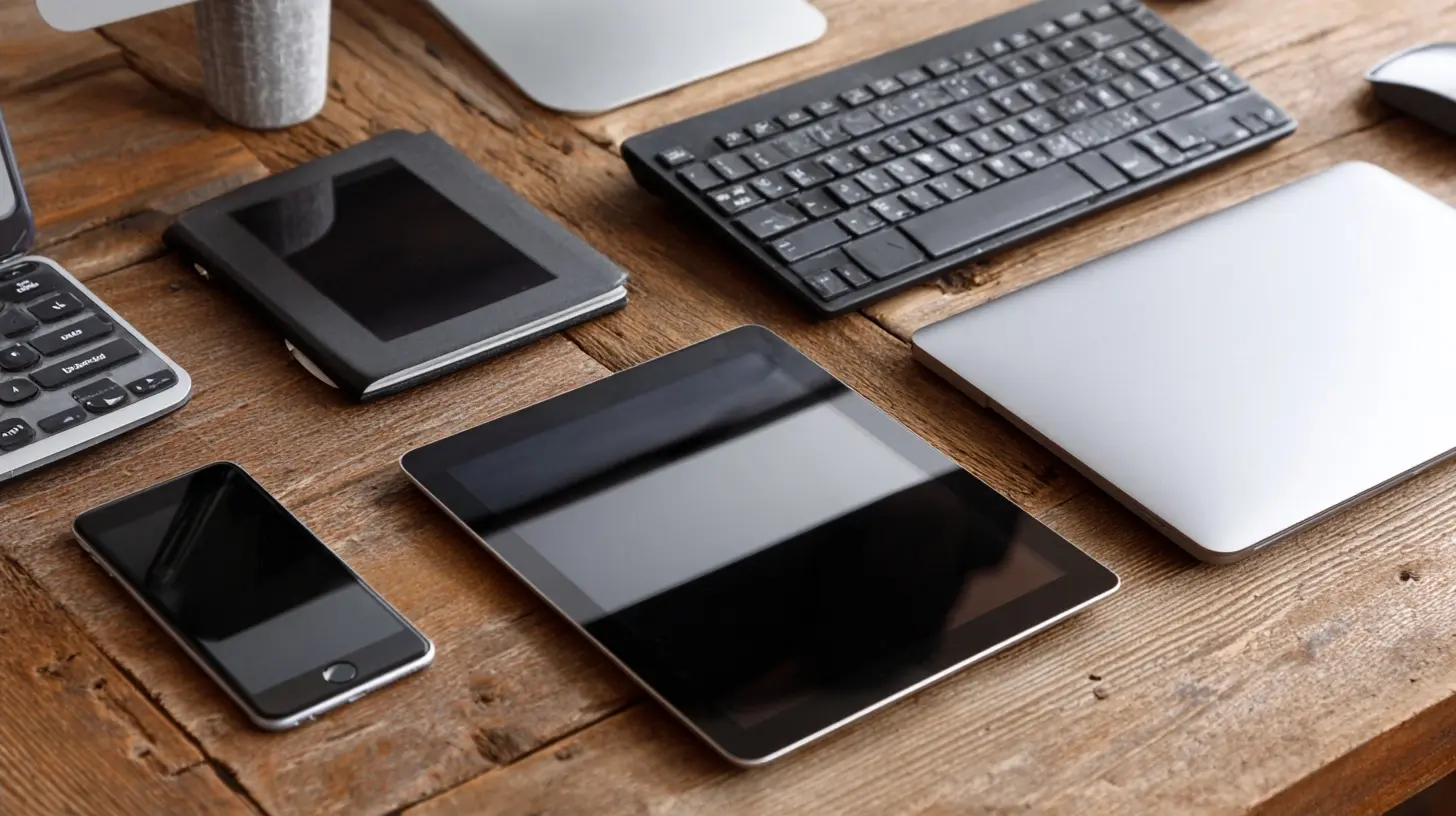
Screen Size: The Decision That Shapes Everything Else
Screen size drives weight, portability, keyboard comfort, and price. It is the single most consequential choice you will make.Small tablets (roughly 8 to 9 inches)
These are ideal for reading, note-taking in short bursts, GPS navigation, and handheld use. They are light enough to hold for an hour. The downside is that split-screen multitasking feels cramped, and on-screen keyboards are small enough to slow down serious typing.Choose this size if the tablet is a companion device, not your primary one. It works beautifully alongside a laptop or desktop.
Mid-size tablets (roughly 10 to 11 inches)
This is the sweet spot for most people. It is large enough for split-screen work, comfortable for streaming, and light enough to carry daily. Keyboards at this size are usable for long sessions, though not as comfortable as a laptop.If you want one device that handles both work and play without excelling at either extreme, this is usually the right range.
Large tablets (roughly 12 to 13 inches and up)
These approach laptop dimensions. They shine for drawing, video editing, sheet music, CAD review, and split-screen productivity. They also weigh more, cost more, and often need a sturdier keyboard case. Some people find them awkward to hold for casual reading.Buy this size only if you have a clear reason. The extra screen real estate is genuinely useful, but it is not free.
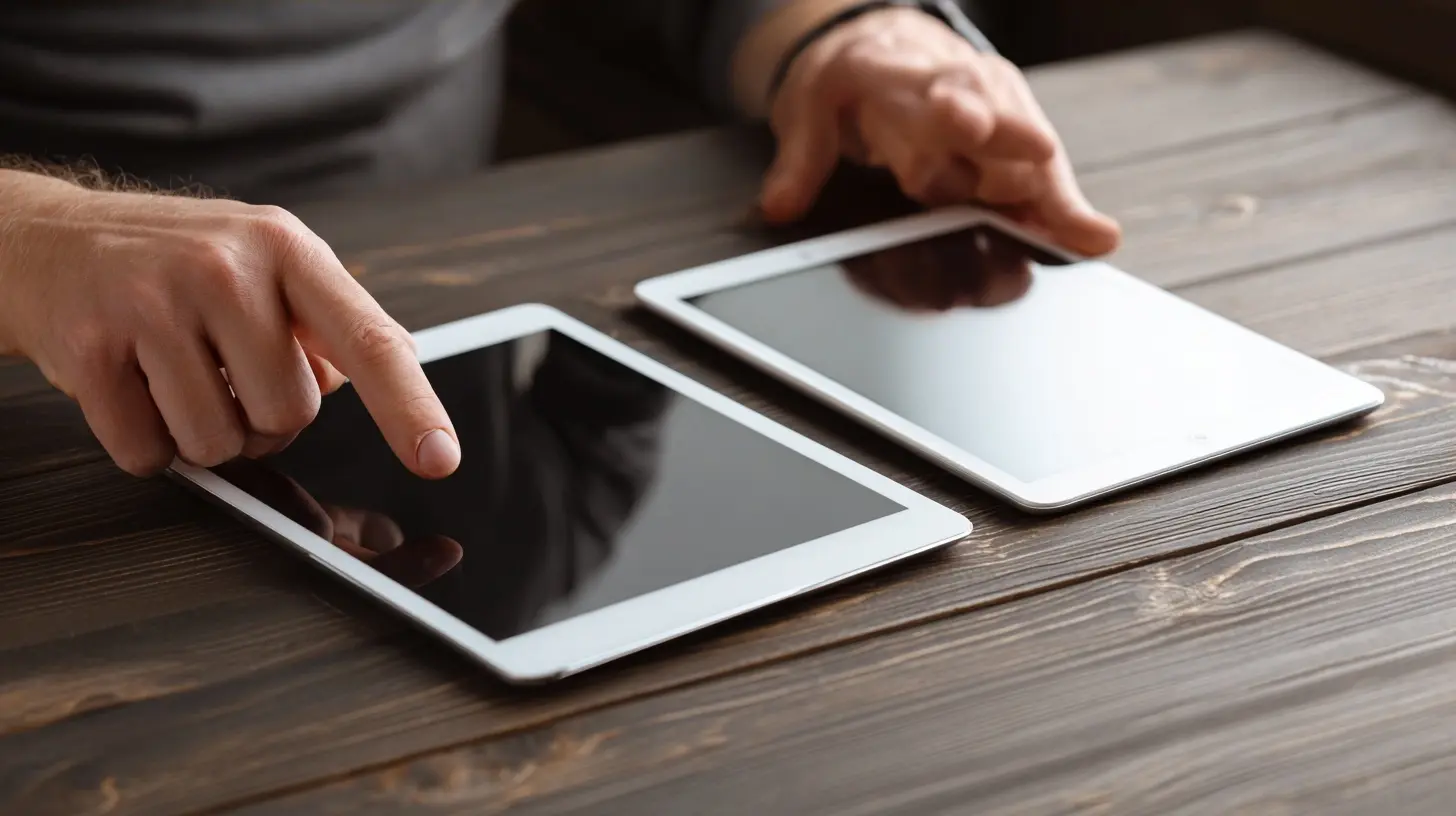
Operating System: The Real Dividing Line
Hardware specs get the headlines, but the operating system determines what software you can run, how updates arrive, and how well the tablet integrates with the rest of your gear.iPadOS
iPadOS offers the deepest library of tablet-optimized apps. Drawing, note-taking, audio production, and video editing tools are mature. Multitasking has improved over the years, though it still has quirks that frustrate power users.Choose iPadOS if app quality and long-term software support matter most to you. Apple tends to support its tablets with updates for many years, which stretches the effective lifespan.
Android
Android tablets vary widely in quality. The best ones offer excellent media consumption, flexible file management, and strong integration with Google services. App optimization is uneven, especially for apps that were designed primarily for phones.Choose Android if you value customization, expandable storage, or you already live inside the Google ecosystem. Be selective about the model, because budget Android tablets often feel sluggish within a year.
Windows
Windows tablets are essentially laptops with detachable keyboards. They run full desktop applications, which matters if you rely on specific professional software. The trade-off is battery life, weight, and a touch experience that still feels less polished than iPadOS or Android.Choose Windows if your work requires desktop-class software that has no tablet equivalent.
ChromeOS
ChromeOS tablets lean on web apps and Android apps. They are secure, easy to manage, and often affordable. They work well for education, front-desk tasks, and light productivity, but they are not the right fit for heavy creative or engineering work.
Performance: How Much Chip Do You Actually Need?
Chip performance in tablets has grown fast enough that even mid-range models handle everyday tasks comfortably. The question is not whether a chip is fast, but whether it is fast enough for the tasks you listed.Consider these rough tiers:
- Everyday tasks: web browsing, email, video calls, streaming, note-taking. Almost any current mid-range chip handles these without strain.
- Creative tasks: photo editing, digital painting, audio recording, light video editing. You want a mid-to-high-end chip and, importantly, enough memory.
- Demanding tasks: 4K video editing, 3D modeling, large spreadsheet models, software development. You want a high-end chip and generous memory, or you should consider a laptop instead.
Memory deserves more attention than it usually gets. More memory means smoother multitasking and a longer useful life. If you plan to keep the tablet for four or more years, buying more memory upfront is often wiser than buying a faster chip with less memory.
Storage follows a similar logic. Cloud storage is convenient, but it depends on connectivity. If you travel, work in the field, or store large media files, buy more local storage than you think you need. Many tablets do not allow storage expansion, so this decision is permanent.
Connectivity: Wi-Fi, Cellular, or Both?
Wi-Fi-only models cost less and are fine for home, office, and most travel where you can tether to a phone.Cellular models add a monthly cost but provide independence. They are worth it if you frequently work away from reliable Wi-Fi, use the tablet for navigation, or need connectivity for field work.
A practical middle path: buy Wi-Fi-only and use your phone as a hotspot. This works well for occasional needs and saves money. The downside is battery drain on your phone and the hassle of enabling the hotspot each time.
Also check the tablet's Wi-Fi standard and Bluetooth version. Newer standards improve speed and reduce interference, especially in crowded networks.
Accessories: Where the Real Cost Hides
A tablet's price tag rarely reflects what you will actually spend. Accessories can add hundreds of dollars.Keyboards
A good keyboard case turns a tablet into a lightweight laptop. Key considerations:- Key travel and spacing. Thin keyboards feel cramped for long typing sessions.
- Stability. A top-heavy design that tips backward is frustrating.
- Trackpad support. This dramatically improves productivity for text editing and navigation.
- Charging method. Some keyboards charge separately, which is one more cable to manage.
If typing is central to your work, test the keyboard in person if possible. Reviews help, but feel is personal.
Styluses
Stylus quality varies enormously. Key factors:- Pressure sensitivity. Higher levels give more natural line variation for drawing.
- Latency. Lower latency feels more like pen on paper.
- Palm rejection. Essential for comfortable writing.
- Charging. Some styluses charge wirelessly by attaching to the tablet, others need a cable.
- Compatibility. Not every stylus works with every tablet, even within the same brand.
If you mainly annotate documents or take handwritten notes, a mid-tier stylus is usually enough. If you draw professionally, the stylus becomes as important as the tablet itself.
Other accessories
- Screen protectors. Matte finishes reduce glare and improve stylus feel; glossy finishes preserve color accuracy.- Hubs and adapters. Tablets often have limited ports. A USB-C hub can add HDMI, SD card, and USB-A support.
- Stands. Useful for desk work and video calls.
Work Use: What Tablets Do Well and Where They Struggle
Tablets excel at:- Note-taking and annotation
- Reading and marking up documents
- Video conferencing
- Light email and messaging
- Presentations and client-facing demos
- Field data collection
Tablets struggle with:
- Heavy spreadsheet work
- Complex document formatting
- Software that assumes a mouse and keyboard
- Long typing sessions without a good keyboard
- Multitasking across many windows
The honest question is whether your work fits the first list or the second. If it fits the second, a tablet can still be useful, but it should complement a laptop rather than replace it.
A common mistake is buying a tablet to replace a laptop, then discovering that one crucial application does not exist in a usable form. Check for your must-have apps before you buy. Look at reviews that mention tablet versions specifically.
Play Use: Where Tablets Shine
For entertainment, tablets are hard to beat.- Streaming. Large, high-resolution screens with good speakers make tablets excellent for video.
- Reading. Adjustable brightness and warm color modes reduce eye strain. Comics and magazines look great.
- Gaming. Touch games, board game adaptations, and cloud streaming all work well. Some tablets support game controllers via Bluetooth.
- Music. Tablets make good controllers for music production apps and smart home systems.
- Drawing and journaling. For hobbyists, a tablet with a stylus can replace paper sketchbooks.
If play is your primary use, prioritize screen quality, speakers, and battery life over chip performance. You will notice a great display every day. You will rarely notice a faster processor during a video stream.
Battery Life: What the Numbers Really Mean
Manufacturers quote battery life under ideal conditions: moderate brightness, simple tasks, Wi-Fi only. Real-world results are usually lower, sometimes much lower.Factors that drain battery quickly:
- High screen brightness
- Cellular data
- Video calls
- Gaming
- Stylus use with high refresh rates
If battery life matters, look for real-world tests rather than spec sheets. Also consider charging speed. A tablet that charges slowly can be inconvenient if you rely on short top-ups during the day.
Longevity: Buying for the Next Five Years
Tablets tend to last longer than phones because they are used less intensively. To maximize lifespan:- Buy more memory and storage than you need today.
- Check the manufacturer's update policy. Longer support means better security and access to new features.
- Choose a model with a replaceable battery if possible, though this is rare.
- Buy a protective case. Cracked screens are the most common reason tablets get replaced early.
A mid-range tablet bought with generous memory often outlasts a high-end tablet bought with minimal memory, because memory constraints appear first.
Common Mistakes and Misconceptions
Mistake: Assuming a tablet replaces a laptop for everyone. It replaces a laptop only for specific workflows. For many people, it complements one.Mistake: Buying the cheapest model to "try it out." Budget tablets often feel slow and have short update lives, which leads people to conclude tablets are not useful. The problem was the device, not the category.
Mistake: Ignoring the keyboard and stylus in the budget. These can add 30 to 50 percent to the total cost.
Misconception: More cores always means better performance. Real-world performance depends on memory, storage speed, thermal design, and software optimization.
Misconception: Tablets are only for consumption. With the right apps and accessories, tablets handle serious creative and professional work. The limitation is usually the software, not the hardware.
A Practical Decision Framework
Work through these questions in order:1. What are my three most important tasks?
2. Do the apps I need exist in a good tablet version?
3. What screen size supports those tasks comfortably?
4. Which operating system has the best app support for my needs?
5. How much memory and storage do I need for the next four years?
6. Do I need cellular connectivity?
7. What accessories are essential, and what do they cost?
8. What is my total budget, including accessories and any subscription costs?
Answer these honestly and the shortlist usually becomes obvious. If two models remain, choose the one with better long-term software support and more memory.
Final Thoughts
The tablet market in 2027 offers more genuine choice than ever, which makes the decision harder but also more rewarding. The right tablet is not the most powerful or the most popular. It is the one that fits your tasks, your budget, and your habits without forcing compromises you will resent later.Spend time defining what you need before you look at specs. Test keyboards and styluses if you can. Buy more memory than feels necessary. And remember that a tablet used well can be one of the most versatile devices you own, whether you are sketching on a train, running a meeting, or watching a film in bed.
all images in this post were generated using AI tools
Category:
Tech GadgetsAuthor:

Kira Sanders