How Developers Are Reinventing Extensions for a Post-Tab World
19 July 2026
The browser tab is dying. Not literally, of course. You still have 47 of them open right now, and you will probably never close half of them. But as a user interface paradigm, the tab has reached its breaking point. We are drowning in tabs, and the extensions we once relied on to manage them are themselves part of the problem. Developers are now quietly reinventing what a browser extension can be, shifting from tab-centric tools toward something more fluid, contextual, and intelligent. This is not just a design trend. It is a fundamental rethinking of how software integrates with our attention.

The Tab Problem Nobody Solved
Tabs were invented in the late 1990s to solve a simple problem: too many windows. They worked beautifully for a decade. But the web evolved faster than the browser chrome. Today, the average knowledge worker has between 30 and 60 tabs open across multiple windows. Studies from Microsoft and Google have shown that tab overload directly reduces task-switching efficiency by up to 40 percent. The irony is that extensions meant to help, like tab managers and session savers, often add another layer of complexity.The core issue is that tabs are a spatial metaphor for a temporal problem. We keep tabs open not because we are using them, but because we intend to return to them. That intention is rarely fulfilled. The tab becomes a bookmark with guilt attached. Extensions that simply list tabs, group them, or suspend them treat the symptom, not the cause. The real question is: how do we move from "saving things for later" to "bringing things to us when needed"?
The Shift from Tab Management to Context Management
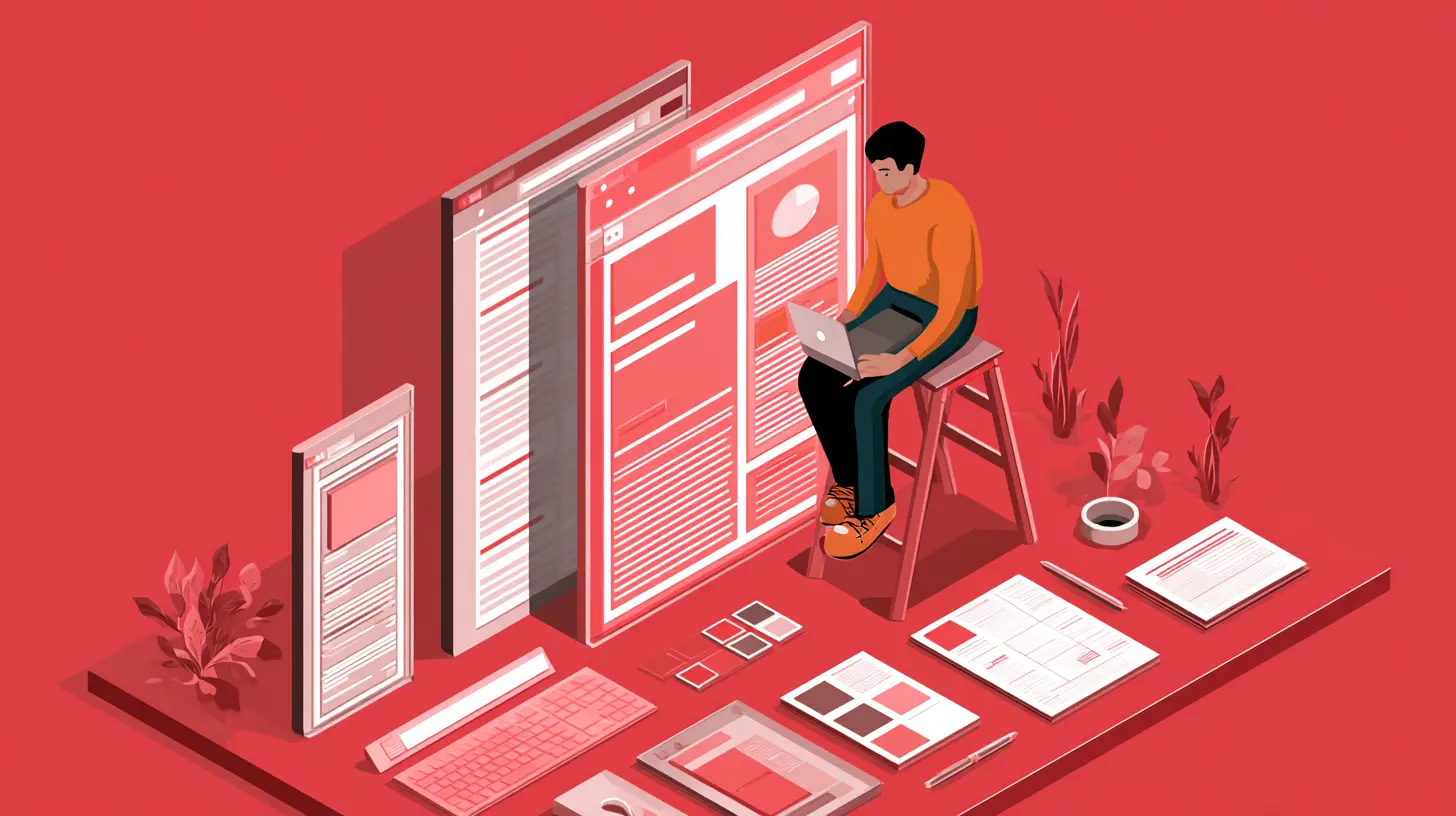
The most forward-thinking extension developers are abandoning the idea of managing tabs altogether. Instead, they are building tools that manage context. A context is a collection of resources, tasks, and information tied to a specific goal or project. It might span multiple tabs, documents, notes, and even desktop applications. The extension's job is no longer to sort your tabs. It is to recognize what you are doing and surface the right tools at the right time.One concrete example is the rise of workspace-aware extensions. Instead of grouping tabs by color or folder, these tools watch your browsing behavior. They detect when you shift from researching a topic to writing about it, and automatically rearrange your sidebar, hide irrelevant bookmarks, and preload related resources. This is not AI magic. It is a simple state machine combined with local storage. The key insight is that the extension should disappear when not needed.
Why This Works
Context management works because it aligns with how human attention actually operates. Attention is not a continuous stream. It is a series of bursts. When you switch from coding to reading documentation, your brain needs a moment to reorient. A context-aware extension reduces that reorientation cost by preemptively organizing the digital environment. It does not force you to manually tag or sort. It observes and adapts.The trade-off is privacy. An extension that watches your behavior across tabs has access to a terrifying amount of data. The best implementations keep everything local, using on-device processing and never sending data to a server. If an extension requires cloud sync for context awareness, ask yourself whether the convenience is worth the exposure. Most of the time, it is not.
Reinventing the Sidebar as a Second Browser
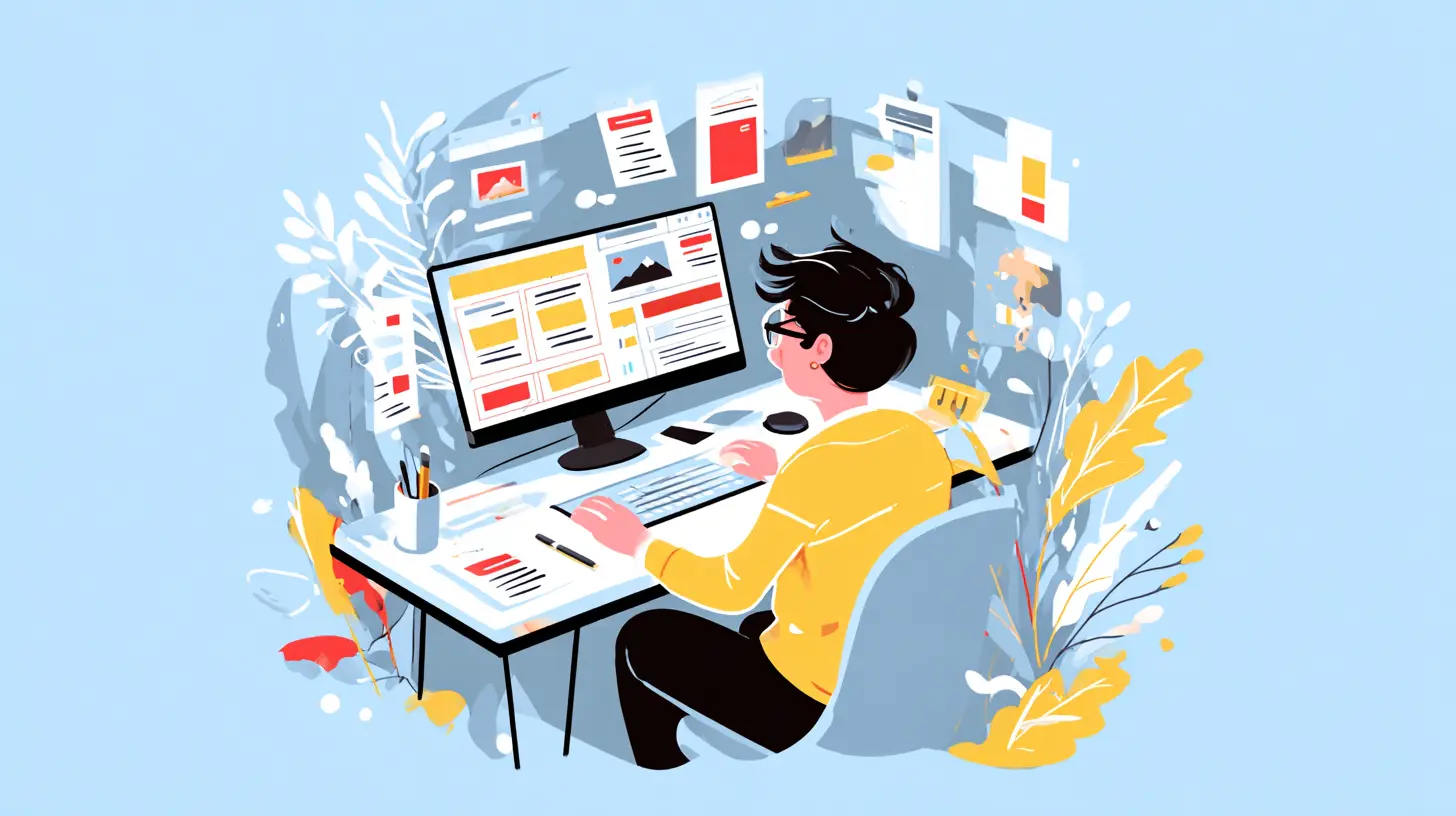
The traditional browser sidebar is a wasteland. Bookmarks on one side, maybe a history panel. Nobody uses them. But a new generation of extensions is turning the sidebar into a fully functional second browser. This is not about showing a mini version of the same page. It is about running a completely separate browsing context alongside your main window.Imagine you are reading a technical article. You highlight a phrase, and a sidebar opens displaying documentation, Stack Overflow threads, and related GitHub issues. You never leave the original page. The sidebar is its own browser, with its own history, cookies, and session. It can run web apps, play videos, or display interactive charts. When you close the main tab, the sidebar content vanishes. It is ephemeral by design.
Practical Use Cases
Developers are using this pattern for code review, design iteration, and research workflows. For example, a front-end developer can keep the production site open in the main tab while the sidebar runs a local development server. Changes to CSS or JavaScript appear instantly in the sidebar without reloading the main page. This eliminates the constant alt-tabbing between browser and editor.Another example is competitive research. A product manager might have the competitor's site in the sidebar while working on their own product in the main tab. The sidebar can be pinned, resized, and even detached into its own window. It respects the main tab's privacy settings and does not share cookies unless explicitly allowed.
Common Mistakes
The biggest mistake developers make when building sidebar extensions is treating them as a dumping ground. They throw in every feature the main browser has, resulting in a cramped, unusable interface. The sidebar should have one purpose and one purpose only. If it tries to be a calendar, a note-taker, a chat app, and a code editor, it will fail at all of them. The best sidebars are ruthlessly focused. They do one thing, and they do it without stealing focus from the main tab.
Extensions That Work Across Browsers and Beyond
The post-tab world is not limited to one browser. Users switch between Chrome, Firefox, Edge, and Safari depending on the task. They also use Electron-based apps like Slack, VS Code, and Discord, which are essentially browsers in disguise. Reinventing extensions means making them work across these boundaries.The WebExtensions API was a step in the right direction, but it is still fragmented. A growing number of developers are building extensions as universal web applications that communicate with the browser through a lightweight bridge. The extension itself is a web app hosted on a server or run locally. The browser extension is just a thin client that injects a script or a sidebar. This allows the same codebase to work on multiple browsers with minimal changes.
The Trade-Offs
Universal extensions are harder to distribute. They require the user to install a companion app or sign in to a service. They also introduce latency, since the logic runs outside the browser's sandbox. However, they enable features that pure browser extensions cannot achieve, such as cross-application clipboard monitoring, file system access, and integration with desktop notifications.For developers, the decision comes down to how deeply the extension needs to integrate with the browser. If you just need to modify page content or add a toolbar button, stick with the standard API. If you need to coordinate across multiple browsers or desktop apps, the universal approach is worth the complexity.
The Misconception of "Lightweight" Extensions
There is a persistent myth that extensions should be lightweight. Minimal code, minimal permissions, minimal UI. While this is good advice for simple tools, it is deadly for extensions that aim to reinvent the browsing experience. The post-tab extension cannot be lightweight because it is doing something fundamentally new. It is managing context, running background processes, and communicating with other applications.The real measure of quality is not lines of code. It is respect for the user's attention. A heavy extension that works seamlessly is better than a lightweight extension that interrupts you every five minutes. The goal is to reduce cognitive load, not to minimize disk usage.
Permission Fatigue
A related mistake is asking for too many permissions upfront. Users have been trained to deny permissions by default. Instead, ask for permissions lazily. If the extension needs access to a specific site, request it only when the user navigates to that site. If it needs to read the clipboard, ask when the user triggers a paste action. This builds trust and reduces the "this app wants everything" rejection.
Real-World Example: The Disappearing Tab Manager
Consider a hypothetical but realistic extension called "Flow." It does not show a list of open tabs. Instead, it monitors your typing and mouse activity. When you have not interacted with a tab for 15 minutes, Flow dims it in the tab bar. After 30 minutes, it moves the tab to a "cold storage" area that is still accessible but out of sight. After two hours, it closes the tab automatically, but saves a snapshot of the page content locally.The magic is that Flow does not require you to configure anything. It learns your patterns. If you always keep your email tab open, it ignores that tab's inactivity. If you open the same documentation page every day, it preloads it before you even type the URL. Flow never asks you to sort, tag, or categorize. It just works.
This approach works because it treats the tab as a temporary resource rather than a permanent possession. The default assumption is that a tab should close unless you actively need it. This is the opposite of current behavior, where tabs persist until the browser crashes. The psychological shift is huge, and it requires the extension to be invisible. The moment you have to think about the extension, it has failed.
Best Practices for Building Post-Tab Extensions
1. Design for Zero Interaction
The best extension is the one you never notice. Every UI element should justify its existence. If you need a settings page, you have probably overcomplicated the extension. Settings should be inferred from behavior, not configured by the user.2. Use Local Storage Aggressively
Syncing to the cloud introduces latency, privacy risks, and dependency on external services. Store everything locally unless there is a compelling reason not to. IndexedDB and the File System Access API are your friends. If you must sync, encrypt data client-side before sending it.3. Embrace Asynchronous Background Work
The post-tab extension should never block the main thread. Use service workers for background tasks. Preload data in anticipation of user actions. If the extension needs to do something heavy, defer it until the browser is idle.4. Respect the Tab's Lifecycle
Do not keep tabs alive unnecessarily. If your extension suspends a tab, actually suspend it. Do not keep a hidden iframe running. Use the `pagehide` and `visibilitychange` events to clean up resources. The user's battery and memory are not infinite.5. Provide Escape Hatches
Even the best context-aware extension will guess wrong sometimes. Always provide a way for the user to override its decisions. A simple keyboard shortcut to "keep this tab alive" or "never suspend this site" goes a long way. The override should be discoverable but not intrusive.
Common Mistakes and How to Avoid Them
Mistake 1: Building for Power Users Only
Many extension developers are power users themselves, so they build tools that assume advanced knowledge. The post-tab world includes casual users who just want their browser to stop being annoying. Your extension should work out of the box with zero configuration. Advanced features can be hidden behind progressive disclosure.Mistake 2: Ignoring Accessibility
Reinventing the tab interface often means new visual patterns. But if your extension relies on hover states, drag-and-drop, or subtle animations, you are excluding users who rely on keyboard navigation or screen readers. Every feature must be accessible via keyboard, and every visual change must have a text alternative.Mistake 3: Treating Tabs as Independent
Tabs are not independent. They are connected through links, referrers, and user intent. An extension that closes a tab without considering its relationship to other tabs will break workflows. Always check if a tab is the parent of another tab or if it holds state that another tab depends on.Mistake 4: Over-Engineering the First Version
Start with a single use case. Solve that one perfectly. Then expand. The graveyard of browser extensions is full of tools that tried to do everything and did nothing well. If you cannot describe your extension in one sentence, you are not ready to ship.The Future: Extensions as Operating System Services
Looking further ahead, the reinvention of extensions is moving beyond the browser entirely. The browser is becoming an operating system for web applications, and extensions are becoming system services. This means they will interact with the file system, notifications, hardware sensors, and other applications. The post-tab extension might not even have a visible UI. It might run as a background service that surfaces information only when relevant.For example, an extension could monitor your calendar and automatically open meeting links five minutes before the event. It could detect when you are copying a code snippet and offer to format it for your preferred language. It could watch your download folder and rename files based on their content. These are not science fiction. They are possible today with the right permissions and APIs.
The challenge is that browser vendors are understandably cautious about granting too much power to extensions. The Manifest V3 controversy showed what happens when security and capability collide. Developers who want to push boundaries will need to work with browser vendors, not against them. Building trust through transparent permission requests and local-first architectures is the only sustainable path.
Final Thoughts
The post-tab world is not about eliminating tabs. It is about making tabs irrelevant as a mental model. We should not have to think about tabs at all. The browser should understand what we are doing and adapt accordingly. Extensions are the vehicle for that adaptation, but they must evolve from being tab managers to being context managers.If you are building an extension today, ask yourself: does this tool make the user think less or more? If it adds cognitive overhead, it is part of the problem. If it disappears into the background, it is part of the solution. The developers who will succeed are not those who build the most features. They are the ones who build the most invisible tools.
all images in this post were generated using AI tools
Category:
Browser ExtensionsAuthor:

Kira Sanders
Discussion
rate this article
1 comments
Evelyn McClure
This article really highlights the exciting shift in how developers are approaching browser extensions. As we move beyond traditional tabbed browsing, the innovative solutions being discussed could reshape user experiences significantly. It's refreshing to see creativity flourish in a space that's often thought of as stagnant. Great insights here!
July 19, 2026 at 4:42 AM
Kira Sanders
Thank you for the encouraging feedback! It's exciting to explore how these innovations can transform user experiences in such a dynamic way. I'm glad you found the insights valuable!