From Clutter to Clarity: The Future of Digital Organization
8 July 2026
We live in an age of infinite storage and finite attention. The promise of digital tools was a paperless, streamlined existence. Instead, we got a desktop littered with screenshots, a downloads folder that hasn't been opened since 2021, and a cloud drive that feels like a digital attic. The problem isn't that we have too much stuff. The problem is that we have no system for what that stuff means.
Digital clutter is not a storage issue. It is a cognitive tax. Every file you cannot find, every tab you keep open "just in case," every duplicate photo you are afraid to delete -- each one consumes a sliver of mental bandwidth. The future of digital organization is not about better software. It is about restoring clarity to how we think, work, and live with information. This article will walk you through the real challenges, the practical solutions, and the emerging trends that will define how we manage our digital lives over the next decade.
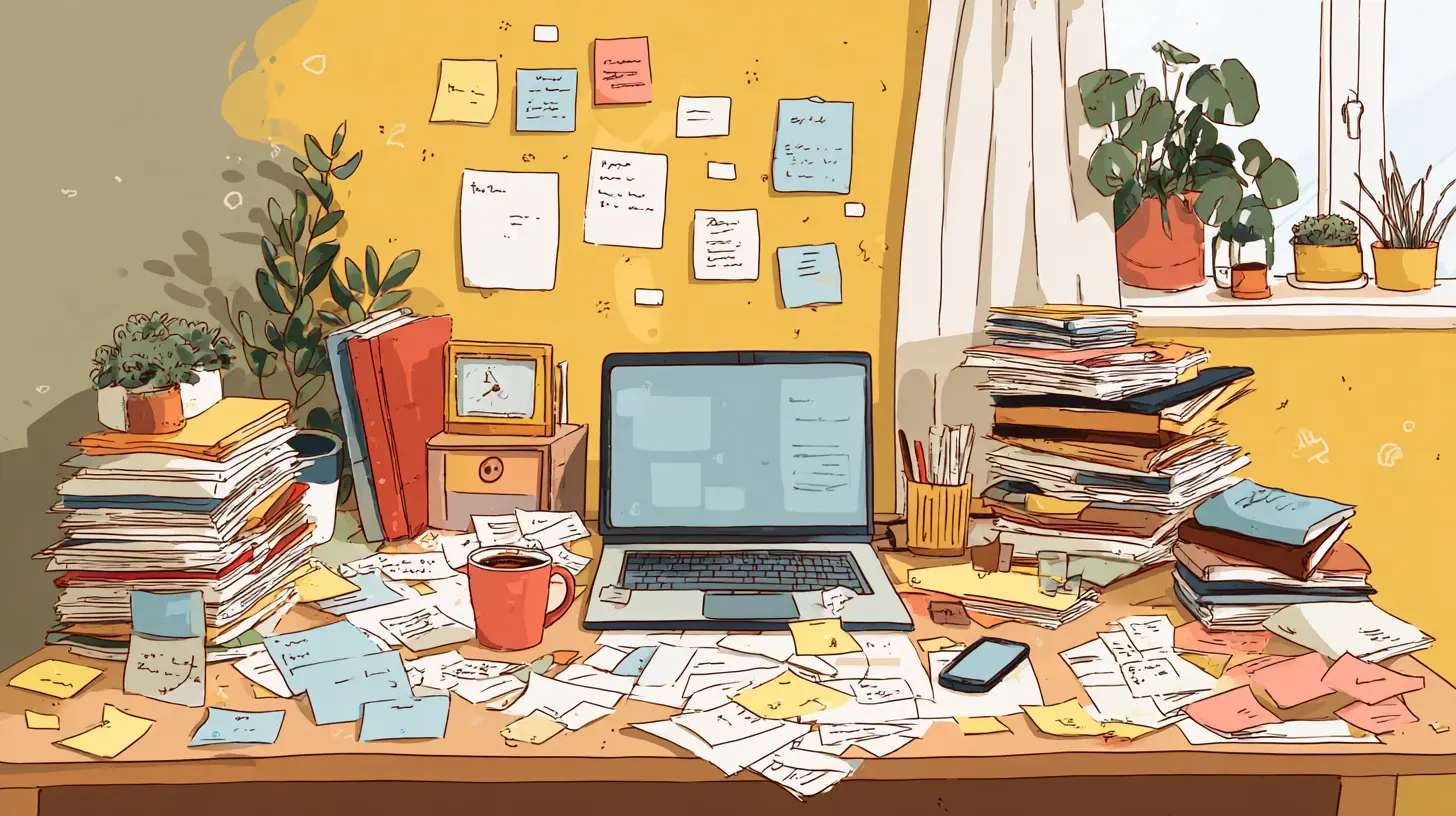
The Real Cost of Digital Clutter
Most people underestimate how much digital clutter costs them. They think it is a minor annoyance, like a messy desk. But research in cognitive psychology suggests that visual clutter -- even in a digital environment -- increases cortisol levels and reduces focus. When you have 50 tabs open, your brain is constantly context-switching, even if you are only looking at one. The others are still there, whispering for attention.There is also the cost of search. Every time you spend more than 30 seconds looking for a file, you are paying a productivity tax. Over a year, those seconds add up to hours. Over a career, they add up to weeks. And that is just the direct cost. The indirect cost is worse: the anxiety of not knowing where something is, the guilt of having unfinished projects scattered across folders, and the paralysis that comes from not knowing where to start cleaning up.
A common mistake is to treat digital clutter as a one-time cleaning problem. You spend a weekend organizing your files, feel great for a week, and then three months later everything is a mess again. That approach fails because it addresses symptoms, not causes. The real issue is that you never built a system that matches how your brain actually works.
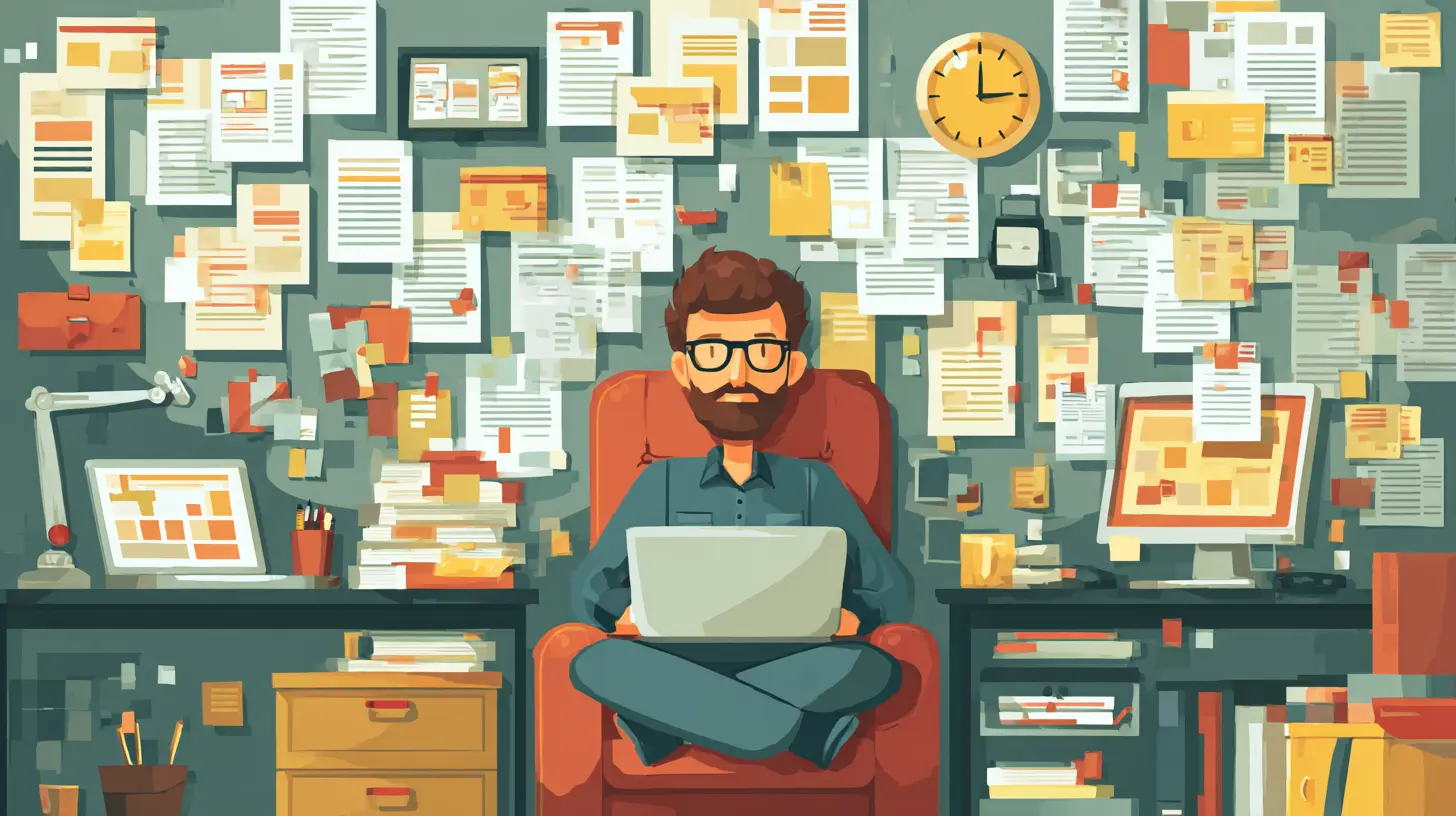
Why Traditional Folder Structures Fail
The folder hierarchy is a relic from the era of physical filing cabinets. It assumes that every piece of information belongs in exactly one category. But human memory does not work that way. You might remember a document by its topic, by the person who sent it, by the project it belongs to, or by the date you last opened it. A folder system forces you to pick one of those dimensions, and then you have to remember which one you chose.This is why full-text search became popular. It seemed like the answer: just dump everything in one place and search for it later. But search has its own problems. It works well when you know exactly what you are looking for. It fails when you are not sure of the filename, when you misspell a word, or when you are trying to browse for inspiration rather than retrieve a specific item.
The future of digital organization moves away from rigid hierarchies and pure search toward a third way: context-based organization. This means tagging, linking, and structuring information in ways that reflect how you actually use it, not how a filing clerk would sort it.
The Principle of Atomic Notes and Information Chunks
One of the most powerful ideas to emerge from the personal knowledge management (PKM) community is the concept of atomic notes. The idea is simple: break information down into its smallest meaningful unit. Instead of saving a whole article, save the one insight that matters. Instead of keeping a 50-page report, extract the three data points you will reference later.Why does this work? Because your brain does not recall large blocks of text. It recalls concepts, connections, and feelings. When you store information in large chunks, you are essentially hiding the valuable parts inside a wrapper of noise. Atomic notes make the valuable parts directly accessible.
But there is a trade-off. Atomic notes require more upfront effort. You cannot just dump a PDF into a folder and call it done. You have to read, extract, and write. For many people, that feels like extra work. And it is -- in the short term. In the long term, it saves enormous time because you never have to re-read an entire document to find the one sentence you need.
A practical approach is to be selective. Not everything needs to be atomized. For reference materials that you might need in full later, keep the original. For insights, ideas, and action items, atomize them. A good rule of thumb: if you would have to re-read the source to remember what it said, it is worth atomizing.
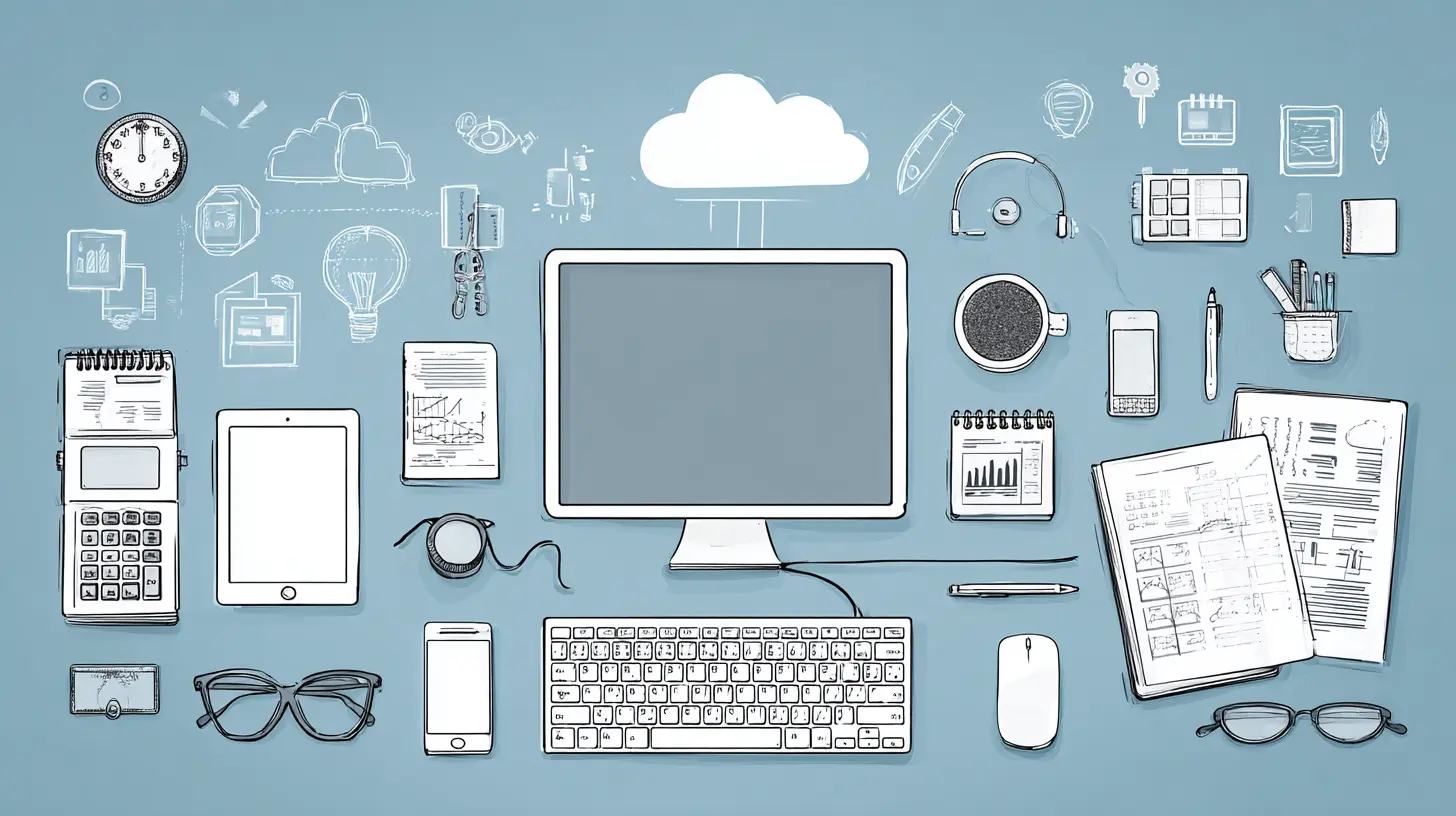
The Role of Tags, Links, and Bidirectional Connections
Tags are an improvement over folders because they allow multiple categories. A document can be tagged with "project X," "client Y," and "budget" all at once. But tags have their own problems. They tend to proliferate. You start with ten tags, then fifty, then two hundred, and soon you cannot remember which tag you used. Tagging becomes its own form of clutter.The solution is to use tags sparingly and consistently. A common best practice is to limit tags to broad categories: status (draft, final, archived), type (meeting notes, report, idea), and domain (finance, marketing, product). Avoid using tags for specific project names or people -- those change too often.
Links are more powerful than tags because they create relationships. When you link one note to another, you are building a web of meaning. Bidirectional links -- where both notes show the connection -- are even better because they allow you to navigate in both directions. This is the core idea behind tools like Obsidian, Roam Research, and Notion's linked databases.
The advantage of linking over tagging is that links preserve context. A tag tells you that two things are related, but it does not tell you how. A link can include a brief note: "This budget spreadsheet connects to the Q3 marketing plan because we allocated funds for the campaign." That context is invaluable when you come back to the information months later.
Common Mistakes in Digital Organization
The most common mistake is trying to organize everything before you start working. This is perfectionism disguised as productivity. You spend hours setting up a system, but you never actually use it because you are afraid of putting something in the wrong place. The better approach is to start with a minimum viable system: one folder for active projects, one for reference, and one for archive. Use it for a month, then adjust.Another mistake is over-categorization. Some people create dozens of folders and subfolders, thinking that more granularity equals better organization. In practice, the more categories you have, the harder it is to decide where something goes. The optimal number of top-level categories for most people is between five and ten. Beyond that, you start losing items.
A third mistake is treating all information as equally important. Not everything needs to be saved. Not everything needs to be organized. A huge portion of digital clutter comes from a hoarding mindset: "I might need this someday." Most of the time, you will not. And if you do, you can search for it again. The internet is not going anywhere.
A practical rule is the "one-year test." If you have not opened a file in the past year, move it to an archive folder. If you have not opened it in two years, delete it. This is not about being ruthless. It is about recognizing that your attention is finite, and every file you keep is a potential distraction.
Tool Selection: What to Look For and What to Avoid
The tool landscape for digital organization is crowded. There are note-taking apps, file managers, project management platforms, and all-in-one workspaces. The right tool depends on your workflow, but there are some universal principles.First, choose a tool that supports plain text or open formats. Proprietary formats lock you in. If your notes are in a proprietary database, you cannot easily move them to another tool. Plain text (Markdown is ideal) ensures that your information is portable and future-proof.
Second, prioritize search and linking capabilities. A tool with weak search will become a bottleneck as your collection grows. A tool without linking will keep your notes isolated. The best tools today combine full-text search with graph-based navigation.
Third, avoid tools that try to do everything. All-in-one platforms often compromise on depth. They have decent note-taking, decent project management, and decent file storage, but none of them are excellent. You are better off with two or three specialized tools that integrate well than one tool that does everything poorly.
A common misconception is that you need the latest, most hyped app to be organized. You do not. Some of the most organized people I know use a simple folder structure with a text file for indexing. The tool matters far less than the discipline of using it consistently.
The Future: AI-Assisted Organization
The next frontier in digital organization is artificial intelligence. We are already seeing early versions of this. Smart search that understands natural language, automatic tagging based on content, and tools that suggest connections between notes you might have missed.But AI is not a magic solution. It has limitations. Current AI models are good at pattern recognition but poor at understanding context. An AI can tag a document as "finance" based on keywords, but it cannot know that this particular document is the one your boss sent with a note that said "ignore the numbers on page 3." That kind of nuance requires human judgment.
The real promise of AI is in reducing friction. Imagine a system that automatically archives files you have not touched in six months, suggests tags based on your past behavior, and surfaces relevant notes when you start a new project. These capabilities are not science fiction. They exist in rudimentary form today and will improve rapidly.
However, there is a danger. Over-reliance on AI can make you lazy about understanding your own information. If you never manually tag or link anything, you lose the mental model that comes from that process. The act of organizing is itself a form of learning. When you decide where a piece of information belongs, you are encoding it into your memory. AI can assist, but it should not replace your own judgment.
Practical Workflow for Long-Term Clarity
Let me give you a concrete workflow that balances simplicity with depth. This is not the only way, but it has worked for many people across different professions.Start with an inbox. Every piece of incoming information -- emails, downloads, screenshots, notes -- goes into a single inbox folder. Do not sort it immediately. Just dump it there. This removes the friction of deciding where something goes at the moment it arrives.
Process the inbox daily. Go through each item and decide: delete, delegate, do, or defer. If it takes less than two minutes, do it now. If it requires more time, move it to a project folder or a task list. If it is reference material, atomize it into a note or file it in your reference system.
Use a project-based folder structure for active work. Each project gets its own folder with subfolders for drafts, research, and deliverables. When the project is done, move the entire folder to an archive. Do not keep completed projects in your active view.
Maintain a separate reference system for knowledge that is not tied to a specific project. This is where atomic notes, tags, and links shine. Use a tool like Obsidian or Notion for this. Every note should be self-contained and linked to related notes.
Review periodically. Set a monthly reminder to go through your inbox, archive old projects, and prune unused tags. This is not optional maintenance. It is the equivalent of brushing your teeth. Skip it, and your system will decay.
Misconceptions About Digital Minimalism
There is a popular narrative that the solution to digital clutter is to simply own less. Delete everything. Keep only what sparks joy. This approach works for some people, but it is not universally applicable. For knowledge workers, researchers, and creators, information is raw material. You cannot delete your way to clarity if your job depends on having a rich archive of past work.The goal is not minimalism for its own sake. The goal is clarity. A surgeon does not have a minimalist operating room. They have a highly organized one where every tool has a place and every waste bin is clearly marked. That is the model for digital organization: not empty, but structured.
Another misconception is that organization is a personality trait. Some people believe they are naturally messy or naturally tidy. In reality, organization is a skill. It can be learned, practiced, and improved. The people who seem effortlessly organized have simply developed habits that make organization automatic.
Balancing Structure with Flexibility
One of the hardest lessons in digital organization is that no system is perfect. Every structure has blind spots. Every tool has limitations. The key is to build a system that is good enough and then adapt it as your needs change.A common trap is over-engineering. You design a system with 15 categories, color-coded tags, and a complex naming convention. Then you realize that you spend more time maintaining the system than using it. The solution is to start simple and add complexity only when you feel a specific pain point.
For example, if you find yourself frequently searching for files by date, add a date prefix to filenames. If you find yourself losing track of document versions, add a version number. Do not add structure for the sake of structure. Add it to solve a real problem.
Flexibility also means being willing to abandon a system that is not working. Sunk cost fallacy applies here. Just because you spent a weekend setting up a folder hierarchy does not mean you have to keep using it. If it is not serving you, change it.
The Social Dimension of Digital Organization
Most advice about digital organization focuses on individual workflows. But in reality, many of us share files, folders, and systems with colleagues, family, or teams. This introduces a whole new set of challenges.Shared organization requires conventions. If everyone on your team names files differently, the shared drive will be chaos. The solution is to agree on a simple naming convention: date, project, and version. For example, "2025-03-15_ProjectX_Draft_v2.pdf." This is boring but effective.
Another challenge is permissions and access. You might have a beautifully organized system, but if your colleague cannot find the file they need because they do not have access to the right folder, the system has failed. The best shared systems are designed with the least privilege principle but with clear paths to request access.
For families sharing photos and documents, the approach is different. You cannot expect everyone to follow a strict naming convention. Instead, rely on tools with good automatic organization, like Google Photos for faces and locations, or a shared calendar for events.
Looking Ahead: Trends That Will Shape the Next Decade
Several trends are converging that will change how we think about digital organization.First, the rise of ambient computing. As devices become more embedded in our environment, the boundary between digital and physical blurs. Your smart speaker, your watch, and your laptop all generate information. Organizing that information across devices will require new paradigms.
Second, the decline of the file system. Operating systems are moving away from file-based metaphors. On mobile devices, you rarely interact with files directly. Apps manage data for you. This is convenient, but it also means you have less control. The future may bring a hybrid approach where apps handle routine organization but users retain the ability to intervene.
Third, the maturation of knowledge graphs. Instead of flat folders or even linked notes, future systems will build rich graphs of your information, showing not just connections but also the strength and type of each connection. This will enable powerful querying: "Show me all documents related to the Q4 marketing campaign that were created after the budget meeting."
Fourth, the integration of temporal organization. Most systems are spatial -- they organize by location in a folder or graph. But time is a natural dimension for many tasks. Tools that let you organize by when you last accessed something, or by the timeline of a project, will become more common.
Final Thoughts
Digital organization is not a destination. It is a practice. You will never reach a state of perfect clarity where everything is in its place and nothing is forgotten. That is fine. The goal is not perfection. The goal is to reduce friction enough that your digital environment supports your work and your life instead of hindering them.Start where you are. Pick one area of digital clutter that bothers you the most. It might be your downloads folder, your email inbox, or your photo library. Spend 30 minutes cleaning it up using the principles in this article. Then set a recurring reminder to maintain it. Do not try to fix everything at once. Small, consistent efforts compound over time.
The future of digital organization is not about more tools or more features. It is about understanding how your mind works and building systems that respect that. When you move from clutter to clarity, you do not just save time. You free up mental space for the things that actually matter.
all images in this post were generated using AI tools
Category:
Productivity AppsAuthor:

Kira Sanders
Discussion
rate this article
1 comments
Buzz Mathews
Great insights! Embracing digital organization can truly transform our productivity and simplify our lives... Keep it up!
July 17, 2026 at 2:35 AM
Kira Sanders
Thank you! I appreciate your thoughts. Digital organization really can make a big difference.