Cloud Storage Explained: Choosing the Right Platform for 2027
28 April 2026

The Digital Hoarder’s Guide to Not Losing Your Cat Photos (and Your Sanity)
Let’s be real for a second: you probably have more digital clutter than a thrift store on Black Friday. I’m talking about that folder on your desktop labeled “Miscellaneous” that hasn’t been opened since 2019. You’ve got 47 screenshots of memes you’ll never send, three different versions of a résumé you haven’t updated, and a 4K video of your cat named “Mr. Whiskers.mp4” that’s taking up more emotional space than your actual relationship.And yet, you still haven’t backed up your phone in six months.
Here’s the thing: cloud storage isn’t just for tech wizards or people who wear turtlenecks unironically. It’s for you—the person who panics when their laptop makes a weird grinding noise. By 2027, the cloud will be as essential as running water. But choosing the right platform? That’s like picking a favorite child. (Don’t tell my parents I said that.)
So grab a coffee, put on your thinking cap, and let’s dive into the messy, wonderful, slightly confusing world of cloud storage. I promise to keep the jargon to a minimum and the sarcasm to a maximum.
What Even Is Cloud Storage? (And Why Should You Care?)
Imagine you’re at a fancy dinner party. You’ve got a plate full of food, but your table is too small. So you ask the waiter, “Hey, can you hold my plate in the kitchen for a bit?” The waiter nods, takes your plate, and when you’re ready, they bring it back. That’s cloud storage. The kitchen is a giant server farm somewhere in Virginia (or maybe Iceland, because it’s cheaper to cool the servers there). The waiter is the internet. And your plate? That’s your data.Cloud storage is just a fancy way of saying “I’m storing my files on someone else’s computer, and I can access them from anywhere.” It’s not magic. It’s not a literal cloud. It’s a bunch of hard drives in a warehouse that probably has a better HVAC system than your apartment.
By 2027, the cloud will be more than just a backup solution. It’ll be your digital brain. You’ll have AI sorting your photos, syncing your work files, and maybe even reminding you to pay your internet bill. But here’s the kicker: not all clouds are created equal. Some are fluffy and white. Others are gray and about to dump rain all over your data.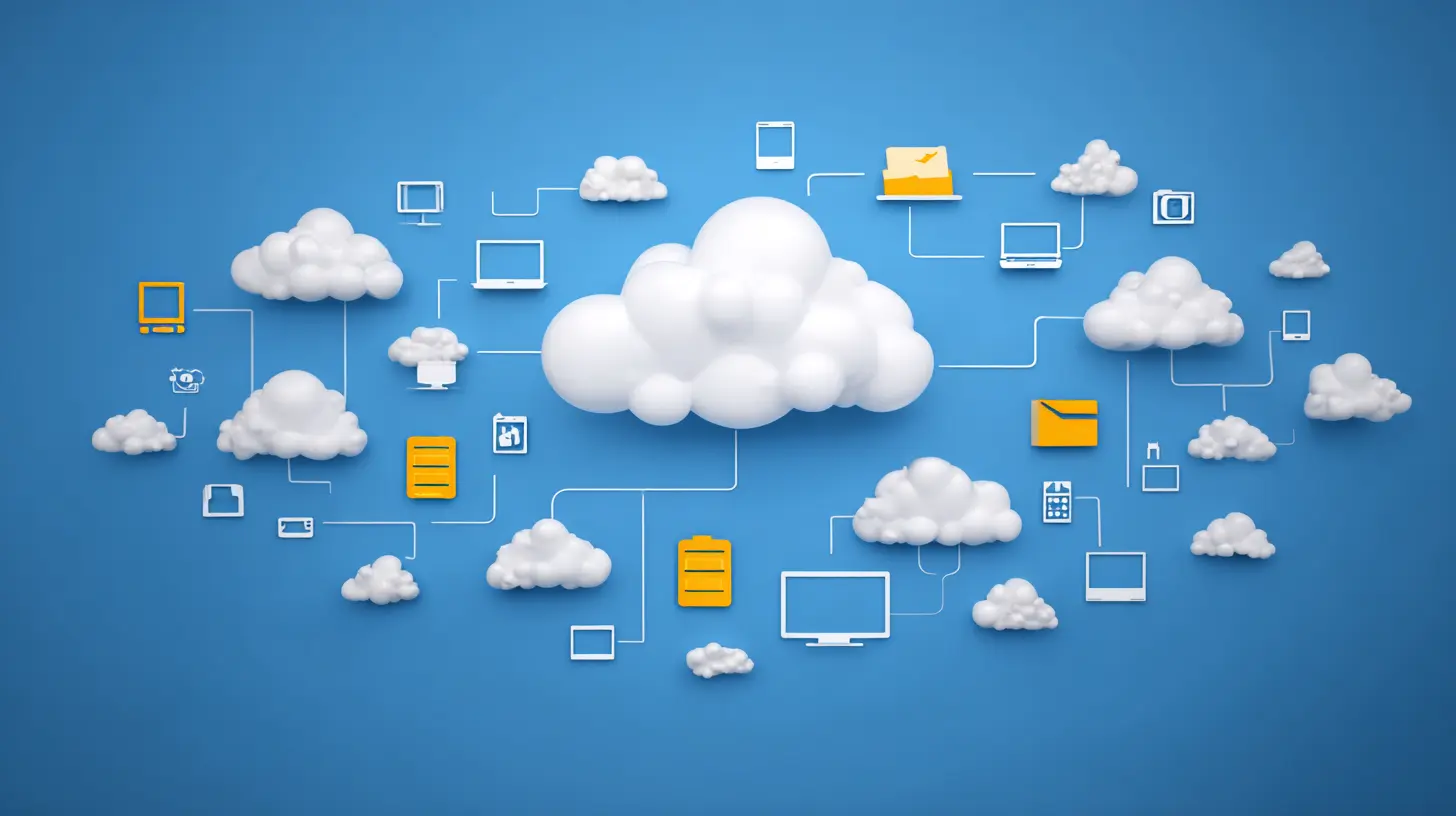
Why 2027 Changes Everything (No, This Isn’t a Sci-Fi Movie)
You might be thinking, “Why should I care about 2027? I can barely plan for next week.” Fair point. But here’s the deal: the cloud storage landscape is shifting faster than a TikTok trend. Here’s what’s coming:- AI Integration: Imagine your cloud storage automatically tagging your photos, suggesting file names, and even deleting duplicates. By 2027, this won’t be a luxury—it’ll be the standard. Google Drive already does this, but the next generation will be scarily good.
- Quantum Computing (Scary but Cool): Quantum computers will make encryption unbelievably secure. But they’ll also make current encryption methods obsolete. Translation: your data will be safer, but you’ll need to update your cloud provider like you update your phone.
- Edge Computing: Instead of sending all your data to a central server, edge computing processes it closer to you—like on your router or even your smart fridge. This means faster access, but also more complexity.
- Privacy Laws: By 2027, you’ll have more control over your data. Think GDPR on steroids. Some providers will love this. Others will fight it like a cat in a bathtub.
So, yeah. 2027 isn’t just another year. It’s the year cloud storage gets a personality. And you need to pick the right one.
The Big Players: A Roast (and a Recommendation)
Let’s talk about the heavyweights. You’ve got your Googles, your Microsofts, your Apples, and your Dropboxes. They’re like the Avengers of cloud storage, but with more subscription fees and less spandex.1. Google Drive: The Overachiever
Google Drive is that friend who’s good at everything but also a little creepy. It knows what you’re searching for before you do. It suggests documents you didn’t even know you needed. By 2027, Google Drive will probably predict your next email and write it for you.Pros:
- Tight integration with Google Workspace (Docs, Sheets, Slides).
- 15GB free storage (shared with Gmail and Photos, which is a trap).
- Excellent AI features (like smart search and file suggestions).
Cons:
- Privacy concerns. Google reads your stuff. Not in a creepy way. Okay, maybe a little.
- Free tier fills up fast. You’ll be paying for extra storage within a year.
Best for: People who live in Google’s ecosystem. If your life is Gmail, Google Calendar, and YouTube, this is your cloud.
2. Microsoft OneDrive: The Corporate Suit
OneDrive is the cloud equivalent of a business casual dress code. It’s reliable, boring, and integrated with Microsoft 365. If you’re a spreadsheet nerd or a PowerPoint enthusiast, this is your jam.Pros:
- Seamless with Windows and Office apps.
- Version history is top-notch. You can restore files from 30 days ago (or longer with paid plans).
- Good for collaboration in a work setting.
Cons:
- The free tier is stingy (5GB). That’s like giving you a single potato chip.
- The interface feels like it was designed by someone who hates fun.
Best for: Office workers, students, and anyone who uses Windows like it’s a religion.
3. Apple iCloud: The Walled Garden
iCloud is the cloud for people who own iPhones and think Android users are savages. It’s elegant, seamless, and absolutely refuses to play nice with non-Apple devices. By 2027, iCloud will probably sync your thoughts directly to your Apple Watch.Pros:
- Deep integration with Apple devices. Photos, contacts, and notes sync instantly.
- Privacy-focused. Apple doesn’t sell your data (they sell you hardware instead).
- Family sharing is excellent.
Cons:
- Only 5GB free. That’s practically nothing.
- Terrible on Windows. Like, “why does this exist” terrible.
- You’re locked into Apple’s ecosystem. Good luck switching.
Best for: Apple fanboys and fangirls. If you’ve got an iPhone, iPad, and Mac, iCloud is the obvious choice.
4. Dropbox: The OG
Dropbox was cool before cool was cool. It’s the cloud storage that everyone used in 2010, and it’s still kicking. But by 2027, Dropbox needs to step up its game or risk becoming the MySpace of clouds.Pros:
- Simple. Upload a file, get a link. That’s it.
- Excellent file syncing. No weird delays.
- Good for sharing large files.
Cons:
- Expensive. The free tier is a joke (2GB). You’ll pay for storage.
- No native office apps. You’ll need Google Docs or Microsoft 365.
- Less AI integration compared to Google or Microsoft.
Best for: People who want a no-frills cloud. If you just need to store files and share them, Dropbox works.
The Dark Horses: Cloud Storage for Nerds (and Paranoid People)
Not everyone wants to trust their data to Big Tech. Maybe you’re a privacy nut. Maybe you’re a developer. Maybe you just hate ads. Here are the underdogs:1. pCloud: The Swiss Army Knife
pCloud is based in Switzerland (land of chocolate, watches, and neutrality). It offers end-to-end encryption, lifetime plans (pay once, use forever), and a sleek interface. By 2027, pCloud will be the go-to for people who want control without complexity.Pros:
- Lifetime plans. Pay $350 once, get 2TB forever. No monthly fees.
- Client-side encryption. Even pCloud can’t see your files.
- Supports Linux. Finally, a cloud that loves penguins.
Cons:
- Less integration with third-party apps.
- No native office suite.
Best for: Privacy-conscious users and anyone who hates subscriptions.
2. Sync.com: The Vault
Sync.com is like a bank vault for your files. It’s encrypted, zero-knowledge, and Canadian (which means it’s polite about it). If you’re storing sensitive documents, this is your cloud.Pros:
- End-to-end encryption by default.
- Good file sharing with password protection.
- Affordable plans.
Cons:
- Slower uploads due to encryption.
- No Linux support (sorry, penguin lovers).
Best for: Lawyers, accountants, and anyone who stores tax returns.
3. Mega: The Generous Giant
Mega gives you 20GB of free storage. That’s more than Google Drive and OneDrive combined. It’s also encrypted and based in New Zealand. But the interface is a bit clunky.Pros:
- 20GB free. Yes, you read that right.
- End-to-end encryption.
- Good bandwidth for large files.
Cons:
- Upload limits on free tier.
- The interface feels like a 2010 web app.
Best for: People who need free storage and don’t mind a slightly ugly design.
How to Choose the Right Cloud Storage for 2027 (A Flowchart in Words)
Alright, let’s cut the fluff. Here’s how you decide:1. Are you an Apple user? → Get iCloud. It’s not perfect, but it’s the least painful option.
2. Do you live in Google’s world? → Google Drive. Accept the privacy trade-off and enjoy the AI.
3. Are you a corporate drone? → OneDrive. Your boss will approve.
4. Do you value privacy above all? → pCloud or Sync.com. Pay for peace of mind.
5. Are you broke? → Mega. 20GB free. You’re welcome.
6. Do you just want a simple link to share files? → Dropbox. It’s old, but it works.
But wait—there’s more. By 2027, you’ll likely use multiple clouds. No, seriously. You might use Google Drive for work, iCloud for photos, and pCloud for sensitive documents. It’s called a “multi-cloud strategy,” and it’s not just for tech giants. It’s for anyone who doesn’t want to put all their eggs in one leaky basket.
The Dark Side of Cloud Storage (Yes, There’s One)
I’d be lying if I said cloud storage is all rainbows and unicorns. Here’s what nobody tells you:- You’re renting, not owning. If you stop paying, your files disappear. No exceptions.
- Data breaches happen. Even the best clouds get hacked. It’s not a matter of if, but when.
- Internet dependency. No Wi-Fi? No files. Unless you use offline sync (which most clouds offer, but you have to set it up).
- Vendor lock-in. Moving 2TB of files from Google Drive to pCloud is a nightmare. Plan ahead.
So, what’s the solution? Back up your cloud. Yes, you need a backup for your backup. Use an external hard drive or a second cloud. It sounds paranoid, but it’s the only way to sleep at night.
The Future Is Now (And It’s Slightly Overwhelming)
By 2027, cloud storage will be smarter, faster, and more integrated into your daily life. You’ll have AI assistants that organize your files, quantum encryption that makes your data unhackable, and maybe even a cloud that talks to your coffee maker. (Okay, that last one is a stretch. But wouldn’t it be cool?)But here’s the bottom line: the best cloud storage is the one you actually use. Don’t overthink it. Pick a platform, set up automatic backups, and stop worrying about losing your cat photos. Mr. Whiskers deserves to live forever.
Now go forth and cloud. And maybe clean up that desktop while you’re at it.
all images in this post were generated using AI tools
Category:
Technology GuidesAuthor:

Kira Sanders
Discussion
rate this article
2 comments
Amelia McVicar
Great insights! Choosing the right cloud storage now will pay off in 2027.
May 16, 2026 at 4:36 AM
Kira Sanders
Thanks! Glad you found it helpful. Choosing wisely now really does make a difference for the future.
Holden Ramirez
Great insights on cloud storage! This guide will really help users make informed decisions for the future.
May 15, 2026 at 12:26 PM
Kira Sanders
Thanks for the kind words! I'm glad you found the guide helpful.