Choosing the Perfect Gaming Mouse: DPI, Ergonomics, and More
25 June 2026
When you’re deep in the trenches of a heated gaming session, the last thing you want is your mouse letting you down. Whether you're sniping enemies from a distance or building intricate structures in Minecraft, having the right gaming mouse can make a world of difference. But how do you even begin to choose the perfect one? With so many options and features like DPI, ergonomics, and additional buttons, it can feel overwhelming. Don’t worry, though — I’ve got your back!
In this article, we’ll break down the must-know factors for picking out the ideal gaming mouse. By the time you finish reading, you’ll be equipped with everything you need to make the right choice. Ready? Let’s dive in!
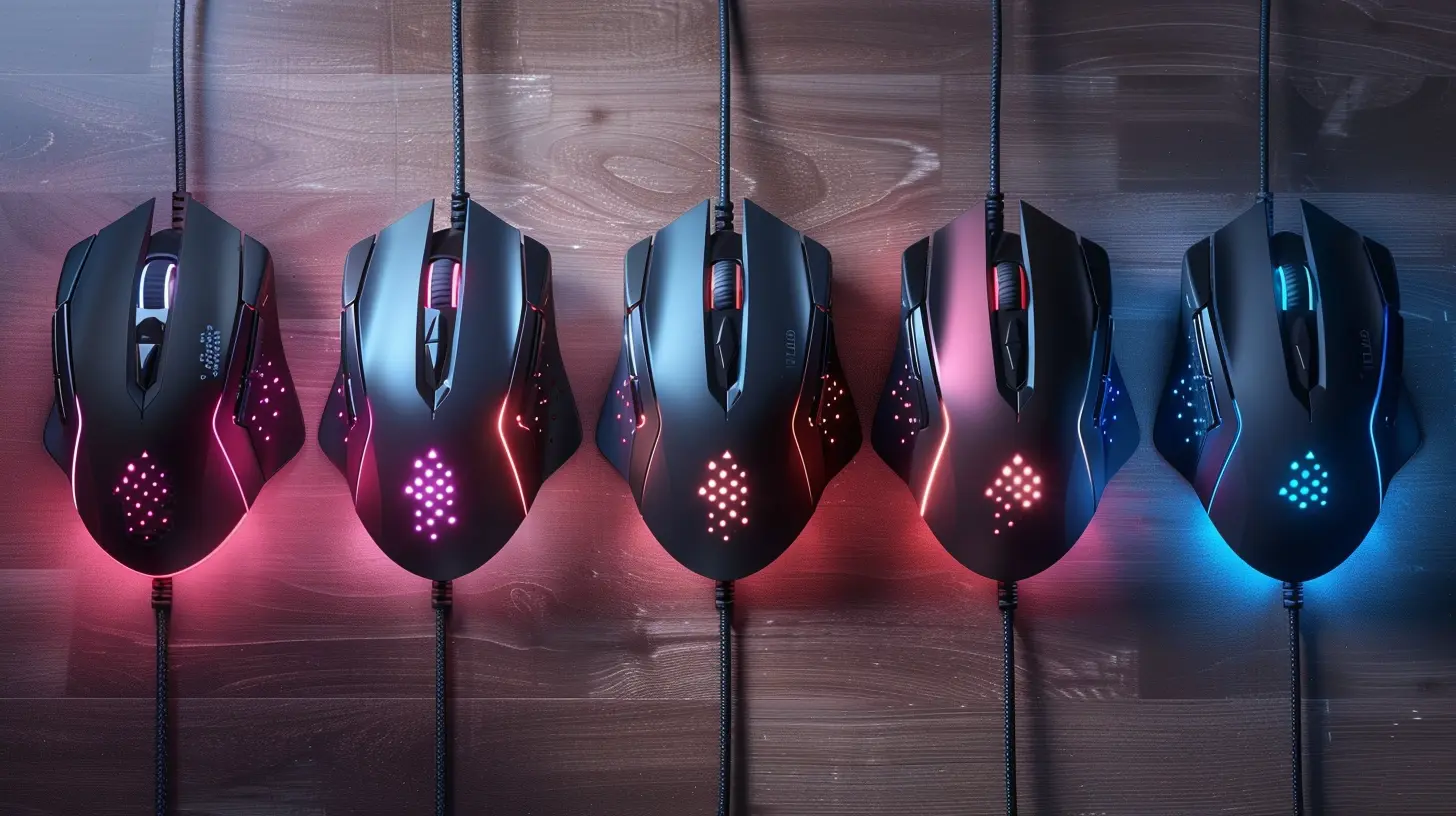
What is DPI, and Why Does It Matter?
DPI Explained in Simple Terms
First off, let’s talk about DPI. DPI stands for Dots Per Inch, and it’s one of the most important features to look at when choosing a gaming mouse. But what does it mean in practical terms? In short, DPI measures the sensitivity of your mouse. The higher the DPI, the more sensitive the mouse is to movement.Imagine you're playing a first-person shooter (FPS). With a high DPI, even the slightest movement of your hand translates to big movements on the screen. On the flip side, a low DPI means your hand has to move more to get the same result on screen. Sounds simple, right?
Do You Really Need High DPI?
Not necessarily! It depends on your playstyle and the types of games you enjoy. High DPI is great for fast-paced games like Overwatch or Call of Duty, where quick reflexes are key. But for strategy games or sniping in an FPS, a lower DPI might actually give you more precision.Most gaming mice today offer adjustable DPI settings, allowing you to toggle between different DPI levels on the fly. This flexibility is great because you can customize the sensitivity based on the game you’re playing. Some mice even come with buttons specifically for adjusting DPI mid-game, which can be a lifesaver when you need to switch between a fast-paced battle and a slower, more tactical situation.
So, What’s the Sweet Spot?
There’s no one-size-fits-all answer here, but for most gamers, a DPI setting between 800 and 1600 hits the sweet spot. That range offers a good balance between speed and precision. However, many professional gamers stick to the lower range, around 400-800 DPI, for better control, especially in FPS games.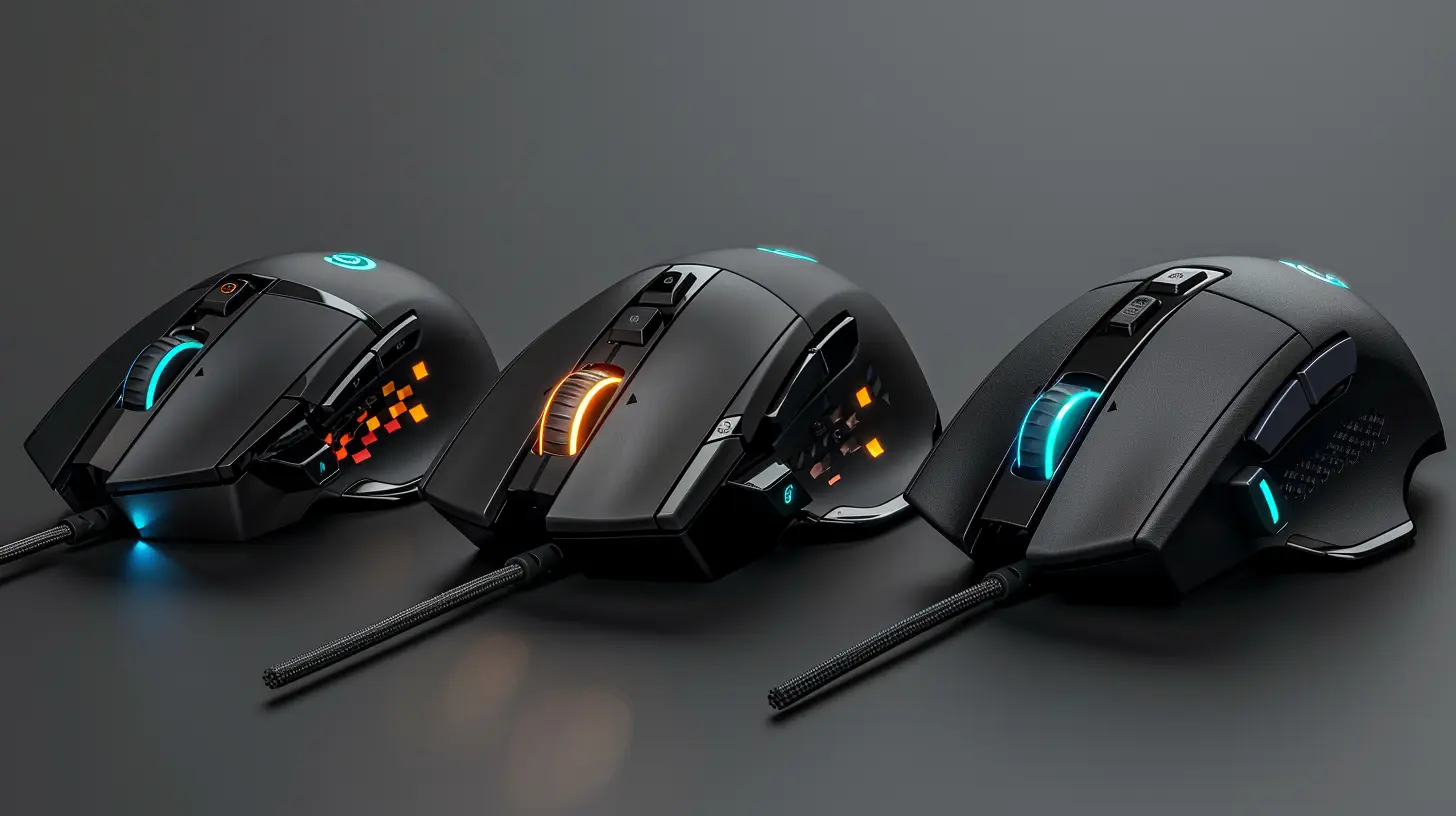
Ergonomics: Comfort is Key
Why Ergonomics Matter
You know that feeling when you’ve been gaming for hours and your hand starts to cramp? That’s a sign you’re using a mouse that isn’t ergonomic. Trust me, you don’t want to ignore ergonomics when choosing a gaming mouse. A mouse that fits comfortably in your hand can prevent strain, reduce long-term injury risks (hello, carpal tunnel!), and improve your overall gaming experience.Different Types of Grip Styles
When it comes to ergonomics, one size doesn’t fit all. Everyone holds their mouse a little differently, and your grip style plays a huge role in determining which mouse will be most comfortable for you.Here are the three most common grip styles:
1. Palm Grip: This is when your entire hand rests on the mouse. It’s the most common grip and usually the most comfortable for long gaming sessions. If you use this grip, you’ll want a mouse that’s larger and contoured to fit your hand.
2. Claw Grip: With this grip, only your fingertips and the lower part of your palm touch the mouse. The claw grip gives you more control for quick, precise movements. If this is your style, look for a medium-sized mouse with a higher arch.
3. Fingertip Grip: As the name suggests, only your fingertips are in contact with the mouse. This grip style is great for fast, twitchy movements, but it can be tiring over long periods. For this grip, a smaller, lightweight mouse is ideal.
Weight and Balance
Another factor to consider is the weight of the mouse. Some gamers prefer a heavier mouse for more control, while others enjoy the freedom of a lightweight mouse for faster movements. Some gaming mice come with adjustable weights, so you can fine-tune the balance to your liking.In general, if you play fast-paced, action-heavy games, you might want something lighter (under 100 grams). But if you prefer slower, more methodical games, a heavier mouse might give you that extra precision.
Wired vs. Wireless: Is There Really a Difference?
The Case for Wired Mice
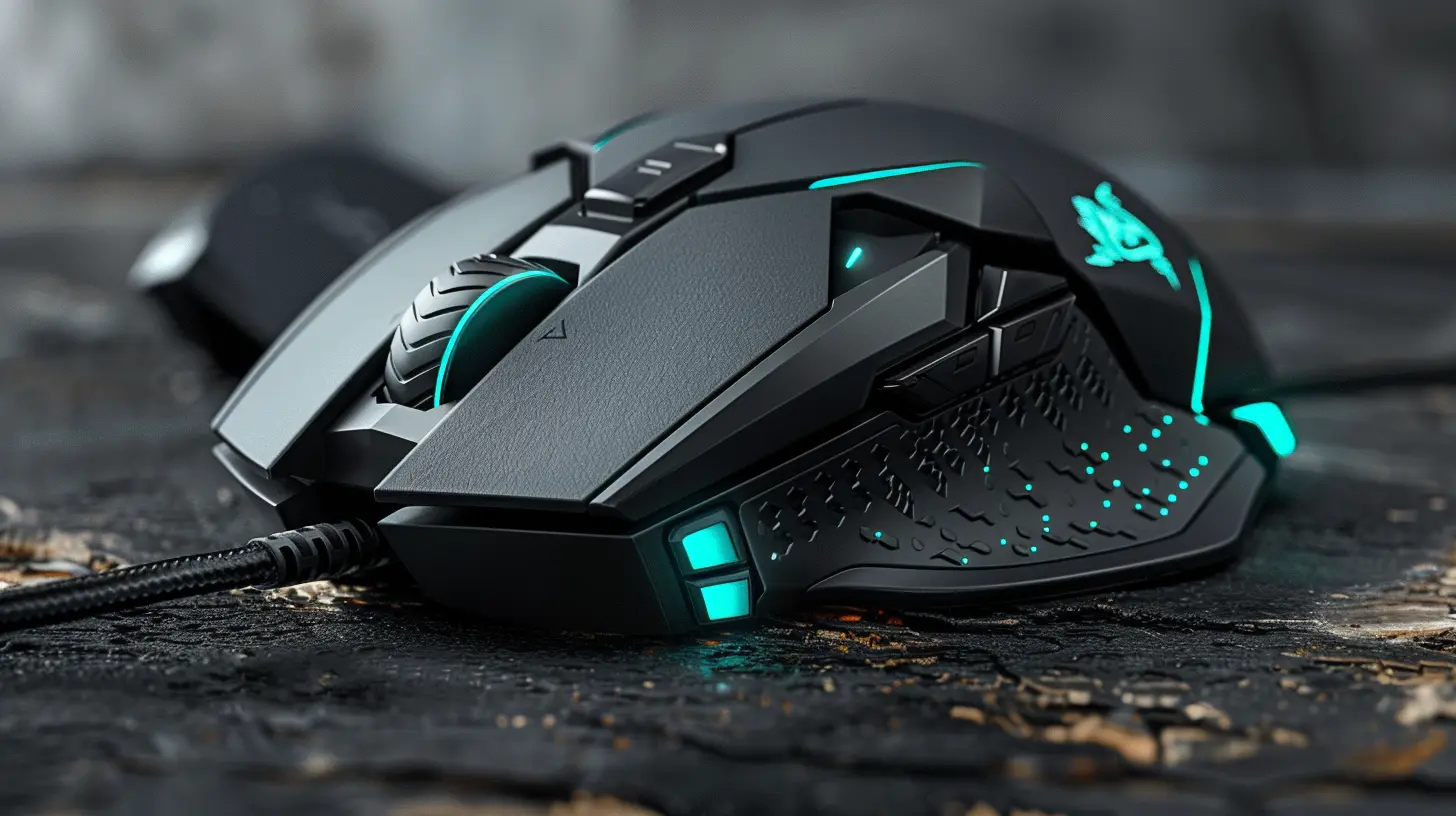
For a long time, serious gamers swore by wired mice. The main reason? Latency. Wired gaming mice tend to have lower latency, which means that your inputs are registered faster. In games where every millisecond counts, like competitive shooters, this can be a game-changer (no pun intended).The Rise of Wireless Mice
But here’s the thing — wireless technology has come a long way. Many high-end wireless gaming mice now boast virtually zero latency, making them just as responsive as their wired counterparts. Plus, wireless mice offer the added convenience of a clutter-free desk and more freedom of movement.However, wireless mice can be more expensive, and you’ll need to keep an eye on battery life. Some models offer rechargeable batteries, while others require you to swap out standard batteries when they die. If you’re someone who forgets to charge your devices, a wired mouse might still be the safer option.
Verdict: Wired or Wireless?
Ultimately, the choice between wired and wireless comes down to personal preference. If you’re a competitive gamer, you might feel more comfortable sticking with a wired mouse for that peace of mind. But if you’re all about convenience and the latest tech, a wireless mouse can be just as good — and much more freeing.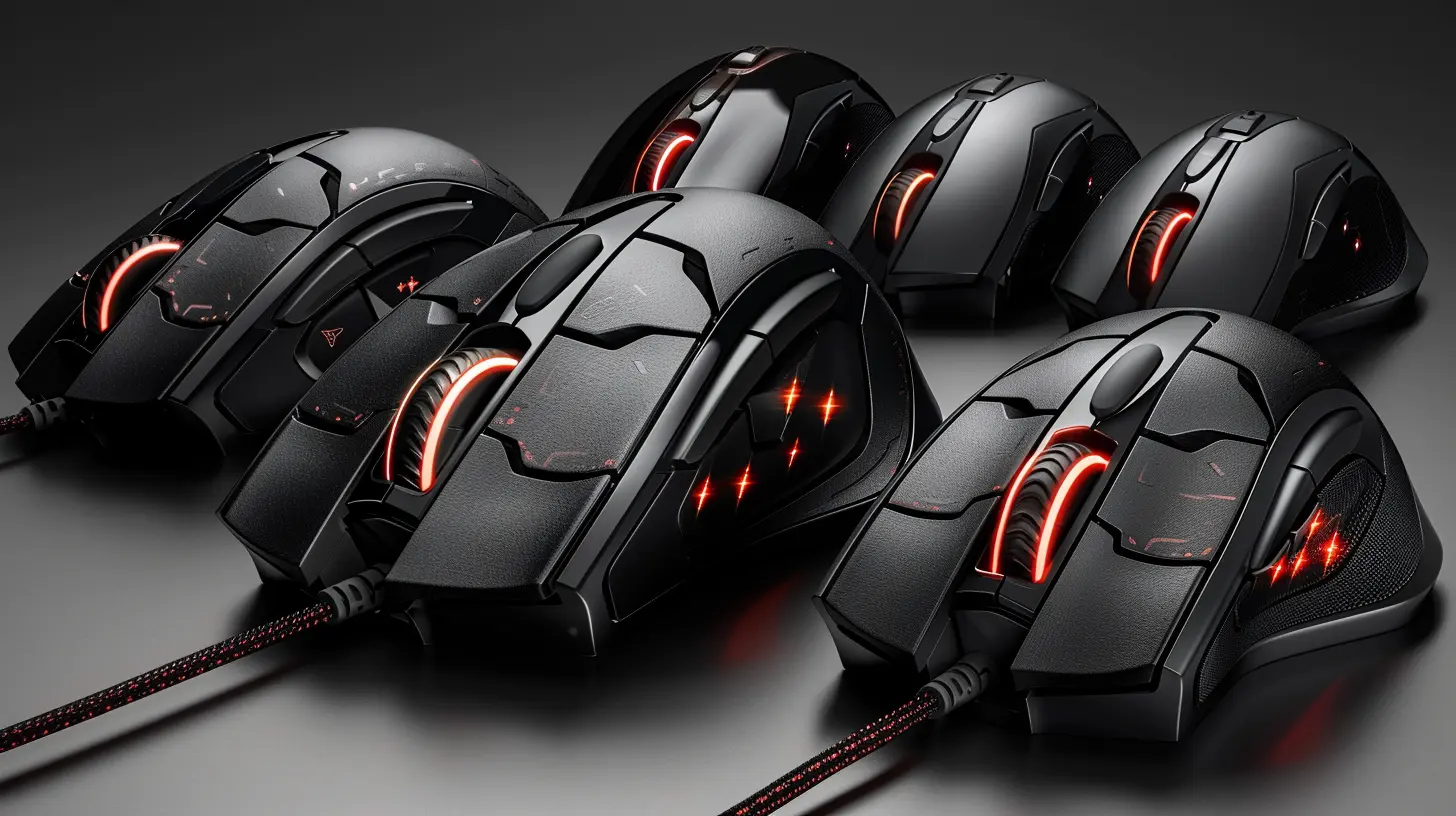
Extra Buttons and Customization
Do You Need Extra Buttons?
Another feature to consider when choosing a gaming mouse is the number of buttons. Some gaming mice come with just the standard left and right clicks, while others are loaded with additional buttons that you can program for specific functions.If you play MMOs (Massively Multiplayer Online games) or MOBAs (Multiplayer Online Battle Arenas), extra buttons can be incredibly useful. You can assign them to specific abilities, items, or macros, giving you a serious edge in gameplay. For example, in World of Warcraft, having a mouse with a dozen or more buttons can make managing spells and abilities a breeze.
Customization and Software
Most gaming mice come with companion software that lets you customize button functions, adjust DPI settings, and even tweak the RGB lighting (because who doesn’t love a mouse that glows?). This software can be a powerful tool to fine-tune your mouse to fit your exact needs.Look for a mouse with intuitive, easy-to-use software. Some brands even offer cloud storage for your settings, so you can take your customizations with you whether you’re gaming at home or on the go.
Sensor: Optical vs. Laser
Optical Sensors
Gaming mice typically come with one of two types of sensors: optical or laser. Optical sensors are generally preferred by gamers because they offer more accurate tracking, especially on cloth mousepads. They’re also less prone to acceleration issues — this is when the mouse’s movement speeds up based on how fast you’re moving it, which can throw off your aim.Laser Sensors
Laser mice, on the other hand, can track on a wider variety of surfaces, including glass. They also tend to have a higher DPI range. However, they’re more sensitive to dust and can be too sensitive for some gaming scenarios, leading to jittery movements.Which Sensor is Better?
For most gamers, an optical sensor is the way to go. It offers consistent and reliable performance, especially if you’re using a gaming mousepad. However, if you need a mouse that can work on a variety of surfaces, a laser sensor might be worth considering.
Build Quality and Aesthetics
Durability
Let’s be real — if you’re investing in a gaming mouse, you want it to last. Look for a mouse that’s built with durable materials, such as high-quality plastic or even metal components. Pay attention to the switches as well; many gaming mice use Omron switches, which are known for their durability and can withstand tens of millions of clicks.Aesthetics and RGB Lighting
While aesthetics don’t affect performance, they’re still important, right? If you’re building a gaming setup, you probably want a mouse that looks as good as it performs. Many gaming mice come with customizable RGB lighting, so you can match your mouse to the rest of your rig.Conclusion: What’s the Best Gaming Mouse for You?
Choosing the perfect gaming mouse boils down to what feels right for you. There’s no universal “best” mouse — only the best mouse for your specific needs. Consider factors like DPI, ergonomics, weight, wired vs. wireless, and the number of buttons. Try out different options if you can, and don’t be afraid to experiment with settings to find what works best for your gaming style.At the end of the day, the right gaming mouse can elevate your gaming experience from “meh” to “amazing.” So invest wisely, and happy gaming!
all images in this post were generated using AI tools
Category:
Pc GamingAuthor:

Kira Sanders
Discussion
rate this article
2 comments
Rosalyn McInnes
When selecting a gaming mouse, remember that precision enhances skill, but comfort sustains endurance. Balancing DPI settings and ergonomic design can profoundly impact your gaming experience. Choose wisely.
August 26, 2026 at 2:57 AM
Lulu Mason
Choosing the right gaming mouse can truly enhance your experience. Remember to consider your unique gaming style and preferences. It's not just about technical specs, but finding what feels good in your hand. Take your time, and happy gaming... you deserve it!
July 5, 2026 at 9:09 PM
Kira Sanders
Thanks for your insight! Finding a mouse that feels right is key. Happy gaming to you too!