Can Extensions Solve the Web’s Distraction Problem?
8 August 2026
The modern web is a paradox. It is the most powerful tool for information and connection ever built, yet it is engineered to be a battleground for your attention. Every scroll, every click, and every pause is tracked, analyzed, and optimized to keep you on the page longer. The result is a digital environment that feels less like a library and more like a casino. In response, a multi-billion dollar industry of browser extensions has emerged, promising to silence the noise, block the trackers, and give you back your focus. But a simple question remains: can these tools actually solve the problem, or are they just a band-aid on a systemic issue?
The short answer is yes and no. Extensions are powerful, immediate, and effective at the surface level. They can strip away the visual clutter and stop the most obvious data collection. But they are also a reactive, whack-a-mole solution. They treat the symptoms of a broken attention economy rather than the cause. To understand their true value, and their limitations, we need to look at what they actually do, why they fail, and what a realistic strategy for digital focus looks like in 2024.

The Promise of the Panacea: What Extensions Do Well
The primary appeal of a distraction-blocking extension is its immediacy. You install it, you toggle it on, and the website changes. It is a form of instant gratification that directly addresses the most visible problem: visual noise.Eliminating the Obvious Interruptions
The most common category of these tools, like uBlock Origin or AdBlock Plus, works on a simple principle: filter lists. They block requests to known advertising and tracking domains before the content even loads. This does more than just remove banner ads. It also removes the layout shifts that occur when ads load, which often cause you to click the wrong link. It removes the auto-playing video in the sidebar that burns your CPU and your patience. It removes the "recommended for you" grids that are designed to pull you down a rabbit hole of increasingly irrelevant content.
This is not a trivial achievement. By removing this clutter, you drastically reduce the cognitive load on your brain. Your visual cortex is no longer processing ten different competing stimuli. You are left with the article you wanted to read, the email you wanted to write, or the search results you wanted to scan. This alone can improve reading comprehension and reduce the feeling of being overwhelmed.
Neutralizing the Algorithmic Injection
Beyond simple ads, extensions like News Feed Eradicator or DF Tube (Distraction Free YouTube) take a more surgical approach. They don't just block ads; they block the algorithmic content feeds. On a site like YouTube, the homepage is a curated stream of suggestions designed to maximize watch time, not your well-being. An extension can replace that entire feed with a blank page or a simple search bar. Similarly, on social media sites, they can hide the news feed entirely, leaving you with just the ability to post or message. This forces a conscious choice. You can no longer passively scroll; you have to actively search for what you need.
This is a profound shift in user agency. It converts a reactive behavior (scrolling) into a proactive one (searching). The extension is not just hiding content; it is changing the interaction model of the site. It turns a platform designed for passive consumption into a utility for active retrieval.
The Privacy Layer
Then there is the privacy angle. Extensions like Privacy Badger or Ghostery do not just block ads; they block trackers. They prevent third-party companies from building a shadow profile of your browsing habits across the web. While this does not directly stop you from getting distracted, it has a significant psychological effect. Knowing that you are not being followed makes the experience feel less invasive and more private. This reduces the "creepy" factor that often makes browsing feel anxiety-inducing. A calmer, more private web is inherently a less distracting one because it removes the feeling of being a product being watched.

The Fundamental Flaw: The Arms Race and the Seduction of the Block
However, this is where the effectiveness of extensions begins to break down. The web is not a static entity. It is a living, breathing ecosystem of engagement optimization. The companies that build these distracting platforms have teams of engineers whose sole job is to circumvent these blocks.The Ad-Blocker Cat-and-Mouse Game
The battle between ad-blockers and publishers is a classic arms race. When an extension blocks a specific ad script, the publisher changes the script. When the extension updates its filter list, the publisher obfuscates the code. This is a constant, never-ending cycle. For the average user, this means extensions can break websites. A paywall might suddenly appear, a video player might not load, or a website might detect the blocker and refuse to show content until it is disabled.
This leads to a common user behavior: the "whitelist." You start by blocking everything, but then you find a site you love and you want to support it. So you whitelist it. Then you whitelist another. And another. Before long, you are back to a state of near-constant distraction, but now with the added guilt of having "allowed" it. The extension becomes a source of cognitive dissonance rather than a tool for focus.
The Problem of the "Good" Distraction
Extensions are excellent at blocking the obvious junk. They are terrible at blocking the content that is designed to be engaging. The most significant distraction on the web today is not a flashing banner ad; it is the high-quality, emotionally resonant content in your feed. It is the thoughtful essay from a writer you admire, the funny meme from a friend, or the breaking news story that you feel you must read immediately.
No extension can block this because it is not "bad" content. It is simply content that is not your primary task. An extension cannot distinguish between a work-related article on a news site and a time-wasting article on the same site. It cannot understand context. It can only block domains, elements, and keywords. The moment you need to do research for your job on the same site you use for leisure, the extension becomes useless. You are left with the same willpower problem you had before, but now you have to manage a complex set of settings to try and thread the needle.
The Illusion of Control
Perhaps the most damaging aspect of the extension approach is that it creates an illusion of control. You feel like you have solved your distraction problem, so you stop working on the underlying issues. You install the blocker, you feel a sense of accomplishment, and then you find yourself clicking on a link that was not blocked because it was a "sponsored article" that looked like editorial content. Or you disable the blocker for a "quick check" on a news site and find yourself 45 minutes deep into a rabbit hole.
The extension gives you a sense of security, but it does not give you the skills to manage your attention. It is the digital equivalent of putting a lock on the fridge but leaving the key on the counter. You are still the one who chooses to open the door.
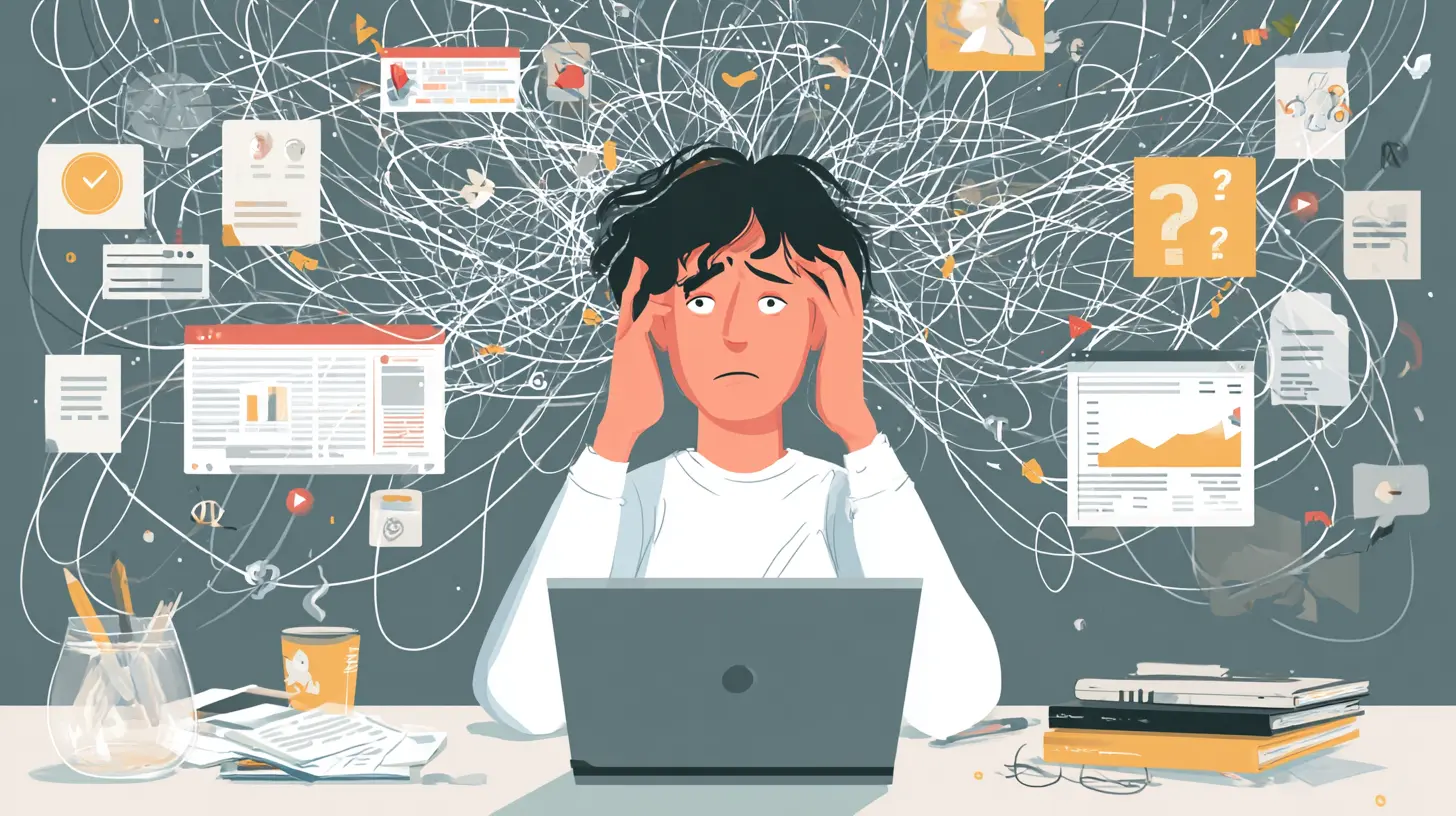
Beyond the Block: The Real Solutions Extensions Can Offer
The most effective use of extensions is not as a wall, but as a scalpel. The goal should not be to block the entire internet, but to reshape your digital environment to support your intentions. This requires a more sophisticated approach.The Role of "Intentional Design" Extensions
Instead of just blocking, think about tools that add friction or change the UI to promote focus. For example, an extension like LeechBlock or StayFocusd allows you to set time limits on specific sites. This is not about blocking the site entirely; it is about creating a time budget. After 15 minutes on a news site, the site is blocked for the rest of the day. This is a far more effective approach because it acknowledges that you might need to use the site, but it forces you to be deliberate about that use.
Another powerful category is the "read-it-later" service, like Pocket or Instapaper. The extension allows you to save an article with one click, stripping it of all the ads, comments, and related-content links. You then read it in a clean, distraction-free format later. This is a brilliant technique because it completely reframes the relationship with content. Instead of reading an article on the publisher's page (which is designed to keep you there), you are reading it in your own private, clean space. You are taking the content and leaving the distraction behind.
The Power of the Default
The most effective extension you can install might be one that changes your new tab page. Instead of a search bar with trending news or a visual feed of your most-visited sites, you can use a "blank new tab" extension. This removes the moment of decision-making that often leads to distraction. When you open a new tab, you are not presented with a menu of options. You are faced with a blank page, forcing you to type in the URL of what you actually want to do. This simple change can have a massive impact on reducing impulsive browsing.

The Psychological Shift: From Blocking to Building
The fundamental error in the "extension as a solution" mindset is the belief that the problem is external. It is not. The problem is internal. The web is designed to exploit human psychology, but it is not the cause of our distraction. The cause is our own vulnerability to novelty, social validation, and the fear of missing out.Extensions are tools, not cures. They can create the conditions for focus, but they cannot create focus itself. You can block every single ad, tracker, and feed on the internet, and you will still find a way to distract yourself. You will open a new tab and type in "news" because your brain is craving a dopamine hit. The extension cannot stop you from doing that.
The Misconception of "Willpower"
Many people assume that if they just had more willpower, they wouldn't need extensions. This is a misconception. Willpower is a finite resource. It is like a muscle that gets tired. If you are in a meeting all morning, your willpower might be depleted by the afternoon. When you sit down to write a report, you will have less resistance to the pull of a social media site. Extensions are not a replacement for willpower; they are a way to conserve it. By automating the decision to not look at a site, you are saving your willpower for the tasks that actually require it. You are making the behavior change a matter of environment design, not a daily battle of self-discipline.
The Best Practice: A Layered Approach
The most effective strategy is not to rely on any single extension but to create a layered defense system.
1. The Base Layer: Privacy and Security. Use uBlock Origin (or a similar tool) with its default filter lists. This is your first line of defense. It blocks the most egregious trackers and malvertising. This should be left on for all sites, all the time.
2. The Middle Layer: Friction and Time. Use a tool like LeechBlock to create time limits for your top two or three most distracting sites. The key is to set a limit that is realistic. If you spend 2 hours a day on YouTube, do not set a limit of 10 minutes. You will just remove the extension. Set a limit of 45 minutes. This forces you to prioritize what you watch, rather than mindlessly browsing.
3. The Top Layer: Intent and Environment. Use a "read-it-later" service for all long-form content. Never read an article on the publisher's site if you can help it. Save it, and read it later in a clean interface. Use a "blank new tab" extension to remove the menu of options. And consider turning off notifications on your computer and phone for non-essential apps. The extension is not just a tool; it is a reminder of your commitment to a different way of working.
When Extensions Are Not the Answer
There are times when extensions are not just ineffective, but actively counterproductive.The Professional Exception
If you are a web developer, a digital marketer, or a designer, you cannot use a strict ad-blocker. You need to see the ads to debug them. You need to see the trackers to test your analytics. For these users, using a strict blocker is like a mechanic refusing to look at an engine. The solution here is not to block, but to isolate. Use a separate browser profile for "work" that has no extensions, and a "personal" profile that has all the blockers. This creates a clean separation of contexts.
The Research Trap
When doing deep research, blocking can be a hindrance. You often need to follow a chain of links from a footnote to a citation to a related article. A strict blocker might block a third-party script that is necessary to view a PDF or an embedded chart. In this case, you need to be more surgical. You might need to temporarily disable the blocker for that specific site or use a "reader mode" built into the browser instead of an extension.
The Verdict: A Necessary But Insufficient Tool
So, can extensions solve the web's distraction problem? No. They cannot. The problem is systemic, economic, and deeply psychological. It is a problem of incentives. The web is built on an advertising model that profits from your attention, and no piece of client-side software can change that fundamental economic reality.However, extensions are a necessary part of the solution. They are the most powerful tool we have to create a personal, defensible space within a hostile environment. They are not a cure, but they are a highly effective treatment. They are the fence around the garden, not the gardener. The fence keeps the deer out, but you still have to plant the seeds and pull the weeds yourself.
The real answer lies in a combination of tools and habits. You must use extensions to reduce the noise, but you must also build the discipline to manage your own curiosity. You must create an environment that supports focus, but you must also have the self-awareness to know when you are simply avoiding work. The web is a vast ocean of information. Extensions are your life raft, but you are still the one who has to steer the ship. The best approach is to stop looking for a single magic bullet and instead adopt a mindset of continuous, deliberate environmental design. Use the tools to give yourself a fighting chance, but never forget that the battleground for your attention is ultimately in your own mind.
all images in this post were generated using AI tools
Category:
Browser ExtensionsAuthor:

Kira Sanders
Discussion
rate this article
1 comments
Willow McDowell
Imagine a world where your browser extensions become Zen masters, guiding you through the chaos of the web. They could block distractions with the precision of a ninja, turning your screen into a serene oasis. But will we resist the allure of cat videos long enough to focus? The battle rages on...
August 10, 2026 at 3:02 AM
Kira Sanders
It's a funny thought. While extensions can help cut through the noise, our struggle with distractions is always going to be a part of the equation. Time to find balance between focus and fun...